
 FEATURED
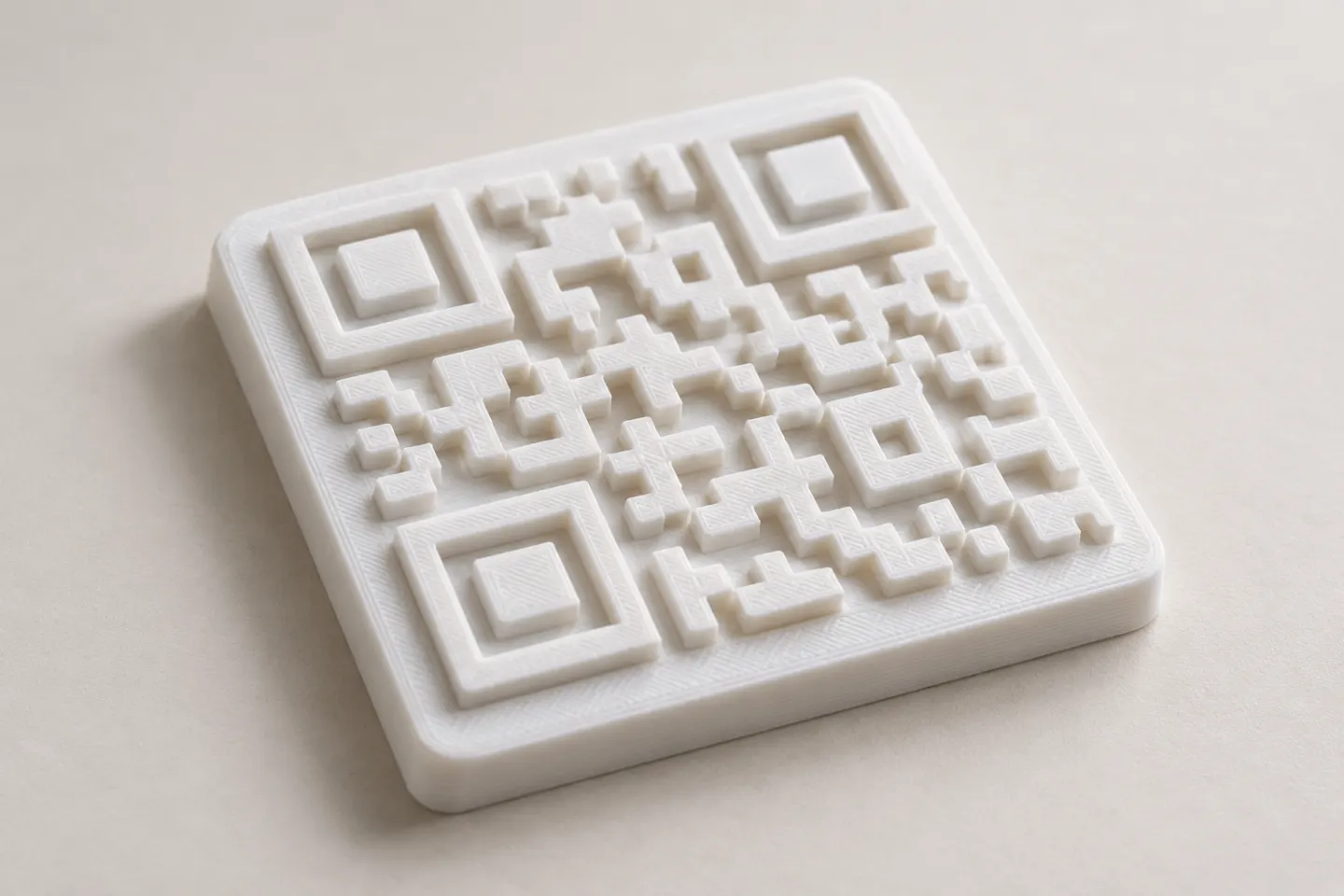
Can You 3D Print a QR Code? Design and Testing Basics
Yes, a QR code can be made as a 3D print, but scan reliability depends on readable modules, contrast, print detail, and testing the finished part.
Read article
Learn how to create, customize, and use QR codes with QRHyper.
FEATUREDYes, a QR code can be made as a 3D print, but scan reliability depends on readable modules, contrast, print detail, and testing the finished part.
Read article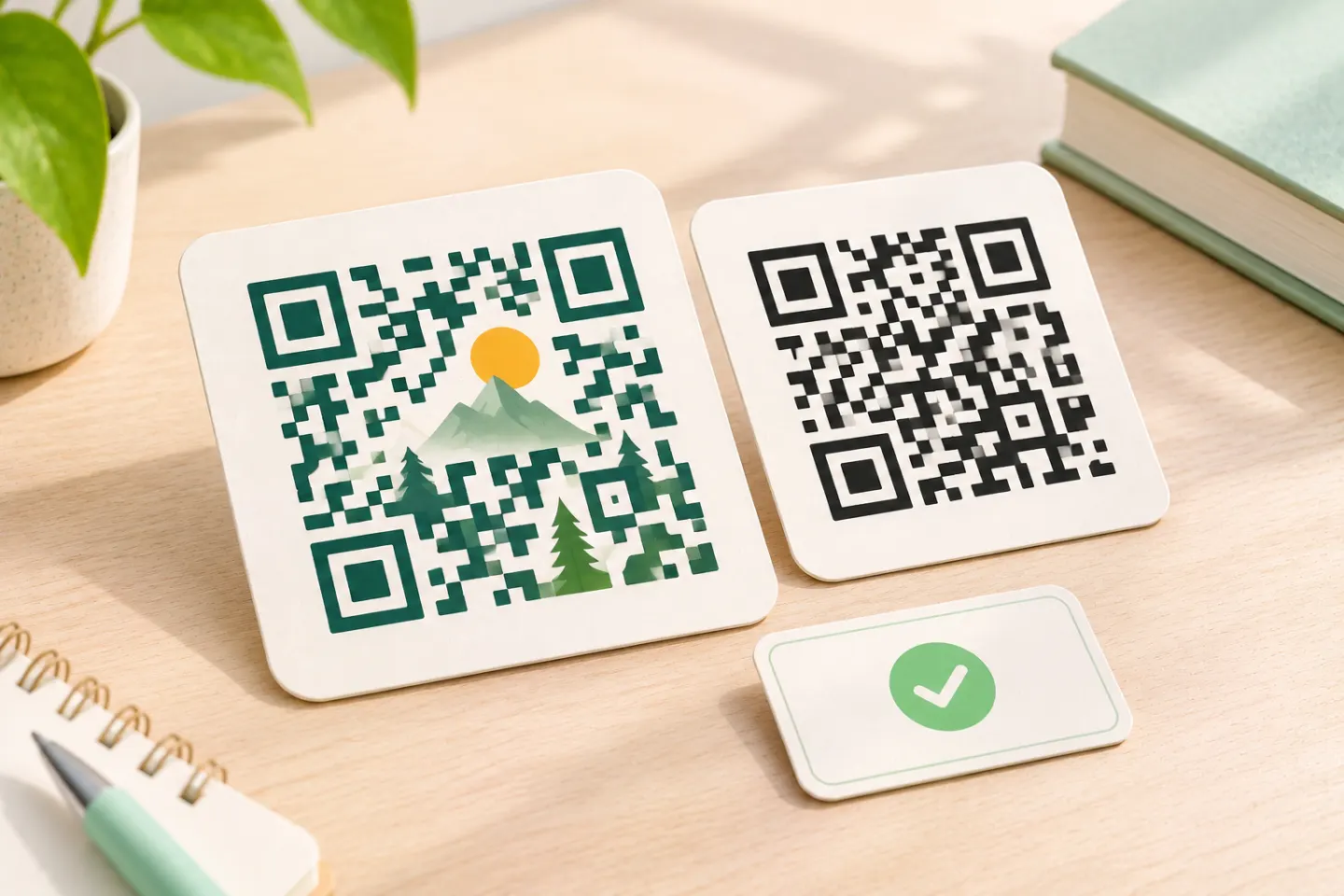 FEATURED
Learn why AI art QR codes can scan, what error correction cannot fix, and how to check the final design before printing or publishing.
Read article FEATURED
JIS/ISO-compliant QR Codes have no usage license fee. Check separate costs for generators, hosting, redirects, analytics, and printing.
Read articleShowing 12 of 14 articles
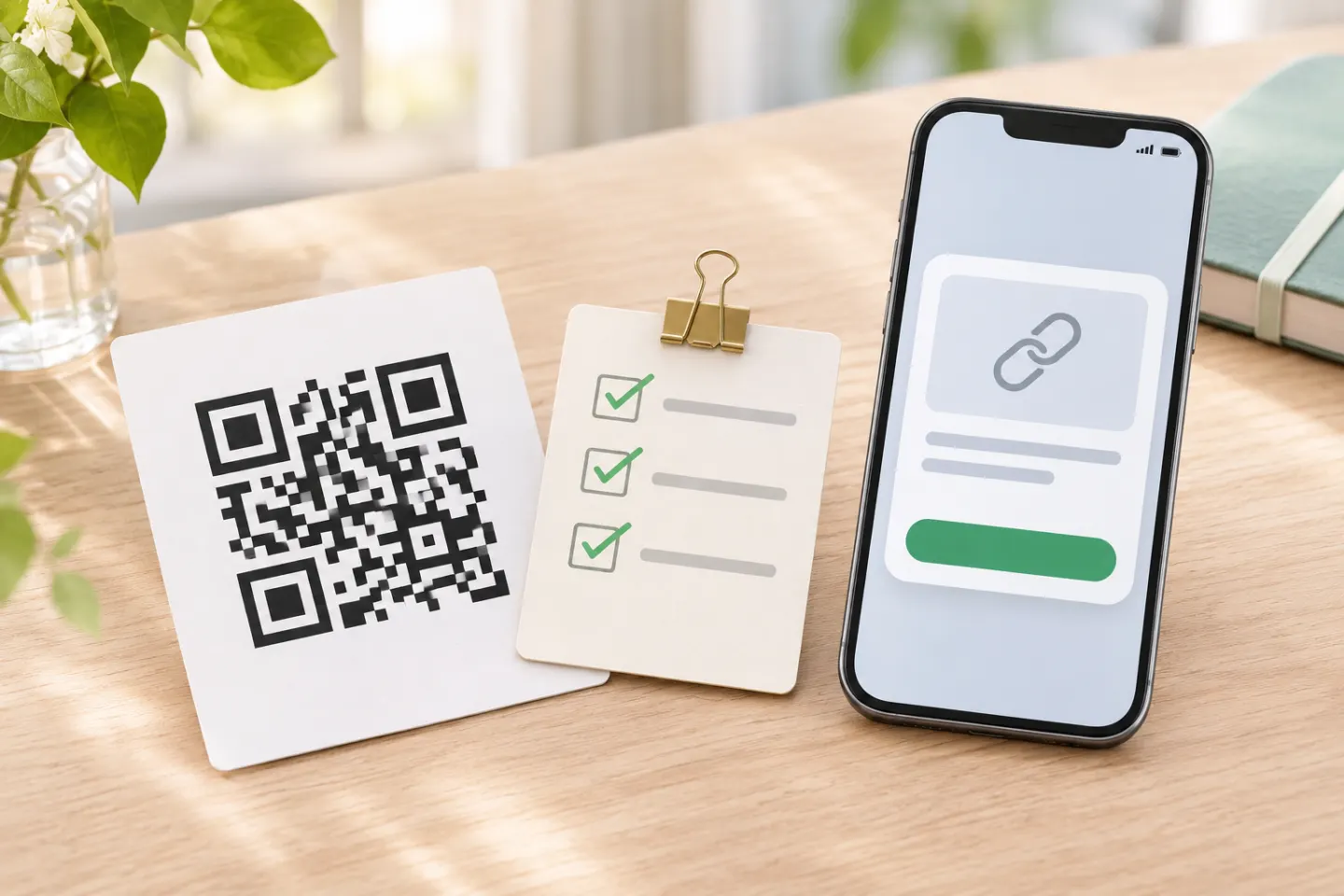
QR codes can lead to fake sites. Preview the link, verify payment and sign-in requests, and learn what to do if you scanned a suspicious code.
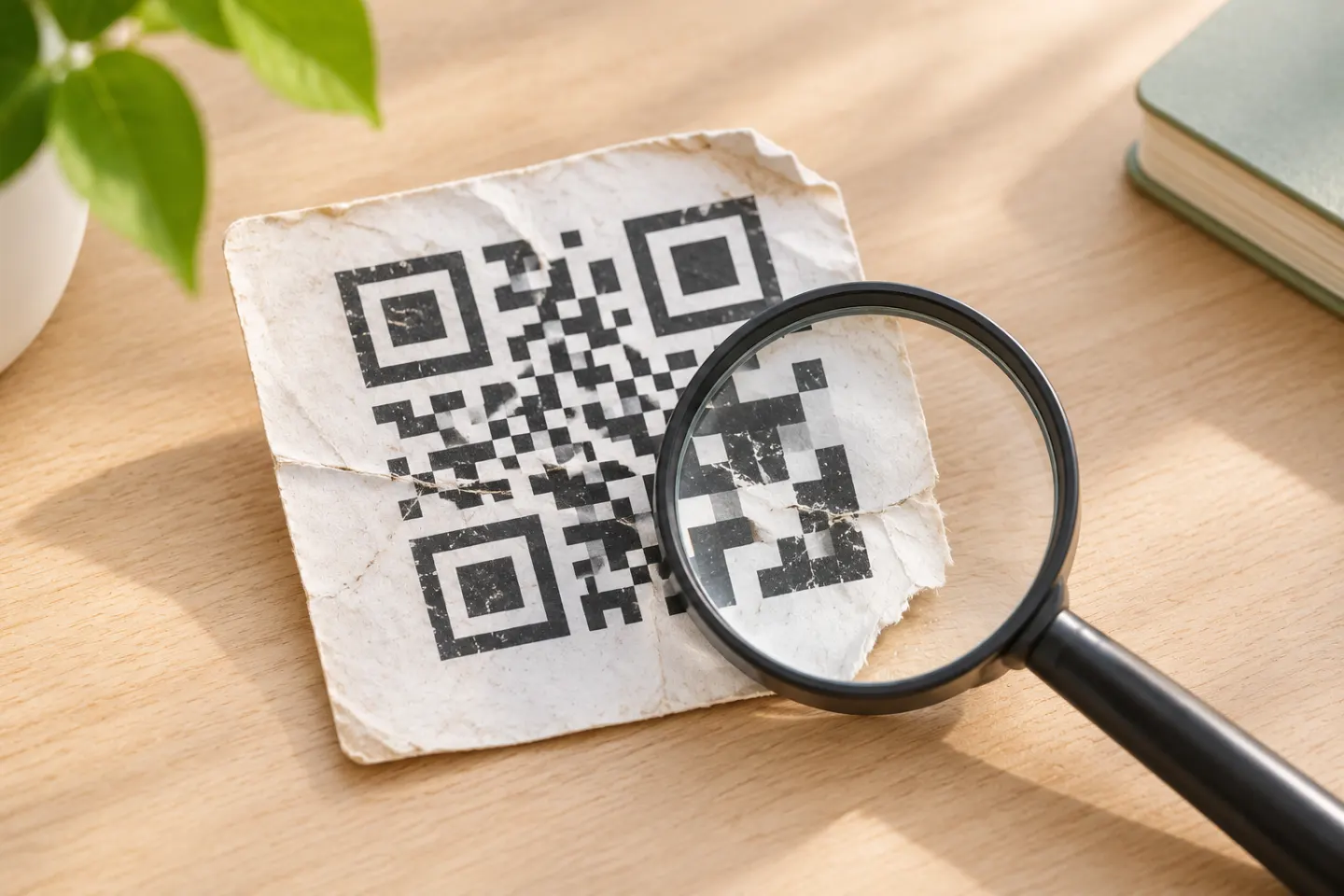
A blurry QR code may still scan, but severe blur or missing data can make it unreadable. Try the original, improve the image, and know when to get a fresh code.
Learn how to scan and approve a Discord QR code login, fix common problems, and respond safely if you approve a suspicious request.
Open a QR code with your phone’s camera, scan one shown on your own screen, or troubleshoot a code that won’t scan. Check the link before opening it.
Scan a QR code on Android with your camera, Quick Settings, Google Lens, or Circle to Search. Fix common issues and check a link before opening it.
Scan a QR code on iPhone with Camera or Code Scanner in Control Center. See what to tap, what to try when nothing appears, and how to check a link first.
Scan a carrier-issued eSIM QR code on iPhone, Pixel, or Samsung Galaxy. Learn same-phone setup options and fixes for common activation problems.
Scan the WhatsApp Web QR code on Android or iPhone, fix linking problems, and use phone-number linking if your camera won't work.
Scan a Steam login QR code with the Steam Mobile App. Learn the setup requirements, approval steps, troubleshooting options, and safety checks.
Find out why a QR code will not scan or open. Use a quick code-versus-phone check, then troubleshoot the scanner, connection, or destination.
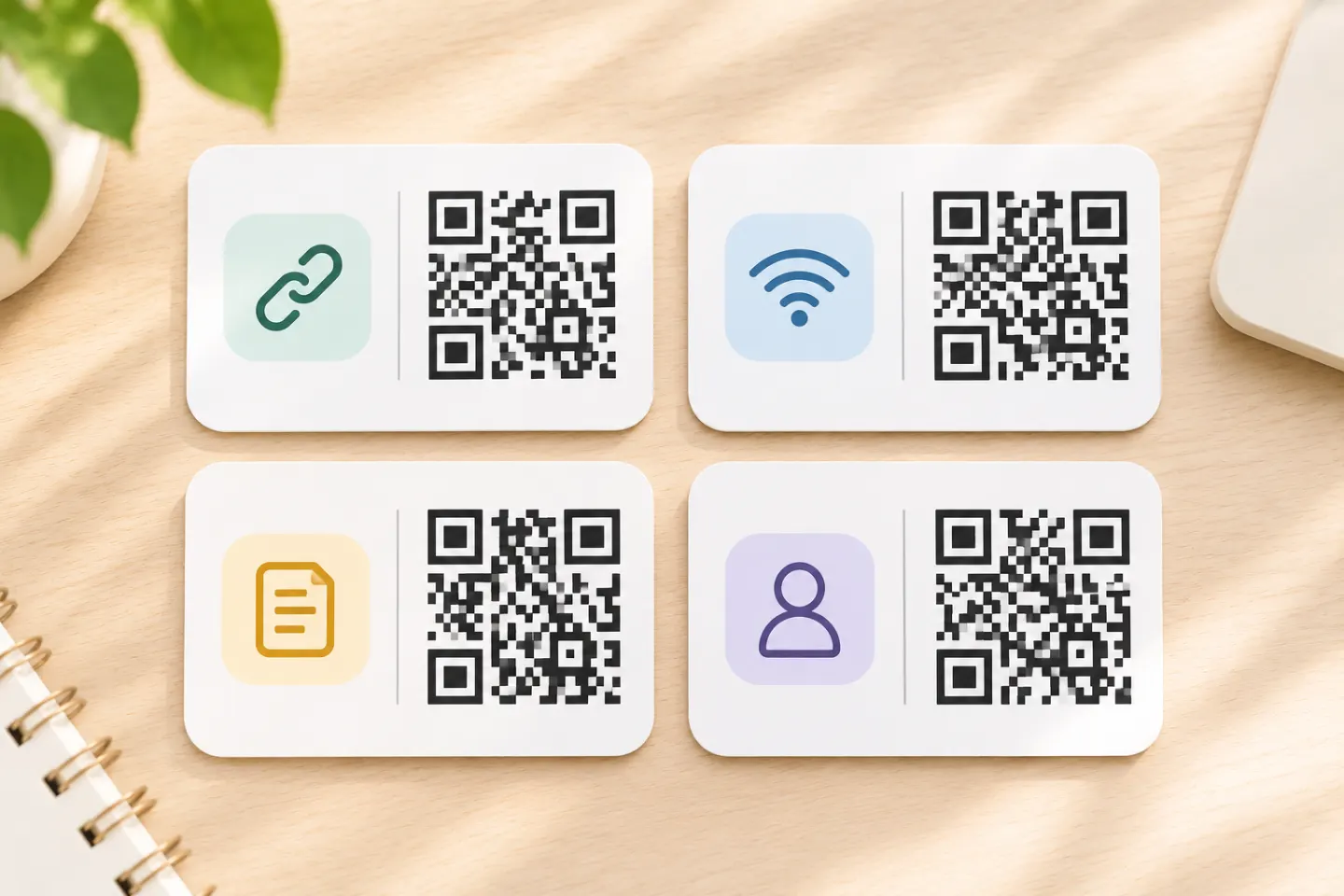
Scan four sample QR codes for a link, plain text, Wi-Fi, and a contact. See the expected result, use test-only data, and record what your device actually does.
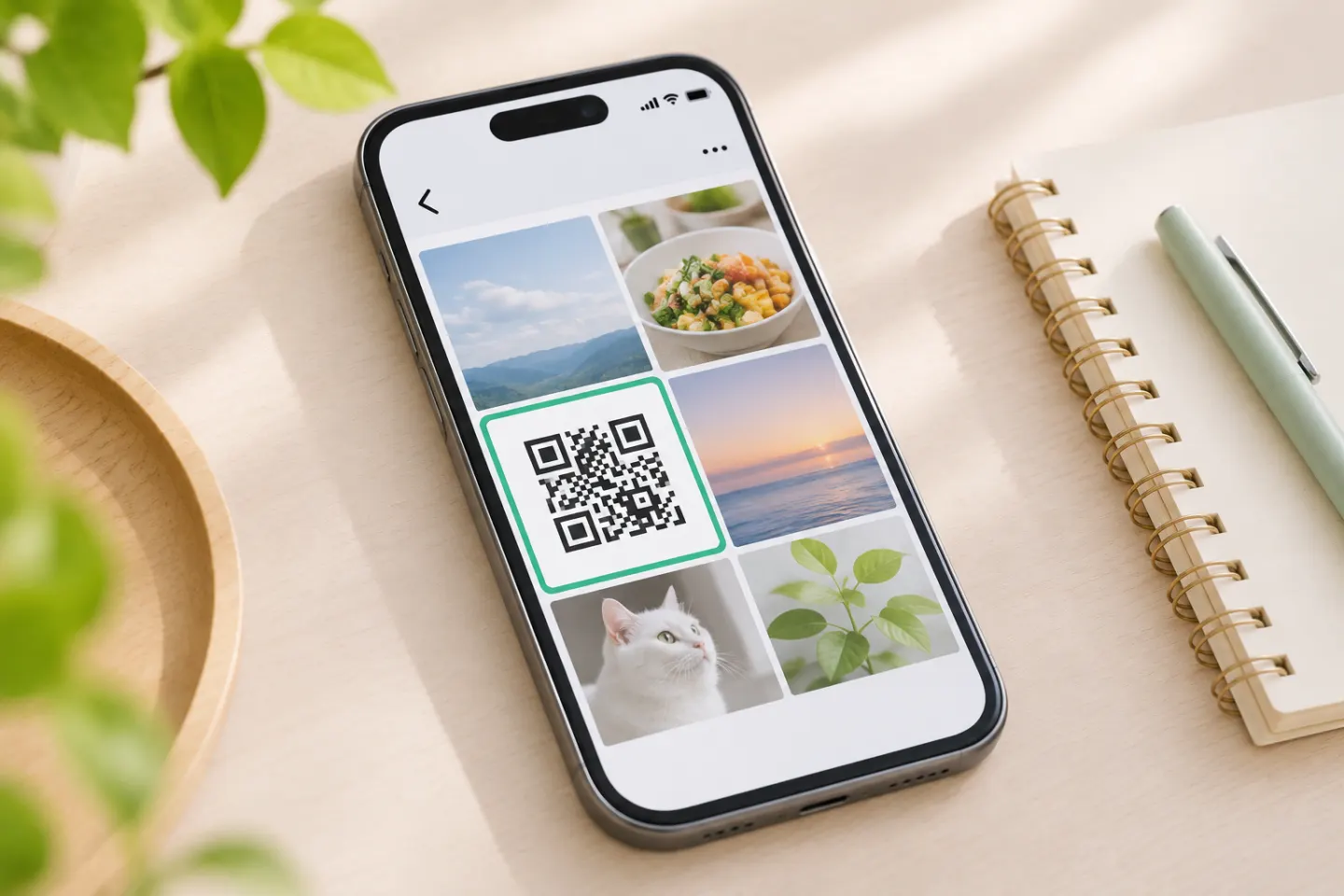
Scan a QR code from a phone photo with Google Lens on Android, try Photos on iPhone, or use a second screen. Fix image issues and check links before opening.
