
 FEATURED
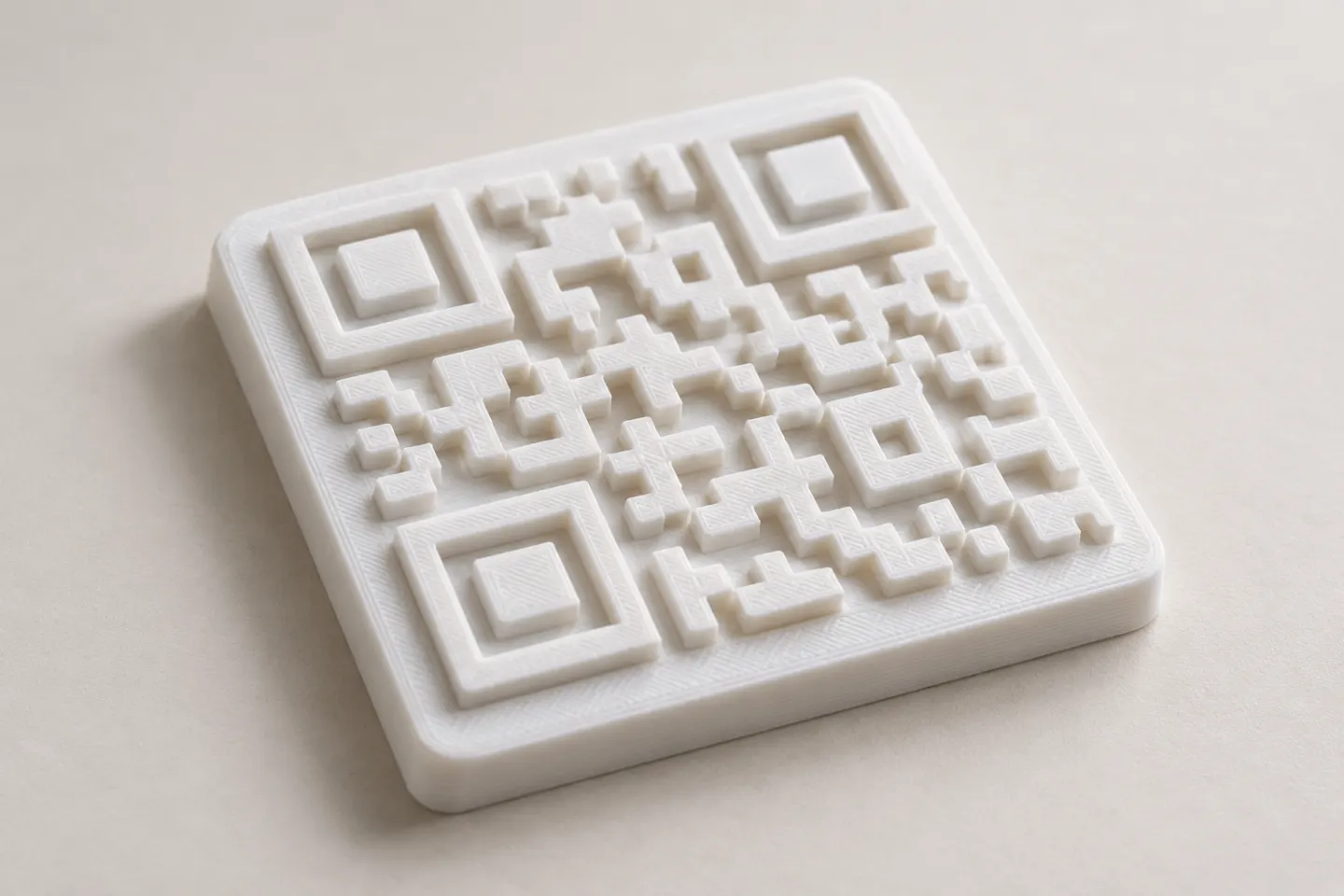
Can You 3D Print a QR Code? Design and Testing Basics
Yes, a QR code can be made as a 3D print, but scan reliability depends on readable modules, contrast, print detail, and testing the finished part.
Read article
Learn how to create, customize, and use QR codes with QRHyper.
FEATUREDYes, a QR code can be made as a 3D print, but scan reliability depends on readable modules, contrast, print detail, and testing the finished part.
Read article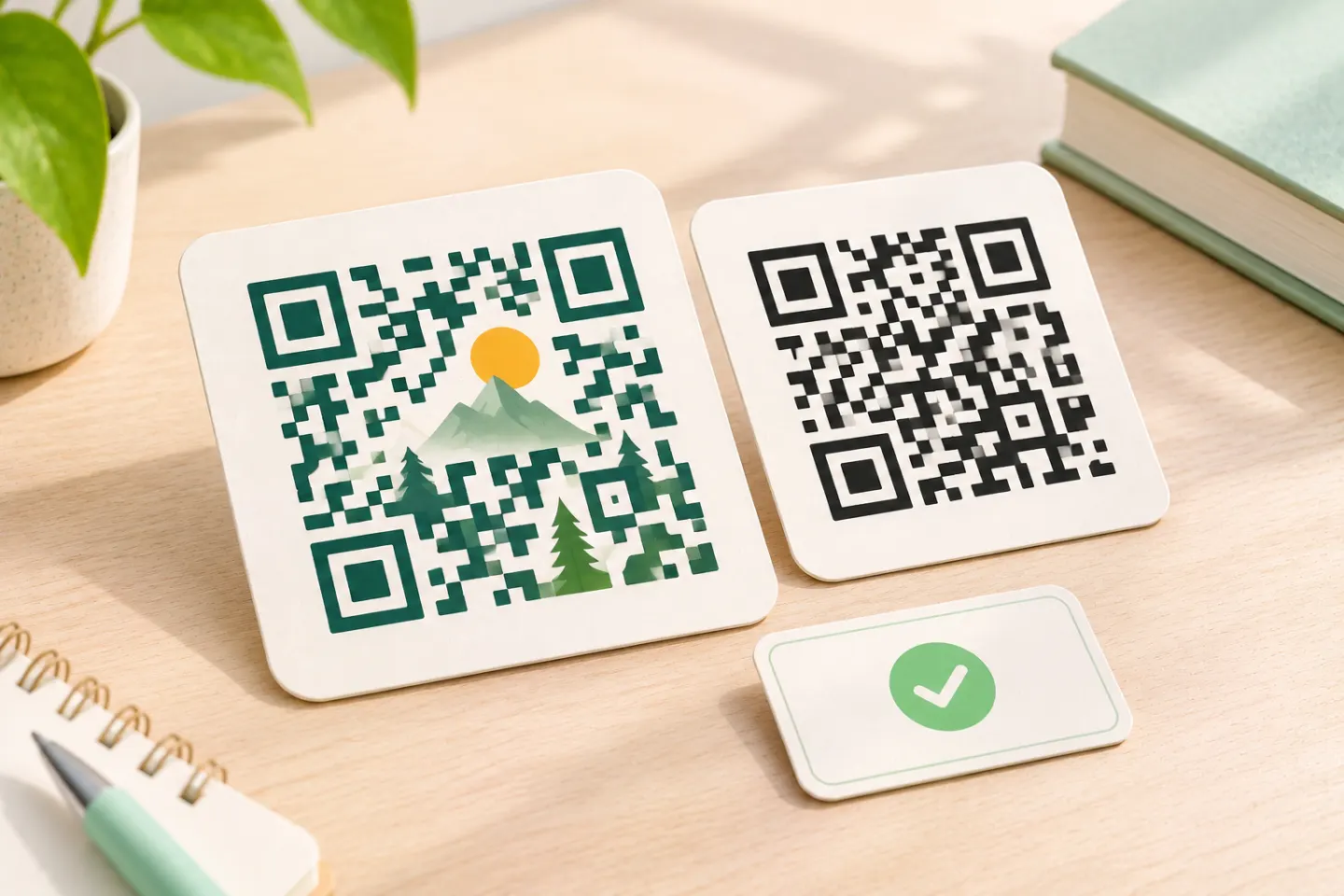 FEATURED
Learn why AI art QR codes can scan, what error correction cannot fix, and how to check the final design before printing or publishing.
Read article FEATURED
JIS/ISO-compliant QR Codes have no usage license fee. Check separate costs for generators, hosting, redirects, analytics, and printing.
Read articleShowing 9 of 9 articles
Learn why AI art QR codes can scan, what error correction cannot fix, and how to check the final design before printing or publishing.
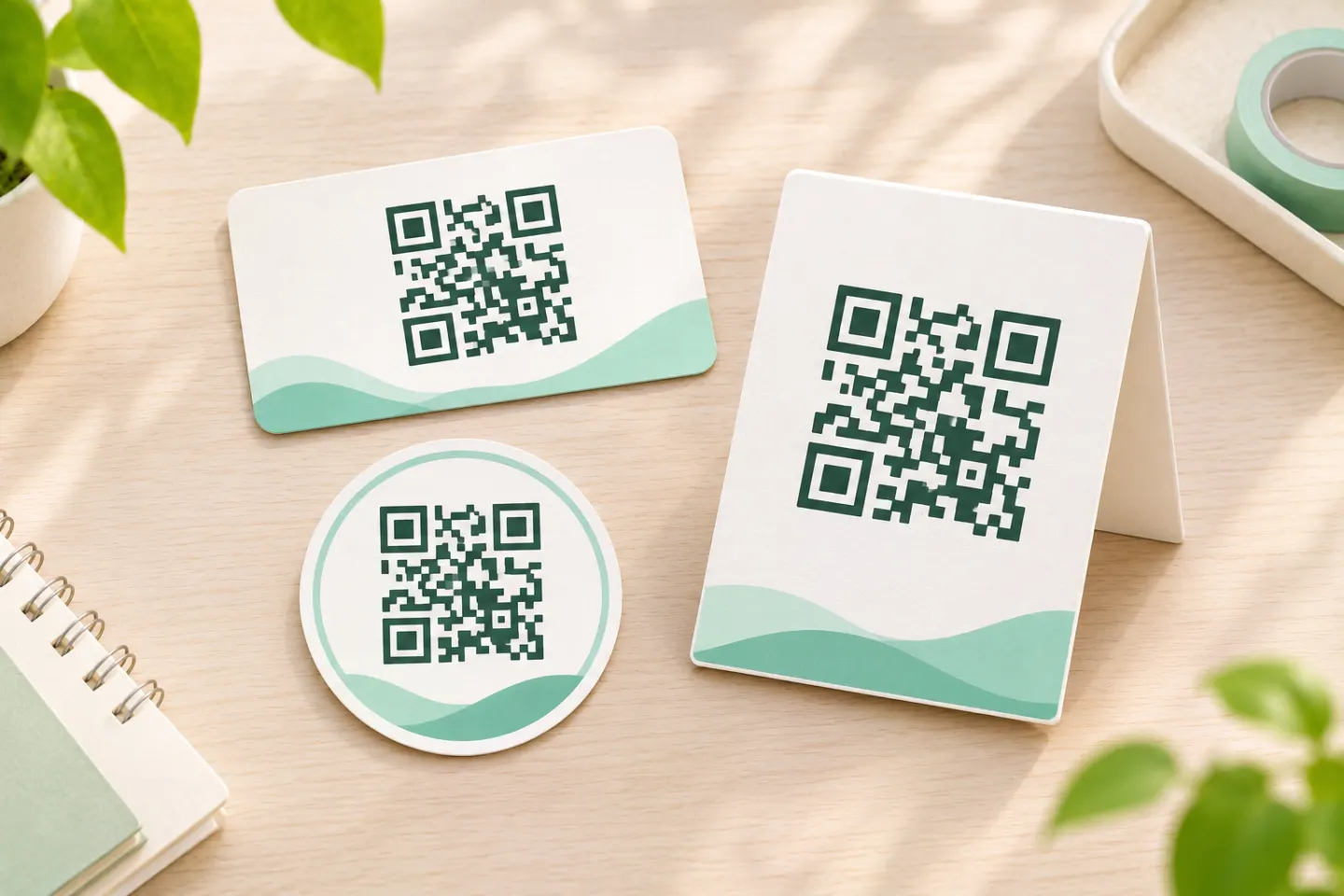
Build a consistent branded QR code style with clear rules for color, logos, quiet zones, sizing, and testing across print and digital layouts.
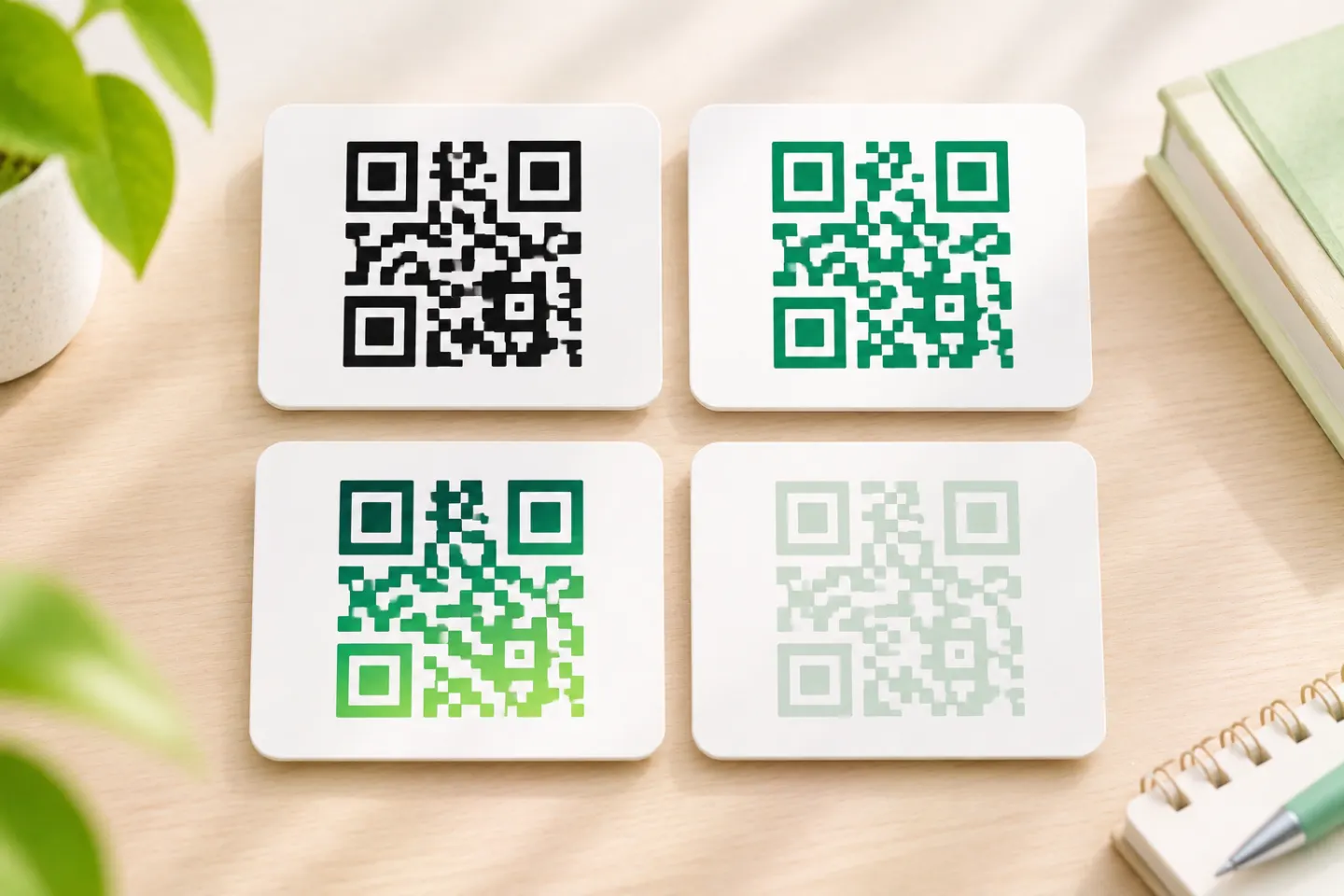
Yes, QR codes can be colored. Learn which colors to choose, why red can fail, how much clear margin to leave, and what to test before publishing.
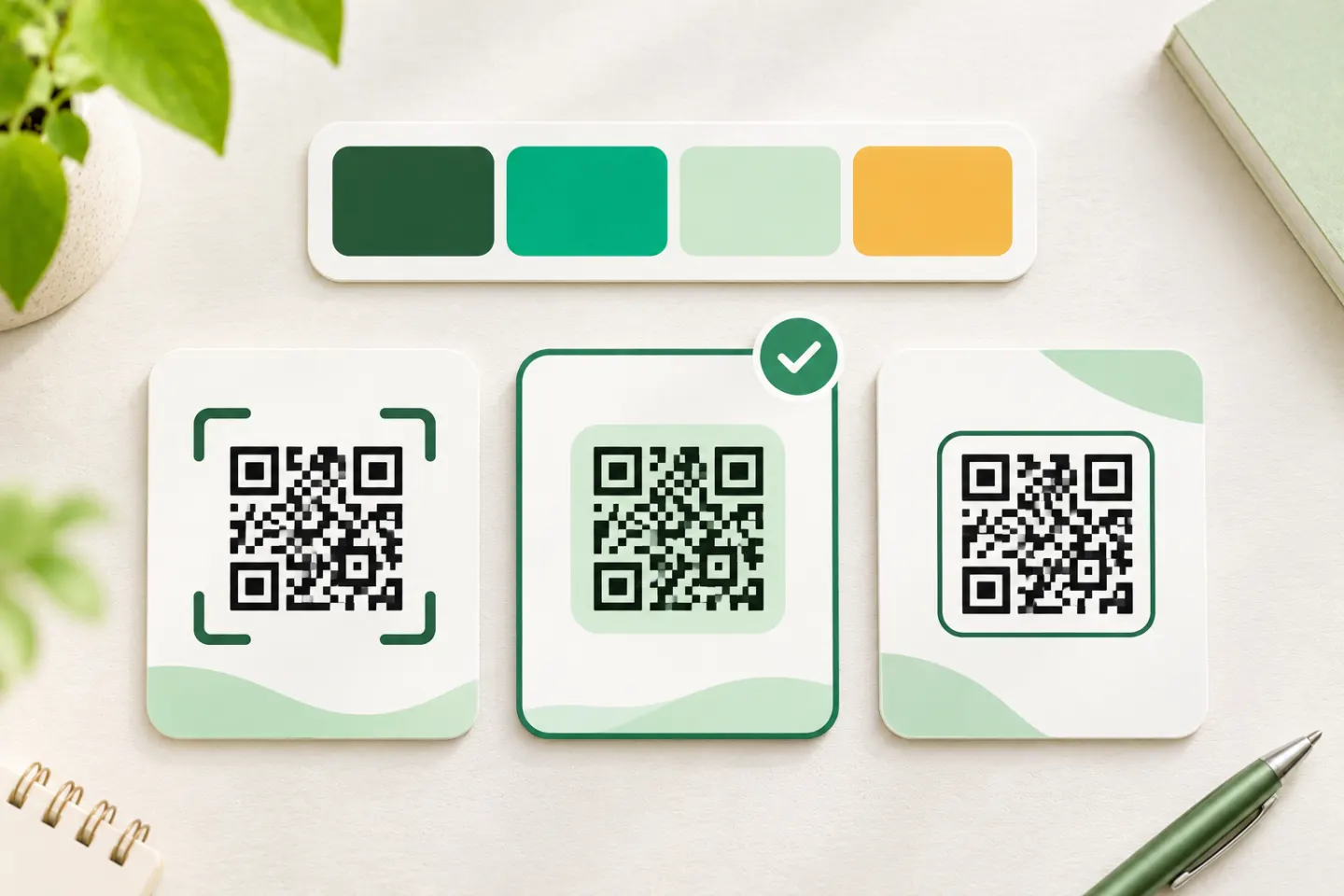
Choose a QR code template that fits your brand. Check quiet zones, color, logos, sizing, and final artwork before printing or publishing.
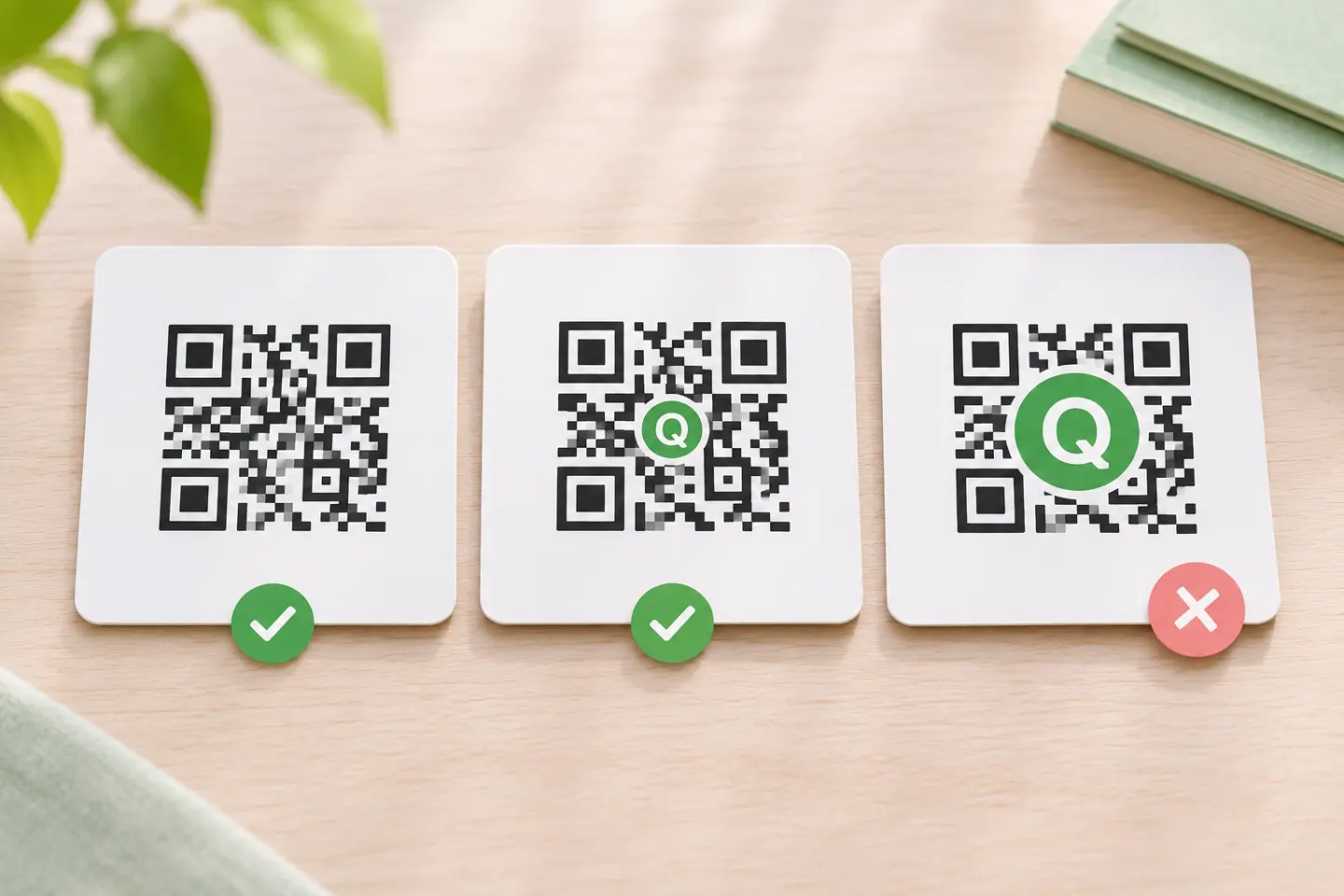
Add a logo to a QR code with fewer scanning risks. Learn about error correction, quiet zones, logo placement, and testing before you print.
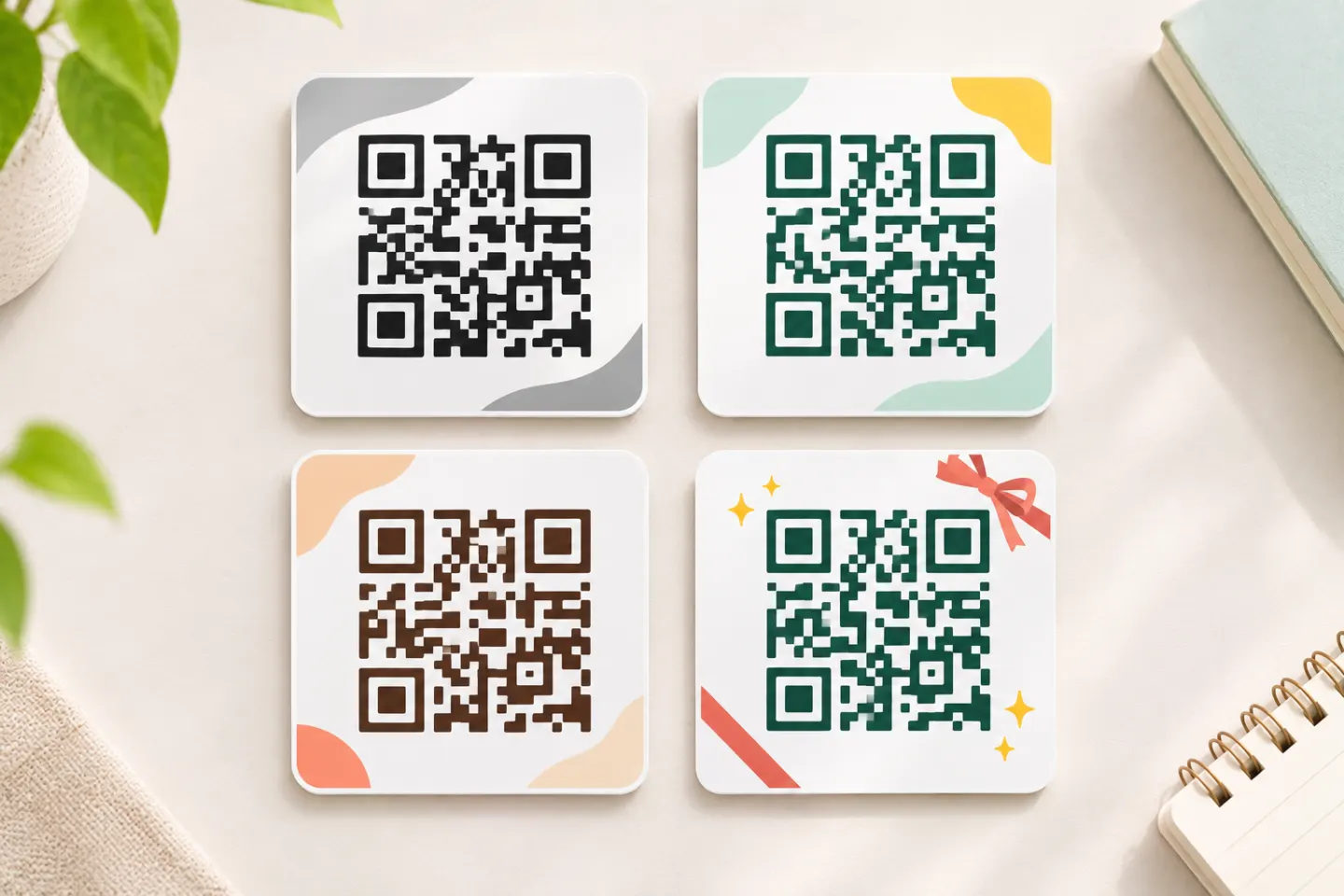
Explore QR code design ideas for packaging, posters, menus, and screens, with practical rules for color, quiet zones, logos, sizing, and testing.
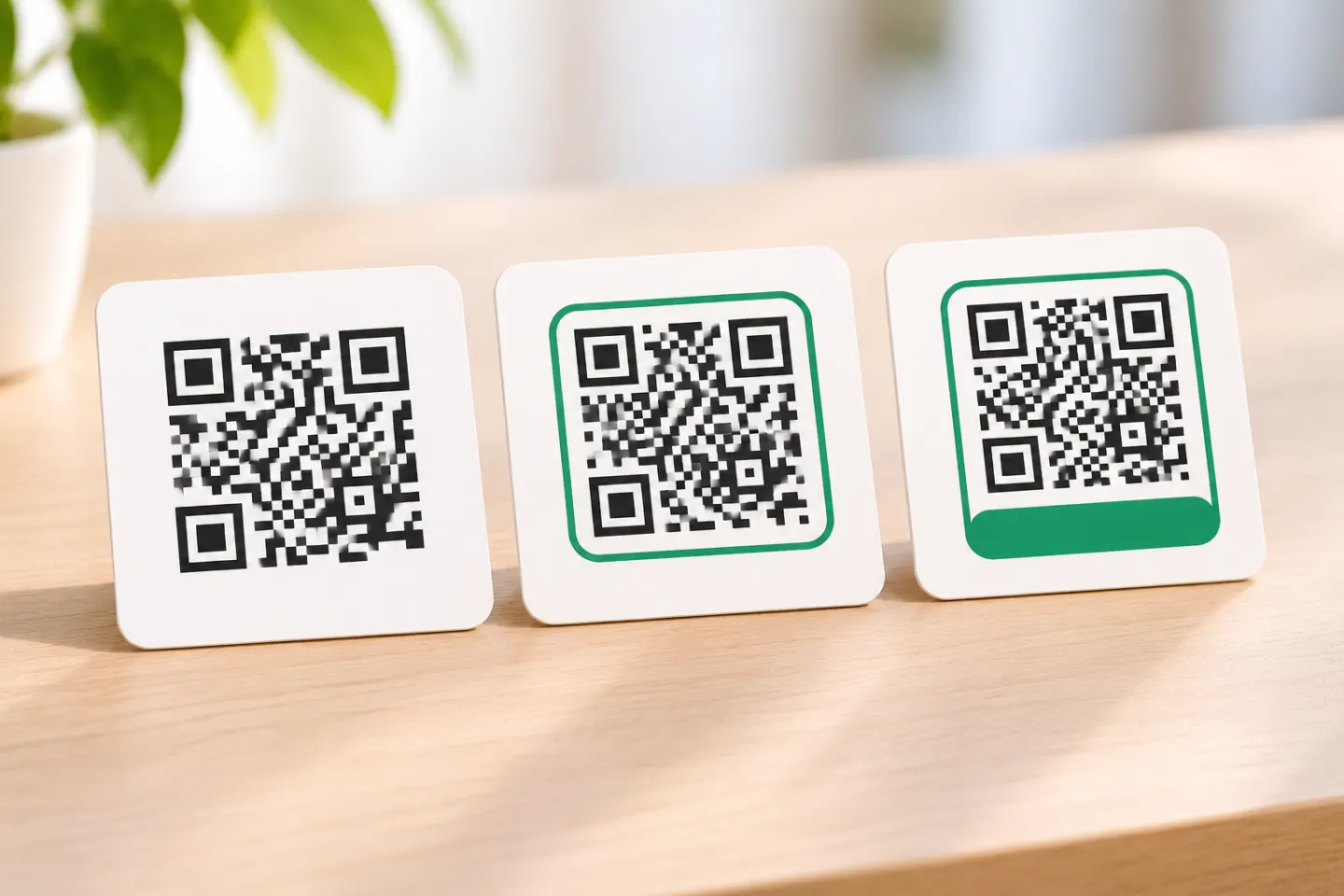
Write a clear QR code call to action, choose useful frame text, protect the quiet zone, and check your print layout before publishing.
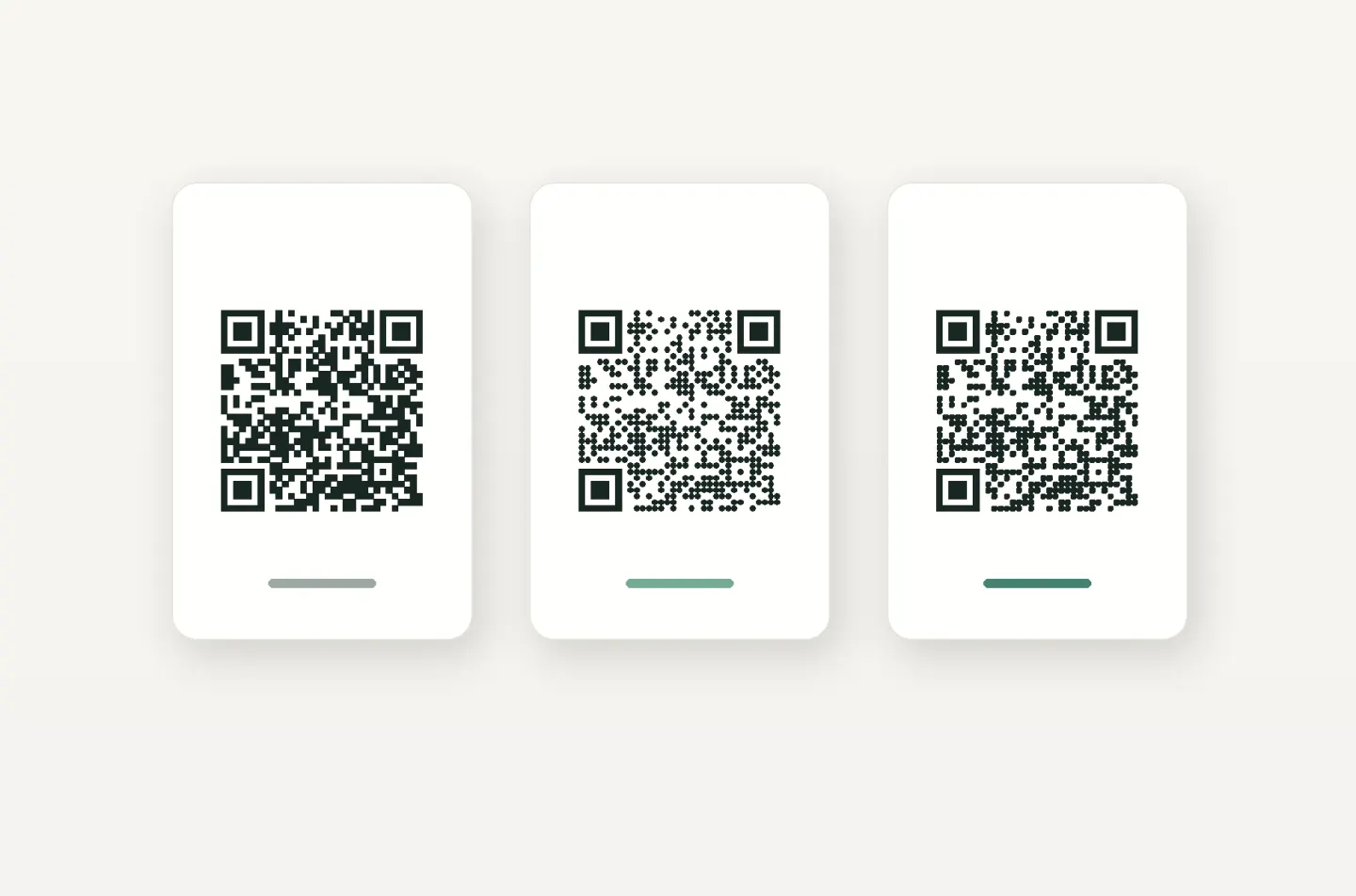
Learn what you can change in rounded QR codes, why the square grid and four-module margin matter, and how to check a custom design before publishing.
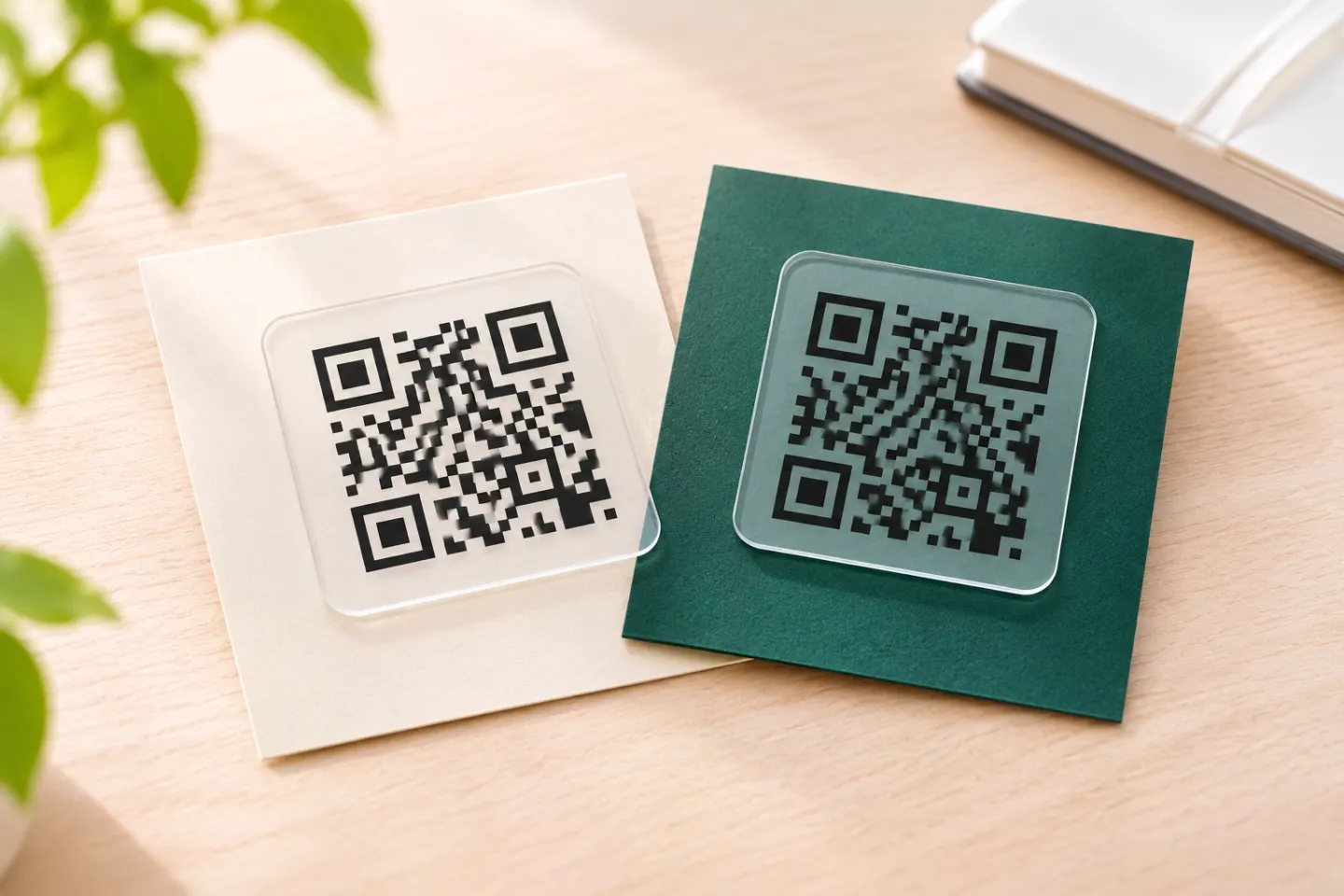
Use transparent QR code backgrounds without fading the modules. Learn the four-module quiet-zone rule, placement tips, and final testing steps.
