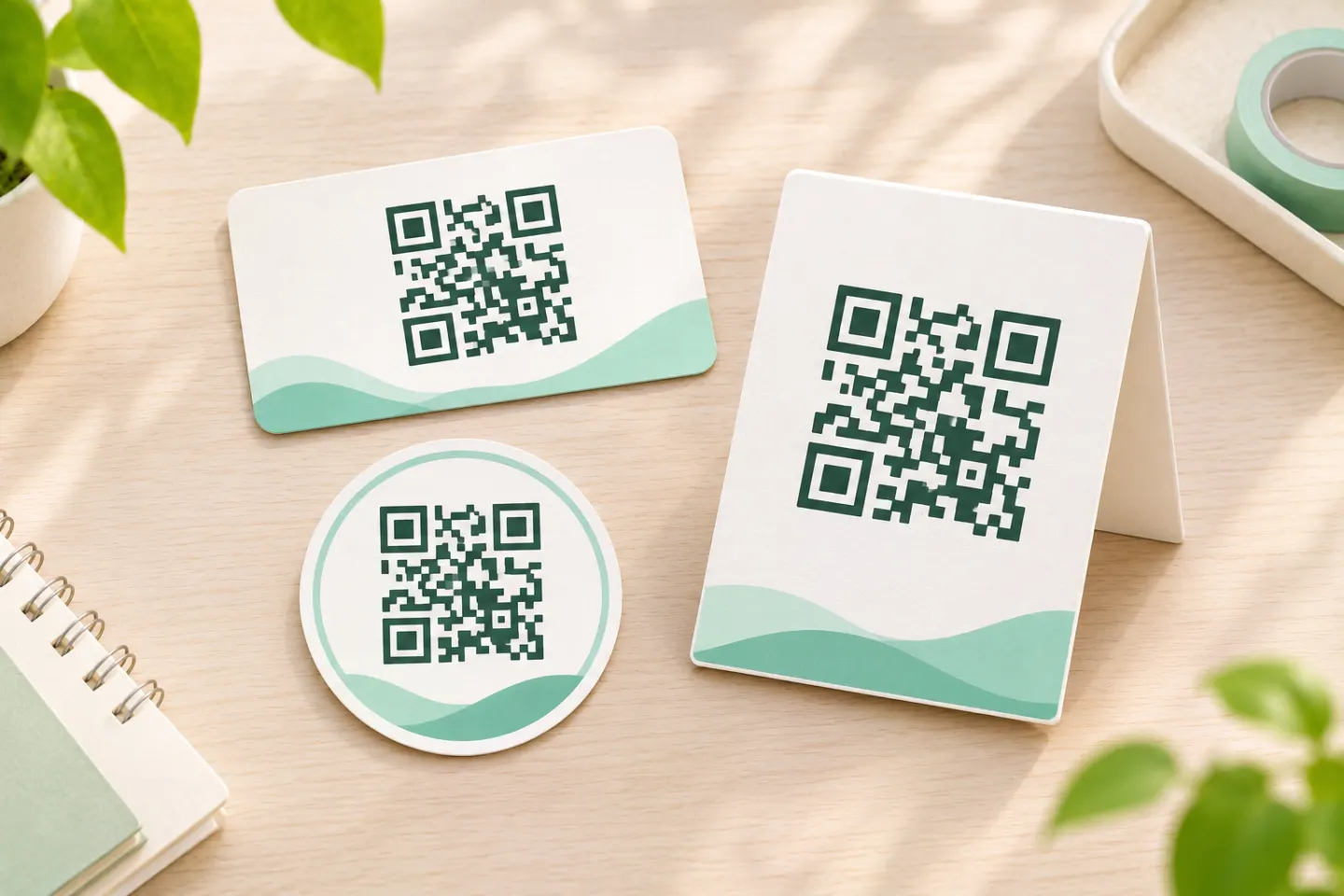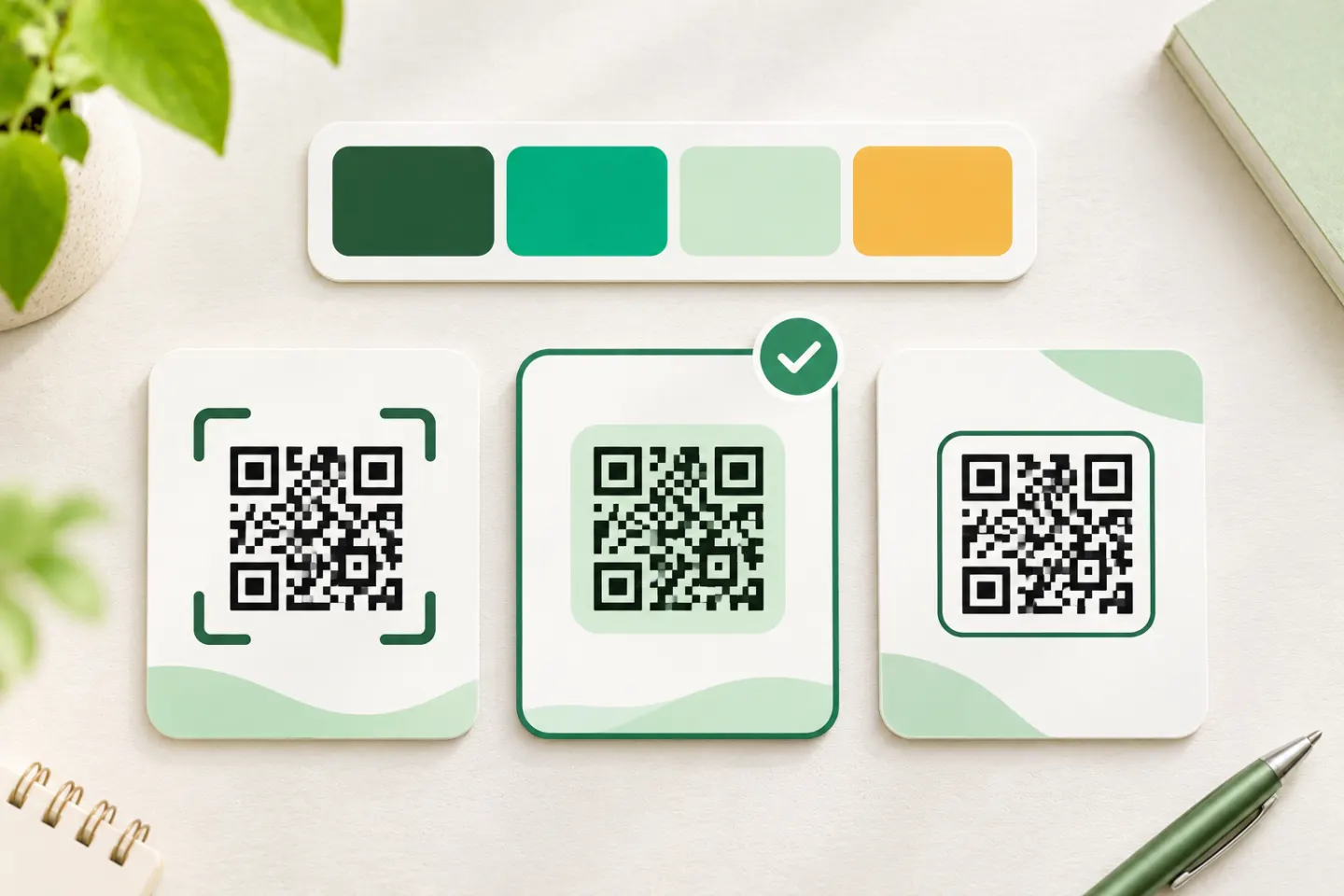
For publication, use a stricter definition of functional: the finished code should decode consistently in its intended setting, lead to the correct destination, and offer another way to access the content. The checklist below combines source-backed design principles with a recommended editorial acceptance process. [2][3]
Why an artistic image can still scan
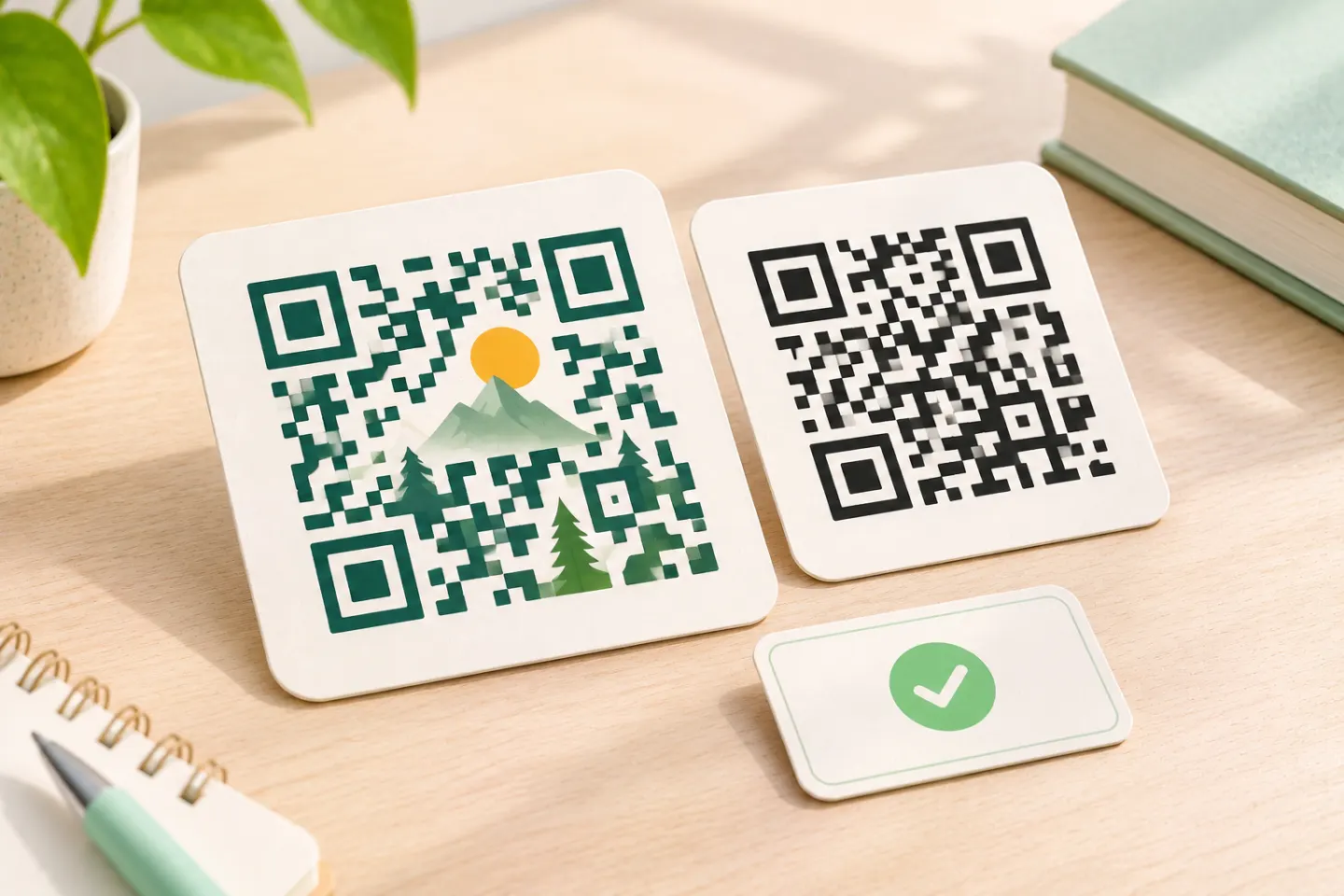
A QR reader does not need to understand the landscape, portrait, or illustration. In Text2QR’s explanation, the reader locates markers, establishes a module grid, and interprets sampled brightness values as binary information. The researchers use that mechanism to preserve decoding information within an artistic image. [1]
A reader can decode an artistic image if the pattern retains enough usable information. Carefully controlled visual variation can work. But successful decoding is not proof that a modified symbol meets every applicable barcode specification—or that it will work on every reader. GS1 separately calls for quality verification of modified retail barcodes. [1][4]
Treat artistic styling as a design that needs validation, not as a guaranteed feature.
Five design conditions worth protecting
1. Keep a four-module quiet zone
DENSO WAVE specifies a clear margin four modules wide on every side of a standard QR Code. A module is one grid cell—not one image pixel. Keep illustration, text, frames, and background texture outside that border. [5]
For example, if each module occupies eight pixels in an export, the required four-module margin is 32 pixels per side. That is a geometric illustration, not a recommended export resolution or print size. [5]
2. Preserve locating features and grid geometry
The three large corner patterns help identify a QR Code. GS1 warns that modifying these patterns, warping the grid, or changing module shapes can make decoding harder. Our conservative recommendation: leave the structural features intact rather than assuming the interior is unrestricted space for artwork. [4]
3. Favor clear dark–light separation
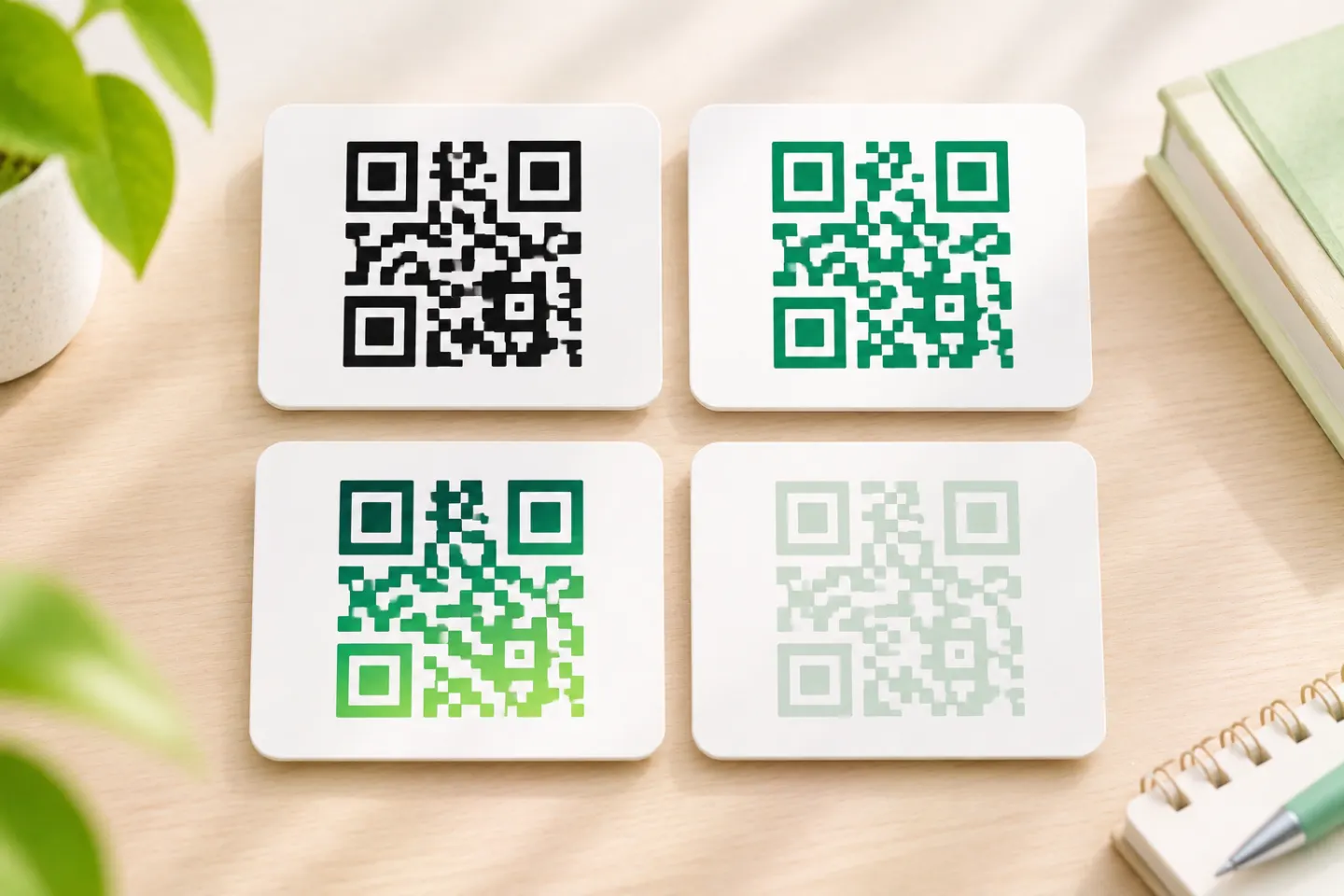
Black on white is the conservative starting point. GS1 identifies poor contrast and multiple colors as possible reading problems. Its warnings about red illumination are particularly relevant to retail scanners; they should not be presented as universal behavior for all phone cameras. [4]
For an art-led design, reduce texture wherever it makes neighboring light and dark regions difficult to distinguish. Do not treat an attractive palette as evidence of decoding quality.
4. Match density to the available size
QR capacity depends on the amount and type of data and the error-correction level. More data can require a larger module grid. At the same physical width, a larger grid leaves less space for each module. [6]
Use a concise, stable URL where practical. DOE recommends short URLs and warns that a changed page address needs a redirect to avoid breaking access. A destination that changes often is therefore a link-management issue—not automatically a reason to reject artistic styling. [2]
Avoid a universal minimum-size promise. DENSO WAVE explains that module size must account for the application, printing process, and reader capability; a higher-resolution printer cannot overcome a reader’s limits. [7]
5. Use error correction without treating it as free canvas
QR Codes offer error-correction levels L, M, Q, and H. DENSO WAVE explains that higher correction capability adds redundancy and can increase symbol size. Its restoration percentages refer to codewords, not a guaranteed percentage of the image that you may cover. [6][8]
An overlay can consume recovery capacity, and damage to locating features can prevent decoding. There is no generally safe artwork percentage established by these sources. [4][8]
A practical prepublication check
The following is our recommended acceptance workflow, not a claim that this article’s author tested a particular generator or design.
- Confirm the baseline. Generate an ordinary code for the intended URL, decode it, and check the destination. Keep it as a control when evaluating the artistic version. DOE recommends mobile testing before use. [2]
- Evaluate the finished file. Check the actual exported artwork at its intended display or print size—not only a large generator preview. Module size and reader resolution affect readability. [7]
- Use more than one reading setup. Include representative phones and scanning apps used by the audience. Record the device, app, artwork version, size, lighting, and whether decoding required repeated repositioning. GSA recommends testing across multiple devices. [3]
- Proof the intended medium. For print, test a sample on the planned material and finish. For screens, check the deployed size and likely glare. Size, resolution, lighting, and glare can create scanning barriers. [3]
- Check the whole journey. Verify both the decoded address and the page reached after any redirect. Keep a visible fallback URL in print. [2]
Suggested editorial decision: if the artistic version repeatedly struggles where the ordinary control works, simplify the artwork or publish the control instead. Do not use one successful scan as your acceptance threshold.
For retail point-of-sale applications, phone testing is not enough: GS1 distinguishes consumer readers from retail hardware and calls for verification of modified symbols against the relevant requirements. [4]
Make access possible without scanning
A scan-only experience excludes people who cannot locate the code, hold a camera steady, or use a suitable device. GSA’s guidance recommends a descriptive label and an adjacent alternative: a readable URL in print and a usable hyperlink in digital content. For digital QR images, it also recommends purpose-based alternative text. [3]
For example, label a code “Scan to view the exhibition guide,” and provide a text route to the same guide. On a website or in an email, make the ordinary link easy to use rather than requiring someone to scan their own screen. [2][3]
References
[1] Wu et al., Text2QR: Harmonizing Aesthetic Customization and Scanning Robustness for Text-Guided QR Code Generation, March 2024 preprint, Sections 3–5 — https://arxiv.org/html/2403.06452v1
[2] U.S. Department of Energy, QR Code Standards and Best Practices — https://www.energy.gov/cmei/communicationstandards/qr-code-standards-and-best-practices
[3] U.S. General Services Administration, Accessibility Bytes No. 8: Accessible QR Code Implementation — https://www.section508.gov/blog/accessibility-bytes/qr-codes/
[4] GS1, 2D Barcodes at Retail Point-of-Sale Implementation Guideline, Release 1.1.0, especially Section 4.6.5 — https://ref.gs1.org/guidelines/2d-in-retail/
[5] DENSO WAVE, Point for determining the code area — https://www.qrcode.com/en/howto/code.html
[6] DENSO WAVE, Information capacity and versions of the QR Code — https://www.qrcode.com/en/about/version.html
[7] DENSO WAVE, Point for setting the module size — https://www.qrcode.com/en/howto/cell.html
[8] DENSO WAVE, Error correction feature — https://www.qrcode.com/en/about/error_correction.html