Before you scan: check where the code came from
Pause if a code arrives unexpectedly in an email, text, package notice, or message that pressures you to act quickly. The Federal Trade Commission (FTC) warns that scammers can hide harmful links in QR codes and may use urgency to prompt a scan. If the message claims to be from a company, contact that company using its official app, a website address you enter yourself, or a phone number from a statement or other trusted source—not the contact details in the message.[1]
For a code in a public place, look at the sign, meter, menu, or display around it. Check whether a sticker seems to cover another code, whether the sign looks altered, and whether the code fits the stated task. The FTC has described scammers placing replacement QR-code stickers on parking meters; when in doubt, use the payment or information method printed on the official sign or confirm with the location through a known contact.[2]
A familiar logo or professional-looking sign is not proof by itself. Treat the code as a shortcut to a destination you still need to inspect.
Preview the link before opening it
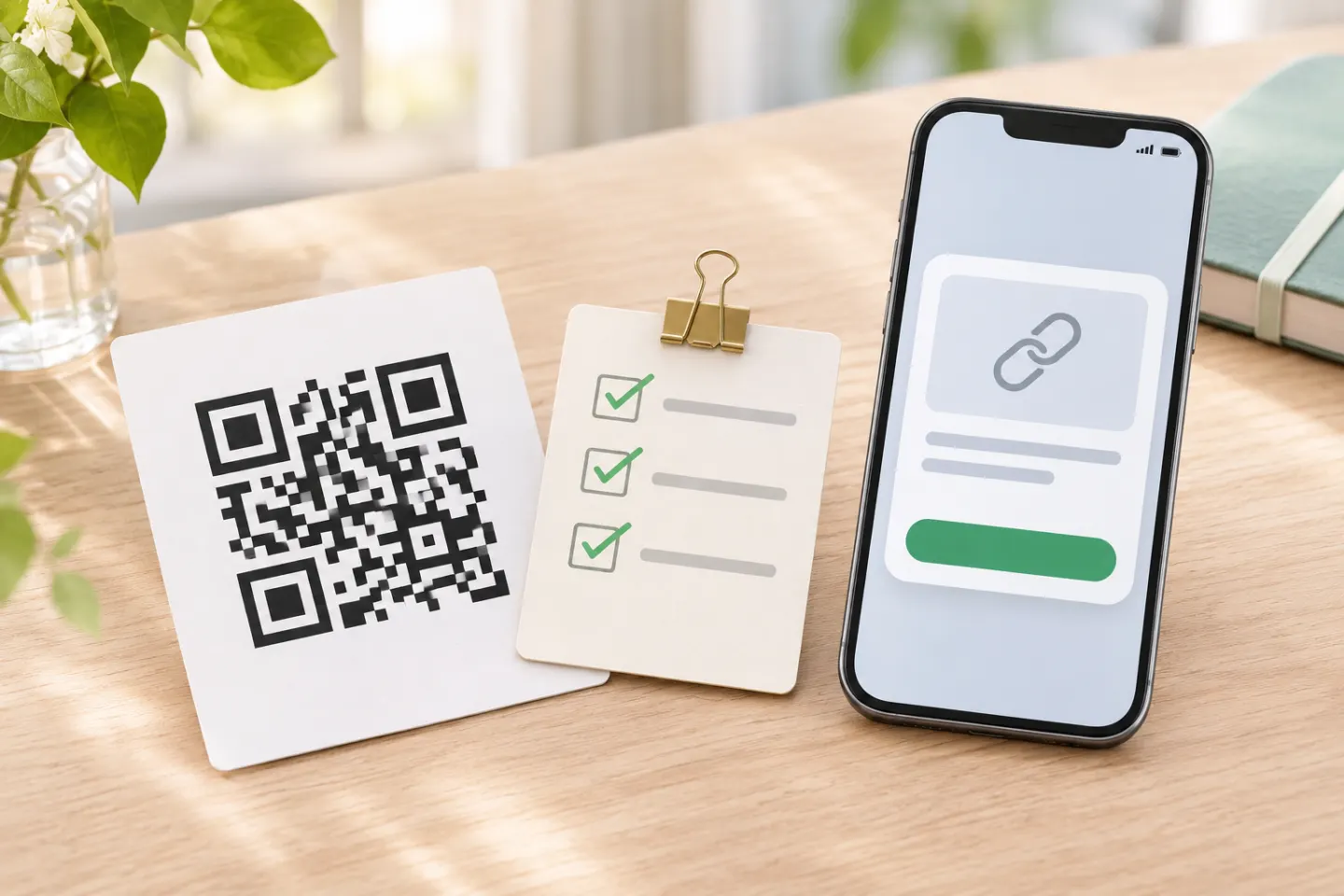
Many camera apps show a link or action before you tap it. Read the preview first. A URL that misspells a company name, swaps letters, adds an unexpected domain, or has no clear connection to the place or task is a reason to stop. The FTC specifically advises checking a previewed URL for misspellings or switched letters before opening it.[2]
Use these checks:
- Read the whole visible domain. Do not rely only on a brand name somewhere in a long address. Read the hostname between
https://and the next slash, and check its actual ending. A familiar brand word elsewhere in the address does not make it the brand’s site. - Compare it with a trusted source. If you expected a bank, transit agency, or store, open its known app or type its established web address yourself instead of following a surprising link.
- Stop at unexpected downloads or permissions. A QR code does not make an app, file, or request trustworthy. If the destination asks you to install something or grant access you did not expect, close it and verify the request independently.
- Do not enter sensitive information just to see what happens. If the page asks for a password, card number, verification code, or personal details that do not fit the task, leave the page.
A lock icon or https connection indicates an encrypted connection to that site; it does not prove that the site is the organization you intended to reach. Check the domain and the request itself.
Take extra care with payments and sign-ins
A QR code can take you to a payment or login page, but the code alone cannot confirm who receives your money or who controls the account. For a payment, verify the merchant, amount, and recipient in the payment service before approving. For a sign-in, make sure the site is the one you normally use and that the request matches what you initiated. If a meter, restaurant, event, or business offers another payment method, use it when the code or destination looks altered or inconsistent.
Never share a one-time verification code, password, or card details because a page reached from a QR code asks for them unexpectedly. If you are unsure, close the page and reach the organization independently using a trusted app, saved bookmark, statement, or official contact information.
If you already scanned a suspicious code
Scanning is only the first step. What matters next is whether you opened the page, downloaded or installed something, entered information, approved a payment, or granted a permission. Close the page and do not continue interacting with it. Then respond to what you actually did:
| What happened | What to do next |
|---|---|
| You scanned it but did not open the destination or enter anything | Close the preview or page. Do not follow prompts from the message or sign. If it claimed to be from an organization, verify through a known channel. |
| You entered a password | Change it on the real service using its official app or a web address you enter yourself. If you reused that password elsewhere, change it there too. Turn on available account alerts and review recent sign-ins. |
| You entered payment or financial information | Contact the bank, card issuer, or payment service using the number on your card or its official app. Ask what protections or account steps are appropriate, and review recent activity. |
| You downloaded or installed an app or file | Do not open it again. Remove it if you can do so safely, update your device and apps, and use the device maker’s or a trusted security provider’s guidance if you need help. |
| You approved a payment or see an unfamiliar charge | Contact the payment provider promptly through a trusted channel and report the transaction. Keep relevant messages and transaction details. |
The FTC advises people who entered a reused password after scanning a scam code to change it, and to review transactions if they entered payment information.[2] If you are in the United States, you can also report a scam to the FTC at ReportFraud.ftc.gov. For other locations, report it to the relevant consumer-protection or cybercrime authority.
Quick check before you tap
- Source: Was this code expected, and does it appear attached to the genuine sign or item?
- Destination: Does the previewed domain match the organization and the task?
- Request: Is it asking for information, a download, a permission, or a payment you did not expect?
- Verification: Can you confirm the request in the organization’s official app, known website, or through a contact you already trust?
If anything does not line up, do not continue through the QR link. Reach the organization another way.
Frequently asked questions
Can scanning a QR code infect my phone?
A QR code can direct you to a website or another action, but its appearance alone does not show what the destination will ask you to do. Check the preview before opening it, and do not install files, grant unexpected permissions, or enter information on a page you have not verified. Keep your device and apps updated; the FTC includes updates among its safety recommendations.[2]
Are QR codes on parking meters or restaurant tables safe?
The location alone cannot verify a code. Check that it has not been covered or altered and that the previewed destination fits the location and purpose. For a payment, verify the business and amount before approving; if uncertain, use another method or confirm with staff or the location using known contact information.[2]
What if I opened the link but did not enter anything?
Close it and do not download, install, or approve anything. If you only viewed the page, take care not to act on its prompts. If you later notice a download, account alert, or transaction you do not recognize, use the relevant steps above and contact the service through its official channel.
References
[1] Federal Trade Commission. Scammers hide harmful links in QR codes to steal your information. https://consumer.ftc.gov/consumer-alerts/2023/12/scammers-hide-harmful-links-qr-codes-steal-your-information
[2] Federal Trade Commission. See a QR code parked somewhere? Don’t scan it…yet! https://consumer.ftc.gov/consumer-alerts/2026/09/see-qr-code-parked-somewhere-dont-scan-ityet