
 FEATURED
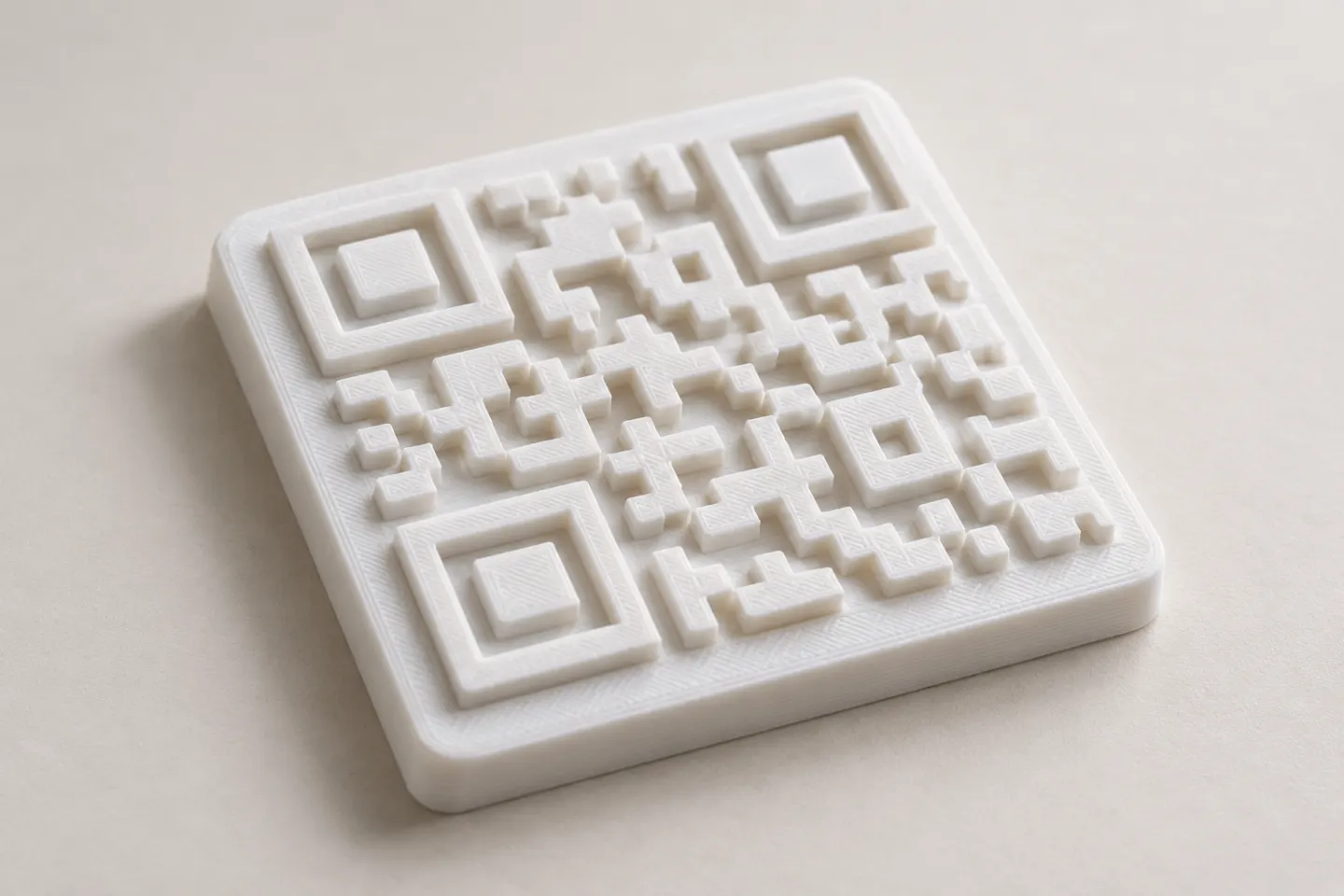
Can You 3D Print a QR Code? Design and Testing Basics
Yes, a QR code can be made as a 3D print, but scan reliability depends on readable modules, contrast, print detail, and testing the finished part.
Read article
Learn how to create, customize, and use QR codes with QRHyper.
FEATUREDYes, a QR code can be made as a 3D print, but scan reliability depends on readable modules, contrast, print detail, and testing the finished part.
Read article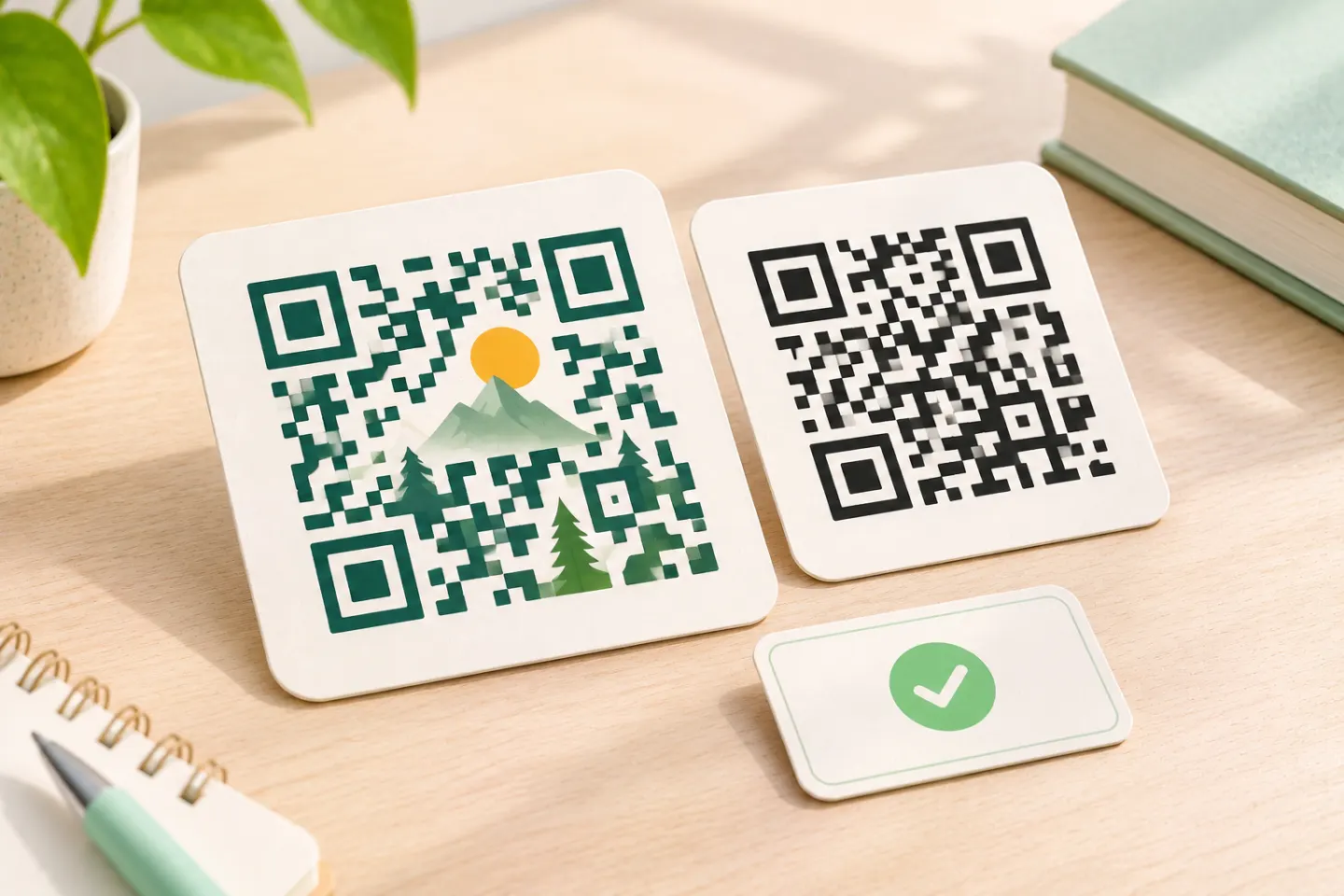 FEATURED
Learn why AI art QR codes can scan, what error correction cannot fix, and how to check the final design before printing or publishing.
Read article FEATURED
JIS/ISO-compliant QR Codes have no usage license fee. Check separate costs for generators, hosting, redirects, analytics, and printing.
Read articleShowing 12 of 41 articles
Yes, a QR code can be made as a 3D print, but scan reliability depends on readable modules, contrast, print detail, and testing the finished part.
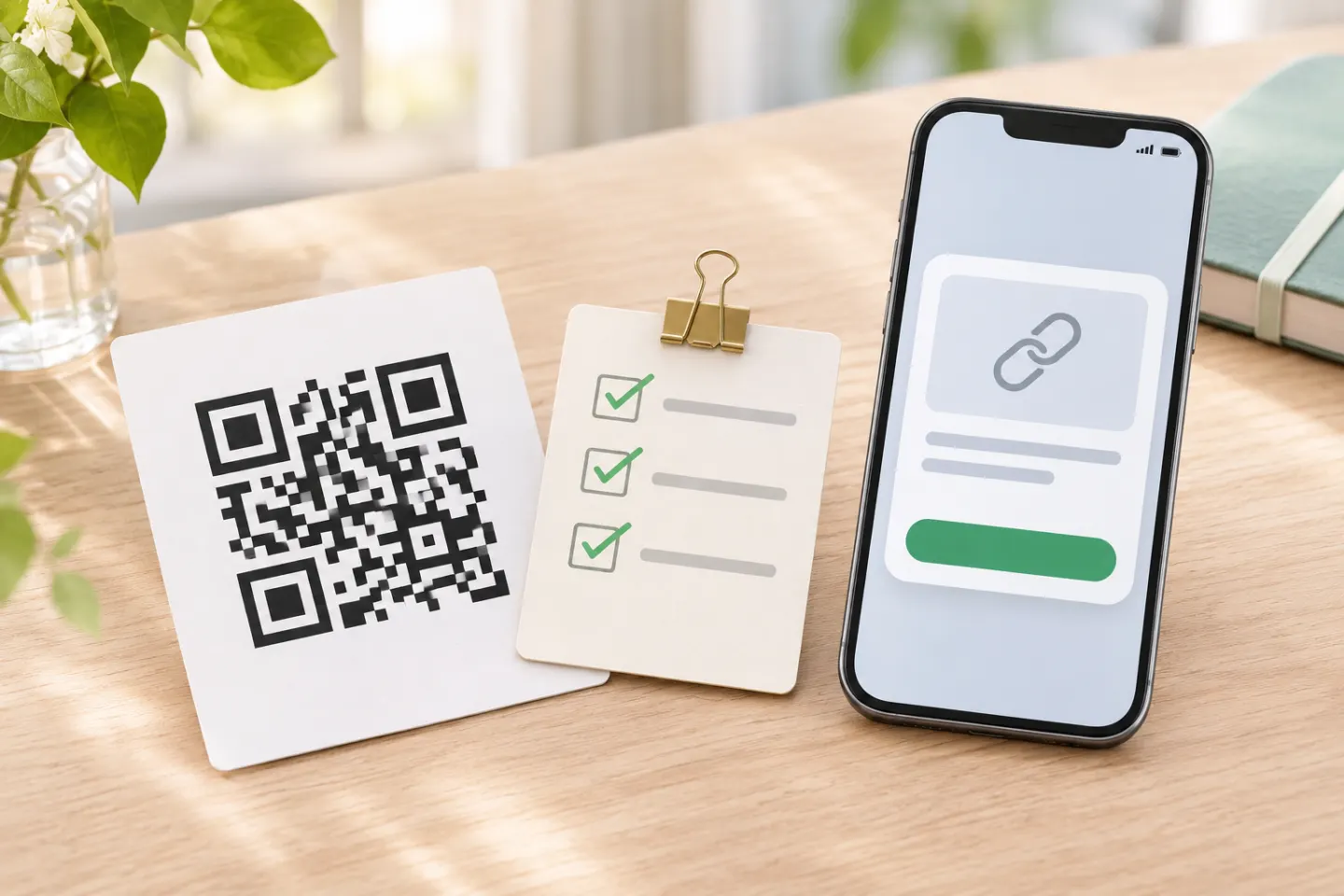
QR codes can lead to fake sites. Preview the link, verify payment and sign-in requests, and learn what to do if you scanned a suspicious code.
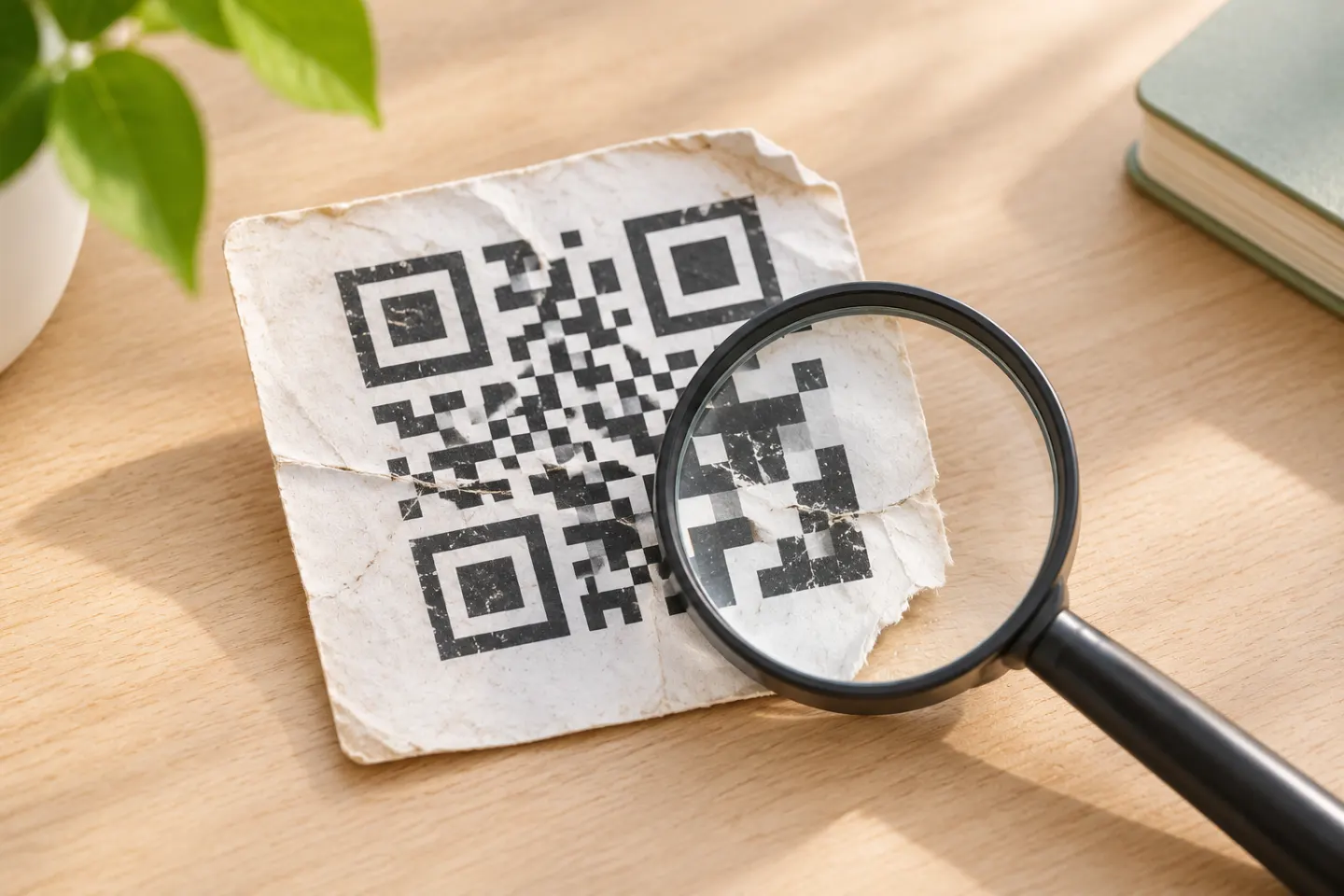
A blurry QR code may still scan, but severe blur or missing data can make it unreadable. Try the original, improve the image, and know when to get a fresh code.
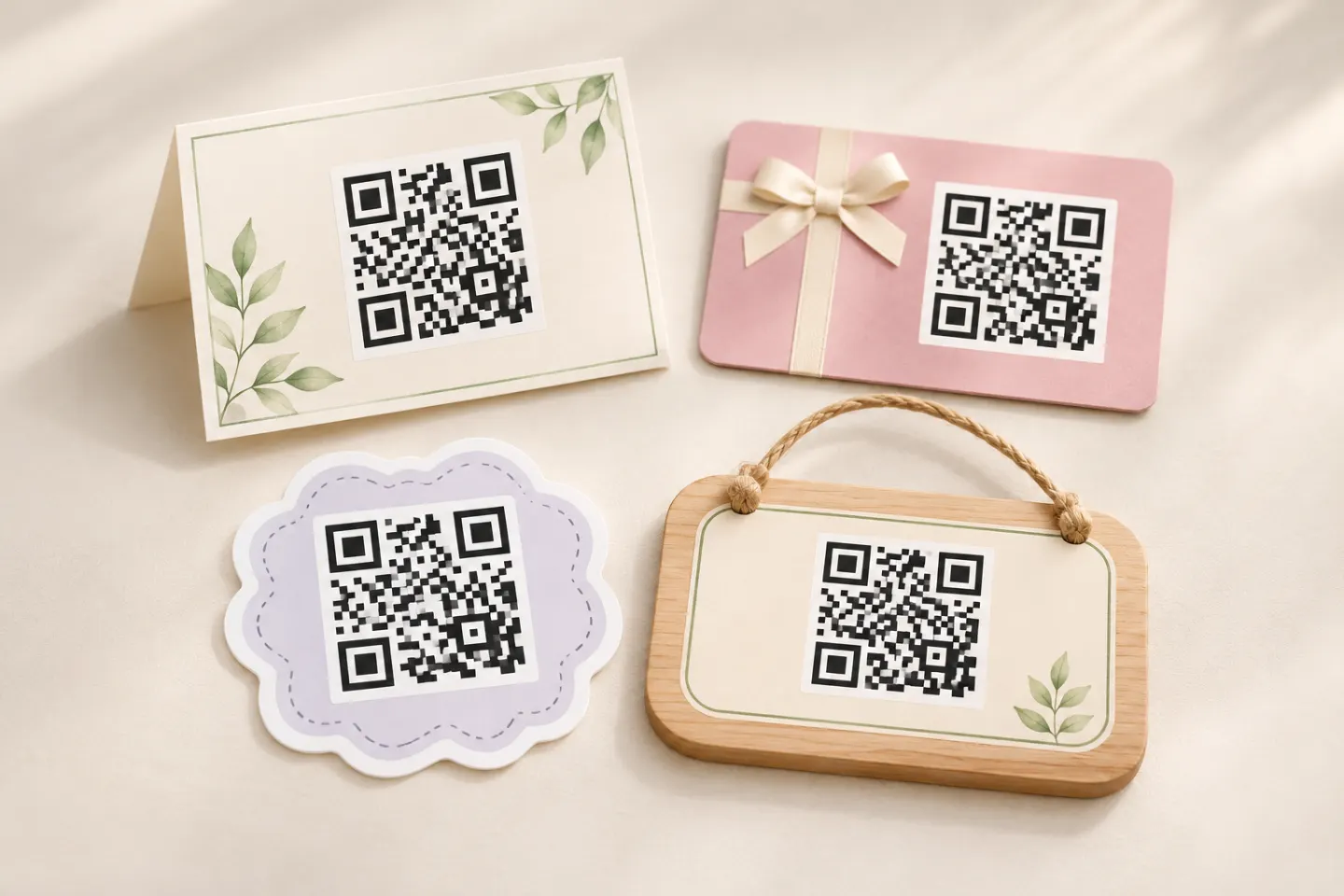
Try 10 creative QR code ideas for events and everyday life, with setup tips and a checklist for scan testing, accessibility, and safety.
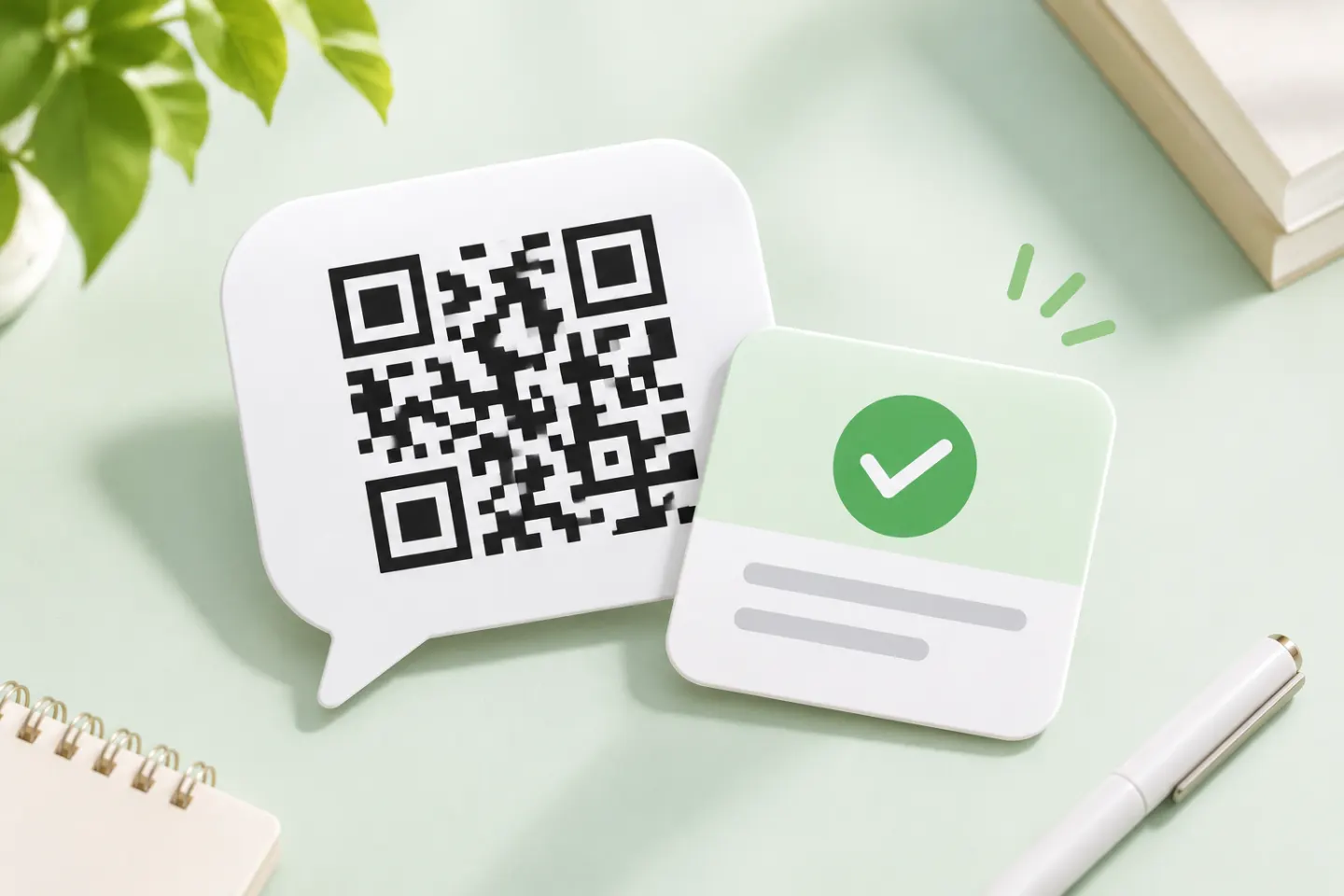
Learn how to scan and approve a Discord QR code login, fix common problems, and respond safely if you approve a suspicious request.
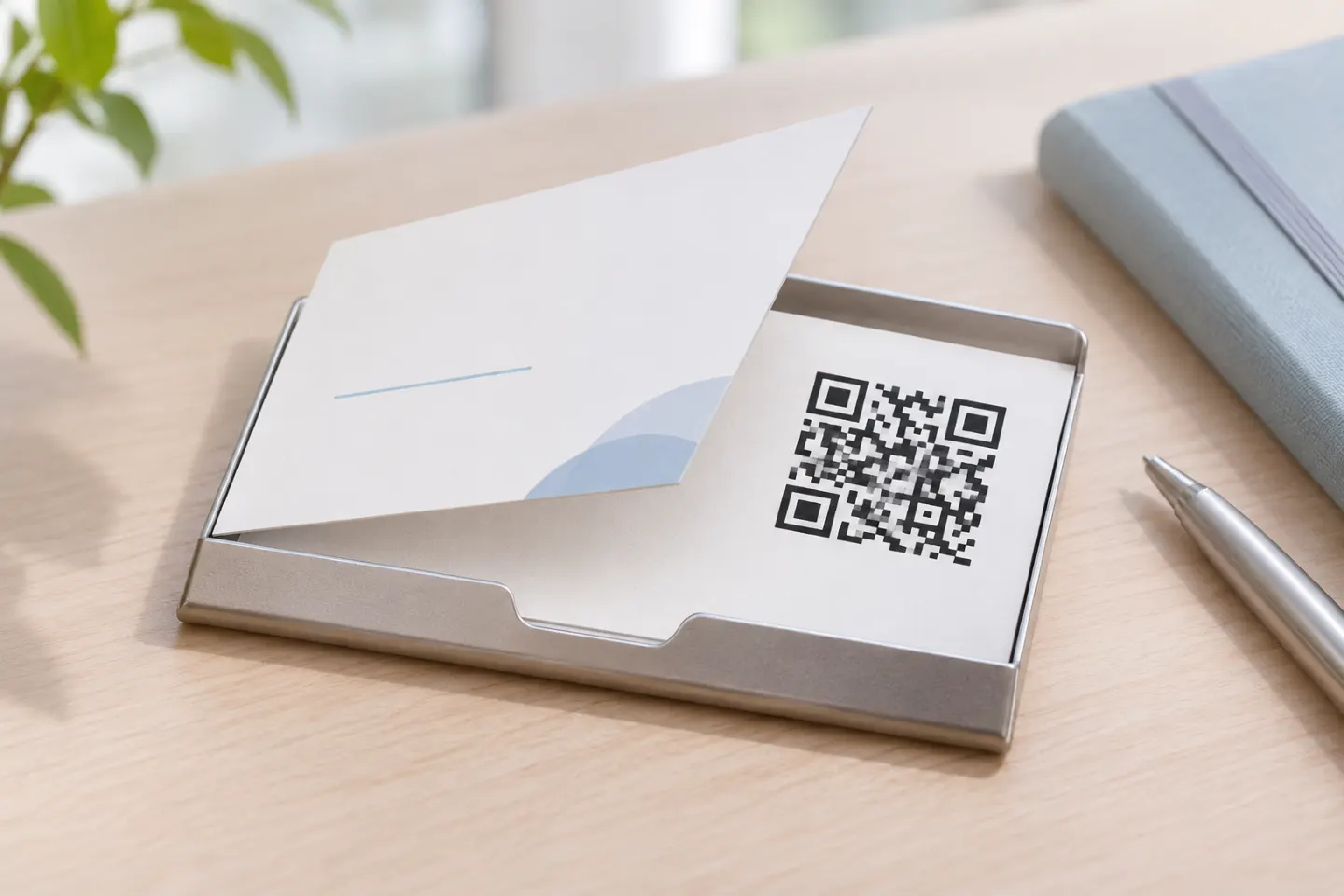
Add a QR code to your business card with practical steps for contact links, print layout, quiet zones, and testing before you order.
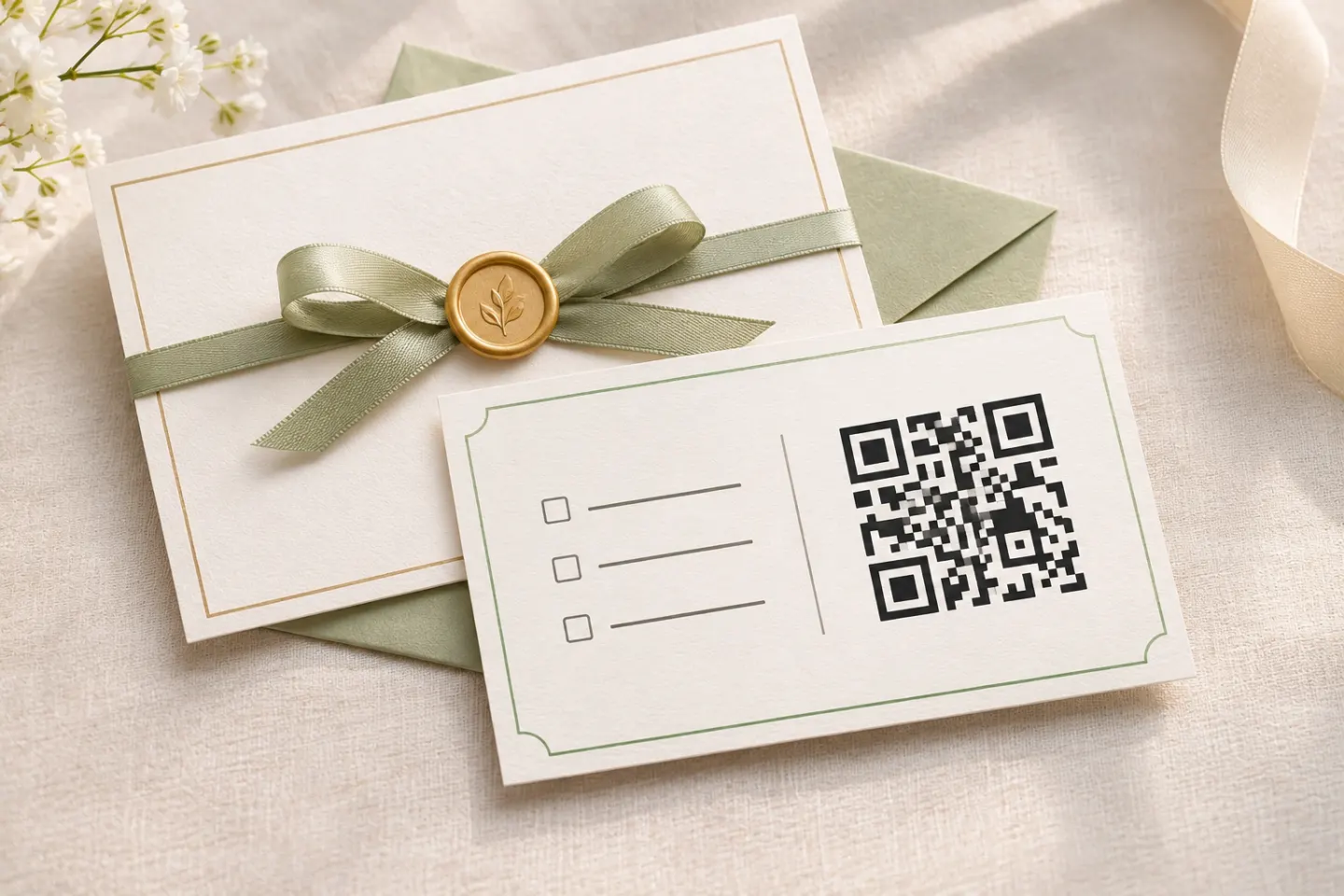
Add an RSVP QR code to your invitation: prepare the form, check guest access, choose a print size, and test before mailing.
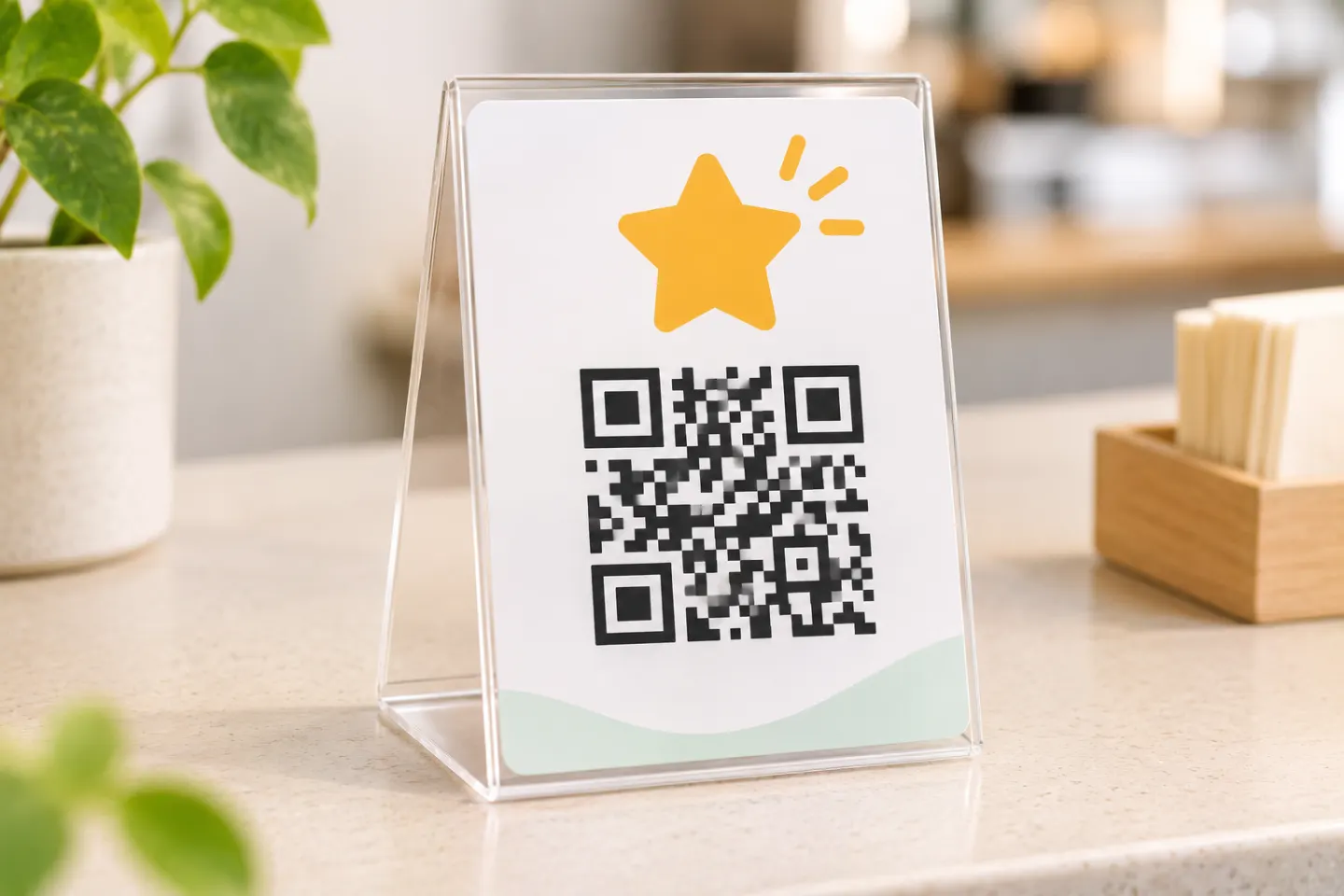
Create a Google review QR code for the right Business Profile, save it for a sign or receipt, and check what customers see before you print.
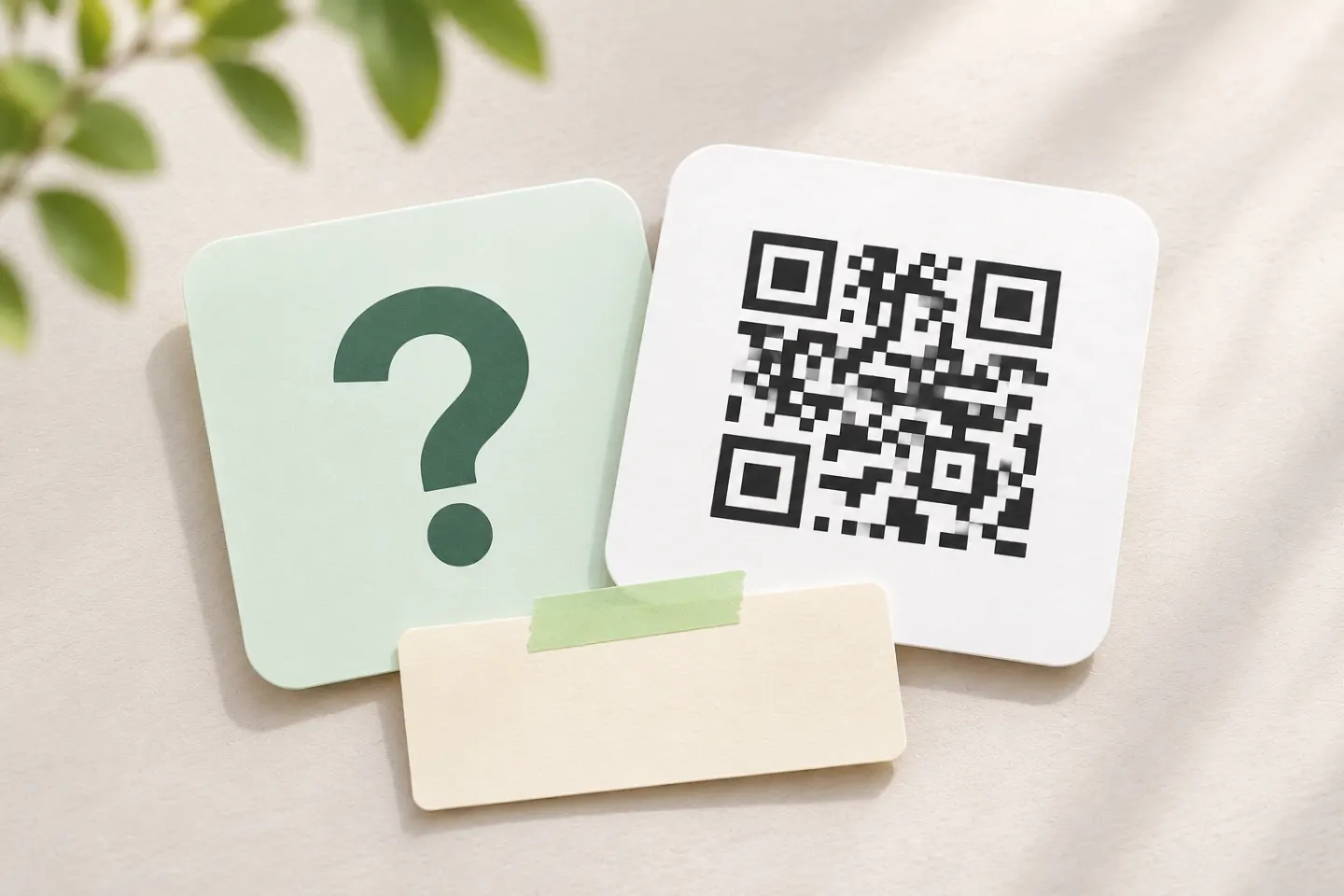
Make a Rickroll QR code for the official video, check its destination, and test your design before sharing a low-stakes prank.
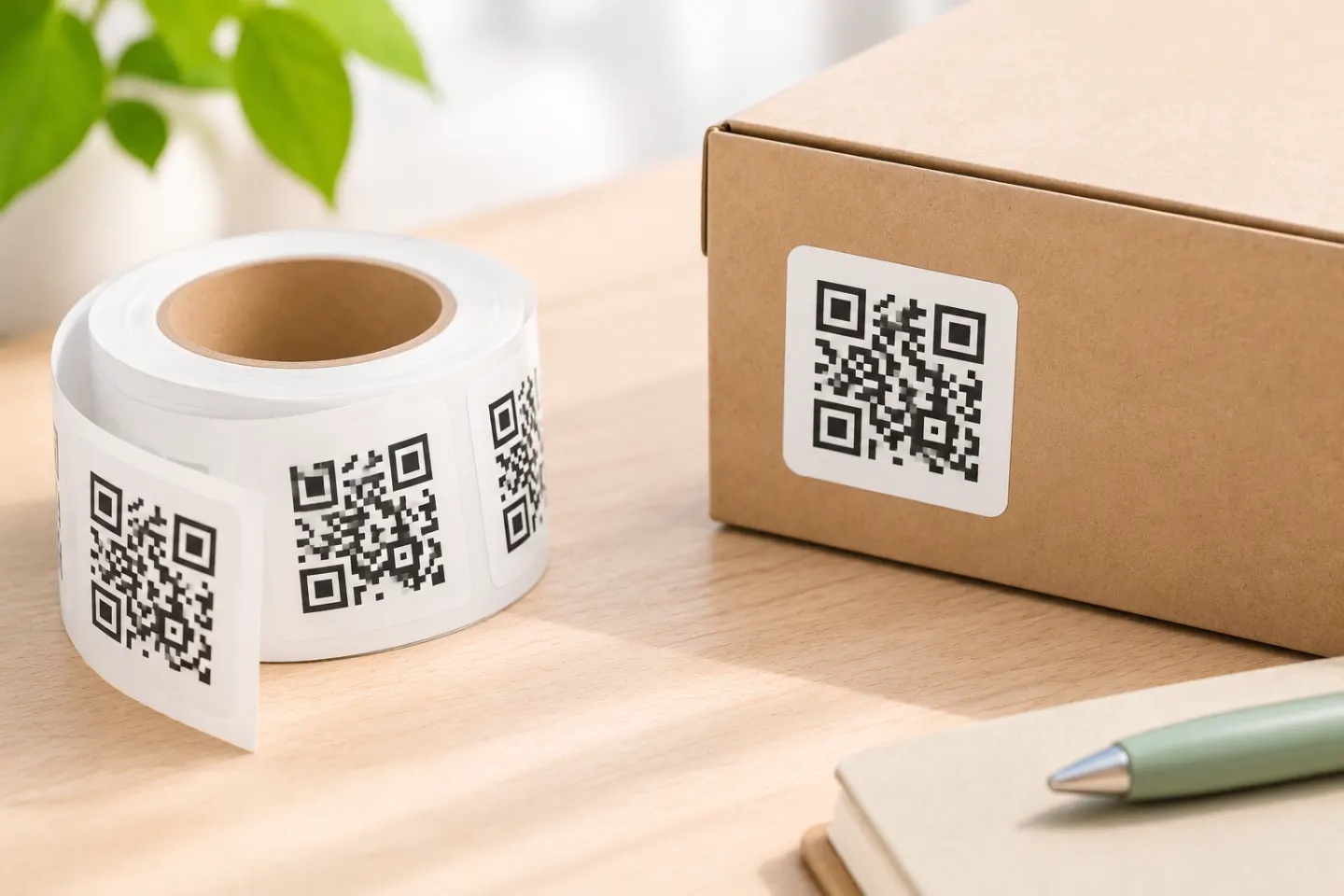
Choose the destination, label size, stock, and print method; then test alignment on paper and scan a sample on the surface before printing a small batch.
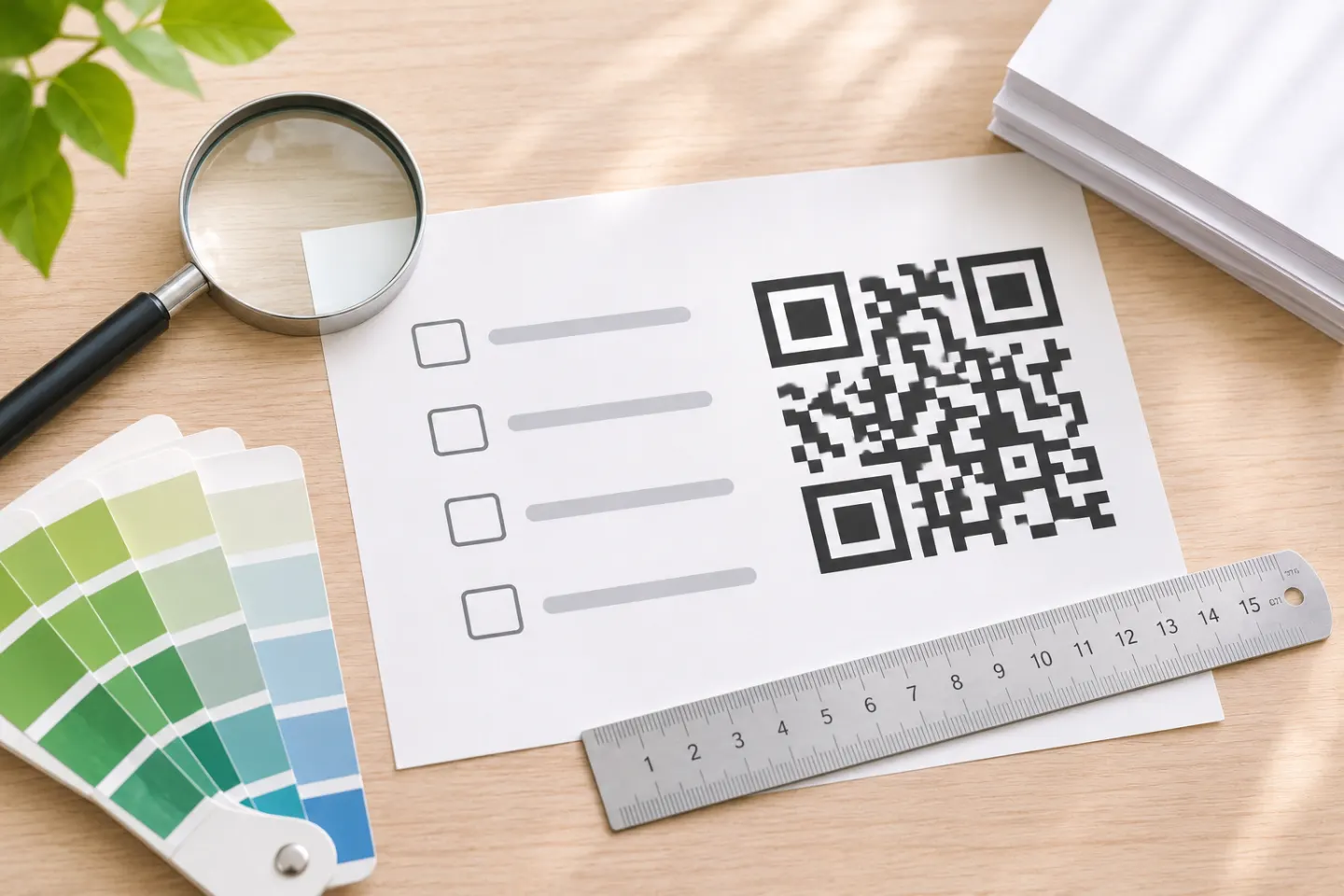
Learn how to prepare a QR code for print, protect its quiet zone, choose a suitable file, and proof the final piece before a full print run.
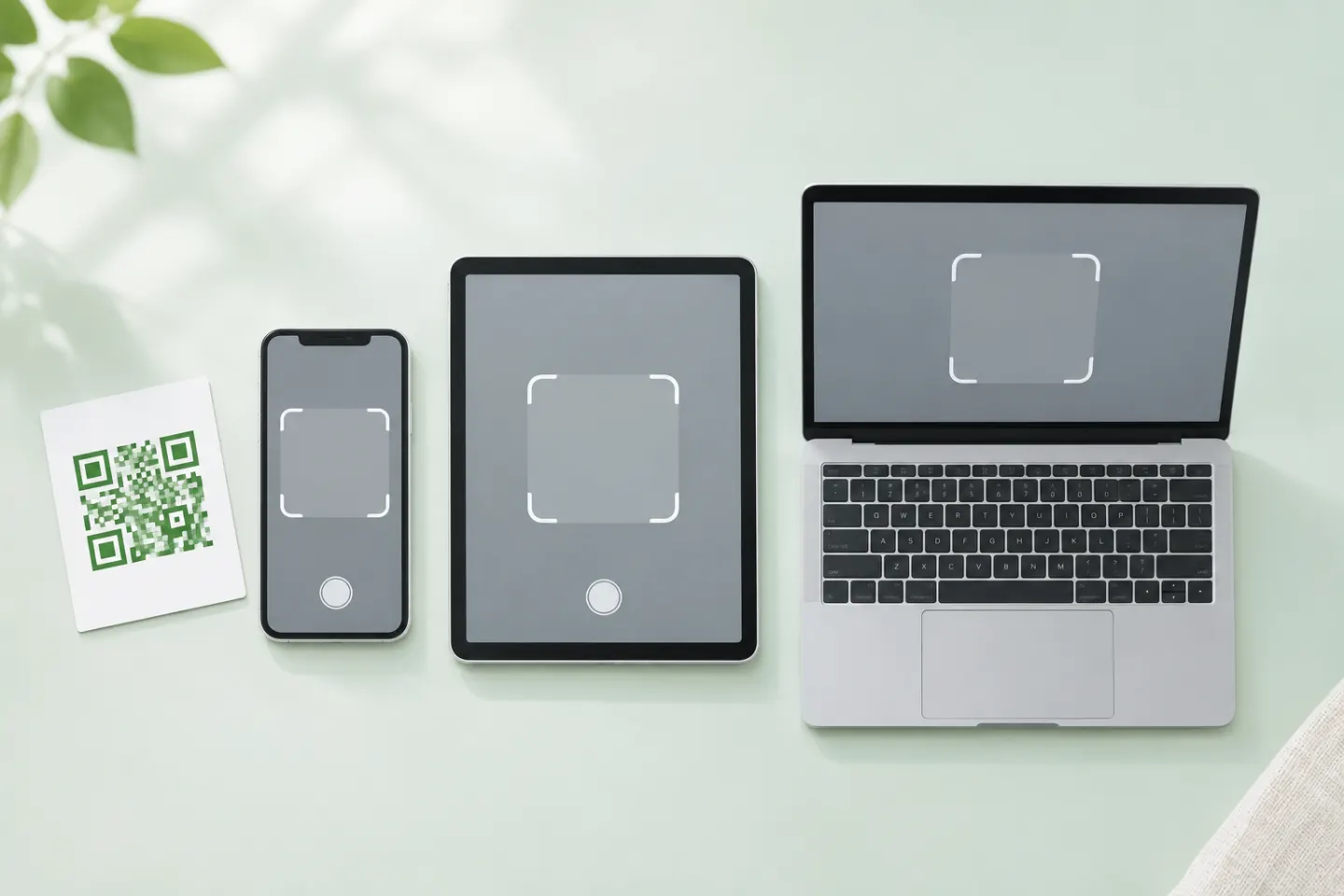
Open a QR code with your phone’s camera, scan one shown on your own screen, or troubleshoot a code that won’t scan. Check the link before opening it.
