
 FEATURED
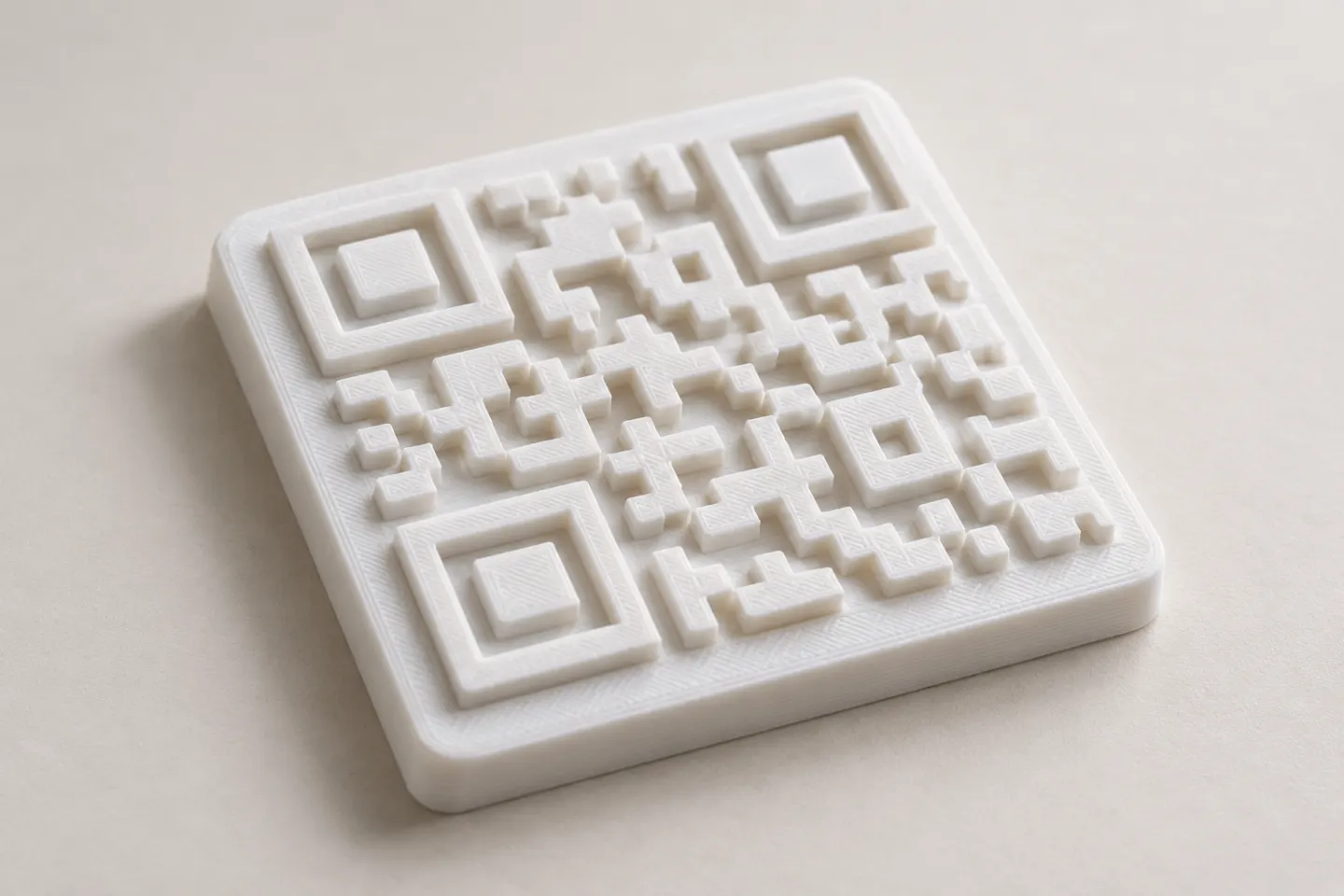
Can You 3D Print a QR Code? Design and Testing Basics
Yes, a QR code can be made as a 3D print, but scan reliability depends on readable modules, contrast, print detail, and testing the finished part.
Read article
Learn how to create, customize, and use QR codes with QRHyper.
FEATUREDYes, a QR code can be made as a 3D print, but scan reliability depends on readable modules, contrast, print detail, and testing the finished part.
Read article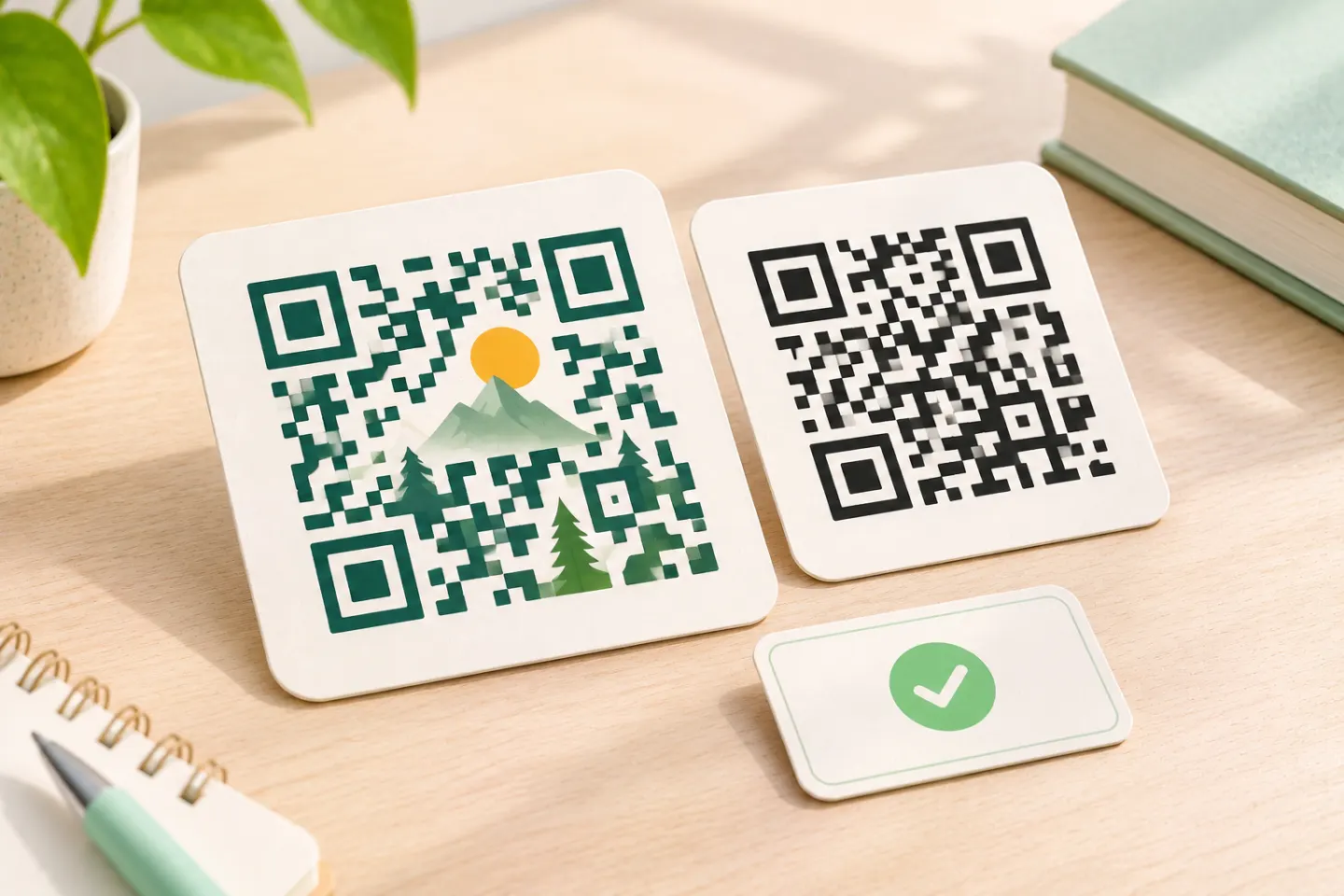 FEATURED
Learn why AI art QR codes can scan, what error correction cannot fix, and how to check the final design before printing or publishing.
Read article FEATURED
JIS/ISO-compliant QR Codes have no usage license fee. Check separate costs for generators, hosting, redirects, analytics, and printing.
Read articleShowing 12 of 99 articles
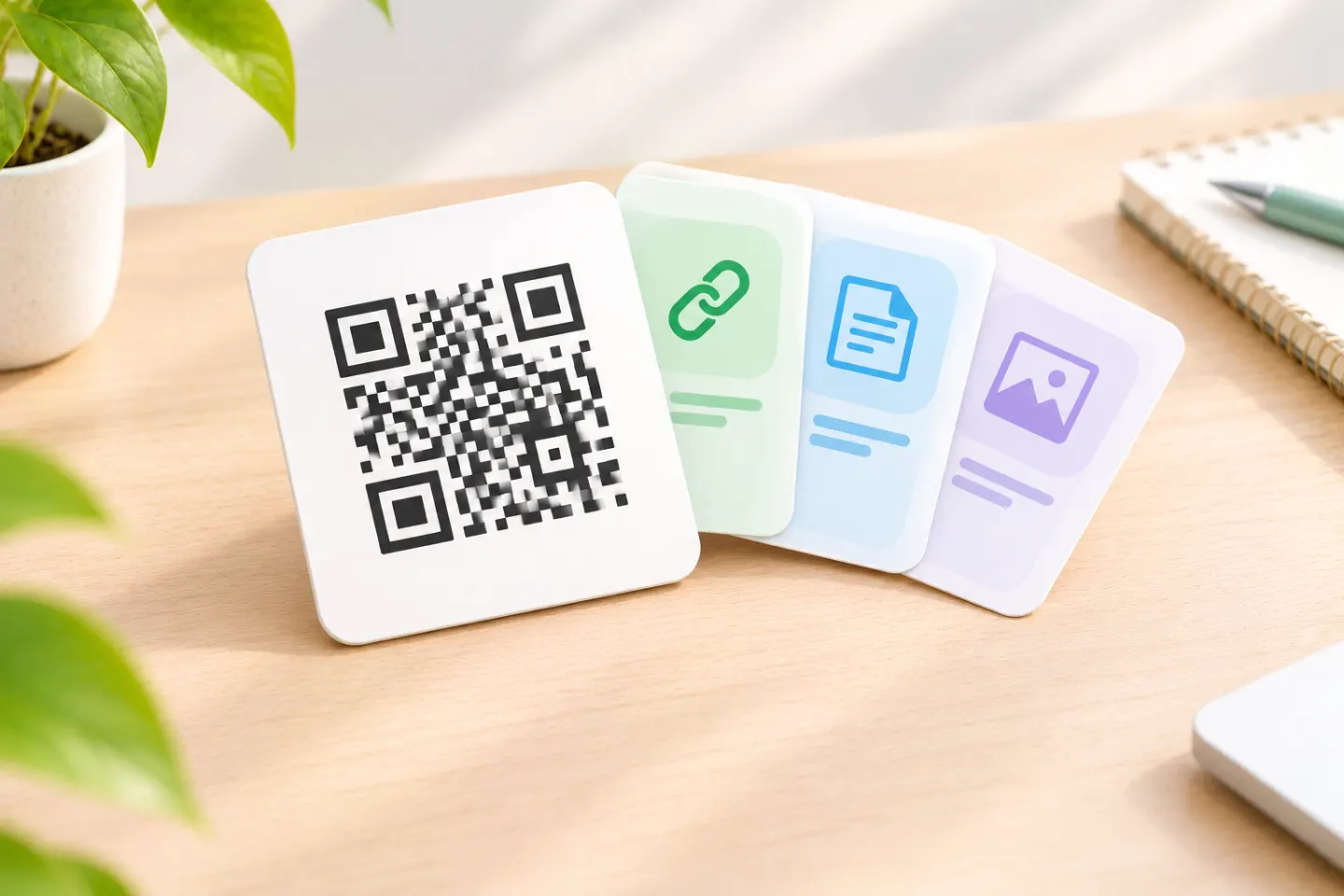
Create a QR code for multiple links using one mobile-friendly page. Learn how to set it up, update links, and test before printing.
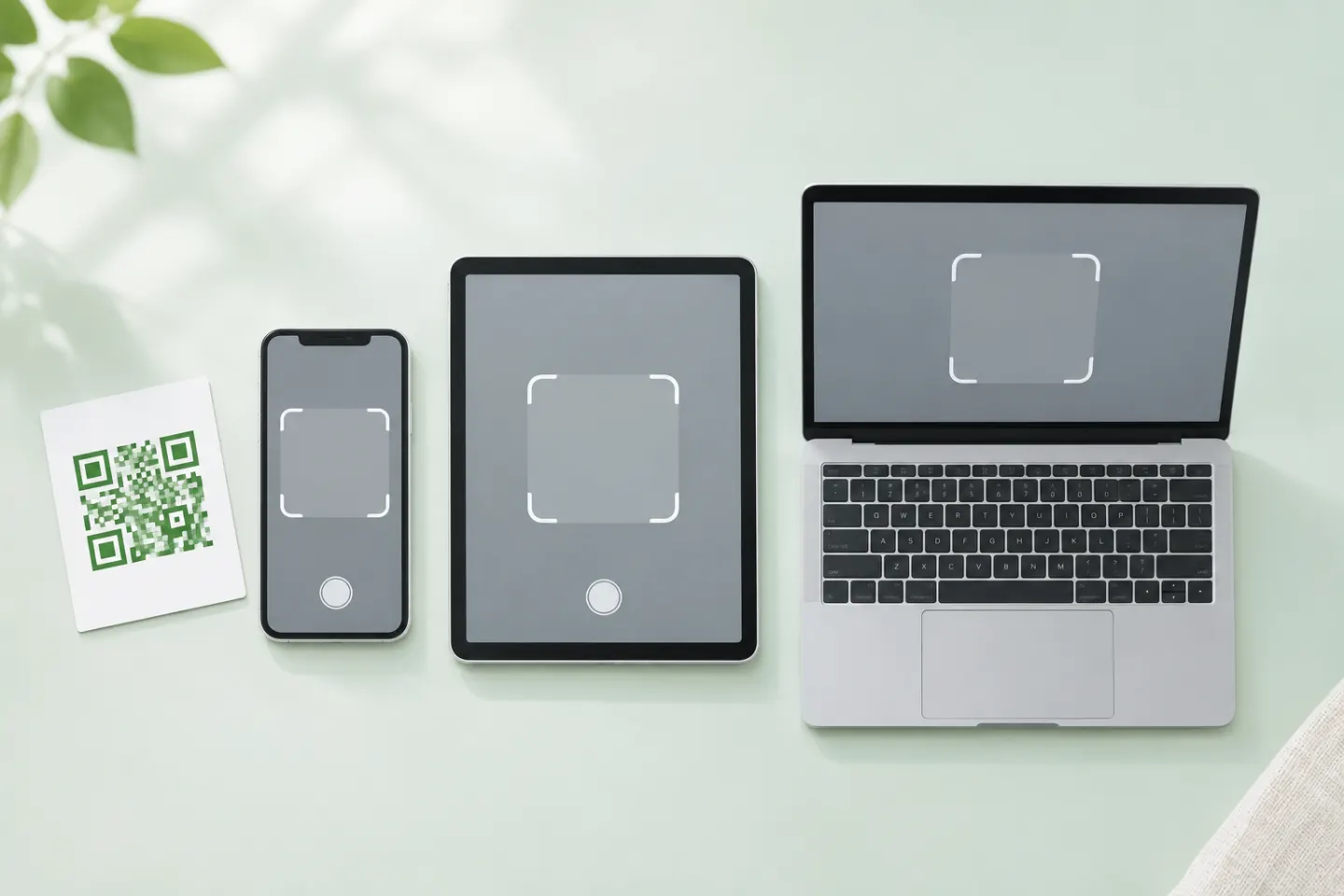
Open a QR code with your phone’s camera, scan one shown on your own screen, or troubleshoot a code that won’t scan. Check the link before opening it.
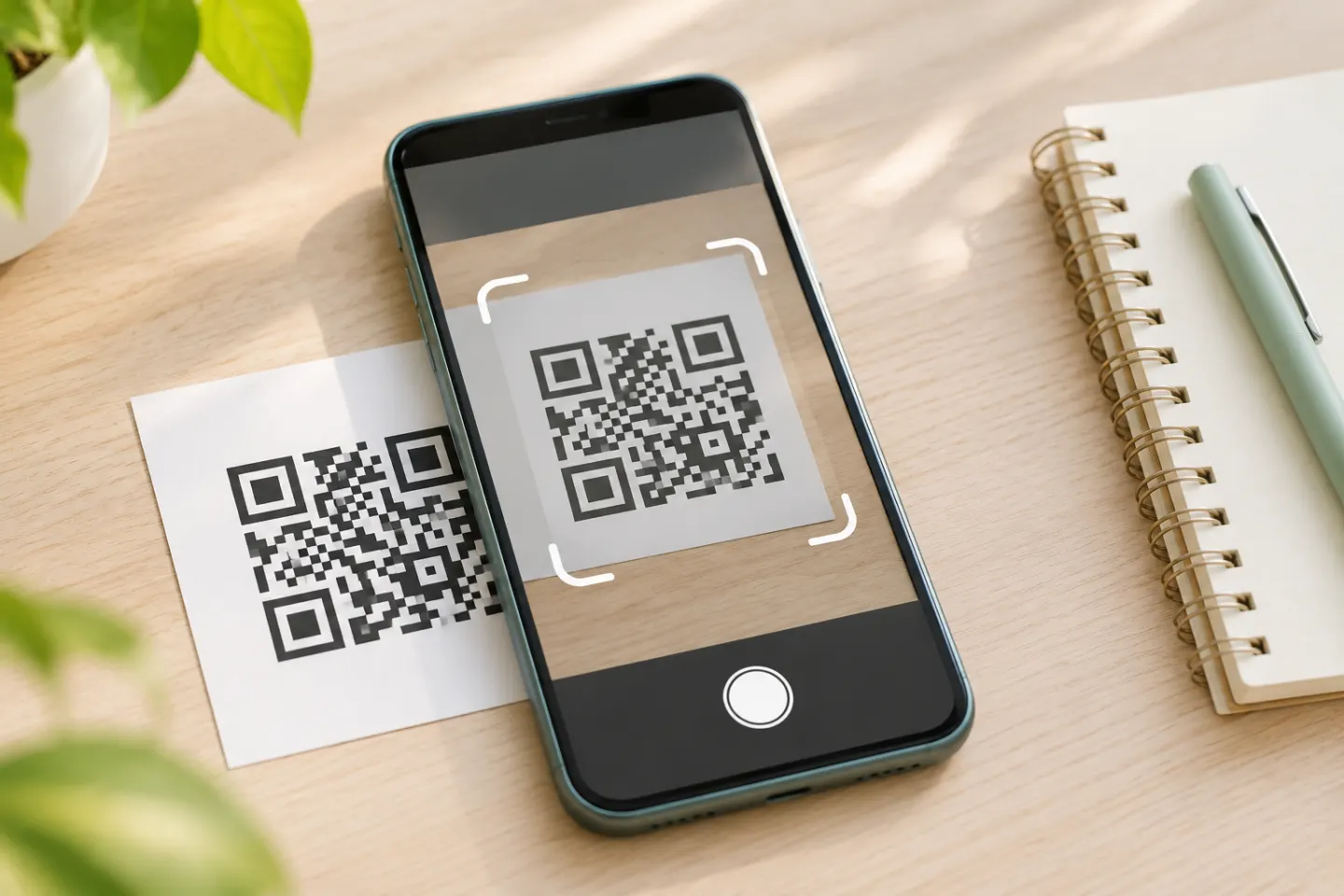
Scan a QR code on Android with your camera, Quick Settings, Google Lens, or Circle to Search. Fix common issues and check a link before opening it.
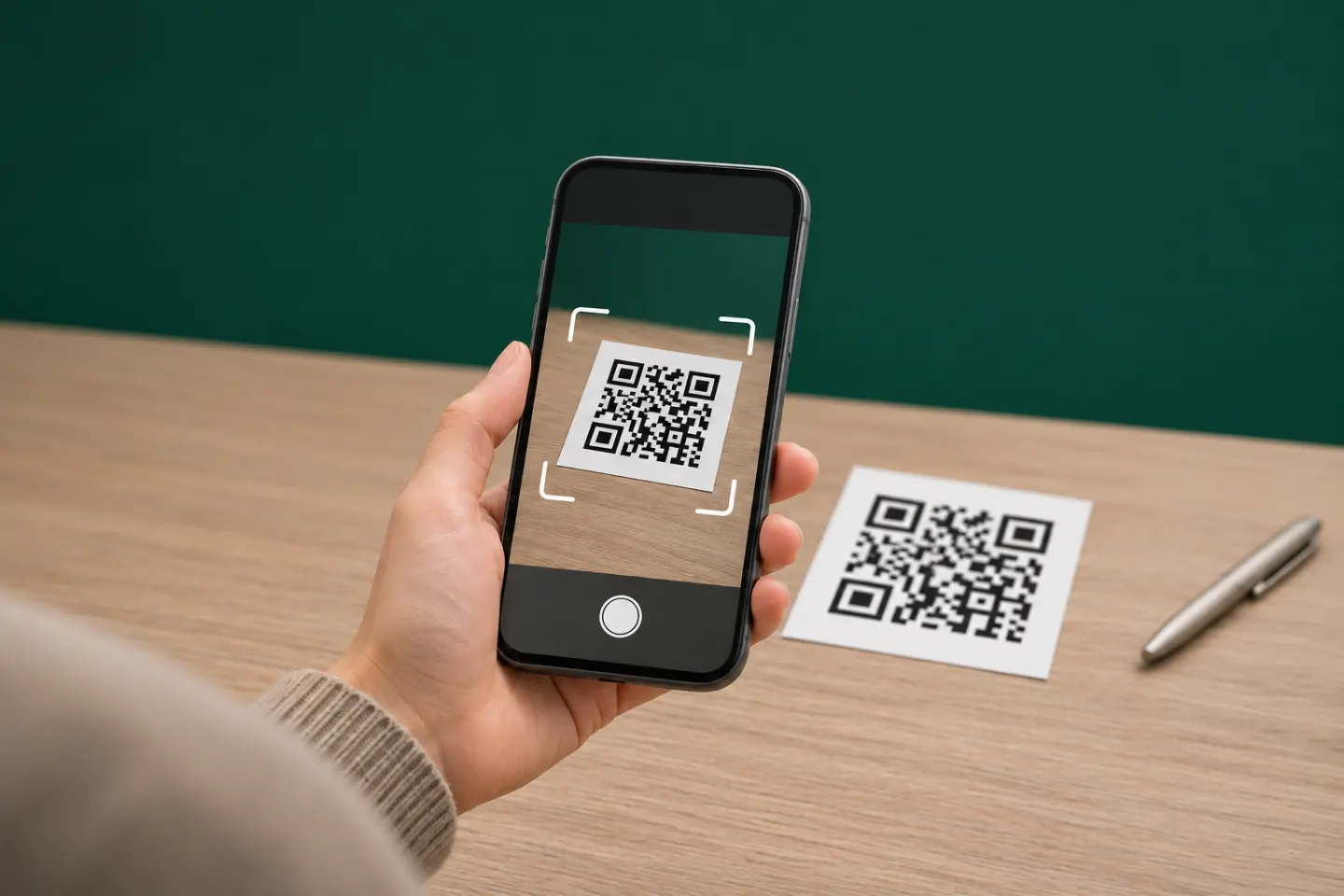
Scan a QR code on iPhone with Camera or Code Scanner in Control Center. See what to tap, what to try when nothing appears, and how to check a link first.
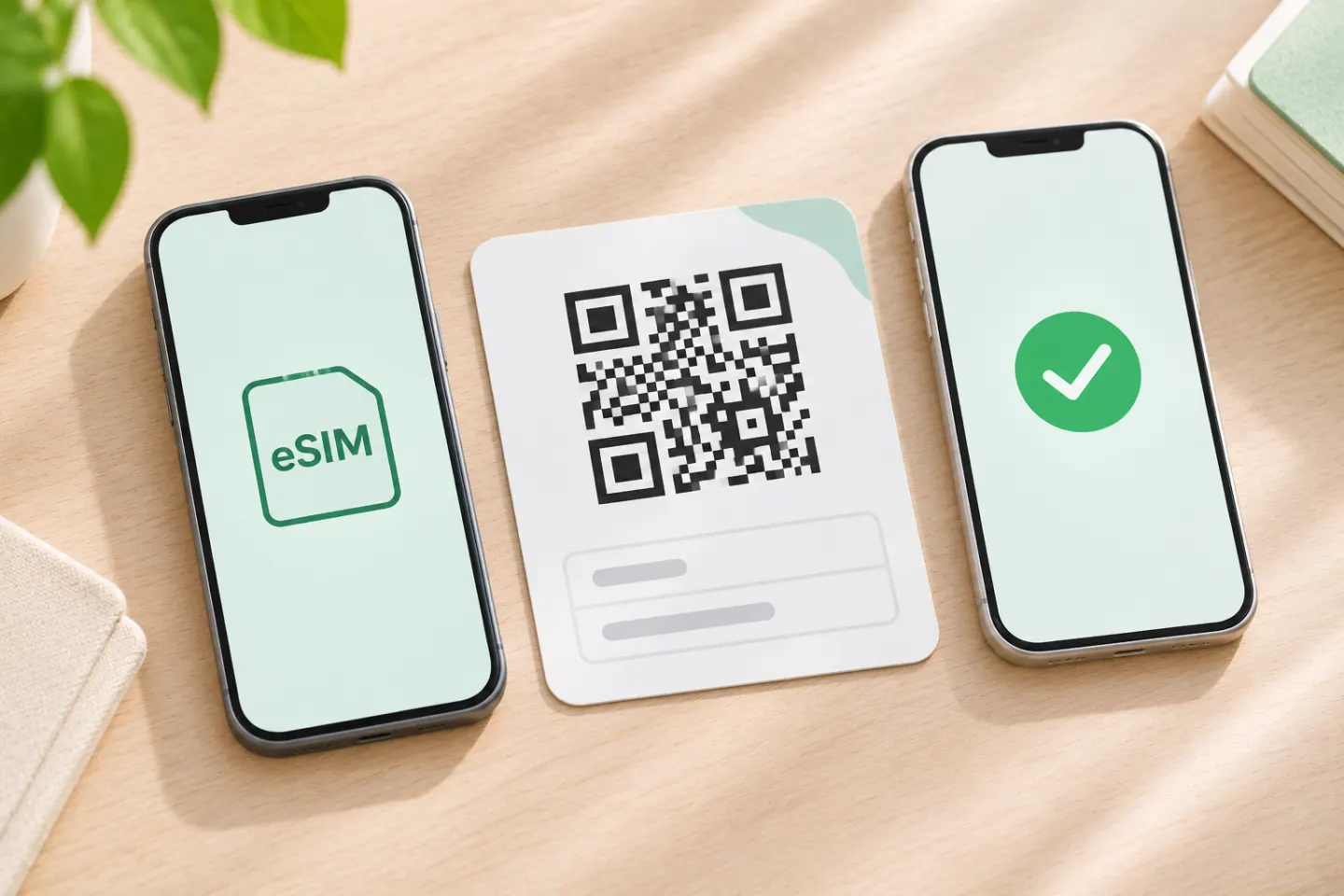
Scan a carrier-issued eSIM QR code on iPhone, Pixel, or Samsung Galaxy. Learn same-phone setup options and fixes for common activation problems.
Scan the WhatsApp Web QR code on Android or iPhone, fix linking problems, and use phone-number linking if your camera won't work.
Set up a restaurant QR code menu with a stable URL, a mobile-friendly page, clear print placement, accessible alternatives, and a practical launch checklist.
Create a QR code for a Bible verse, passage, or church reading. Choose a shareable link, check translation permissions, and test before printing.
Turn your Facebook Page link into a QR code, check the destination before printing, and learn when a Messenger link is the better choice.
Create an app download QR code for the App Store, Google Play, or both. Choose the right link, add a clear CTA, and test before printing.
Create a QR code for wedding pictures. Choose a shared album or private upload request, write clear guest instructions, and test before printing.
Create a Pinterest QR code from a profile or Pin link, learn how Pincodes differ, and check your destination before printing.
