
 FEATURED
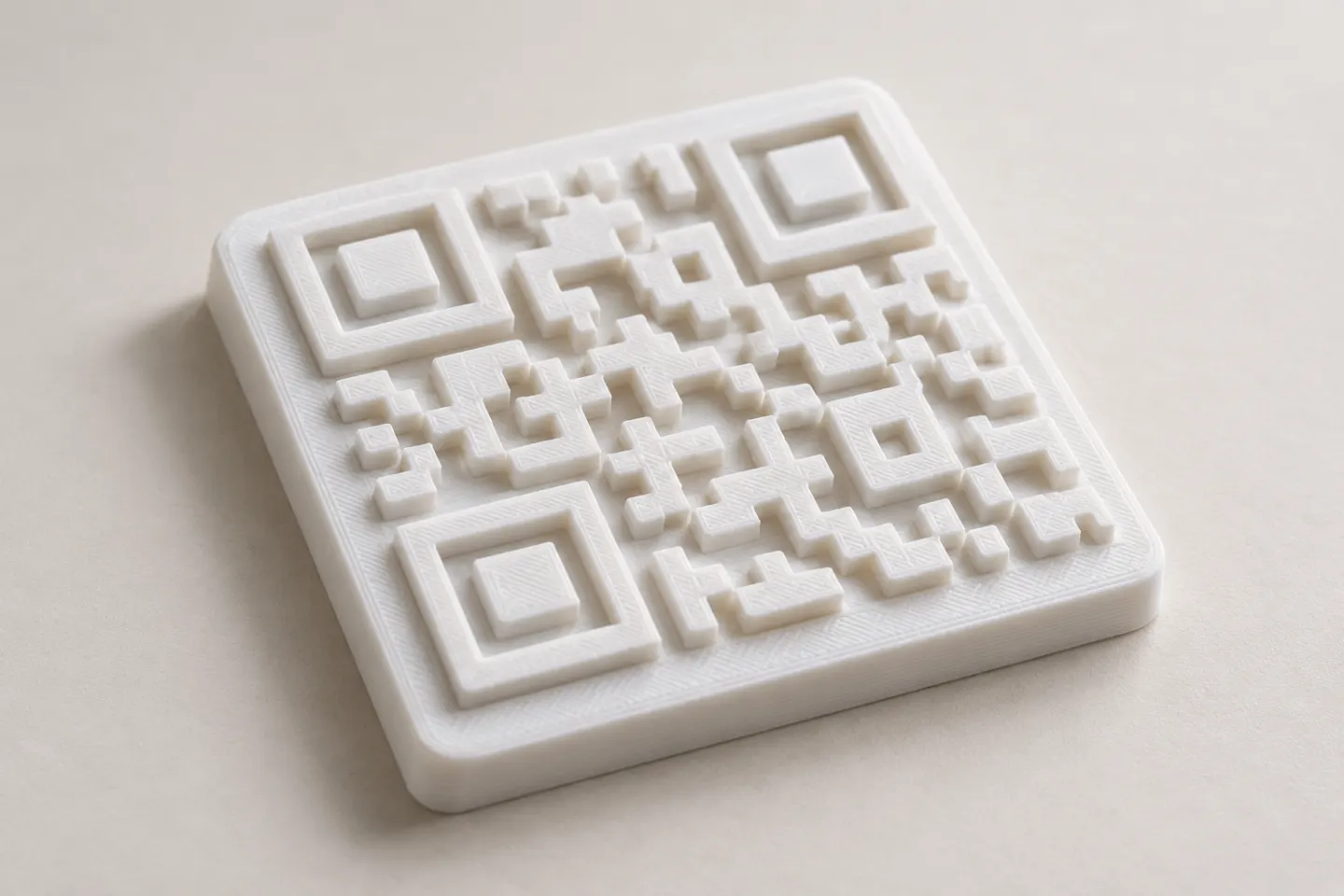
Can You 3D Print a QR Code? Design and Testing Basics
Yes, a QR code can be made as a 3D print, but scan reliability depends on readable modules, contrast, print detail, and testing the finished part.
Read article
Learn how to create, customize, and use QR codes with QRHyper.
FEATUREDYes, a QR code can be made as a 3D print, but scan reliability depends on readable modules, contrast, print detail, and testing the finished part.
Read article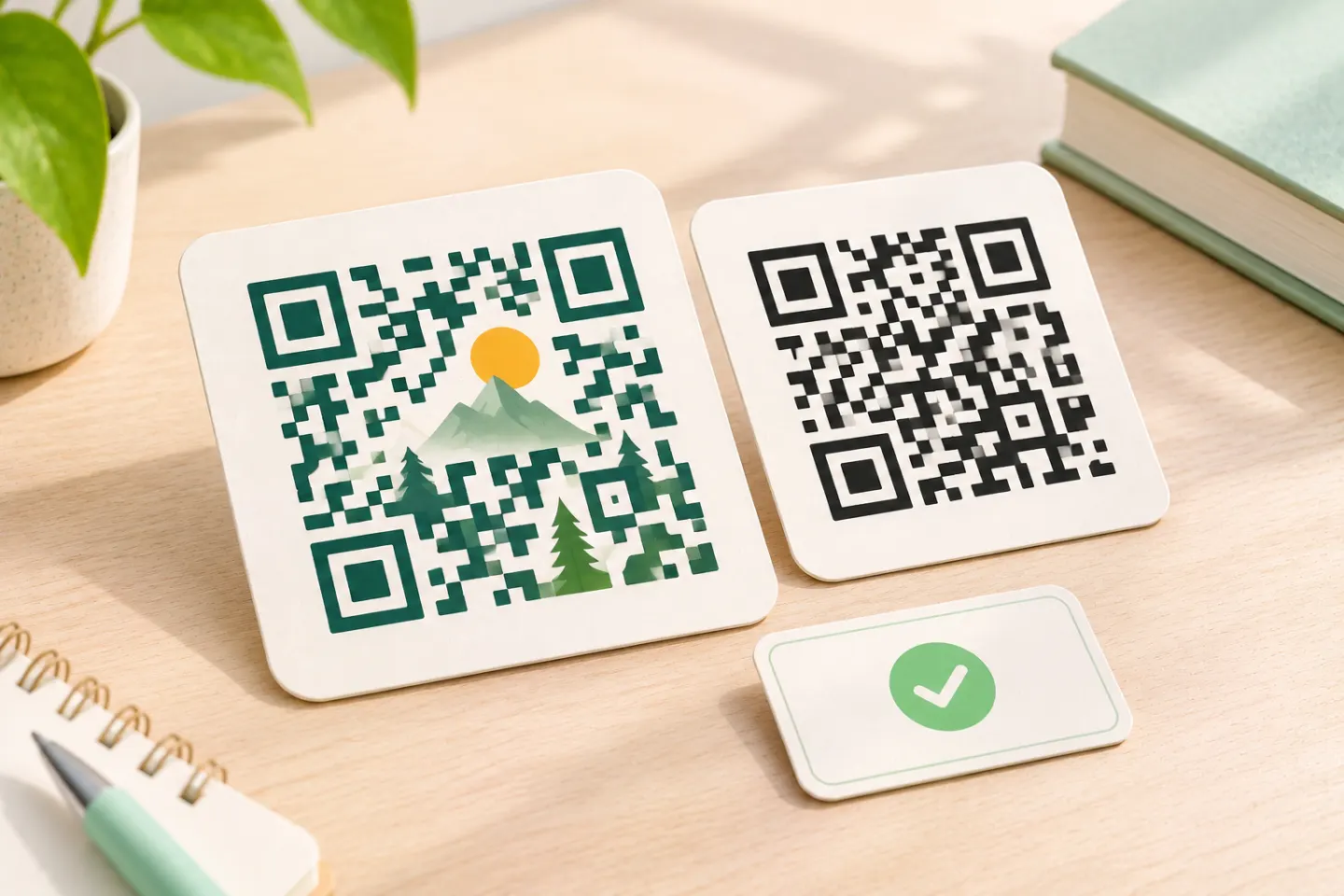 FEATURED
Learn why AI art QR codes can scan, what error correction cannot fix, and how to check the final design before printing or publishing.
Read article FEATURED
JIS/ISO-compliant QR Codes have no usage license fee. Check separate costs for generators, hosting, redirects, analytics, and printing.
Read articleShowing 12 of 99 articles
Create a TikTok QR code for your profile or a specific video. Find the profile QR menu, make a code from a link, and check it before printing.
Turn a video link into a QR code with these steps. Check sharing permissions, create the code, and test playback before printing.
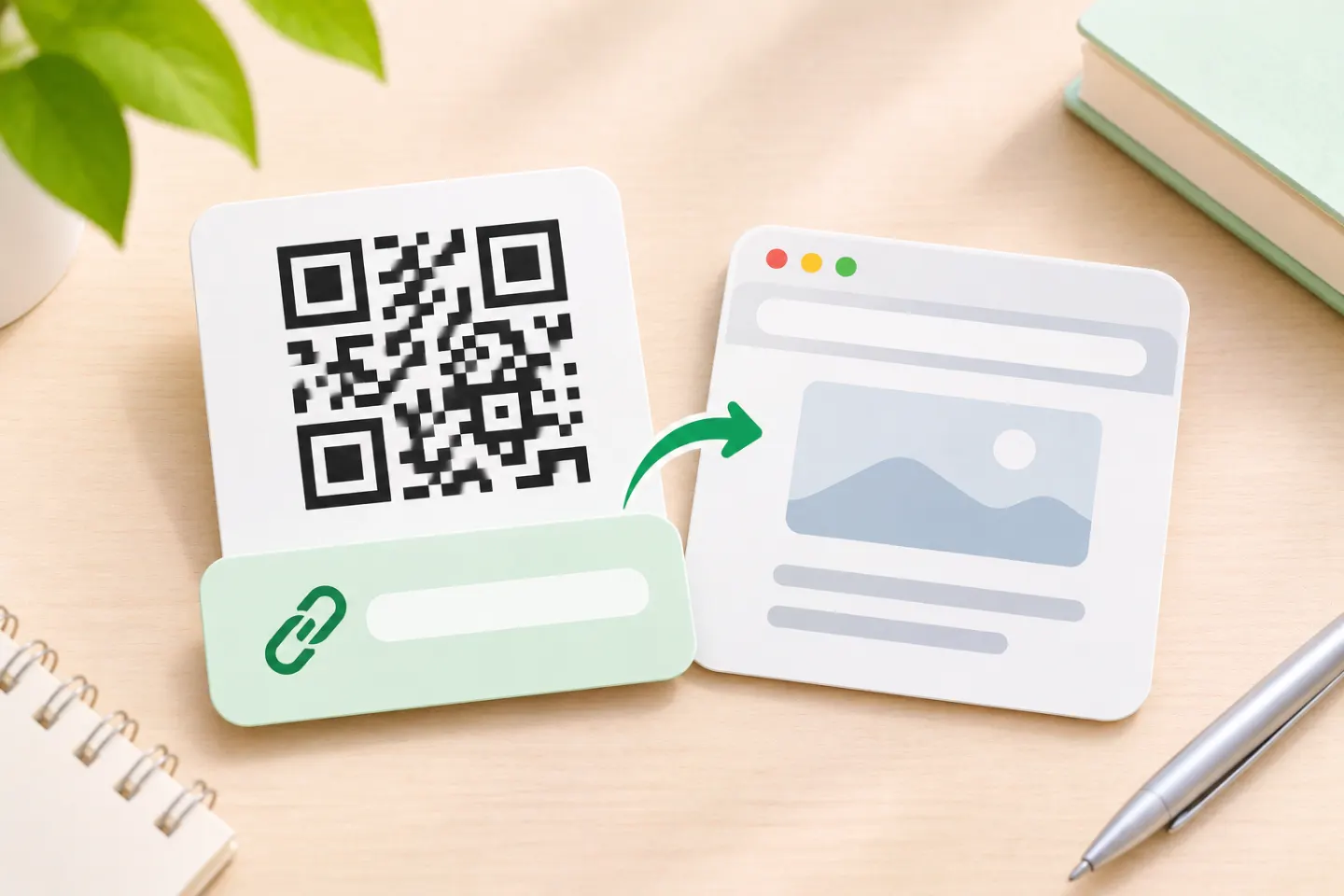
Create a QR code for a website in Chrome, choose a reliable URL, and check your code before printing or sharing it.
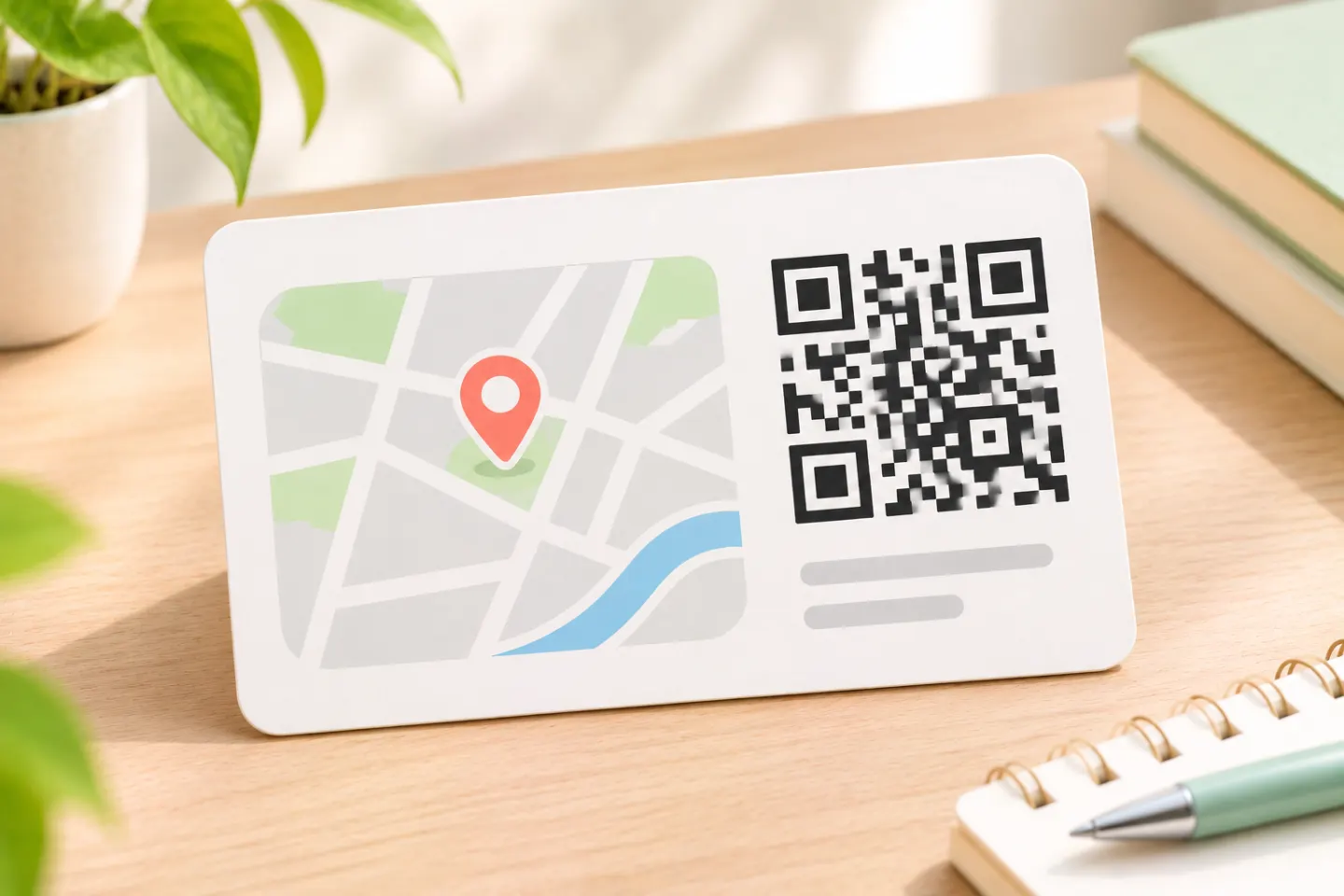
Create a Google Maps QR code for an address or directions. Copy the right link, generate the code, and check the destination before printing.
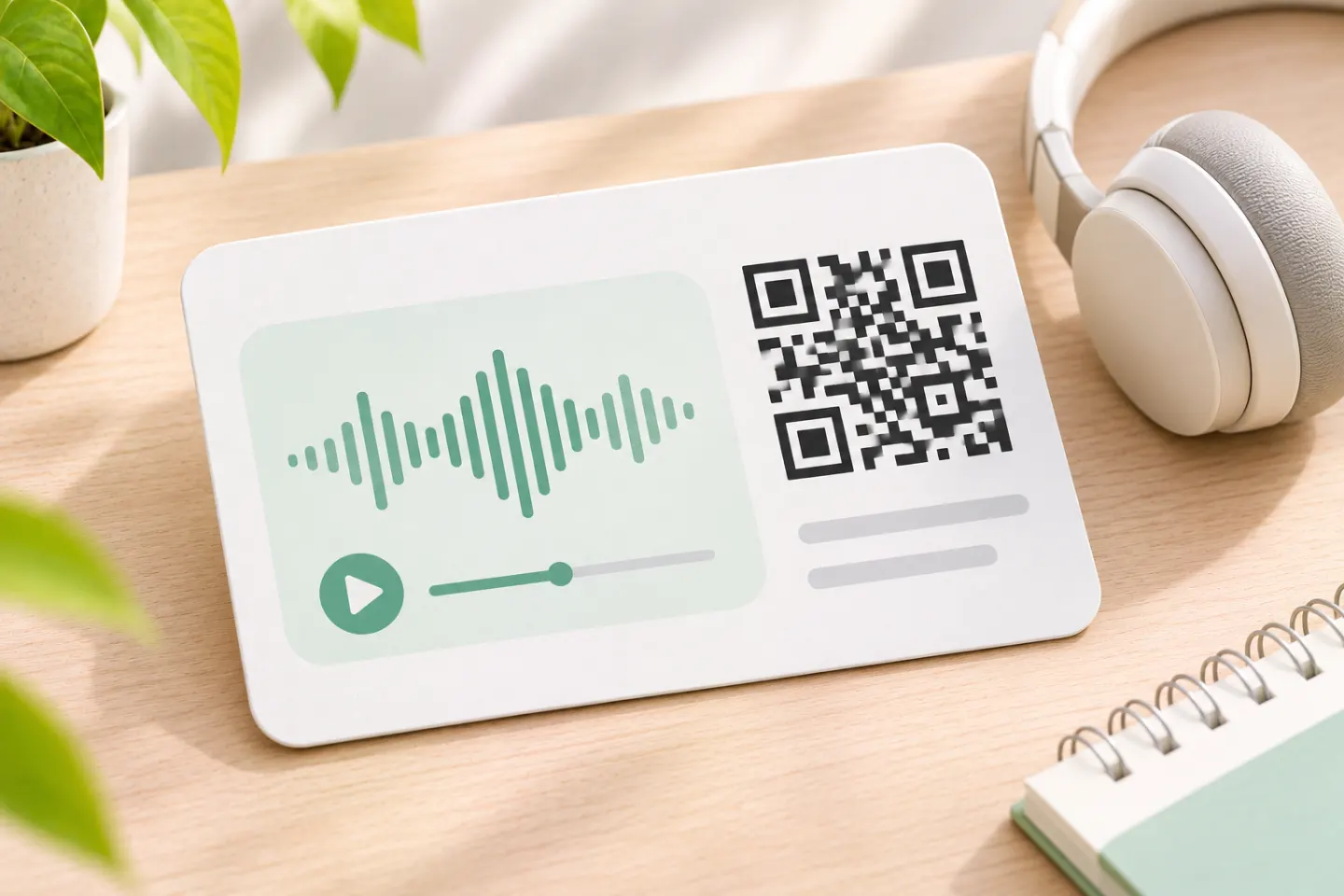
Create an audio QR code for a song, podcast, or recording. Choose a stable link, set sharing permissions, and test playback before printing.
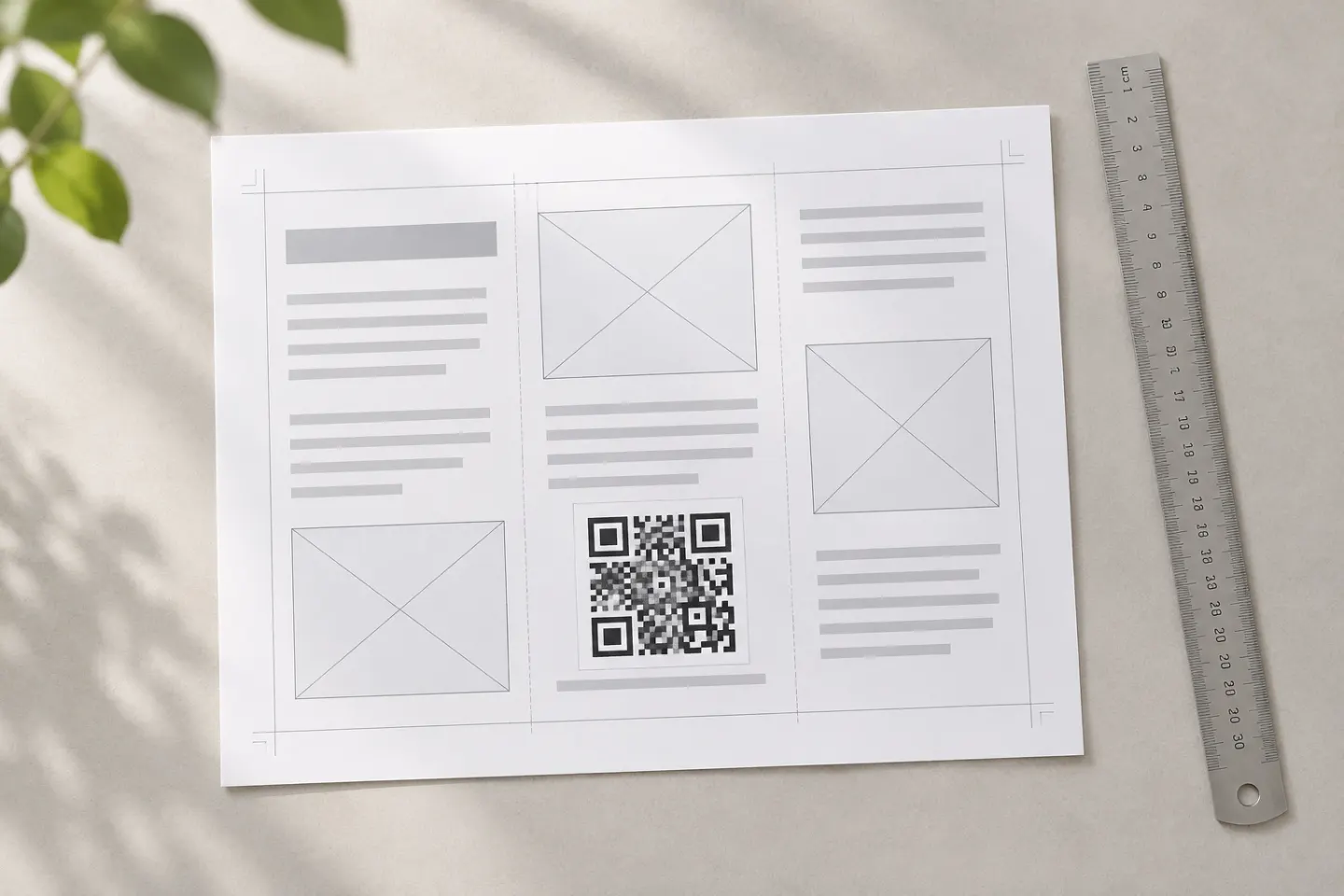
Create QR codes in Adobe Express or InDesign with documented steps, supported content types, editing limits, and practical print checks.
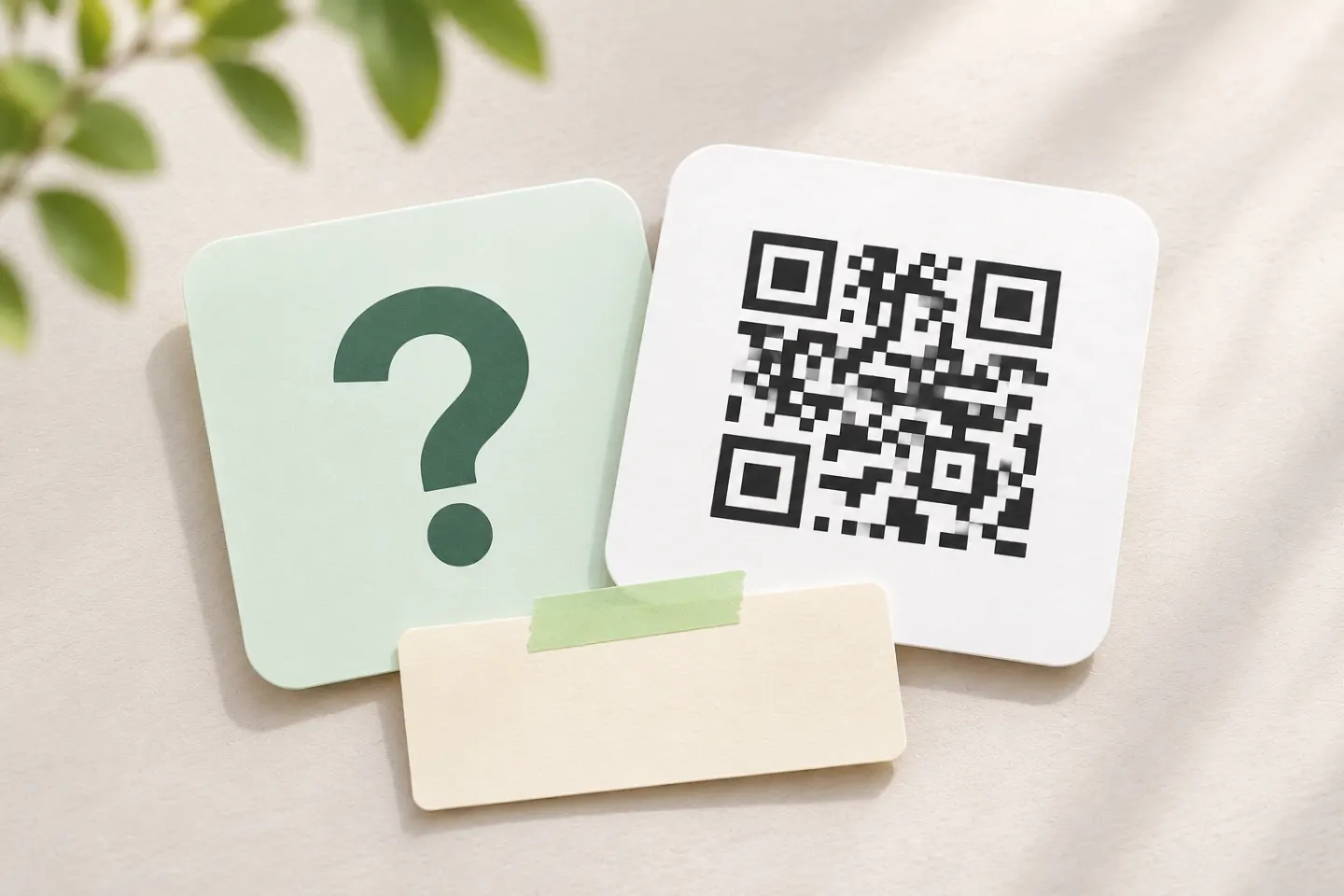
Make a Rickroll QR code for the official video, check its destination, and test your design before sharing a low-stakes prank.
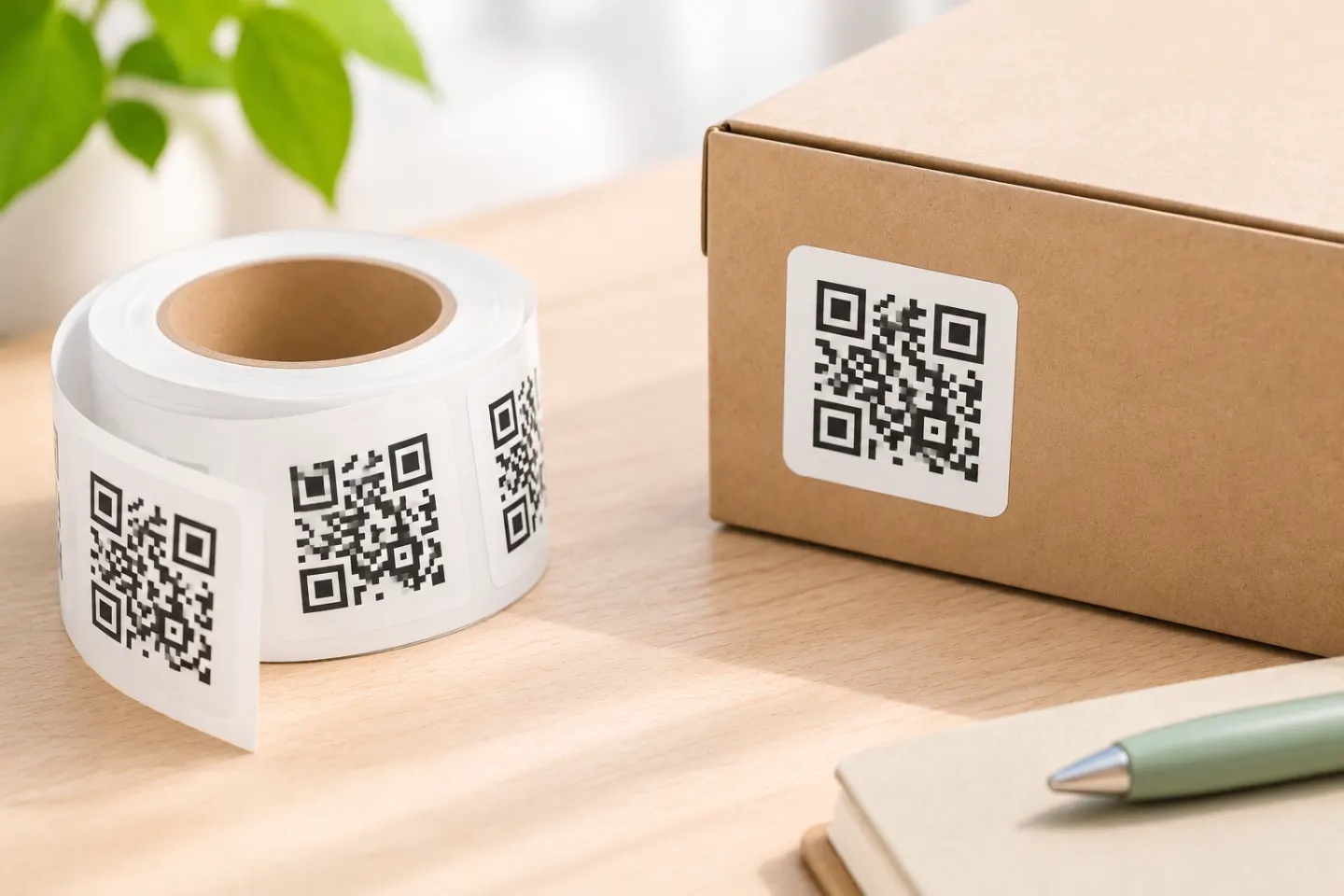
Choose the destination, label size, stock, and print method; then test alignment on paper and scan a sample on the surface before printing a small batch.
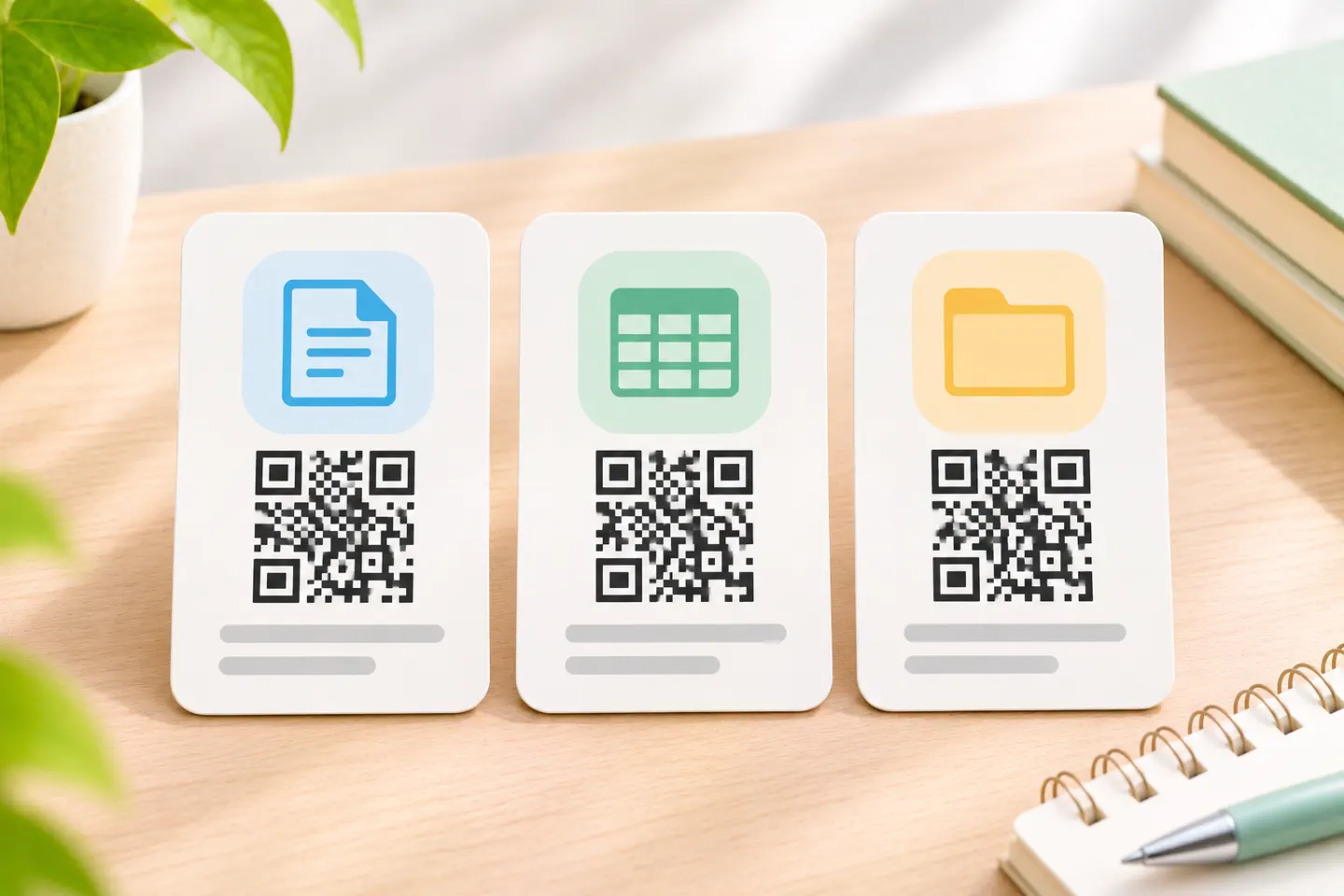
Create a QR code for a Google Doc, Sheet, or Drive file. Set sharing permissions, copy the right link, and check access before printing.
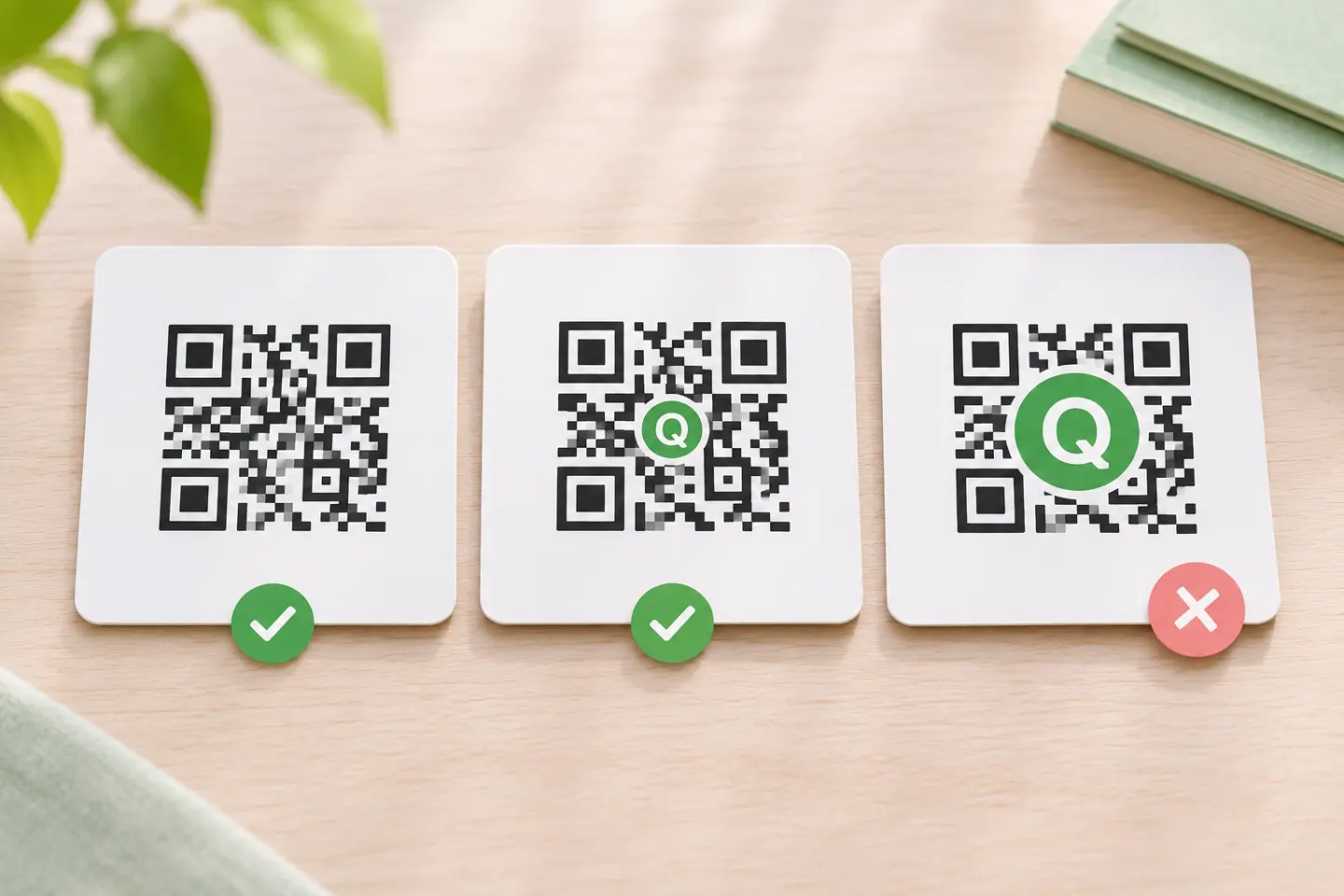
Add a logo to a QR code with fewer scanning risks. Learn about error correction, quiet zones, logo placement, and testing before you print.
Create QR codes in bulk from a CSV. Learn how to prepare data, choose direct or redirect URLs, export files, and validate the batch before printing.
Learn how to prepare a QR code for print, protect its quiet zone, choose a suitable file, and proof the final piece before a full print run.
