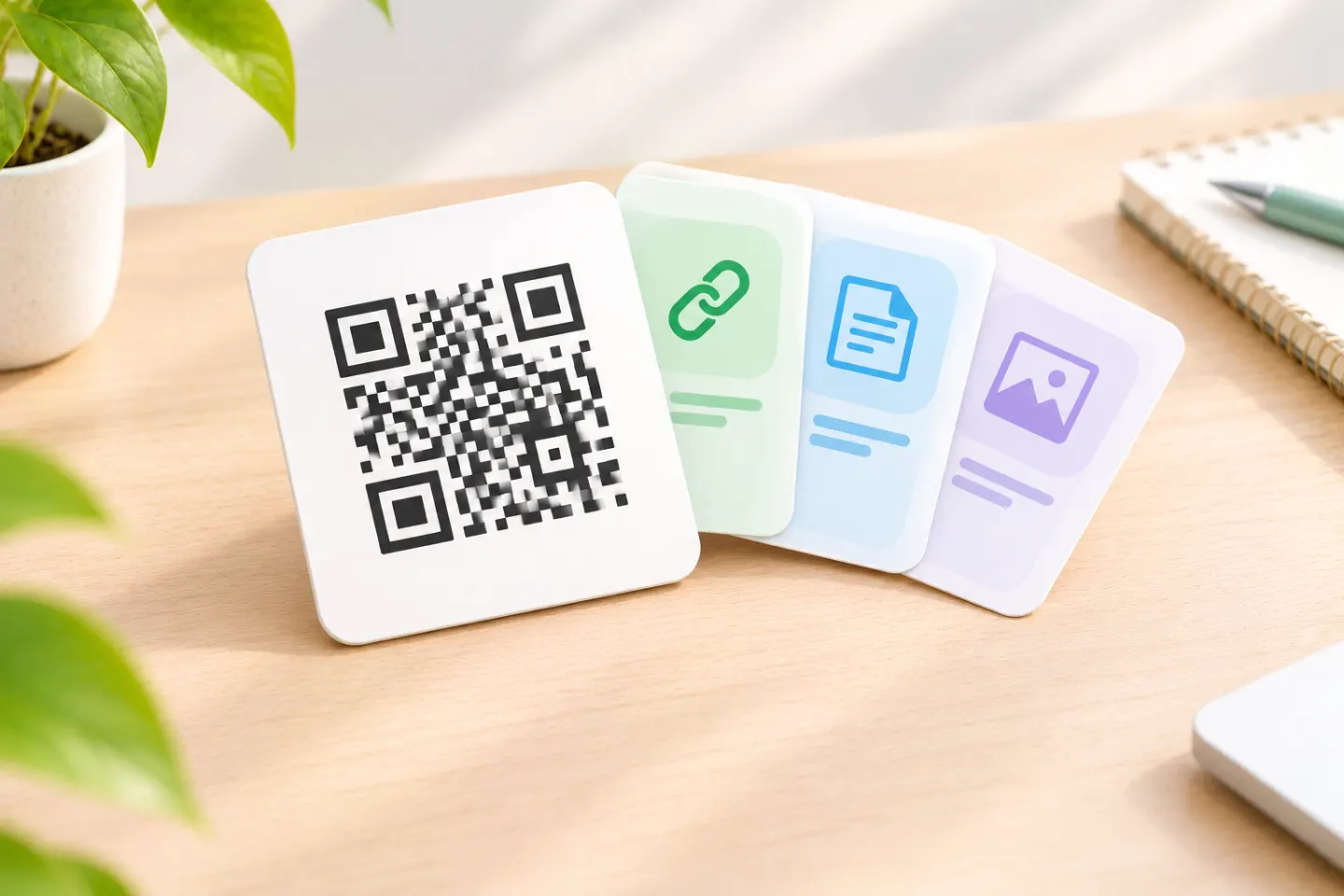
The important distinction: the page provides the choices, not the printed QR symbol.
Can one QR code contain multiple URLs?
QR codes can encode text and binary data; their contents are not restricted to a single URL. So a text payload can contain several URL strings, within the symbol’s capacity. That does not establish how a scanning application will present them or whether it will offer a usable link menu. This is a distinction between data storage and application behavior—not a standard prohibiting multiple URLs. [2]
For a public-facing setup, use this structure rather than relying on a scanner to interpret a list:
QR code → one web page → several labeled links
GS1’s landing-page guidance explicitly describes adding, updating, and deleting links without breaking the main redirect. [1]
How to create a QR code for multiple links
The following workflow is platform-neutral. It does not depend on a particular generator or page builder.
1. Decide what the scan should offer
Write down the destinations and the promise printed beside the code. For example, an event handout might say “Scan for event resources” and offer:
- View the schedule
- Find the venue
- Download presentation slides
- Send feedback
Put the most important action first. Include only links that serve the scan’s purpose; there is no universal requirement to use a particular number of buttons.
2. Publish a dedicated link page
Use an existing website page, a site builder, or a hosted link-page service. Choose an address you intend to maintain, and publish the page before generating the code.
For long-lived printed materials, prefer an address under your control when practical. GS1 similarly recommends an owned, controlled domain for GS1 Digital Link URIs; that recommendation is specific to its product-identification context, not a prerequisite for every QR code. [3]
Before choosing hosted services, check their current terms for page availability, account cancellation, custom domains, and export or migration options. Do not assume a service will preserve your address indefinitely.
3. Add clear, accessible links
Use labels such as “View the schedule” or “Download slides (PDF)” instead of repeating “Click here.” W3C’s link-purpose guidance says the destination’s purpose should be understandable from the link text or its programmatically determined context. [4]
Give buttons generous clickable areas and spacing. WCAG 2.2’s Level AA target-size criterion specifies at least 24 × 24 CSS pixels, subject to defined exceptions, including spacing and inline links. Increase the spacing if people could tap the wrong choice. [5]
4. Encode the published page URL
In your QR creation tool, choose its website or URL option, paste the published page address, and export the code. Exact controls and available file formats vary by tool.
Encode the page address—not the full list of destinations. DENSO WAVE explains that increasing encoded data can require more QR modules; a compact address avoids unnecessary payload. This does not replace scan testing. [6]
5. Test the complete visitor journey
Before distribution, run this checklist:
- Scan the exported code and confirm the address matches your intended page.
- Open the page while signed out of your editing account.
- Follow every link and check that downloads are accessible to the intended audience.
- Check the page on representative iPhone and Android devices.
- If your audience uses an app’s built-in browser, test that route too.
- Test a printed proof at the intended size, on the intended material, under realistic lighting and viewing conditions.
- Add a readable fallback address beside the code; for digital documents, provide a clickable link as well.
These are recommended checks, not device or print tests performed for this article.
Do you need a dynamic QR code?
Not just to edit the links on the page. If the QR code directly encodes your link page’s URL, you can change that page’s content while keeping the address unchanged. The editable part is the website, not the printed symbol. [1]
A redirect adds a separate layer:
QR code → stable redirect address → link page
That arrangement lets you change the destination behind the redirect while leaving the encoded address intact. GS1 explains this separation in its redirection guidance and notes that a printed QR code is itself static. [7]
Whichever setup you choose, plan to maintain the encoded address and any redirect service it relies on. Record who owns the account and who will review broken or outdated links.
Is a resolver the same as a link page?
A link page presents choices to a person. A GS1-conformant resolver can also expose machine-readable links and respond to requests for particular information types. Its default destination and linkset behavior are defined in the resolver standard. A resolver does not necessarily display a menu after an ordinary camera scan. [8]
For a simple event, restaurant, or portfolio page, start with a normal webpage. Consider a specialized resolver only when your product-data or application requirements call for it.
When should you skip the link hub?
Use a direct destination when the code promises one specific action. For example, if the caption says “Download the installation guide,” do not make visitors search a general company menu first. GS1’s product guidance likewise warns against redirects that require users to hunt for the expected information. [3]
For a multi-choice hub, make the caption match: “Scan for menus, ordering, and reservations” sets a clearer expectation than “Scan to order.”
References
[1] GS1, Connecting barcodes to related information — https://ref.gs1.org/docs/2024/connecting-barcodes-to-related-information
[2] DENSO WAVE, QR Code Standardization — https://www.qrcode.com/en/about/standards.html
[3] GS1, Best practices for creating your QR Code powered by GS1 — https://ref.gs1.org/docs/2023/QR-Code_powered-by-GS1-best-practices
[4] W3C WAI, Understanding SC 2.4.4: Link Purpose (In Context) — https://www.w3.org/WAI/WCAG22/Understanding/link-purpose-in-context.html
[5] W3C WAI, Understanding SC 2.5.8: Target Size (Minimum) — https://www.w3.org/WAI/WCAG22/Understanding/target-size-minimum
[6] DENSO WAVE, Information capacity and versions of the QR Code — https://www.qrcode.com/en/about/version.html
[7] GS1, Redirection: from scan to content — https://ref.gs1.org/docs/2024/redirection-from-scan-to-content
[8] GS1, GS1-Conformant Resolver Standard — https://ref.gs1.org/standards/resolver/