
 FEATURED
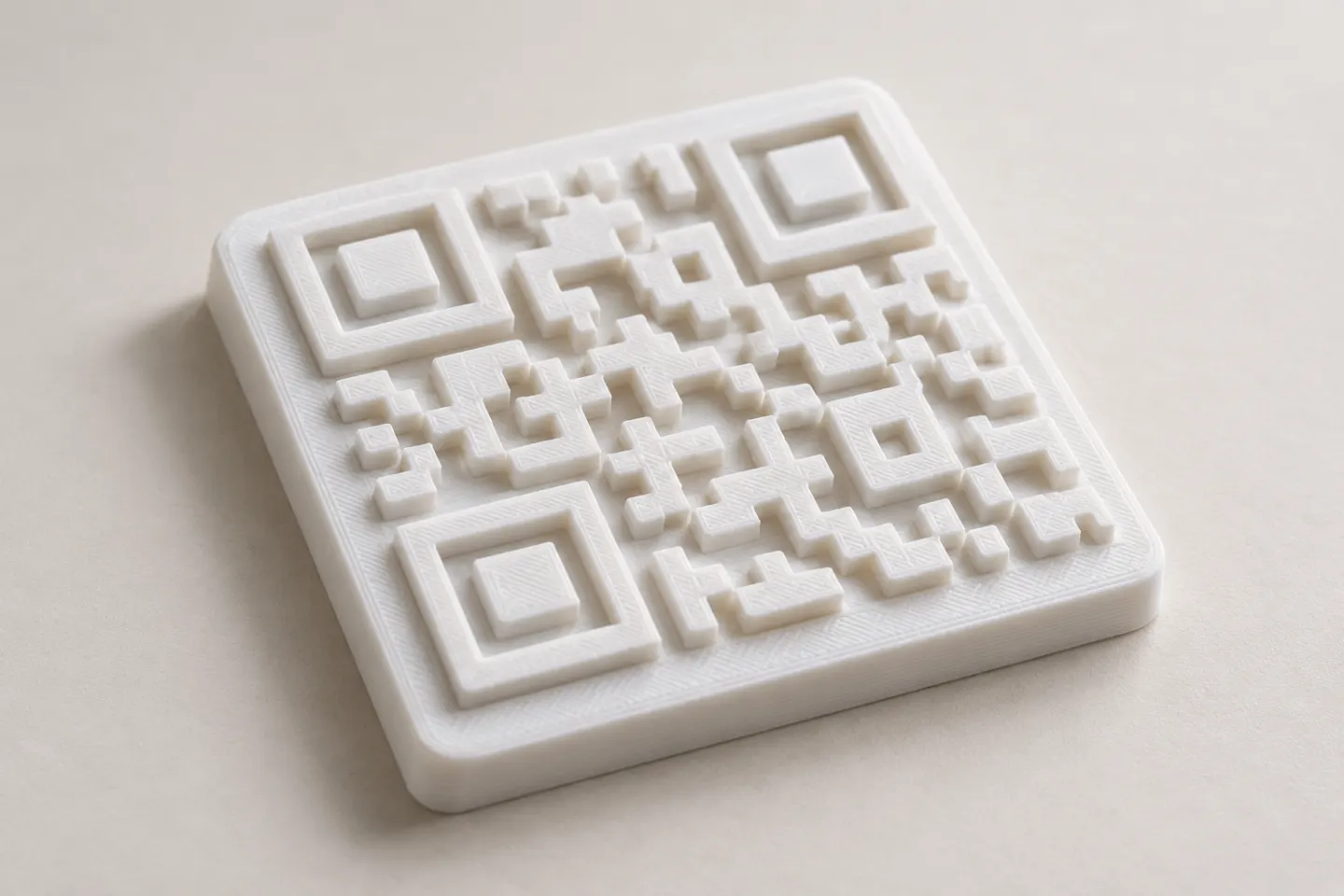
Can You 3D Print a QR Code? Design and Testing Basics
Yes, a QR code can be made as a 3D print, but scan reliability depends on readable modules, contrast, print detail, and testing the finished part.
Read article
Learn how to create, customize, and use QR codes with QRHyper.
FEATUREDYes, a QR code can be made as a 3D print, but scan reliability depends on readable modules, contrast, print detail, and testing the finished part.
Read article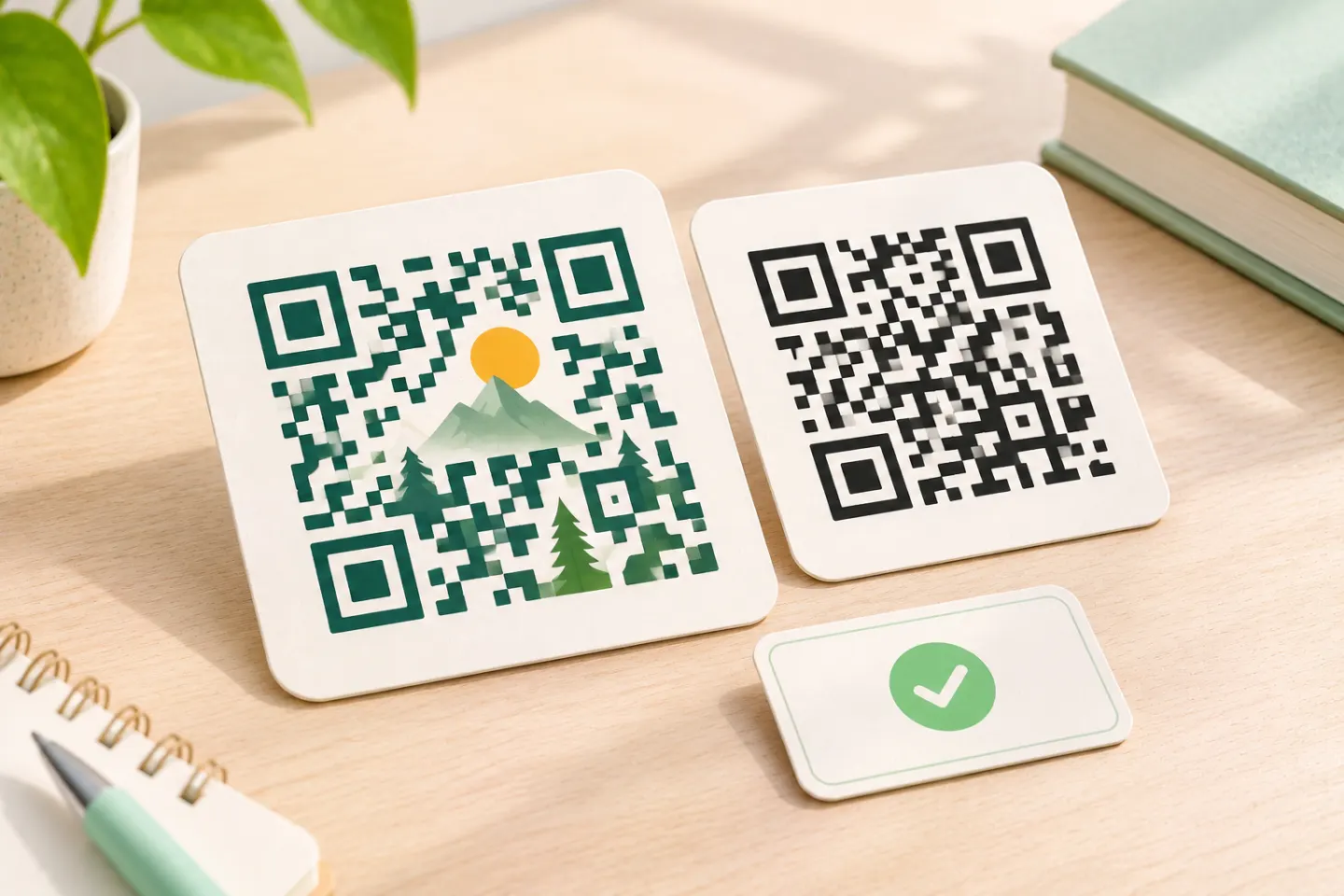 FEATURED
Learn why AI art QR codes can scan, what error correction cannot fix, and how to check the final design before printing or publishing.
Read article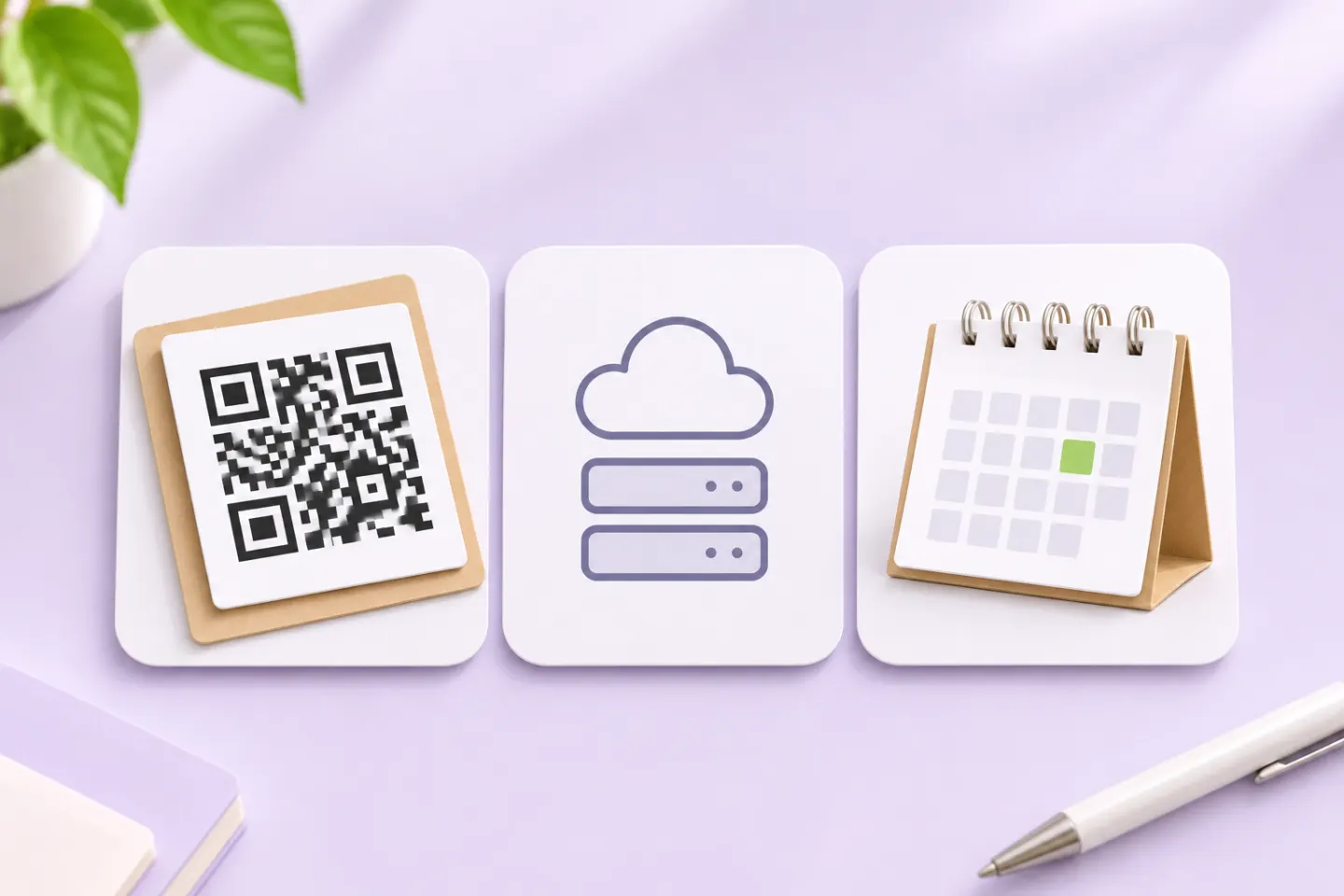 FEATURED
JIS/ISO-compliant QR Codes have no usage license fee. Check separate costs for generators, hosting, redirects, analytics, and printing.
Read articleShowing 10 of 10 articles
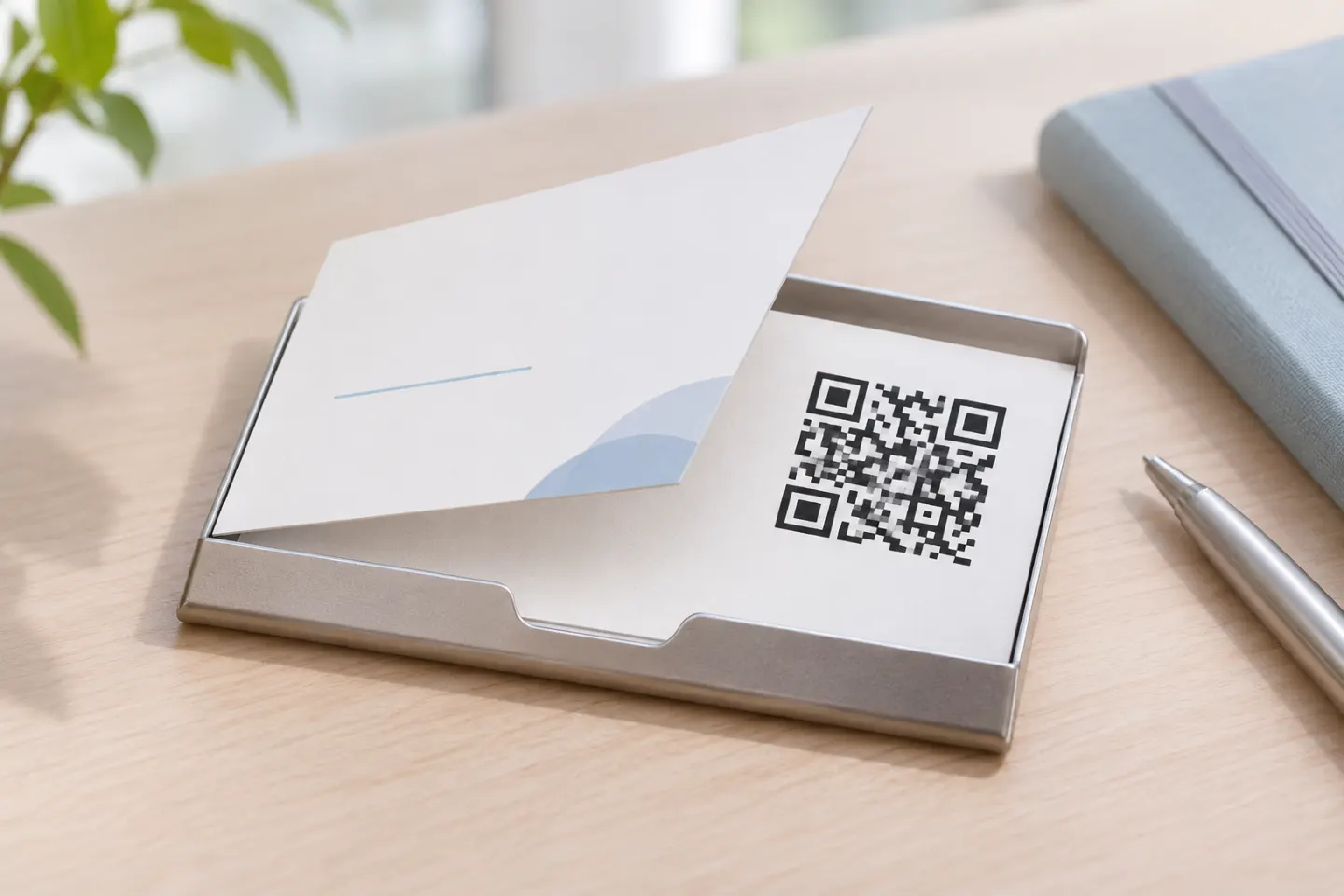
Add a QR code to your business card with practical steps for contact links, print layout, quiet zones, and testing before you order.
Create a Google review QR code for the right Business Profile, save it for a sign or receipt, and check what customers see before you print.
Set up a restaurant QR code menu with a stable URL, a mobile-friendly page, clear print placement, accessible alternatives, and a practical launch checklist.
Create an app download QR code for the App Store, Google Play, or both. Choose the right link, add a clear CTA, and test before printing.
Protect your business payment QR codes with tamper checks, verified checkout details, account security, staff procedures, and a fraud response plan.
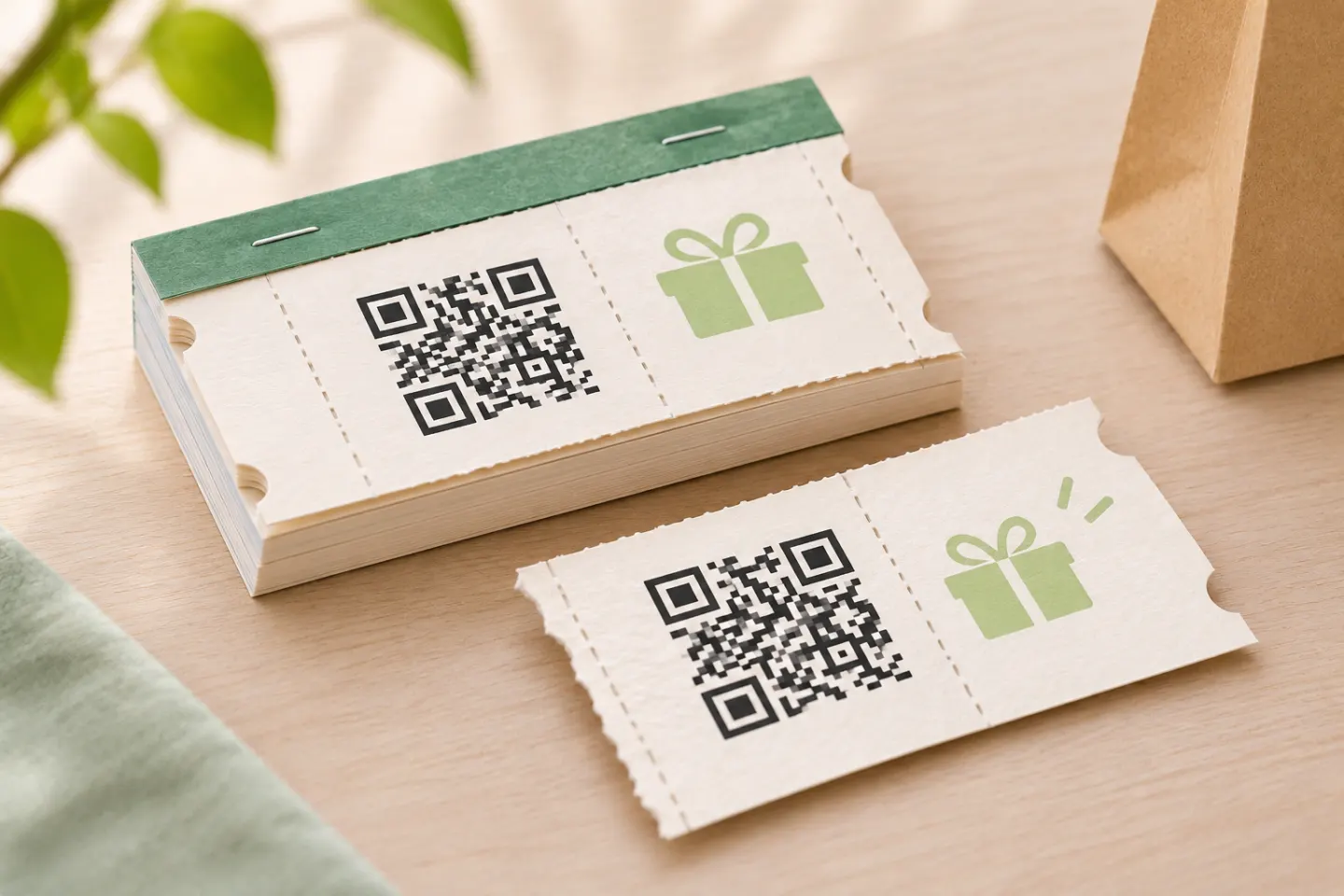
Create QR code coupons with clear terms, compatible checkout or POS redemption, usage limits, and a practical launch checklist.
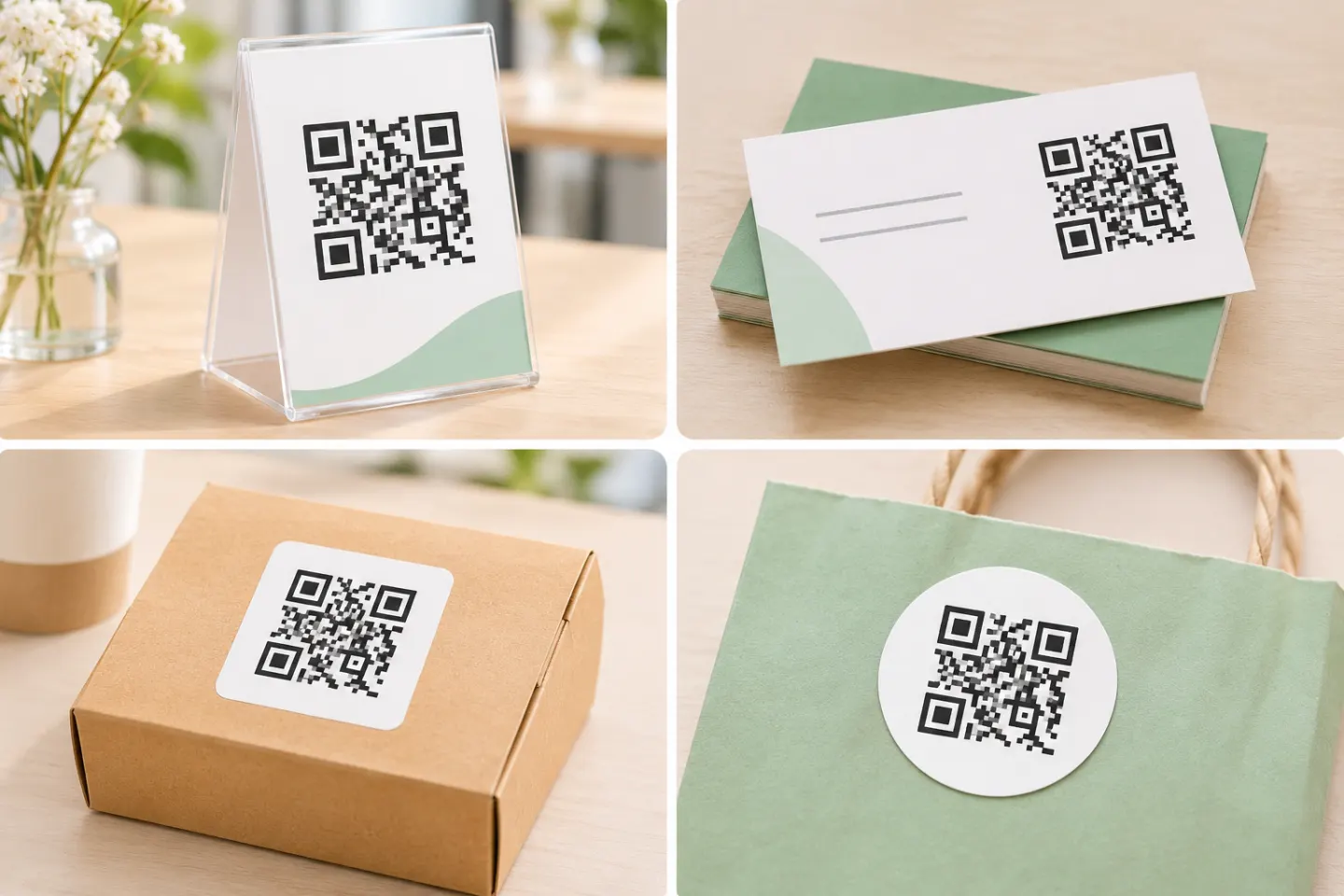
Explore practical QR code marketing ideas for reviews, reorders, bookings, and loyalty, with placement tips, measurement steps, and review-policy safeguards.
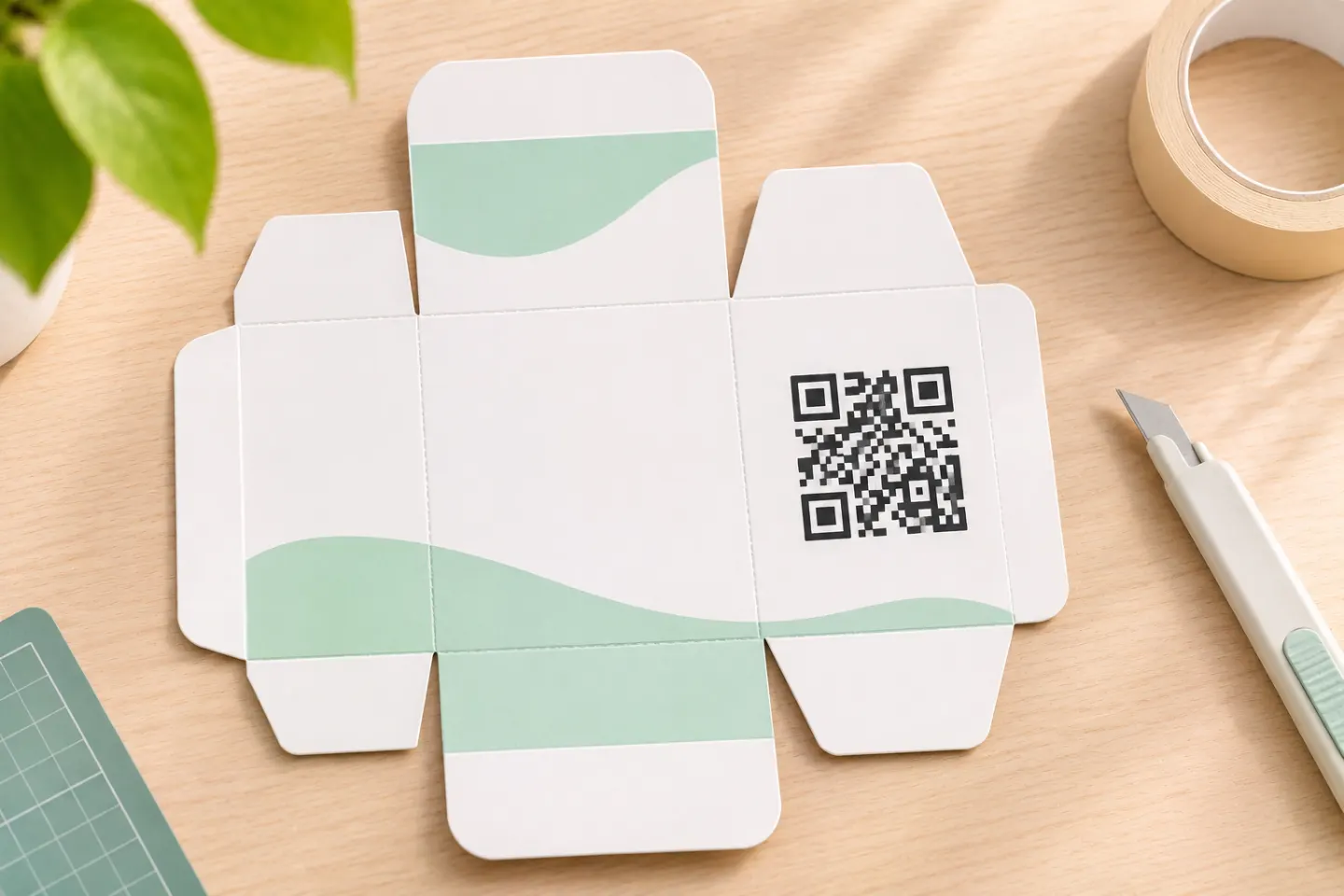
Choose useful packaging QR code destinations, understand GS1 Digital Link, and plan placement, printing, and prelaunch checks.
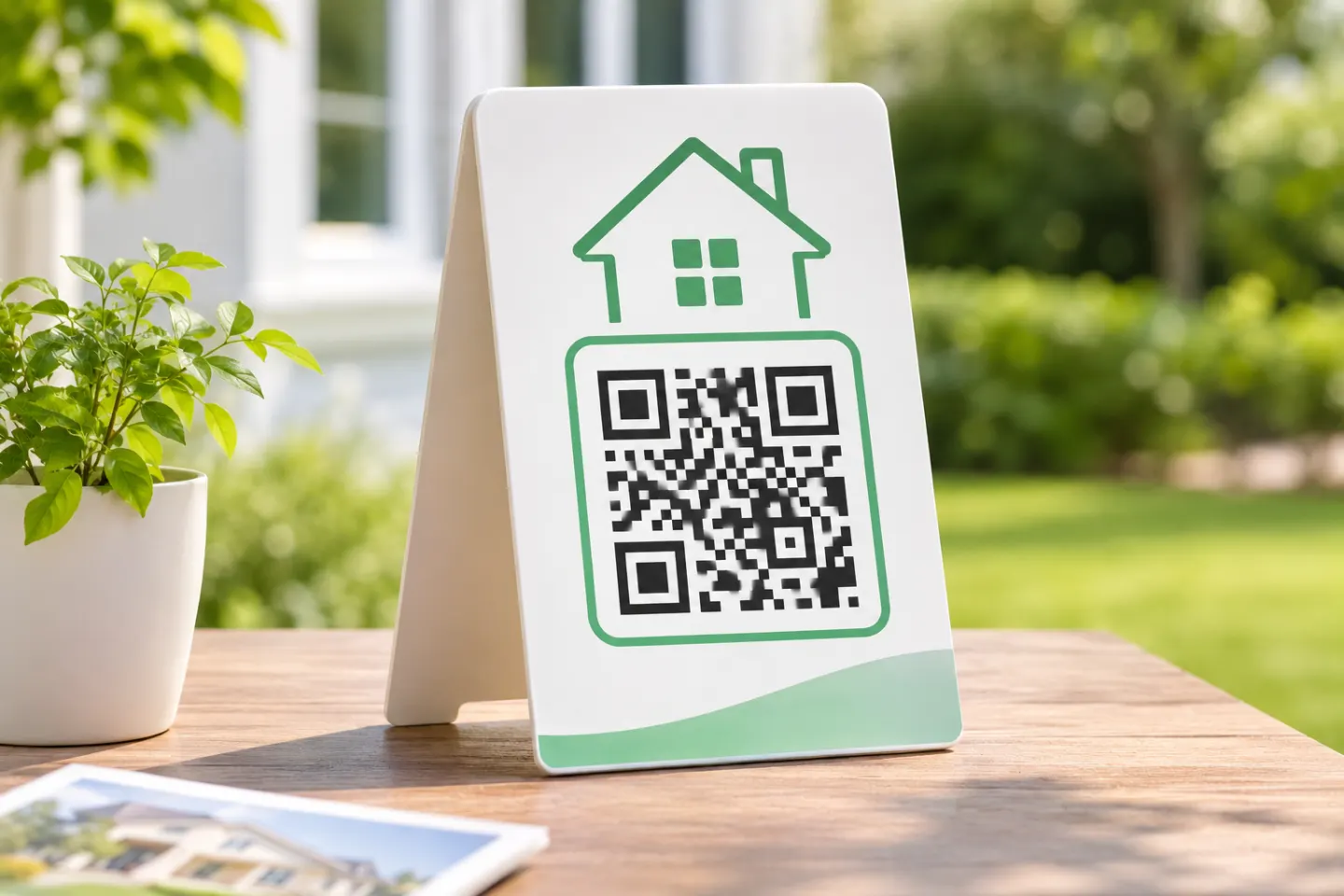
Use QR codes on real estate signs, listing flyers, and open-house forms. Plan clear destinations, readable print layouts, and a non-scan backup.
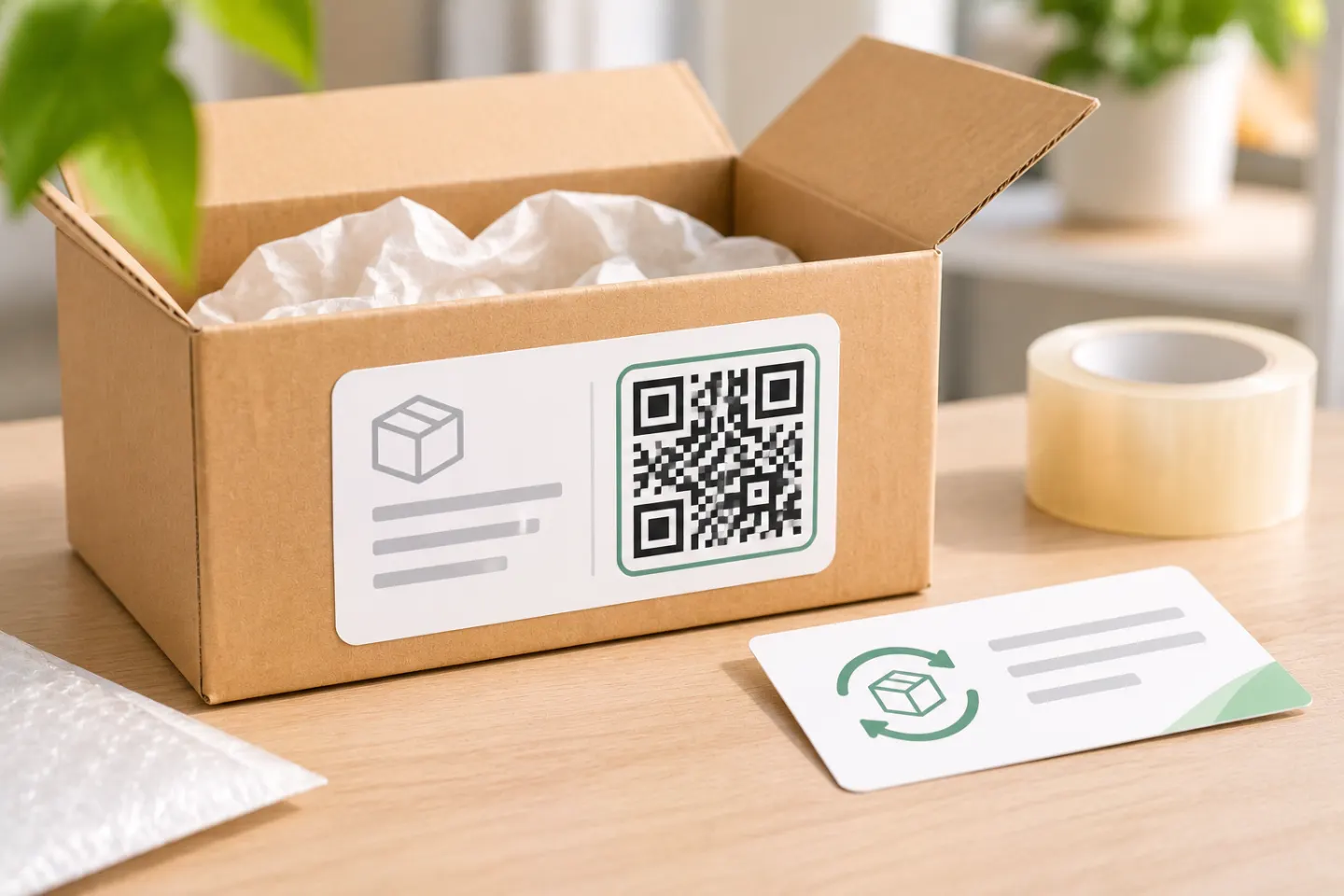
Use a USPS QR code to print a shipping or return label. Find a participating Post Office, use the Label Broker ID if scanning fails, and drop off your package.
