The underlying risk is real: the FBI warns that criminals replace physical and digital QR codes to steal financial information or redirect payments. In its January 18, 2022 advisory, the FBI recommends entering a known address yourself before making a web payment. Keep a payment option customers can use without scanning. [1]
First, identify which payment flow you use
This guide focuses on merchant-presented payments: your business displays a code and the customer scans it. In a consumer-presented flow, the customer displays a code for the merchant to scan. EMVCo distinguishes these two models. [2]
Do not assume every payment QR code opens a website. An ordinary URL code can direct customers to web checkout; an EMV merchant-presented code contains structured payment information and generally requires a compatible payment app. A phone’s standard camera is generally not sufficient for that EMV flow. [2]
Before deployment, document the expected route: which scanner or app customers need, the approved checkout domain or recipient, and how staff will confirm payment. The checklist below is a recommended operating procedure, not a QR-specific regulatory requirement.
Set up a controlled payment path
1. Start with your payment provider—not just a QR image
Ask your provider to confirm the supported merchant payment flow, the business account receiving funds, and the transaction status staff should use to release an order. Use its documented setup rather than improvising a payment destination.
For card payments, outsourcing checkout does not eliminate your PCI DSS responsibilities. PCI SSC says merchants must verify the provider’s compliance for the services used, understand shared responsibilities, maintain appropriate agreements, and monitor compliance status at least annually. Confirm your own validation obligations with your acquirer or other compliance-accepting entity. A hosted page or QR image is not, by itself, proof of compliance. [3]
2. Keep an approved record of every deployed code
Create a simple register containing:
- The code’s location, such as counter, table, invoice template, or website.
- The approved destination or payment payload, stored securely.
- The expected recipient name and checkout domain, where applicable.
- The staff member authorized to approve changes.
- The last verification date and the current source file.
Limit who can replace artwork or change destination settings. After an authorized change, review affected signs and templates before using them again. These controls address the FBI’s documented risk of both digital and physical code substitution. [1]
3. Protect the accounts behind checkout
Use unique passwords and multi-factor authentication for payment administration and business email, and for website or destination-management accounts where supported. Remove access when employees no longer need it.
The FTC recommends strong, non-reused passwords, MFA, regular software updates, staff training, and an incident response plan. Apply those general security practices to the systems supporting your QR payment flow. [4]
Verify the customer experience before launch
Before posting a code, have an authorized employee follow the intended scan path and record the result. Repeat after destination, account, or checkout changes. This is a procedure for your business to perform; no device or payment tests are claimed here.
Check the following:
| Check | What to confirm |
|---|---|
| Website or app | It matches the provider’s documented payment route, including expected redirects. |
| Recipient | The displayed merchant name or account matches your approved record. |
| Amount and currency | They match the order; if customers enter the amount, explain who checks it. |
| Order reference | The payment can be matched to the correct order, table, or invoice. |
| Confirmation | Staff know where to check payment status in the merchant system. |
| Fallback | Customers can use another approved payment method or independently navigate to a known payment address. |
For browser checkout, require HTTPS—but do not use it as an authenticity test. The FTC explains that HTTPS encrypts the connection; scammers can encrypt fake websites too. [5]
Use provider branding only with permission. If implementing EMV QR payments, follow EMVCo’s licensing and reproduction rules: its QR Payment Mark signals acceptance, while the QR Scan Icon is for in-app scanning and must not be used as a point-of-sale acceptance mark. [2]
Build checks into everyday checkout
Inspect posted codes and their destinations
The FTC reports scams involving replacement codes placed over legitimate parking-payment codes. A familiar physical location alone is therefore not enough to establish trust. [6]
As an operating baseline, inspect signs at opening and after unattended periods. Look for overlays, replacement signs, unfamiliar nearby codes, or damage. Compare questionable copies with the approved record, then verify the destination through the documented flow. Assign an owner and record exceptions; adjust inspection frequency to the location’s exposure.
Confirm payment on the merchant side
Adopt a clear staff rule: do not mark an order paid based only on a customer’s screenshot or phone display. Check the matching transaction in your own approved merchant system, using the provider’s instructions for successful, pending, or failed payments.
Do not automatically ask a customer to pay again when confirmation is unclear. First investigate the original transaction through the provider’s support process.
Give customers specific instructions
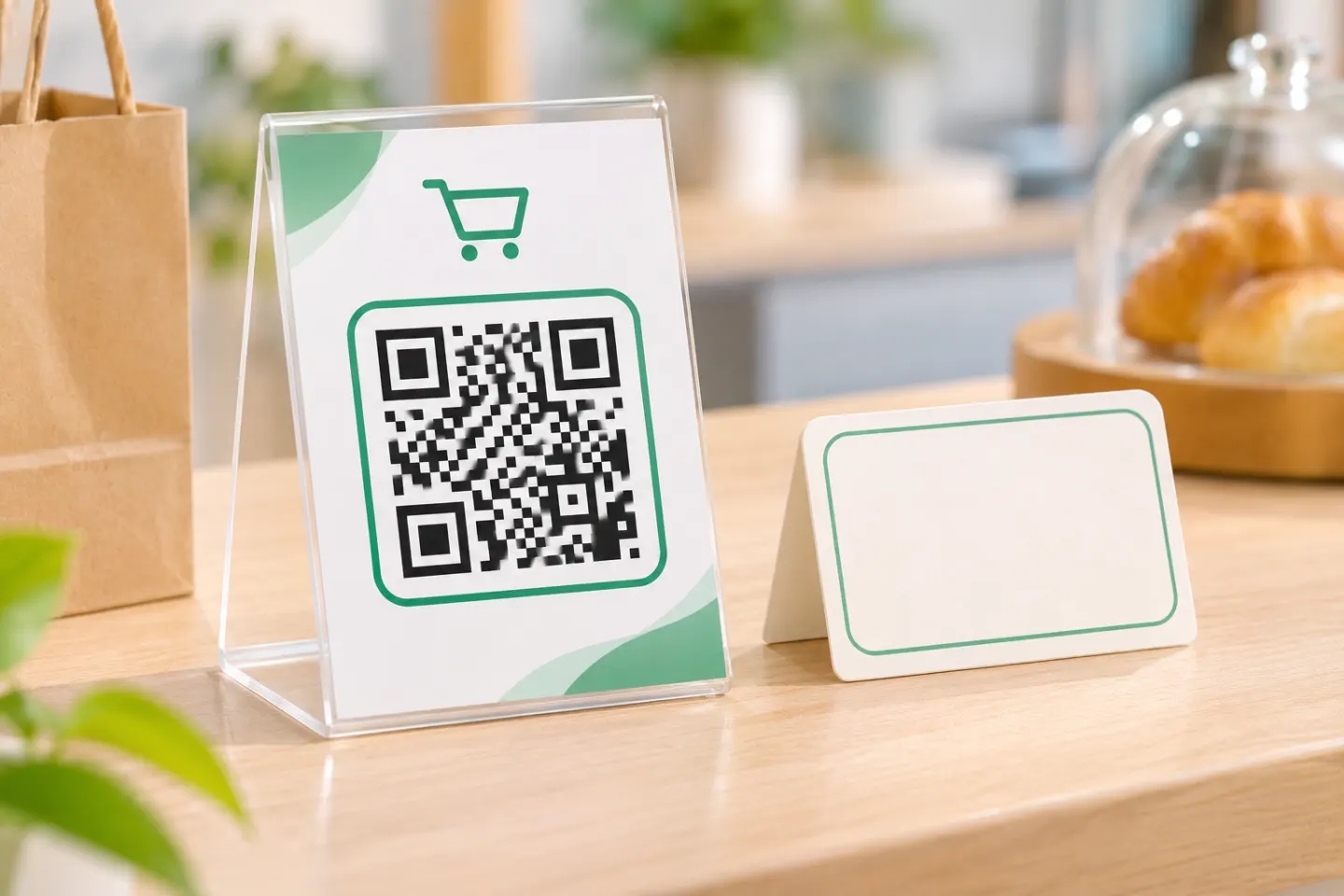
For a web-checkout code, adapt this sign only after filling in and verifying the details:
Scan to pay. Expected checkout domain: [approved domain]. Expected merchant name: [displayed name]. Check the details before paying. Unsure or prefer not to scan? Ask us for another payment option.
For an app-based flow, name the supported app instead of implying that a website must open. Tell customers not to follow unexpected “payment failed” messages without independent confirmation: both the FTC and FBI advise verifying suspicious messages through known contact information. [1][6]
What to do if a code looks wrong
Use this response checklist alongside your incident response plan:
- Stop using the suspect code. Cover or remove affected signs and pause affected digital materials. Switch to another approved payment method.
- Preserve evidence safely. Record the location, discovery time, photographs, suspect destination, and relevant transaction IDs. Do not enter credentials into the suspect page.
- Contact your provider through a known channel. Review destinations, account access, and potentially affected transactions before restoring checkout.
- Help affected customers act promptly. The FTC advises people who paid scammers to contact their bank, card issuer, or payment app immediately and ask about reversal or a refund. Recovery is not guaranteed. [7]
- Escalate and report. Follow your response plan, including customer notification where appropriate. The FBI encourages reports of QR-related fraud to IC3. [1][4]
When to pause QR payments
As a practical decision rule, do not deploy—or temporarily suspend—a payment QR code if no one can verify its destination, inspect exposed copies, confirm payments on the merchant side, or respond to suspected tampering.
The goal is a controlled payment process, not simply a scannable image. Keep an accountable owner, a verified payment route, routine checks, and a usable alternative for customers who prefer not to scan.
References
[1] FBI IC3. “Cybercriminals Tampering with QR Codes to Steal Victim Funds.” January 18, 2022 — https://www.ic3.gov/PSA/2022/PSA220118
[2] EMVCo. “EMV® QR Codes.” — https://www.emvco.com/emv-technologies/qr-codes/
[3] PCI Security Standards Council. “Does PCI DSS apply to merchants who outsource all payment processing operations and never store, process or transmit cardholder data?” — https://www.pcisecuritystandards.org/faqs/does-pci-dss-apply-to-merchants-who-outsource-all-payment-processing-operations-and-never-store-process-or-transmit-cardholder-data/
[4] Federal Trade Commission. “Cybersecurity for Small Business.” — https://www.ftc.gov/business-guidance/small-businesses/cybersecurity
[5] Federal Trade Commission. “Online Shopping.” — https://consumer.ftc.gov/articles/online-shopping
[6] Federal Trade Commission. “Scammers hide harmful links in QR codes to steal your information.” — https://consumer.ftc.gov/consumer-alerts/2023/12/scammers-hide-harmful-links-qr-codes-steal-your-information
[7] Federal Trade Commission. “What To Do if You Were Scammed.” — https://consumer.ftc.gov/articles/what-do-if-you-were-scammed