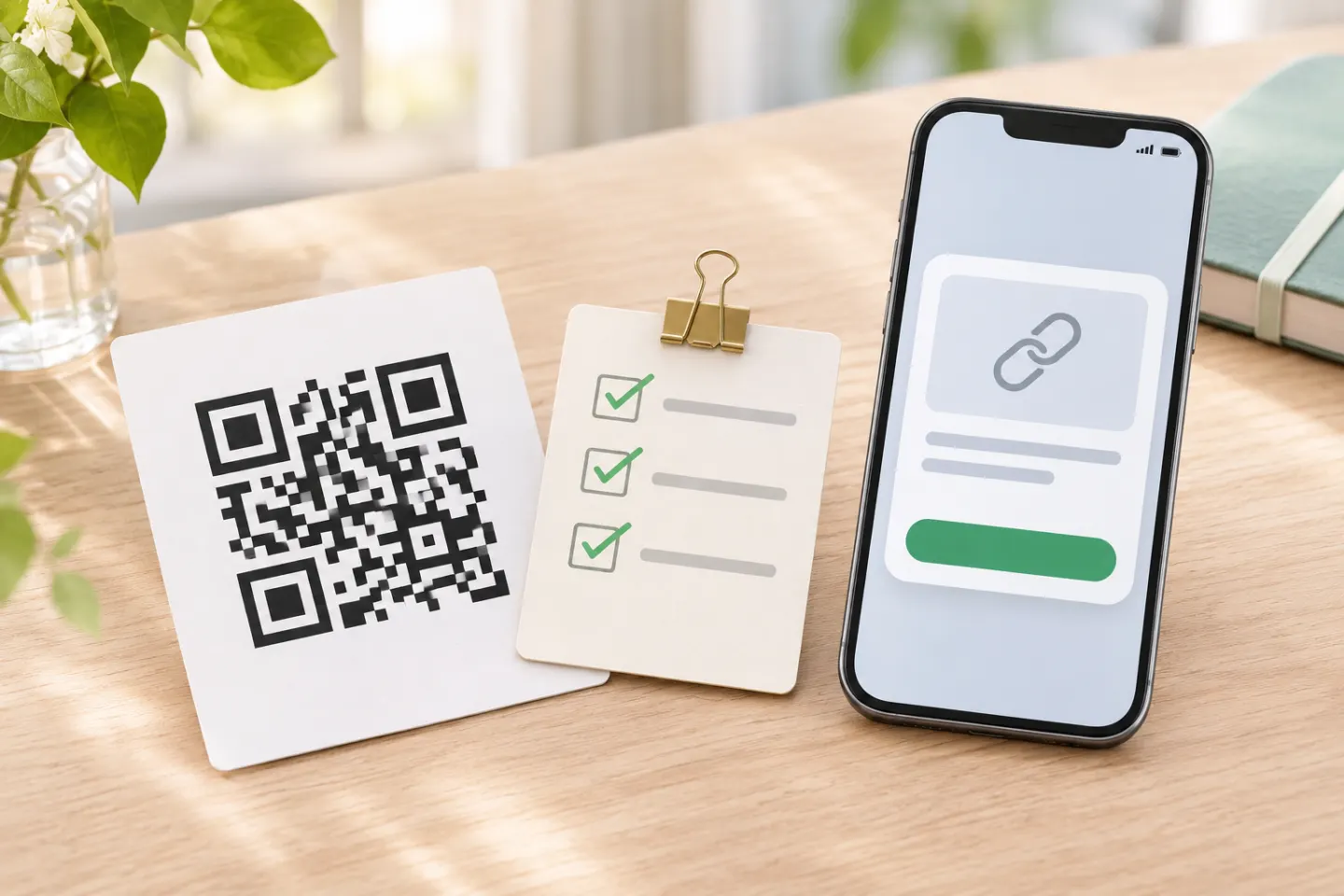
The important decision is what happens after the scan. For a straightforward starting point, consider a page on your business domain with your details and a clearly labeled contact-download option. If you prefer to put contact data directly in the code, test that exact format on your intended phones rather than assuming automatic contact saving.
1. Choose between a contact page and embedded contact data
These are different implementations—not interchangeable meanings of “vCard QR code.”
| Approach | What you put in the QR code | What to plan for |
|---|---|---|
| Contact page | A URL for a mobile-friendly page | Maintain the page and its address; include an obvious next action. |
| Hosted contact file | A URL for a downloadable contact file | Test both opening the file and saving its fields. |
| Embedded contact data | The contact record itself | Test the scanner’s interpretation; changing the printed payload requires replacement artwork. |
vCard is a contact-information exchange format. RFC 6350 specifies vCard 4.0, including UTF-8 encoding, but it does not guarantee that every phone camera will turn a vCard payload into the same contact-import experience. Older vCard versions also exist and are not strictly compatible with one another. [1]
Can you update the information without reprinting? A stable web address can serve updated content. The practical implication is that an ordinary URL QR code can keep working while you edit the page at that address—you do not need an editable QR-service redirect merely to change the page’s contents. This depends on keeping that URL available and under your control. [2]
If you use a hosted redirect service instead, check its actual terms before printing: What keeps the link active? Who controls destination changes? What happens if you stop using the service? Treat these as purchase and maintenance questions, not assumed features.
2. Prepare only the information you want to share
For a networking card, start with:
- Full name, role, and company
- Business phone number and email
- Website or professional profile
- Office address only when useful
Keep home addresses, personal birthdays, and private numbers out unless you intentionally want to distribute them. vCard itself has no inherent confidentiality or authentication protection; its specification also warns that contact information can become outdated. [1]
For a contact page, make one action prominent: Save contact, Book a meeting, or View portfolio. Keep the printed name and at least one readable contact method on the card as a fallback.
3. Generate and download the QR artwork
Use this tool-independent workflow; generator labels and export options vary:
- Prepare the destination. Publish the page or contact file first, or prepare your embedded contact record.
- Choose the matching input type. Use a URL input for a web address. For embedded contact data, check which format and version the tool produces.
- Generate a plain code first. Leave out logos and decorative modifications until the basic version works.
- Download the artwork. Prefer a vector file your designer or printer accepts, such as SVG or a suitable PDF. If using a raster image, ask the printer to confirm it remains sharp at the final placed size.
- Inspect the decoded result. Confirm the actual URL or contact content—not just the image’s appearance.
Keep embedded records lean. QR symbol version and module count depend on the data amount, data type, and error-correction level. More content can require more modules, making each module smaller if you keep the overall printed width unchanged. [3]
Do not treat error correction as permission to cover parts of the pattern. DENSO WAVE warns that distortion and decoration can make a QR code unreadable. [4]
4. Add it to the business-card layout
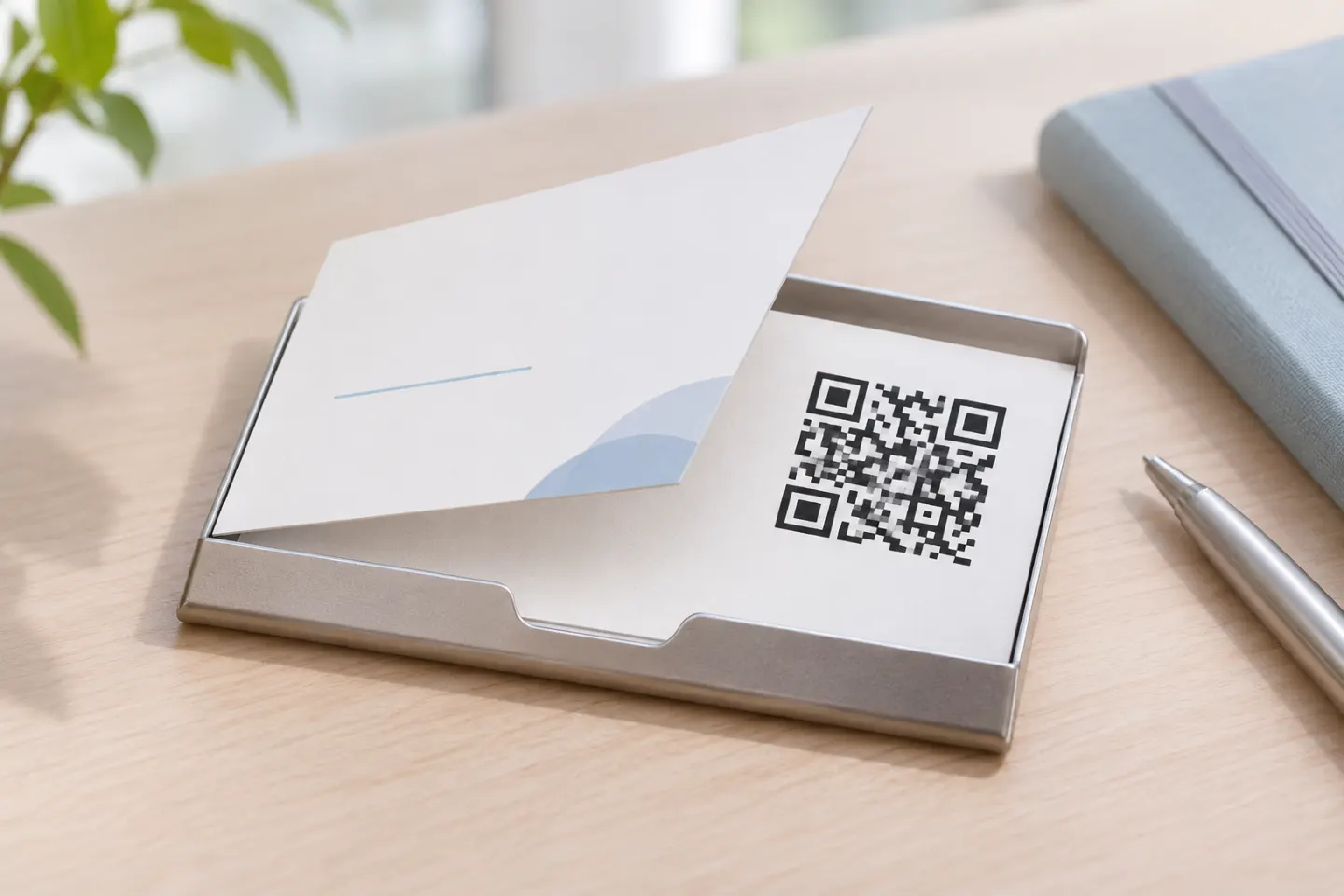
Import the downloaded file into your design rather than copying a screenshot. Resize proportionally, keep the square shape, and place the code where your printer’s safe-area requirements leave room for the entire symbol and its clear border.
The front or back can work. Choose the side with enough uncluttered space, then add a specific label such as “Scan for contact details” or “Scan to book a consultation.”
Preserve a four-module quiet zone
For a standard QR Code, leave a clear border at least four modules wide on every side. A module is one small square in the pattern. This border is part of the required footprint, not spare space for a caption, frame, or logo. [5]
How big should the code be?
There is no single size that guarantees phone-camera scanning. DENSO WAVE explains that module size depends on both printing capabilities and the reader. Total footprint depends on the symbol version and margin. [6][5]
Ask your printer for a proof at the planned card size. If the code is hard to scan, enlarge it or simplify the payload.
For a conservative design, use black modules on a solid white background. DENSO WAVE explains that reading depends on reflected-light differences and warns that glare on transparent materials can interfere. If you want a special stock or finish, include it in the proof rather than approving only an on-screen preview. [7]
5. Test the printed card and the complete task
Use the final-size artwork and a proof made with the intended stock and finish. A successful scan from a large monitor image is not your print approval.
Ask someone other than the designer to run this checklist:
- Recognition: Try available iPhone and Android devices in ordinary indoor lighting, at a comfortable handheld distance.
- Destination: Check the URL shown and the final page or file that opens.
- Contact saving: Complete the save process and inspect the resulting name, company, phone, email, and accented characters.
- Page usability: Check readability and the main button without requiring a visitor account.
- Print condition: Look for blur, glare, trimming, stretching, or graphics intruding into the clear border.
- Fallback: Confirm the printed website or contact method is correct.
Allow for taps and confirmation screens. For example, Apple’s scanning instructions tell users to frame the code and tap the link to open its content; scanning should not be described as an automatic save. [8]
If recognition fails, first try a larger code, a shorter payload, a restored quiet zone, and simpler artwork. If recognition succeeds but contact saving fails, investigate the file, format, and import path separately.
6. Make the destination recognizable and maintain it
The FTC advises people to inspect QR destinations for spoofed addresses. Apply that guidance to your card: use a recognizable business domain where practical and print a readable address beside the code. This is a trust cue, not proof that a destination is safe. [9]
Assign someone to maintain the linked page, domain, and any hosted contact file. Recheck the journey when your role, phone number, website, or hosting changes. Updating a page does not fix outdated information printed in ink, so review the whole card before reordering.
Before you order
Approve the card only when the code reaches the intended content, the recipient can finish the promised action, and the final printed proof scans acceptably on the devices you checked. Keep a readable contact fallback, preserve the quiet zone, and retain the source artwork for future updates.
References
[1] IETF, RFC 6350: vCard Format Specification, especially Sections 3.1, 9, and 10.1 — https://datatracker.ietf.org/doc/html/rfc6350
[2] IETF / RFC Editor, RFC 9110: HTTP Semantics, Sections 3.1–3.2 — https://www.rfc-editor.org/rfc/rfc9110.html
[3] DENSO WAVE, Information capacity and versions of the QR Code — https://www.qrcode.com/en/about/version.html
[4] DENSO WAVE, Generating a QR Code — https://www.qrcode.com/en/howto/generate.html
[5] DENSO WAVE, Point for determining the code area — https://www.qrcode.com/en/howto/code.html
[6] DENSO WAVE. Point for setting the module size. https://www.qrcode.com/en/howto/cell.html
[7] DENSO WAVE, FAQ — https://www.qrcode.com/en/faq.html
[8] Apple Support, Scan a QR code with your iPhone or iPad — https://support.apple.com/en-us/102680
[9] FTC, Scammers hide harmful links in QR codes to steal your information — https://consumer.ftc.gov/consumer-alerts/2023/12/scammers-hide-harmful-links-qr-codes-steal-your-information