For your campaign, start with this rule: one clearly labeled code, one primary action, and a readable alternative to scanning. The examples below are recommended workflows—not claims of measured lead generation or conversion gains.
Match the destination to the real estate material
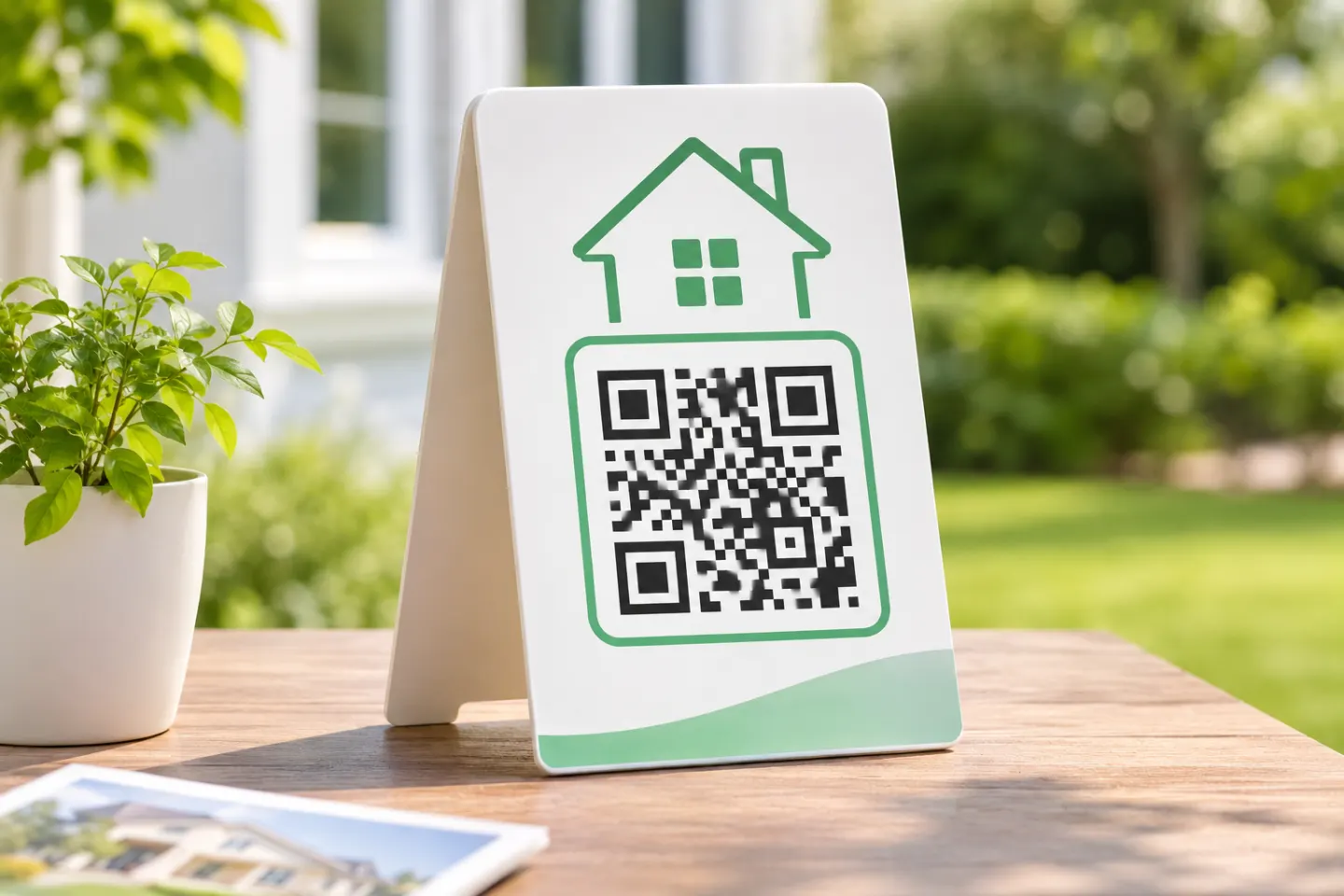
Choose a destination for the place people see the code. A yard sign can open the listing, while an open-house handout can show the next step for a visitor already inside.
| Placement | Recommended destination | Example call to action |
|---|---|---|
| Yard sign or property-specific rider | The advertised property’s current listing page | “Scan for photos and price” |
| Listing flyer or feature sheet | Property details, floor plan, and showing contact | “Scan for the full property details” |
| Open-house entrance or welcome table | That property’s sign-in form | “Scan to sign in” |
| Open-house handout | Digital property packet | “Scan for the property packet” |
| Agent business card | Agent contact page or contact file | “Scan for agent contact details” |
These are starting points. Choose the action that matches what the surrounding material promises; do not label a lead form “View photos” if visitors must first submit their information.
Yard signs: design for someone who can stop safely
For a property-specific sign, show the property address prominently on the destination page, then prioritize current price, status, photos, and the agent’s contact information. Avoid sending prospects to a homepage where they must search again.
Treat the code as a pedestrian or safely parked visitor’s option—not something drivers should scan in motion. If there is no safe place to pause, use a readable website address or phone number instead. University guidance advises considering where viewers will scan and excludes billboards from its recommended uses. [1]
Open houses: separate information access from sign-in
Decide whether the code is for registration or property information before designing the display. A useful setup is a clearly labeled sign-in code at the welcome table and a separate property-packet code on take-home sheets. Avoid several competing codes on the same small display.
For a basic inquiry form, consider requesting a name, one preferred contact method, and an optional question. Explain who receives the submission and what follow-up the visitor should expect. Do not add sensitive financial or identity fields merely because the form builder offers them: the FTC advises businesses to collect only information they need, protect what they retain, and limit access. [2]
Provide a staff-assisted alternative for visitors who cannot scan. Accessibility guidance calls for another access method when a QR code leads to important information or registration forms. [3]
Make the printed code usable
Preserve contrast and the blank border
Use a dark code on a plain light background, keep its proportions intact, and keep photographs and decorative elements away from it. SUNY Cortland recommends strong contrast and testing before printing. [4]
For a standard QR Code, preserve a blank quiet zone at least four modules wide on every side. A module is one small square in the code’s grid; this border is not simply an arbitrary gap in the sign layout. DENSO WAVE specifies the four-module margin. [5]
Choose size for the actual placement
Size the code for the place where a visitor can stop. Test a proof from that spot and enlarge it if the visitor must move closer than the placement allows. [3]
Instead, approve a full-size proof from the intended standing position. Check the finished material, viewing angle, reflections, and available light. If scanning requires awkward positioning, enlarge or relocate the code before ordering the full run.
Add instructions and a non-scan option
Place a specific instruction beside the code, such as “Scan for photos and price,” followed by a short, readable address that reaches the same information. Keep a phone number available for help. Both a clear call to action and a short-URL fallback are established QR publishing recommendations. [4]
For an emailed flyer or online listing, also provide a normal clickable link. A QR image should not replace a functioning hyperlink in digital materials. [4]
Check the complete journey before launch
Use this as an acceptance checklist—not as a claim that a particular design has already been tested:
- Open the destination directly. Confirm the address, property status, event date, and contact information.
- Scan the final-size proof on different phones. Check the printed piece, not only the image on a monitor.
- Open the page without an agent login. Confirm prospects can reach what the call to action promises.
- Check the mobile experience. Read the text, open documents, and complete the intended action.
- Submit a test inquiry. Confirm the appropriate person receives it and the visitor sees a useful confirmation.
- Use the fallback address. Make sure it leads to the same information.
This checklist extends university recommendations to test QR codes across devices and verify that linked pages, forms, and documents are accessible. [3]
Maintain the code after the sign goes up
Assign one person to review the destination when the price, listing status, open-house schedule, or agent contact changes. Keep a simple record of each printed placement and its destination.
When a property sells, update its page or retire the material. Do not silently redirect an address-specific flyer to an unrelated listing. If you reuse a generic sign, check both its code and its printed wording before placing it at another property.
Also inspect publicly accessible signs for unexpected stickers or replacement codes. The FTC reports scammers covering legitimate QR codes with their own and warns that QR links can lead to spoofed websites. Its advice includes checking the destination address before opening it. Inspecting your signs is a practical precaution based on that warning, not evidence of a real-estate-specific scam rate. [6]
References
[1] University of Illinois Extension, “QR Codes Best Practices Guide.” — https://extension.illinois.edu/sites/default/files/qr_code_guidelines.pdf
[2] Federal Trade Commission, “Protecting Personal Information: A Guide for Business.” — https://www.ftc.gov/business-guidance/resources/protecting-personal-information-guide-business
[3] South Dakota State University, “Accessibility: QR Codes.” — https://www.sdstate.edu/digital-accessibility-hub/accessibility-qr-codes
[4] SUNY Cortland, “QR Code Best Practices.” — https://www2.cortland.edu/offices/publications/big/web-email-social/qr-codes
[5] DENSO WAVE, “Point for determining the code area.” — https://www.qrcode.com/en/howto/code.html
[6] Federal Trade Commission, “Scammers hide harmful links in QR codes to steal your information.” — https://consumer.ftc.gov/consumer-alerts/2023/12/scammers-hide-harmful-links-qr-codes-steal-your-information