Start by choosing the destination and deciding whether the code is for consumers only or also for retail checkout. Those are different implementation requirements; a QR code that opens a website is not automatically a checkout-ready barcode. [2]
What should a packaging QR code link to?
GS1 US identifies detailed product information, ingredient and allergen details, usage tips, FAQs, promotions, and sustainability content as possible connected-product experiences. [3] The following are editorial recommendations for turning those possibilities into useful destinations.
| Customer need | Recommended destination | What to prioritize |
|---|---|---|
| “How do I use this?” | Product-specific instructions | Put the main steps first; offer video as an optional supplement. |
| “What is in this product?” | Product information page | Identify the exact variant and keep digital content consistent with the applicable packaging. |
| “I need help.” | Troubleshooting or support page | Show the model or product name and a clear contact route. |
| “Can I register it?” | Registration form | Explain why information is requested and separate registration from promotional sign-up. |
| “How do I dispose of this?” | Component-by-component disposal guide | Distinguish the container, cap, sleeve, and other components; provide location-specific guidance where needed. |
| “Is my item affected?” | Recall or batch-information page | Explain which products or lots are affected and what the customer should do. |
For a first launch, we recommend one product-specific page with a clear primary action and a small number of secondary links. Avoid making a temporary promotion the only useful destination.
Treat traceability and authentication as separate projects
GS1 Digital Link can include identifiers such as a GTIN, batch/lot number, or serial number. These support different levels of identification: the product, a batch, or an individual item. [1]
Do not promise that scanning a code proves authenticity. GS1 explicitly notes that a counterfeiter can copy a QR code containing a Digital Link URI—even when the linked data is digitally signed. Authentication needs additional safeguards appropriate to the product and threat. [4]
Ordinary URL QR code or GS1 Digital Link?
Both can use the familiar QR symbol. The important distinction is the encoded data and the system that processes it. A GS1 Digital Link URI combines standardized product identification with a web-compatible address. [1]
- For consumer information only: An ordinary URL QR code is a reasonable starting point for instructions, support, or a product page.
- For consumer information plus retail checkout: Evaluate a QR code using GS1 Digital Link with your GS1 organization, packaging supplier, and retail partners. Checkout use also depends on compliant barcode production and compatible retail systems. [2]
Do not remove the UPC/EAN simply because you added a QR code. GS1’s transition guidance calls for a linear POS barcode alongside retail 2D codes until scanning adoption reaches the specified readiness threshold; it also allows eventual 2D-only use after pervasive adoption. “QR codes can never replace UPC/EAN” is therefore too absolute. [2]
GS1 US describes Sunrise 2027 as a retail transition milestone—not a requirement to implement every 2D capability by that date. Confirm your trading partners’ readiness before changing the retail barcode arrangement. [5]
Set up the destination before finalizing artwork
1. Assign a durable address and an owner
For GS1 Digital Link, GS1 recommends a domain the brand owns and controls, along with redirection to relevant content. Redirection lets the destination change without changing the printed identifier. [1]
Our recommended operating checklist:
- Name the team responsible for the domain, redirects, and product content.
- Keep instructions and support available after a campaign ends.
- Plan for website migrations and discontinued products.
- If using a hosted service, review continued access and migration arrangements before printing.
2. Separate content updates from encoded-data changes
An unchanged URL can lead to updated content or an updated redirect. That does not alter the data printed in the QR code. GS1 describes this redirection approach for maintaining packaging links. [6]
If the symbol itself must identify a different lot or individual item, plan variable-data production rather than assuming one preprinted code identifies every unit uniquely. [2]
3. Keep required labeling visible
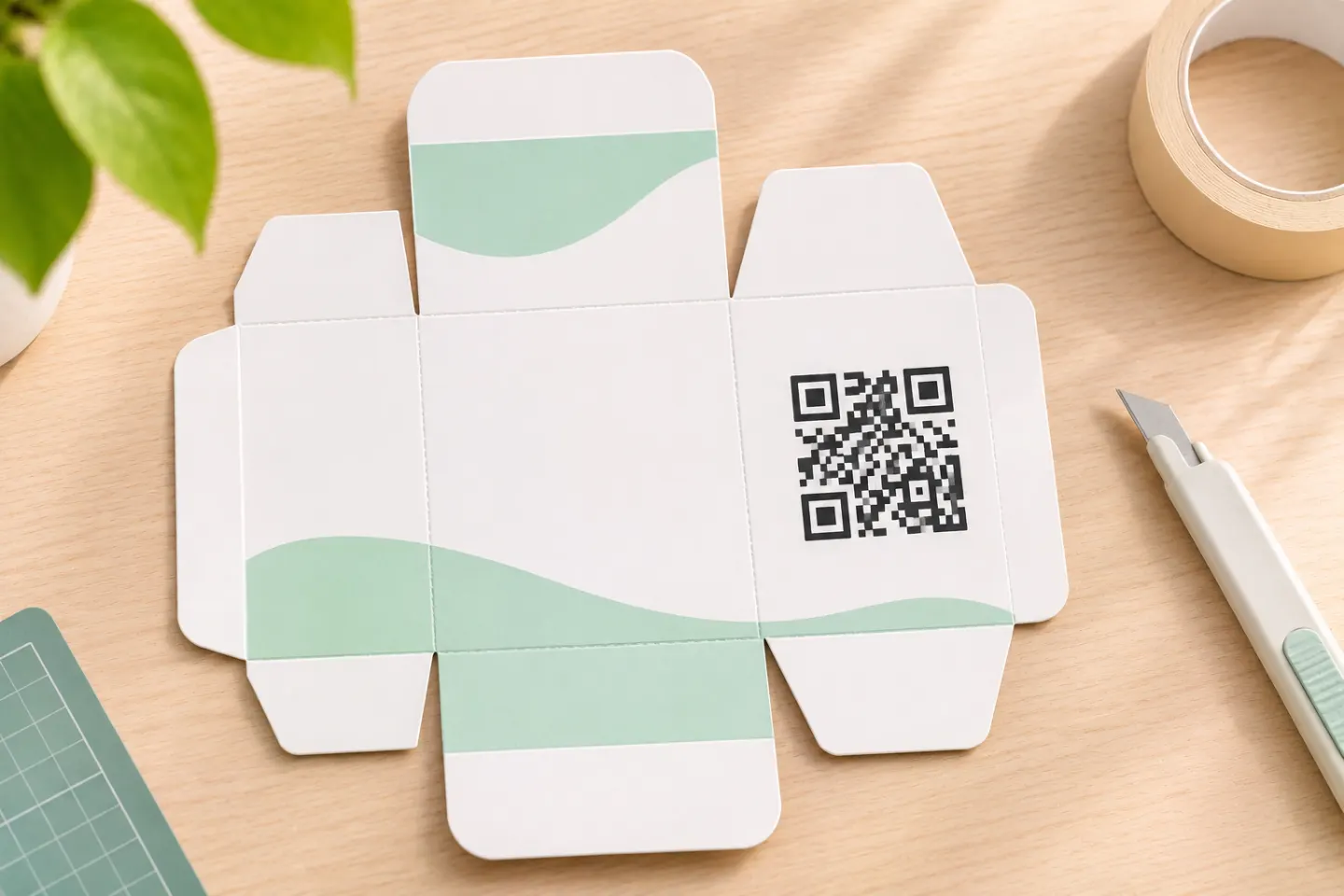
Place the QR code where it leaves room for required text, existing barcodes and their clear margins. Confirm the label layout for your product category before you print.
Use the QR experience as supplemental information unless category-specific compliance review establishes otherwise. Do not assume a link authorizes removing printed warnings or disclosures.
Design and check the printed code
Preserve the quiet zone
A QR code needs a clear margin at least four modules wide on every side. A module is one small square in the symbol. Keep text, borders, and artwork outside that margin. DENSO WAVE also shows that total printed area depends on both module size and the number of modules—not one universal minimum width. [7]
Keep styling conservative
Use dark square modules on a light background; avoid logos or decorative changes inside the symbol. For checkout use, follow GS1’s applicable sizing and placement rules, including its multiple-barcode guidance, rather than treating the code as an isolated marketing graphic. [2]
Run two separate acceptance checks
Barcode verification evaluates symbol quality; it does not establish that the web destination is correct. GS1 calls for separate processes for those checks. [2]
Before approving production, we recommend:
- Check the physical package: Use production-representative material, dimensions, printing, and placement—not just an on-screen preview. Include the assembled bottle, pouch, or carton.
- Check the scan journey: Try representative phones and, where relevant, retailer equipment. Confirm the exact product or variant opens.
- Check the page: Review readability, navigation, forms, videos, and support links on mobile.
- Check future maintenance: Confirm a content or redirect update preserves the intended journey.
- Record acceptance: Document samples, devices, results, failures, and the person approving release.
These are proposed checks, not tests performed for this article.
References
[1] GS1, Best practices for creating your QR Code powered by GS1 — https://ref.gs1.org/docs/2023/QR-Code_powered-by-GS1-best-practices
[2] GS1, 2D Barcodes at Retail Point-of-Sale Implementation Guideline, Release 1.1.0, ratified December 2025 — https://ref.gs1.org/guidelines/2d-in-retail/
[3] GS1 US, GS1 Digital Link: For Brands — https://www.gs1us.org/industries-and-insights/gs1-digital-link/for-brands
[4] GS1, GS1 Digital Signatures Technical Implementation Guideline, Release 1.1.0, January 2026 — https://ref.gs1.org/guidelines/digital-signatures/
[5] GS1 US, What is GS1 Sunrise 2027? — https://www.gs1us.org/industries-and-insights/by-topic/sunrise-2027
[6] GS1 GO, Why put a Digital Link URI in a QR code on pack today? — https://support.gs1.org/support/solutions/articles/43000734143-why-put-a-digital-link-uri-in-a-qr-code-on-pack-today-
[7] DENSO WAVE, Point for determining the code area — https://www.qrcode.com/en/howto/code.html