
 FEATURED
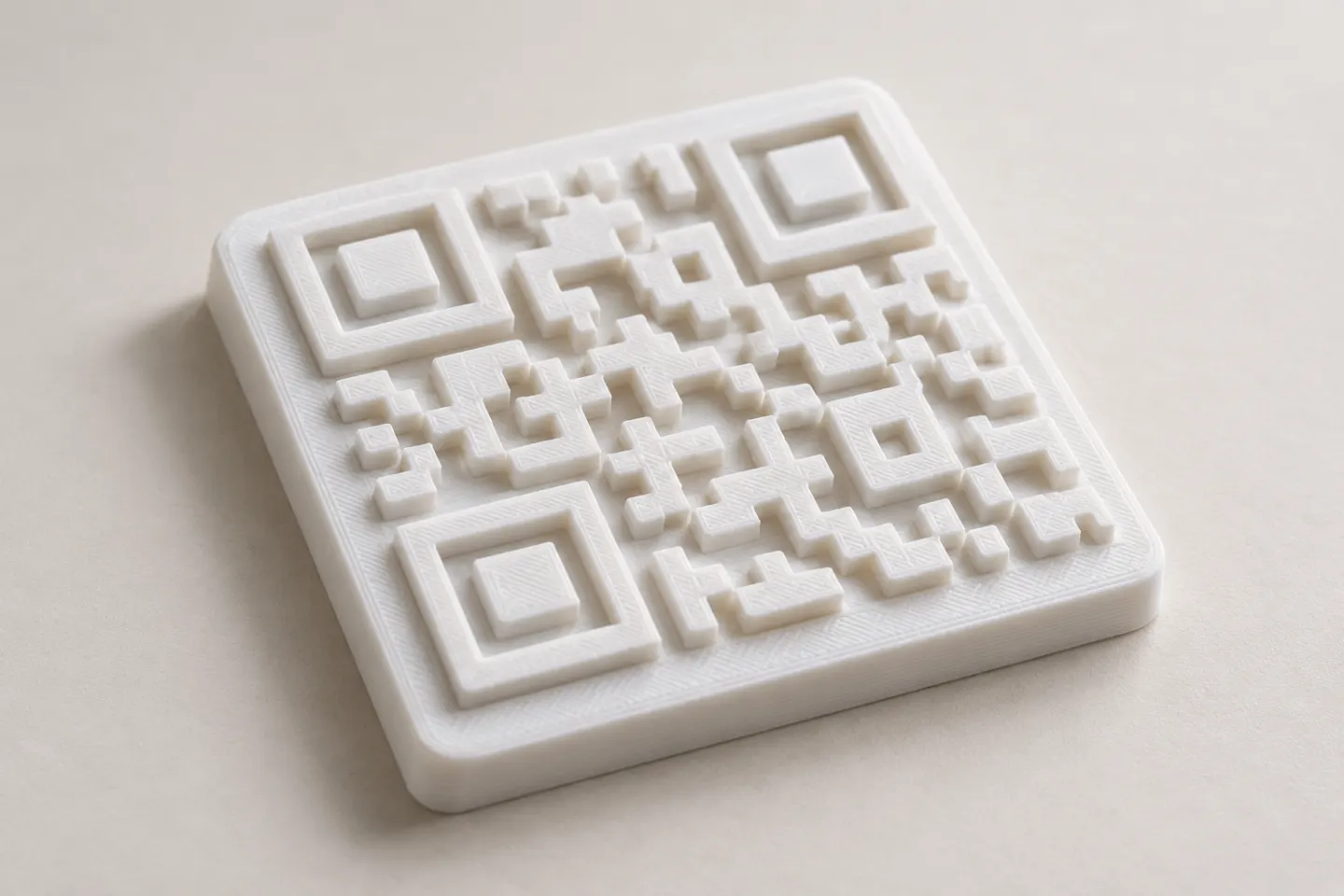
Can You 3D Print a QR Code? Design and Testing Basics
Yes, a QR code can be made as a 3D print, but scan reliability depends on readable modules, contrast, print detail, and testing the finished part.
Read article
Learn how to create, customize, and use QR codes with QRHyper.
FEATUREDYes, a QR code can be made as a 3D print, but scan reliability depends on readable modules, contrast, print detail, and testing the finished part.
Read article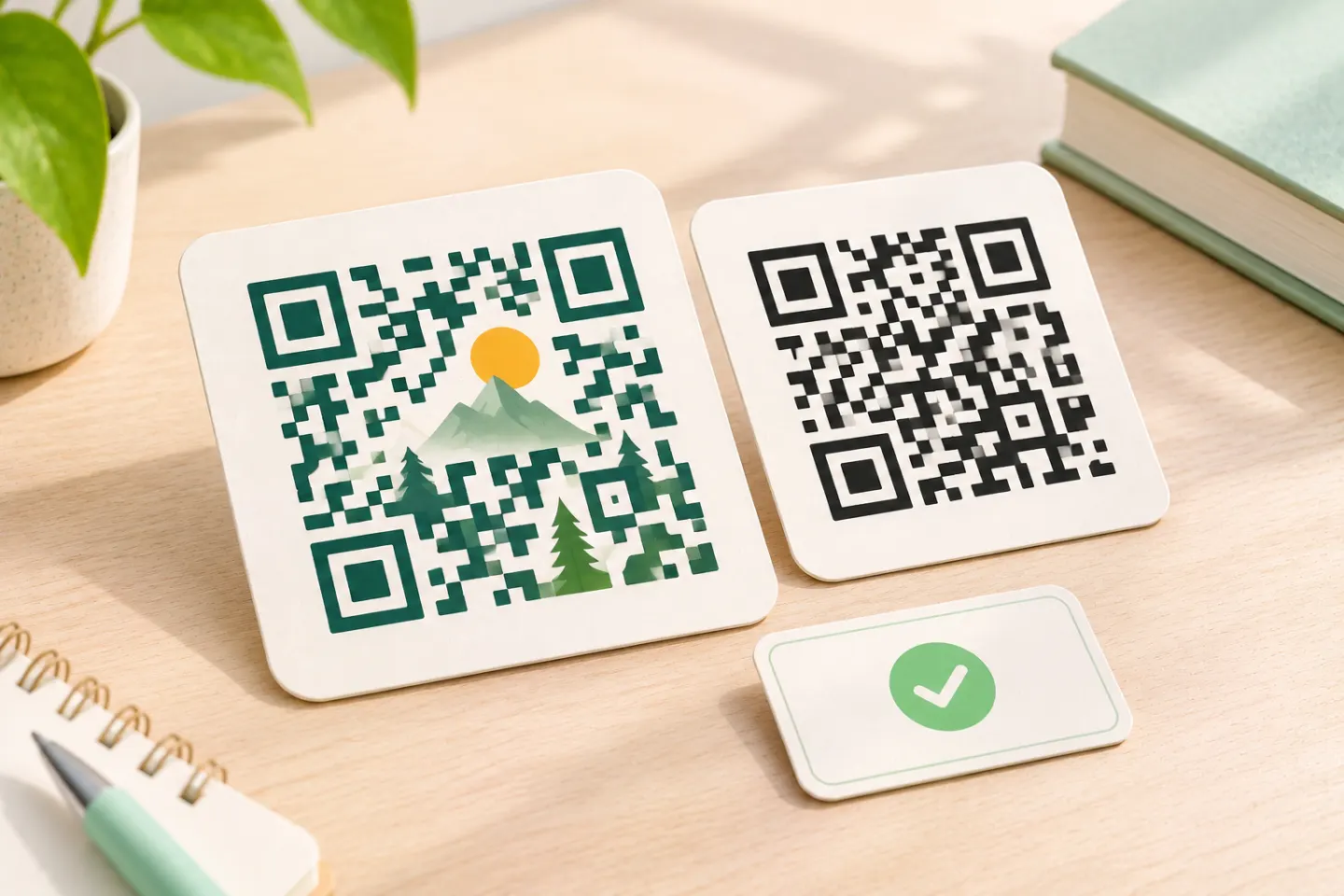 FEATURED
Learn why AI art QR codes can scan, what error correction cannot fix, and how to check the final design before printing or publishing.
Read article FEATURED
JIS/ISO-compliant QR Codes have no usage license fee. Check separate costs for generators, hosting, redirects, analytics, and printing.
Read articleShowing 12 of 99 articles
A QR image has no built-in countdown, but its link or redirect service can stop working. Learn what to check and how to maintain a code.
Try built-in QR scanning first. See steps for iPhone, Pixel, and Windows, when a separate scanner app helps, and what to check before installing.
Choose a free QR code without a trial-based redirect. Learn what static codes preserve, how to inspect the encoded URL, and what to check before printing.
Generate QR codes in Python with Segno or qrcode, export PNG and SVG files, and check the saved PNG with an automated decoding test.
Generate QR codes in Excel with an IMAGE formula, learn Windows and Mac limits, and use saved images or Office Scripts when appropriate.
Learn how to scan and approve a Discord QR code login, fix common problems, and respond safely if you approve a suspicious request.
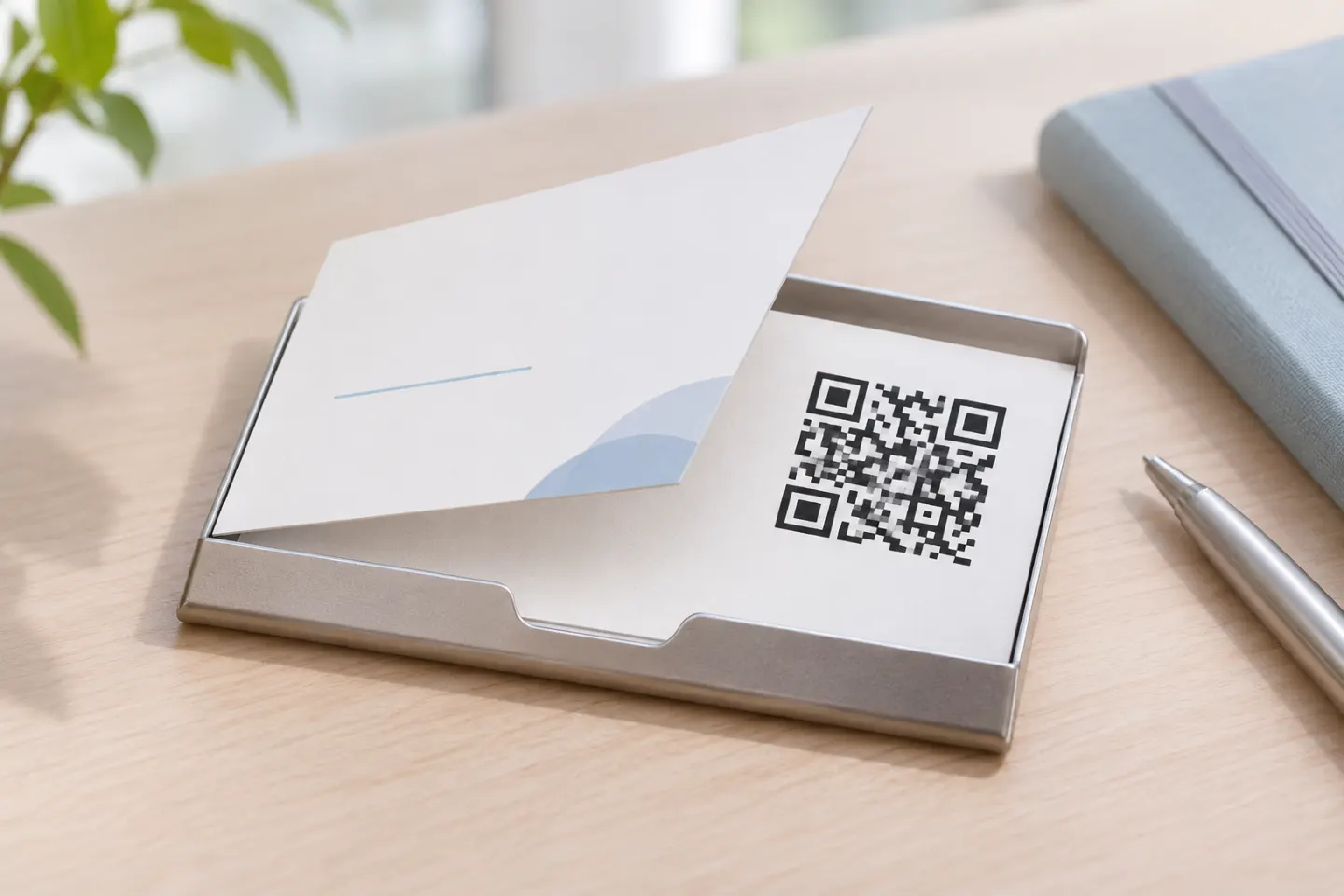
Add a QR code to your business card with practical steps for contact links, print layout, quiet zones, and testing before you order.
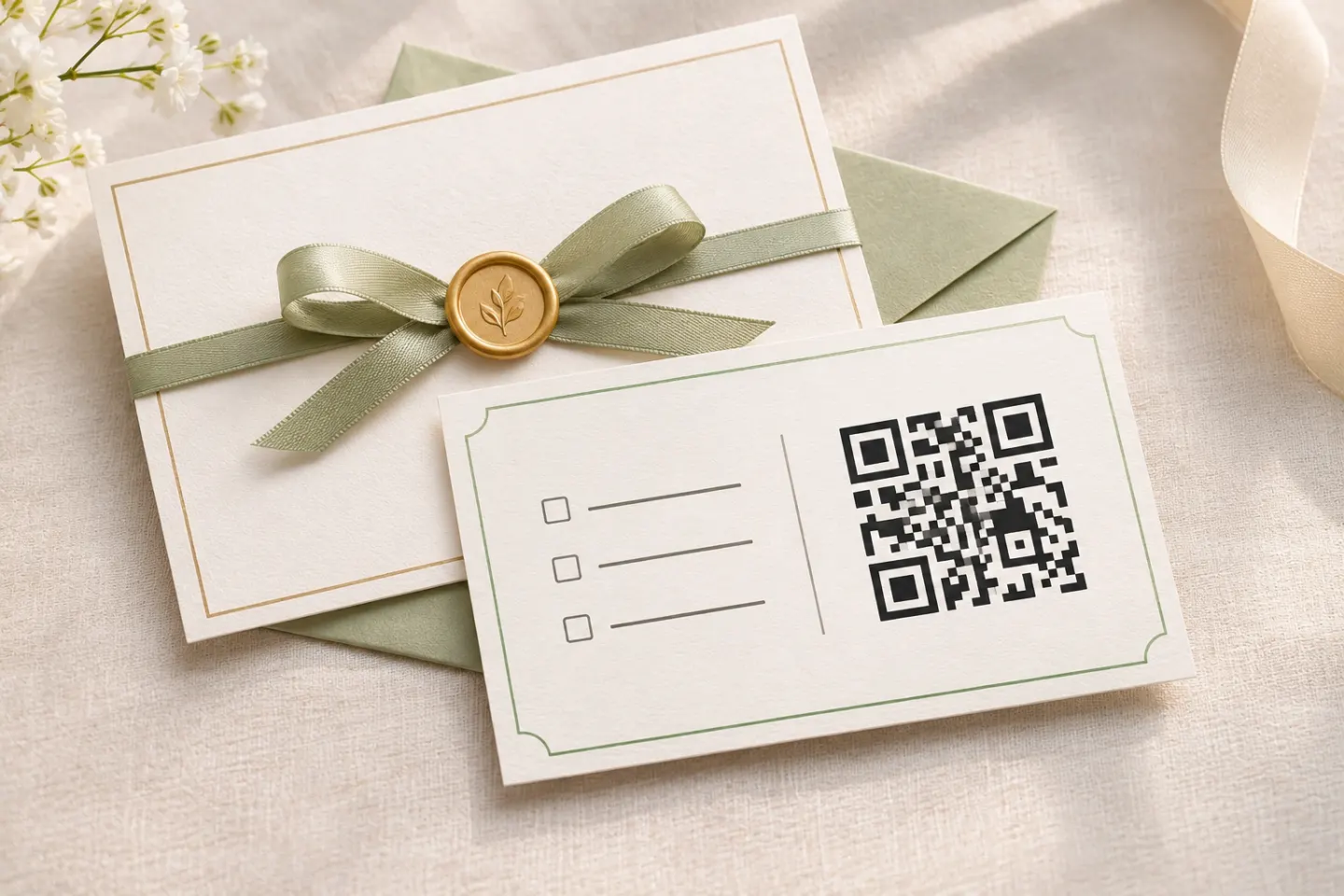
Add an RSVP QR code to your invitation: prepare the form, check guest access, choose a print size, and test before mailing.
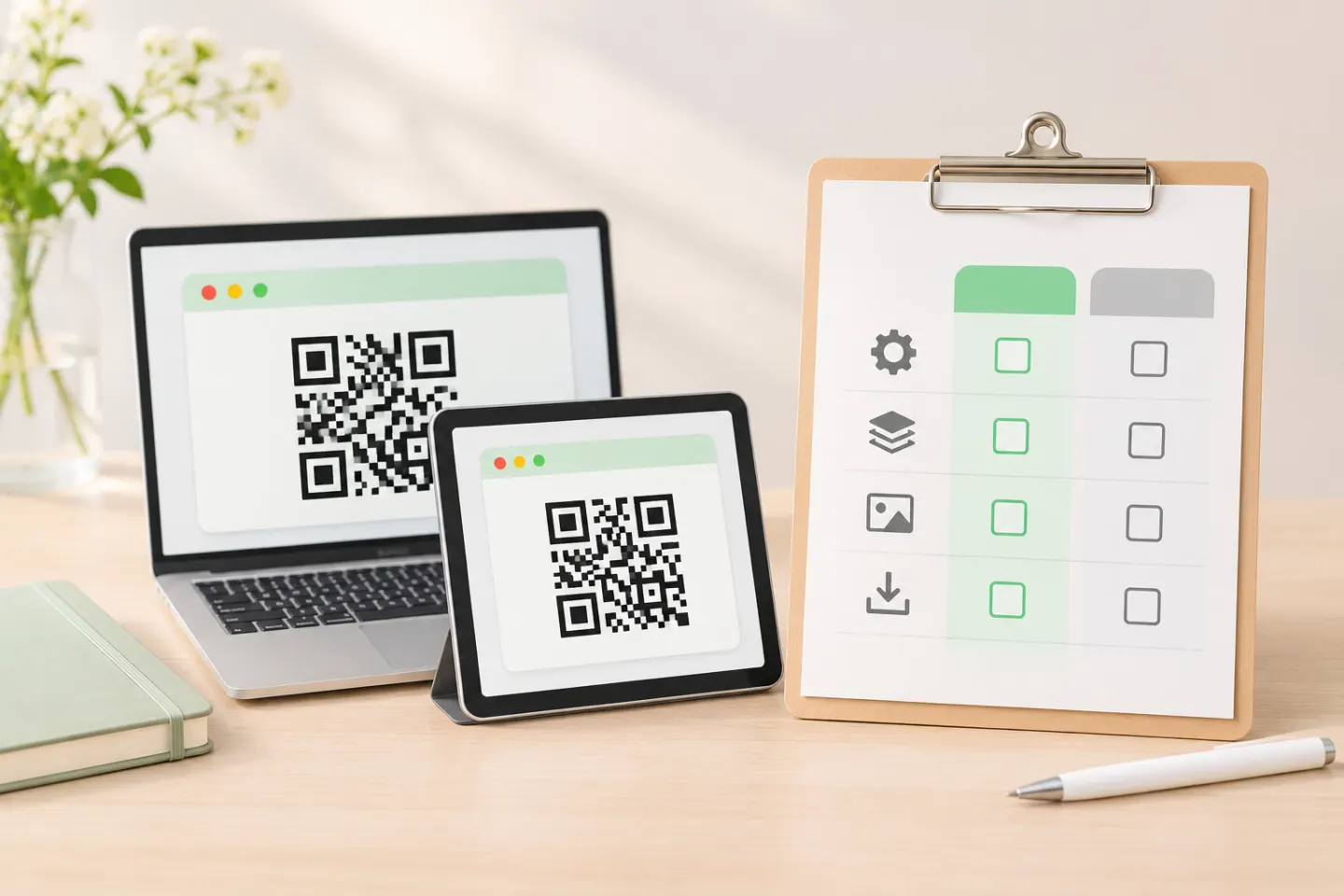
Compare QR code generators by editability, analytics, export quality, plan limits, and URL ownership before committing to a tool.
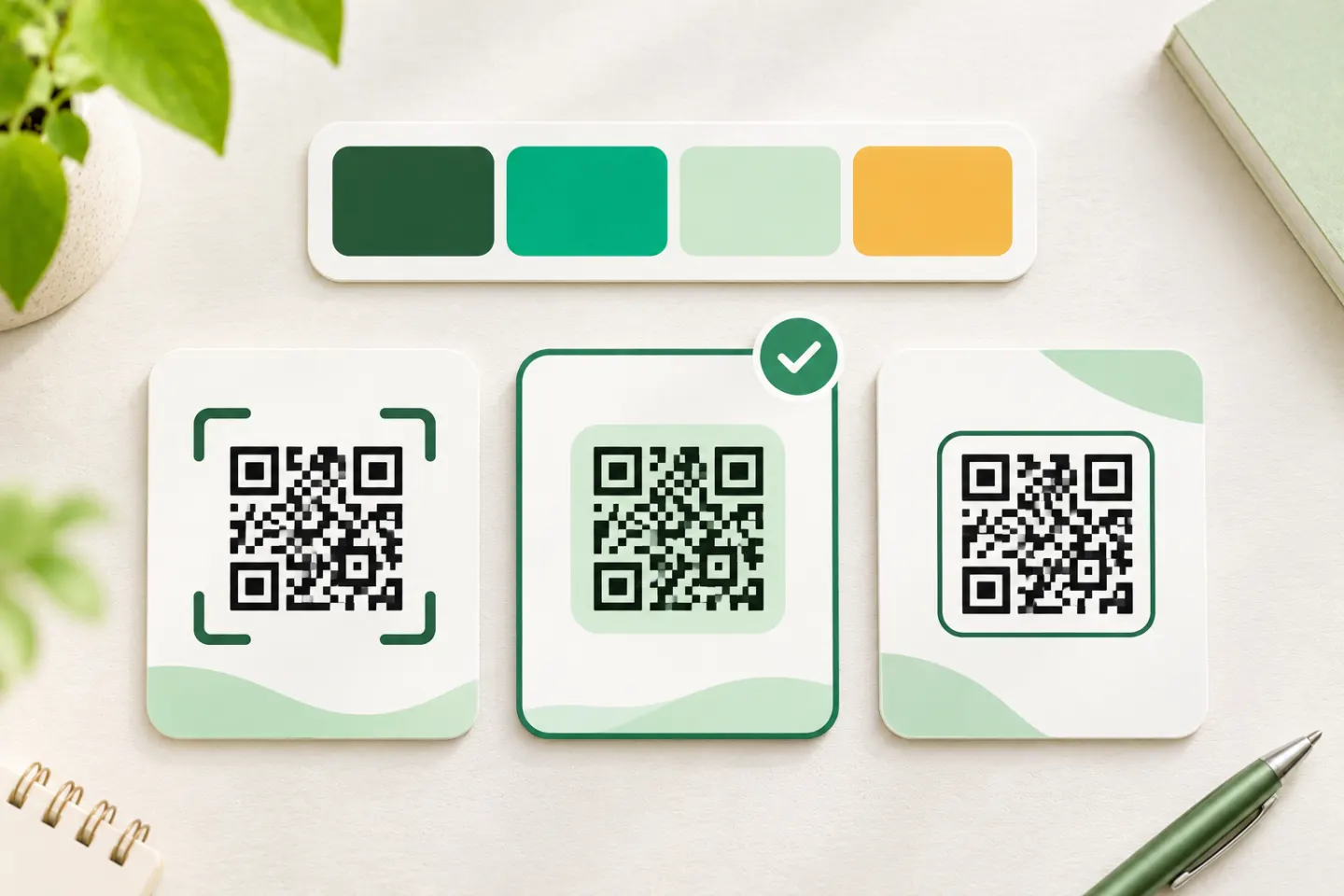
Choose a QR code template that fits your brand. Check quiet zones, color, logos, sizing, and final artwork before printing or publishing.
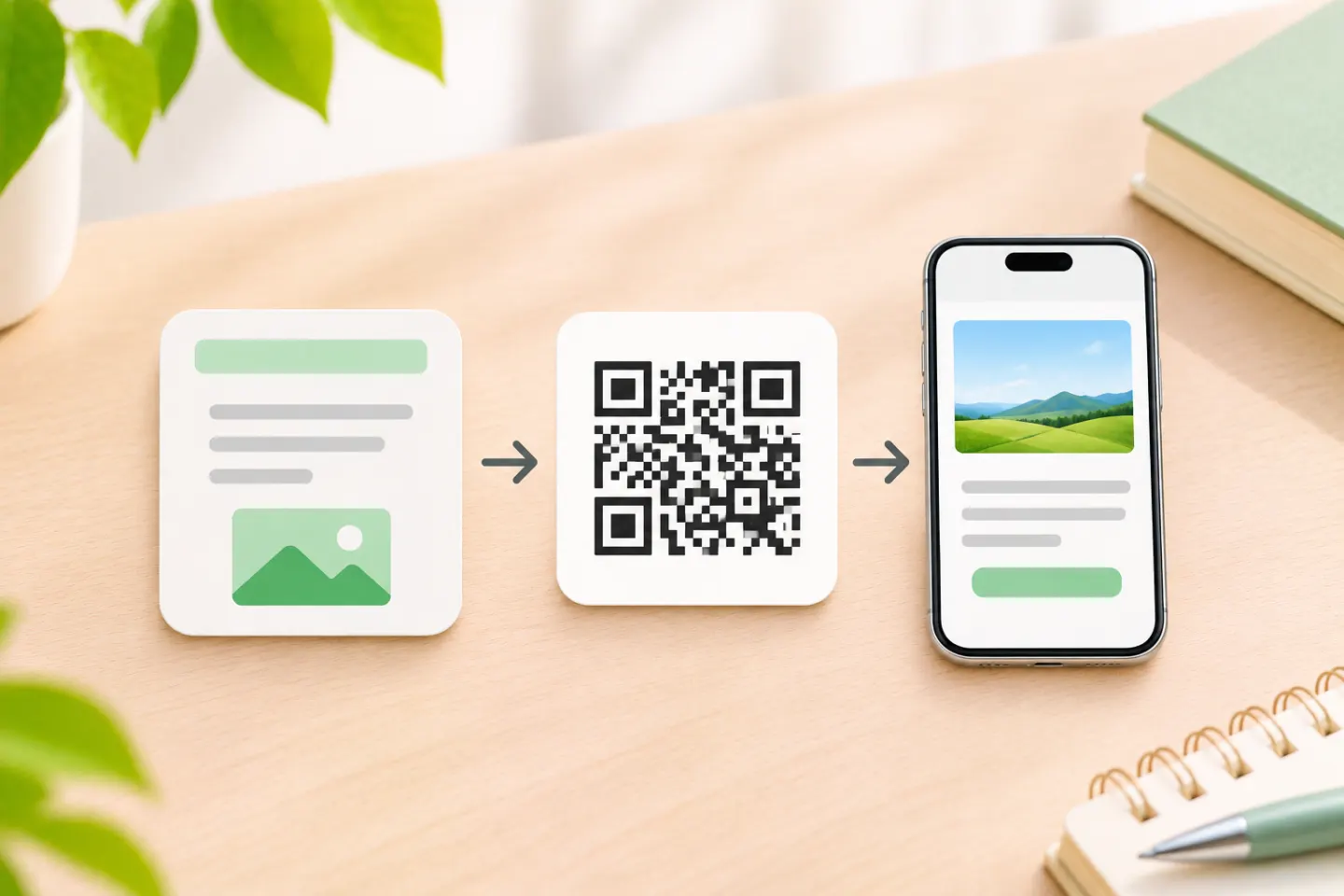
Create a QR code for a link, file, or form. Choose a link you can maintain, verify access, and scan the finished code before sharing or printing.
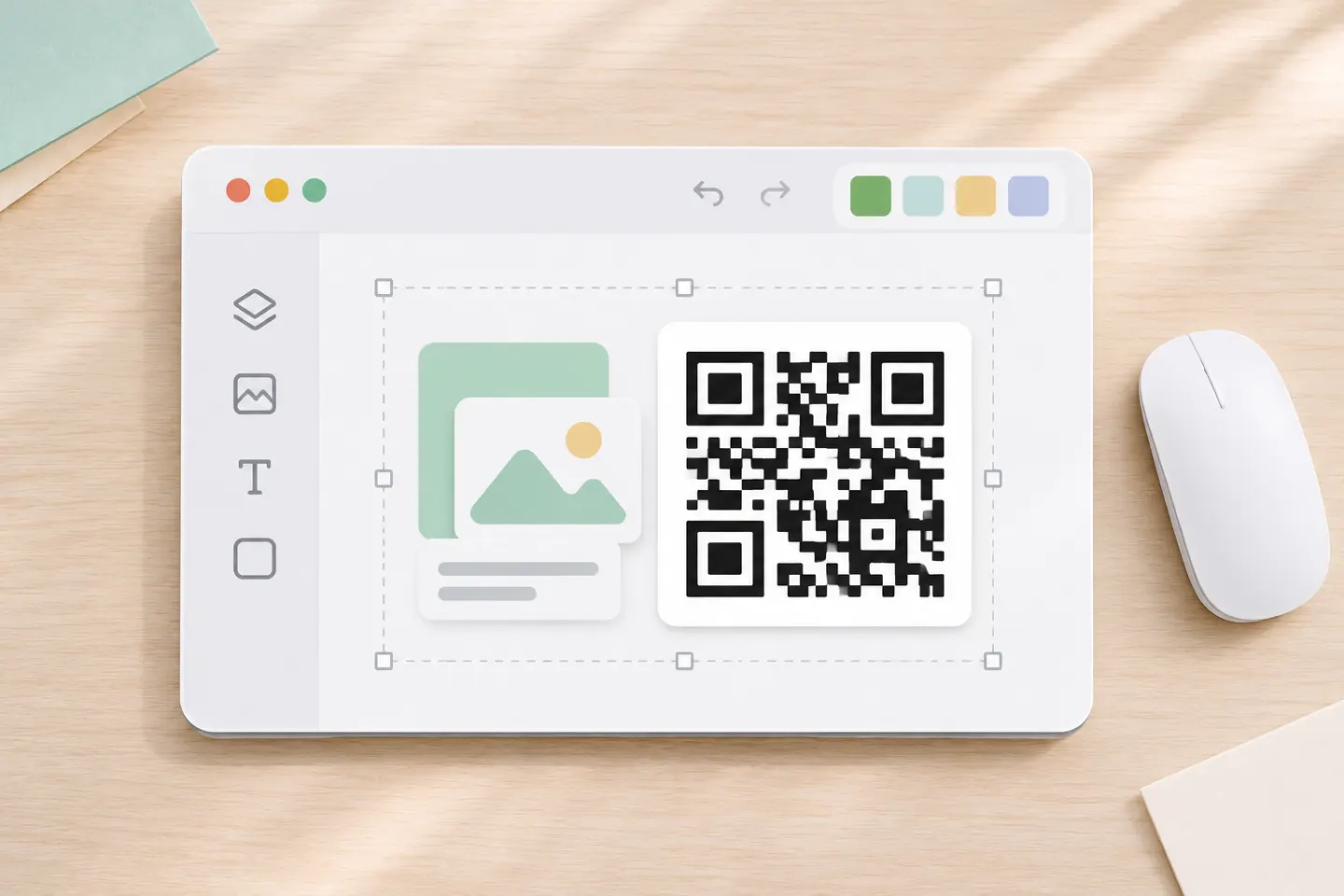
Add a static or dynamic QR code to a Canva design, choose which link to encode, and test the exported poster or flyer before printing.
