Use the framework below to shortlist tools, then verify their current terms and test a sample before committing. This is a selection guide, not a vendor ranking or a report of hands-on testing.
1. Choose how the destination will be managed
A printed QR symbol contains fixed encoded data. Services marketed as dynamic QR codes generally make a destination editable through a redirect: the printed URL stays the same while the service changes where it sends visitors. “Dynamic” describes the surrounding service, not a printed symbol that rewrites itself. GS1 explicitly explains this distinction. [1]
Consider three approaches:
| Approach | What to evaluate | Main responsibility |
|---|---|---|
| Direct URL in the code | Does the address have a long useful life? | Maintain that address and its content. |
| Provider-managed redirect | Can you change destinations, and under what terms? | Verify service continuity and exit options. |
| Redirect on your own domain | Can your team maintain redirects? | Maintain the domain, hosting, and routing. |
Your own website can provide redirection; a generator subscription is not technically required for it. GS1 documents both provider-managed and webmaster-managed approaches. [1]
Important correction: a static code does not necessarily require reprinting when website content changes. The encoded address cannot change, but the page served at that address—or a redirect you control there—can. This follows from the separation between a fixed encoded URL and the content reached through it. [2]
Selection rule: favor a direct address for a straightforward, stable destination. Evaluate managed redirects when nontechnical staff need destination editing. For long-lived print assets, make URL control and maintenance part of the decision.
2. Check the actual payload, not just the template name
A “contact,” “Wi-Fi,” or “website” option describes a workflow, not a guarantee that every scanner will perform the same action. ZXing’s project documentation describes URL, contact, and Wi-Fi payload conventions and their intended reader behavior. [2]
For each shortlisted tool, ask:
- Does the downloaded code contain the information directly, or a link to a hosted page?
- Can you inspect and confirm the decoded content?
- Does your intended phone or scanner recognize the required action?
- If a hosted page is involved, who maintains it and what happens when the account closes?
Do not pay for a large template library if your only requirement is one working website link.
3. Separate scan reporting from website analytics
Redirect services can collect request information and provide marketing reports. However, the available measurements depend on the service; do not assume that every dashboard includes the same fields or definitions. GS1 describes analytics collection as one use of a QR redirect service. [1]
Ask the provider to define:
- What counts as a scan or recorded request?
- How are repeat requests and automated traffic handled?
- What does “unique” mean?
- How is location estimated, and at what precision?
- Can reports be exported, and how long are records retained?
You do not need a dynamic-code subscription merely to attribute website traffic. A static code can encode a campaign-tagged URL. Google Analytics documents how UTM parameters identify referring campaigns; applying those parameters to an encoded URL is a practical use of that mechanism. Use those counts as website visits. The QR code itself does not report reads. [3]
If campaign visits are sufficient, evaluate your existing website analytics before buying a separate reporting package.
4. Require usable exports and conservative design
Print quality comes before decoration
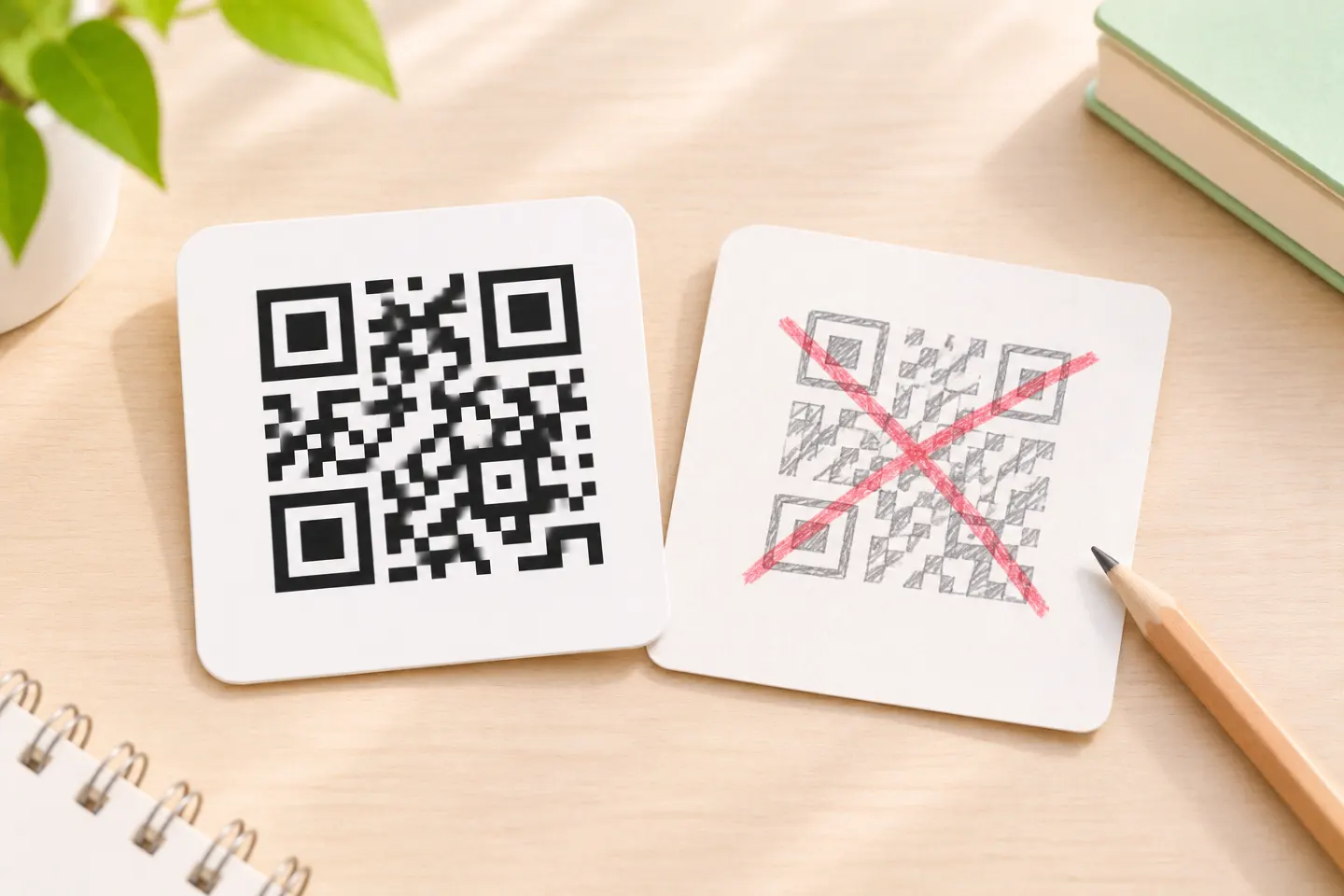
For a standard QR Code, preserve a clear quiet zone at least four modules wide on every side. A module is one small square in the symbol—not a fixed number of pixels. DENSO WAVE’s sizing guidance explains this margin requirement. [4]
Prefer dark modules on a light, plain background. GS1’s color and quality guide explains how contrast, substrate, and changes to the symbol affect readability, and warns that logos covering encoded data can compromise quality. Its retail-scanner findings should not be treated as universal smartphone test results. [5]
Error correction is not permission to cover an arbitrary percentage of the image. DENSO WAVE describes recovery in terms of codewords and notes that higher correction levels increase the data burden and can increase symbol size. [6]
Match exports to production
For print layouts, look for a genuine vector export such as SVG: W3C describes SVG’s resolution independence as suitable for printing. Ask your printer which formats it accepts rather than assuming one format is mandatory. [7]
Before selecting a tool, request or download a sample and check that:
- The quiet zone survives placement in your layout.
- The symbol is not stretched or cropped.
- The export remains usable at the intended finished size.
- Your designer or printer can open the supplied file.
Treat these as acceptance checks, not proof that a generator guarantees scan reliability.
5. Compare limits and exit terms in writing
Use the same requirements sheet for every shortlisted service. These are questions to verify—not claims that any particular vendor has these restrictions.
| Area | Questions to resolve |
|---|---|
| Free access and trials | Is the downloaded code a direct payload or a hosted redirect? What changes after the trial? |
| Usage limits | Are limits based on active codes, requests, users, or downloads? What happens at the limit? |
| Cancellation | Does routing continue, stop, or show an interstitial? Is there a grace period? |
| URL control | Who owns the encoded domain? Can an existing printed URL be preserved during migration? |
| Bulk creation and API | Are these included? What are the batch, request, and export limits? |
| Team access | Can you transfer ownership and restrict who edits destinations? |
| Data handling | What information is collected, retained, exported, and deleted? |
Budget for the code’s expected lifetime, not just its launch month. For a long-lived label, prioritize continuity and an exit plan over a small initial saving.
6. Run a small acceptance check before publishing
Before paying for a long-term plan or approving a print run:
- Generate one representative code using the intended payload and design.
- Decode the downloaded file and confirm its contents.
- If using a redirect, change the destination and check the same code again.
- Place the code in the final layout and inspect a full-size proof.
- Scan that proof on representative devices under expected lighting and distance conditions.
- Confirm reporting behavior, current plan terms, and who will maintain the destination.
For retail barcode production, include the applicable GS1 requirements and professional barcode verification; phone scans alone are not a substitute for that quality process. GS1 recommends barcode verifiers for assessing production quality. [5]
References
[1] GS1 — Redirection: from scan to content — https://ref.gs1.org/docs/2024/redirection-from-scan-to-content
[2] ZXing project — Barcode Contents — https://github.com/zxing/zxing/wiki/Barcode-Contents
[3] Google Analytics Help. URL builders: Collect campaign data with custom URLs. https://support.google.com/analytics/answer/10917952?hl=en
[4] DENSO WAVE — Point for determining the code area — https://www.qrcode.com/en/howto/code.html
[5] GS1 — GS1 2D Barcode Colour & Quality Guide, Release 1.0, February 2025 — https://ref.gs1.org/docs/2025/GS1-2D-colour-guide-i10-f-25-02-10
[6] DENSO WAVE — Error correction feature — https://www.qrcode.com/en/about/error_correction.html
[7] W3C — Scalable Vector Graphics overview — https://www.w3.org/Graphics/SVG/About