
 FEATURED
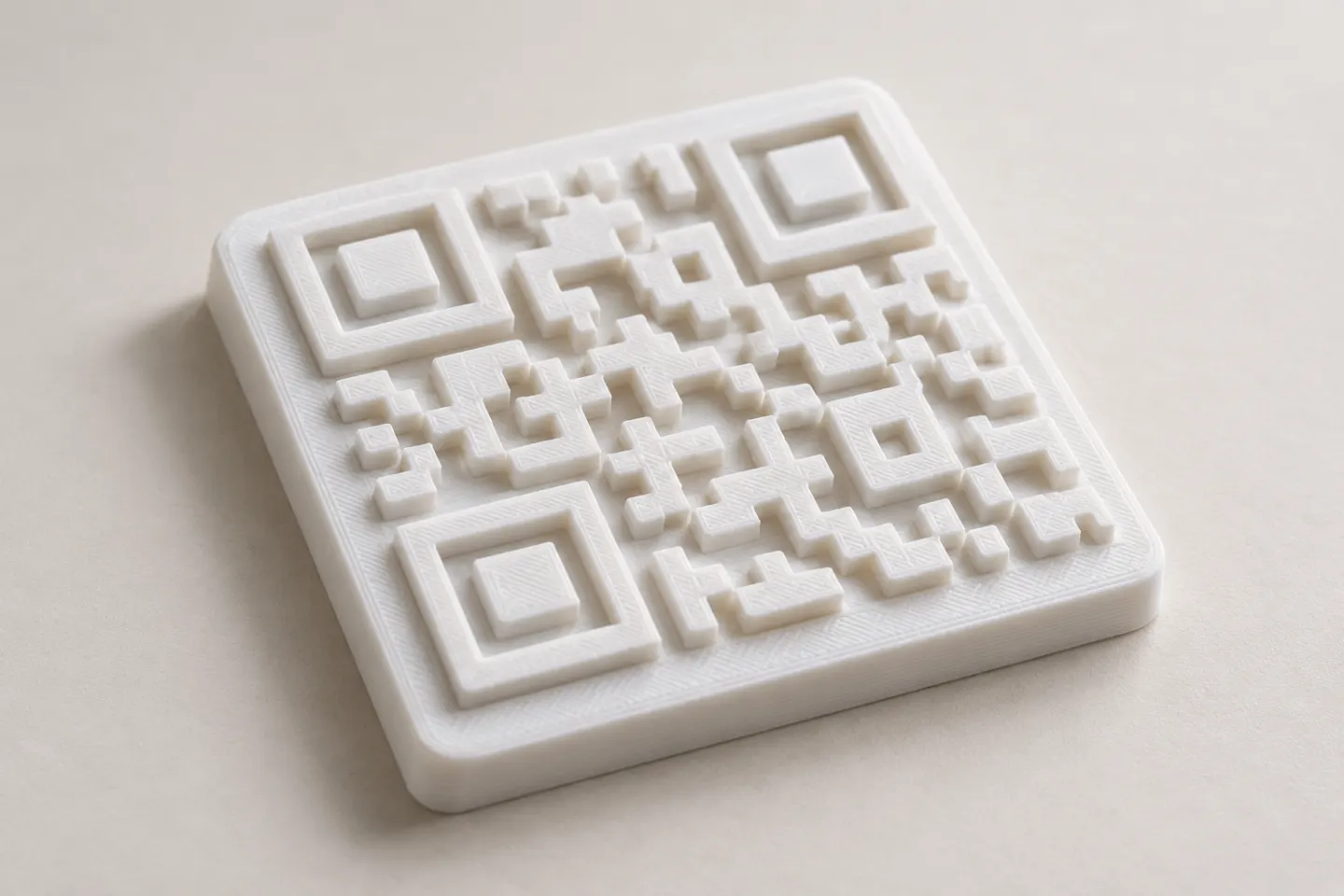
Can You 3D Print a QR Code? Design and Testing Basics
Yes, a QR code can be made as a 3D print, but scan reliability depends on readable modules, contrast, print detail, and testing the finished part.
Read article
Learn how to create, customize, and use QR codes with QRHyper.
FEATUREDYes, a QR code can be made as a 3D print, but scan reliability depends on readable modules, contrast, print detail, and testing the finished part.
Read article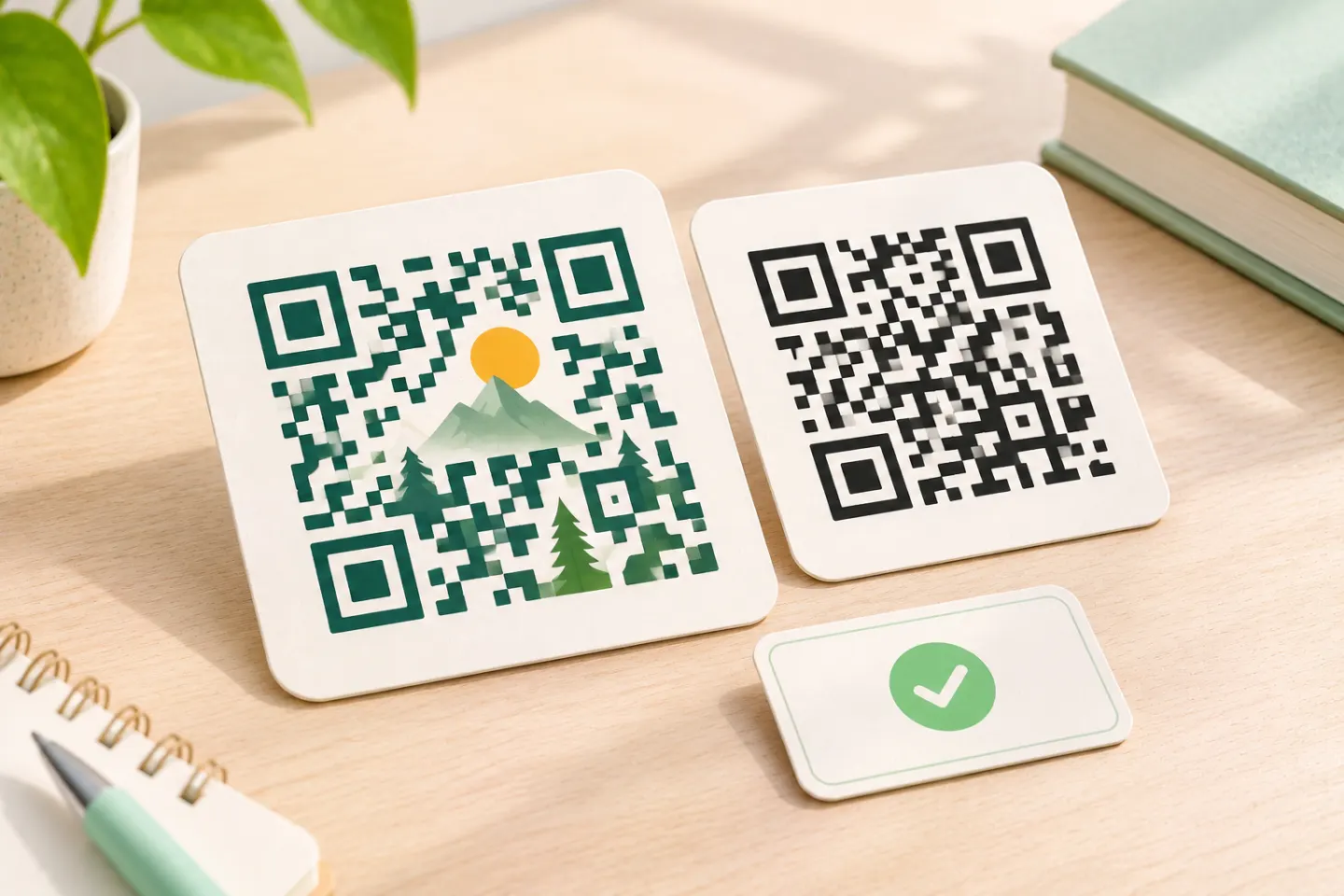 FEATURED
Learn why AI art QR codes can scan, what error correction cannot fix, and how to check the final design before printing or publishing.
Read article FEATURED
JIS/ISO-compliant QR Codes have no usage license fee. Check separate costs for generators, hosting, redirects, analytics, and printing.
Read articleShowing 5 of 41 articles
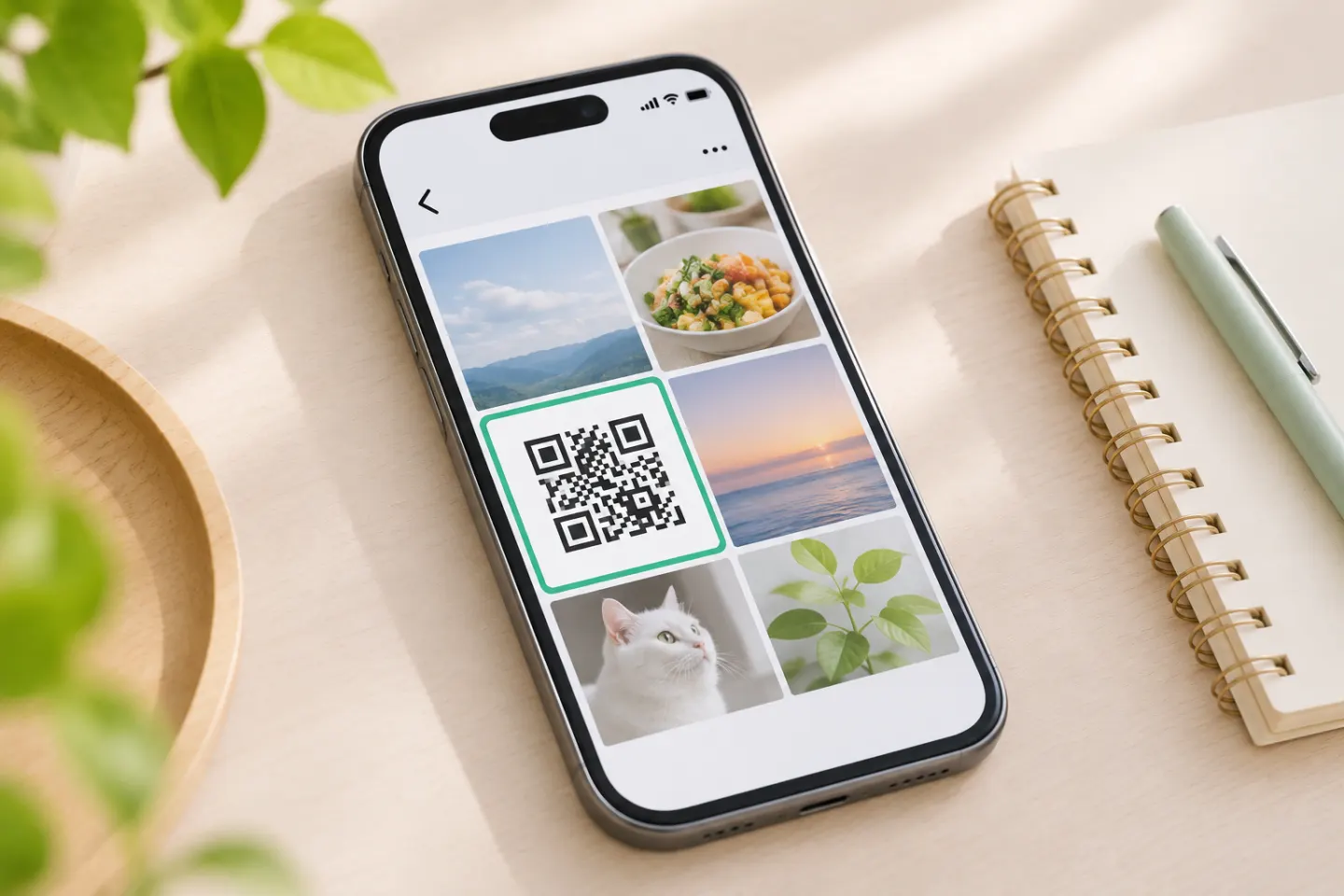
Scan a QR code from a phone photo with Google Lens on Android, try Photos on iPhone, or use a second screen. Fix image issues and check links before opening.
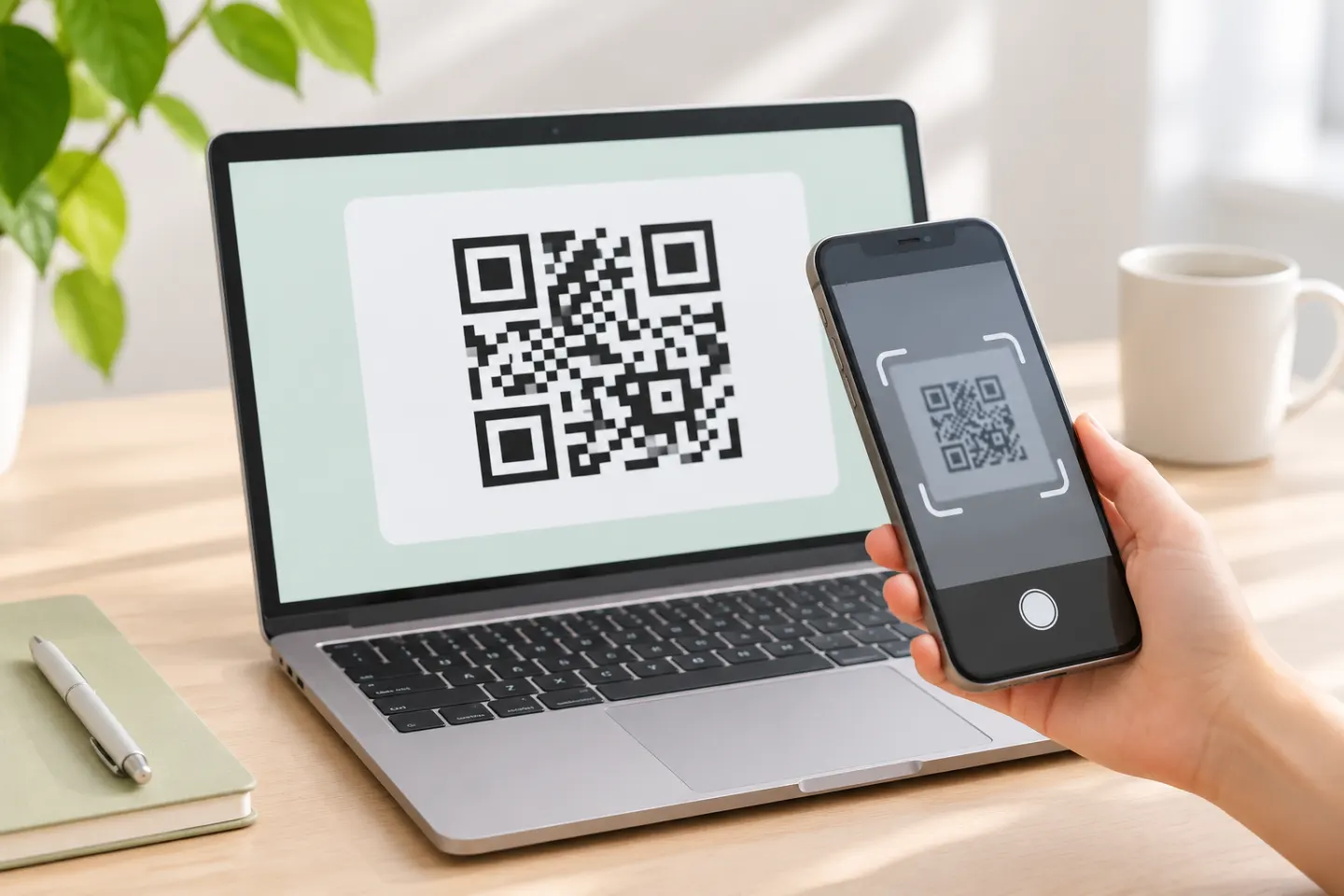
Scan a QR code shown on your computer with a phone, or use Windows Camera for a code in front of your webcam. For a saved image, try an image-reading tool.
Use a USPS QR code to print a shipping or return label. Find a participating Post Office, use the Label Broker ID if scanning fails, and drop off your package.
Learn which WeChat QR code to share or scan, how payment and verification codes differ, and what to do when scanning fails.
Plan wedding QR codes for invitations, RSVPs, and guest information, with setup steps, wording examples, privacy checks, and print-proof tips.
