
 FEATURED
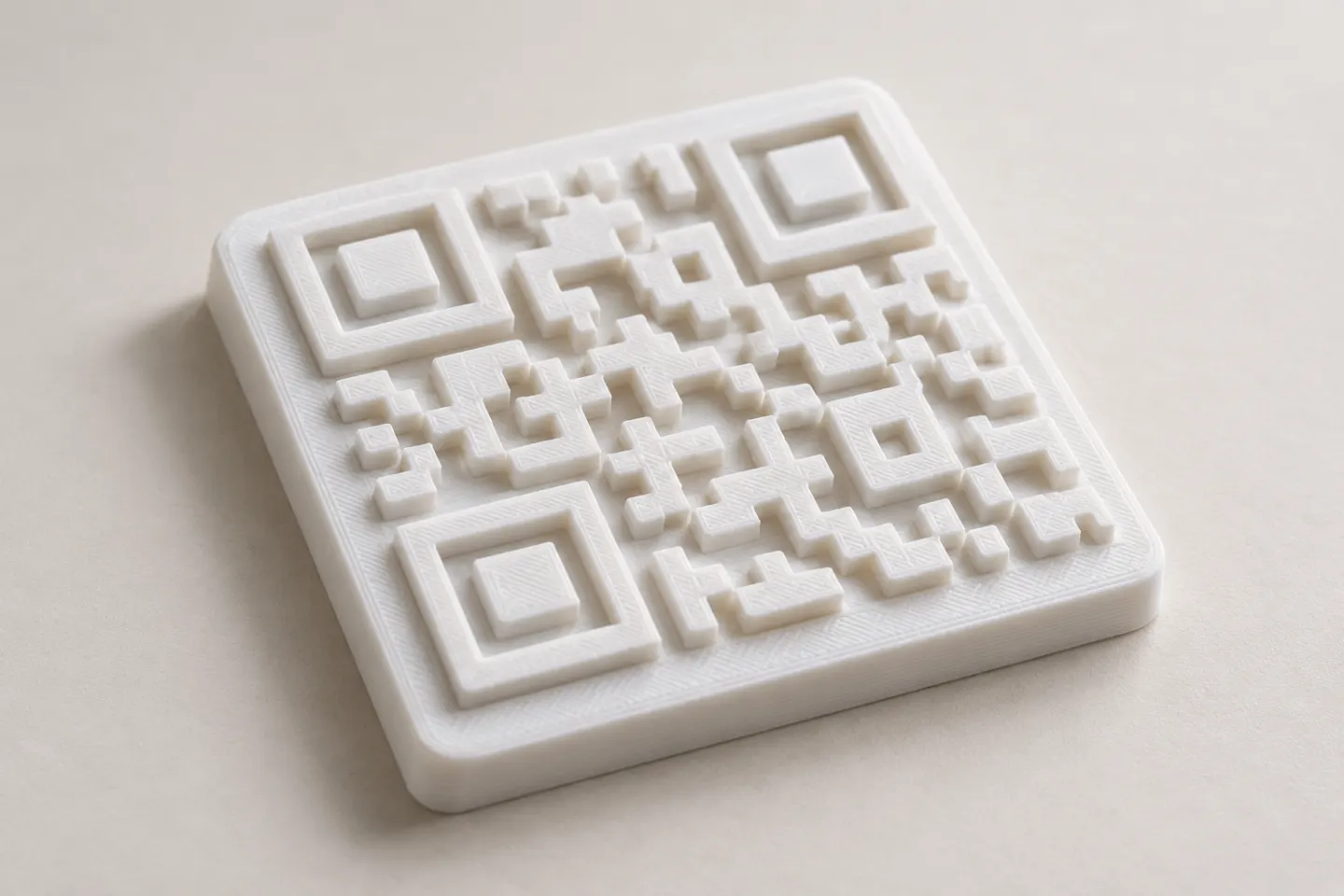
Can You 3D Print a QR Code? Design and Testing Basics
Yes, a QR code can be made as a 3D print, but scan reliability depends on readable modules, contrast, print detail, and testing the finished part.
Read article
Learn how to create, customize, and use QR codes with QRHyper.
FEATUREDYes, a QR code can be made as a 3D print, but scan reliability depends on readable modules, contrast, print detail, and testing the finished part.
Read article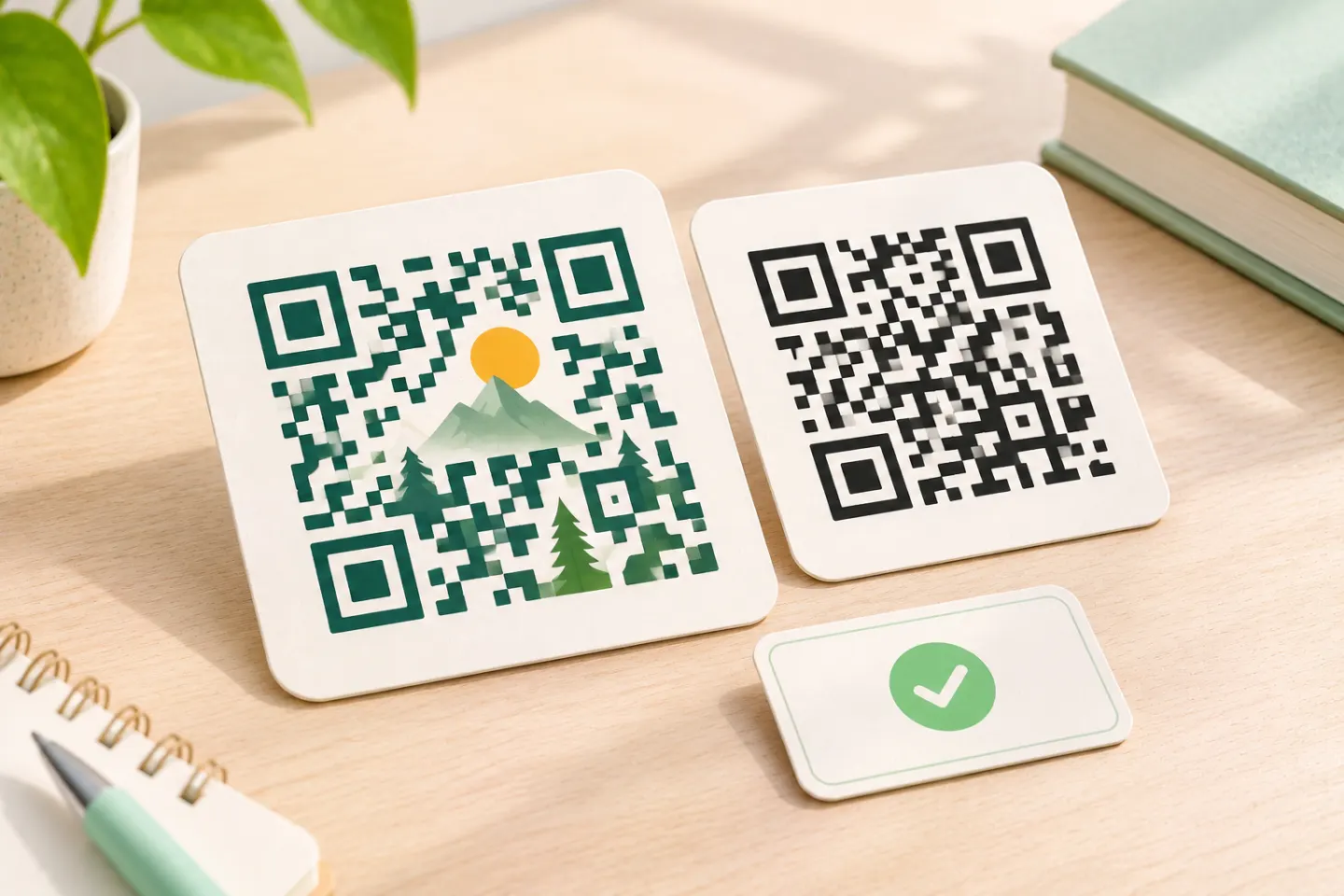 FEATURED
Learn why AI art QR codes can scan, what error correction cannot fix, and how to check the final design before printing or publishing.
Read article FEATURED
JIS/ISO-compliant QR Codes have no usage license fee. Check separate costs for generators, hosting, redirects, analytics, and printing.
Read articleShowing 12 of 37 articles
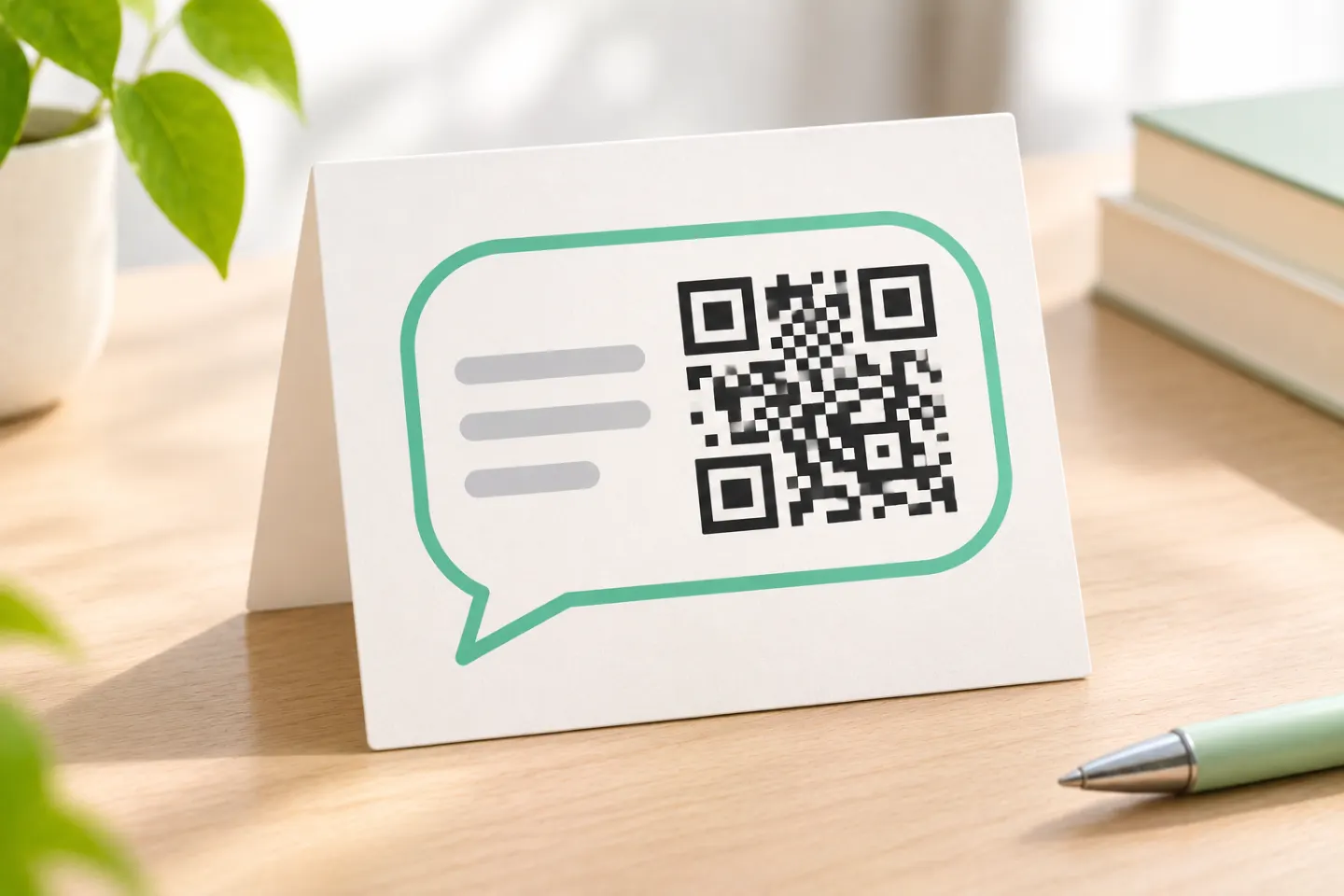
Create a WhatsApp QR code with a wa.me chat link or WhatsApp Business. Add a pre-filled message and check your code before sharing.
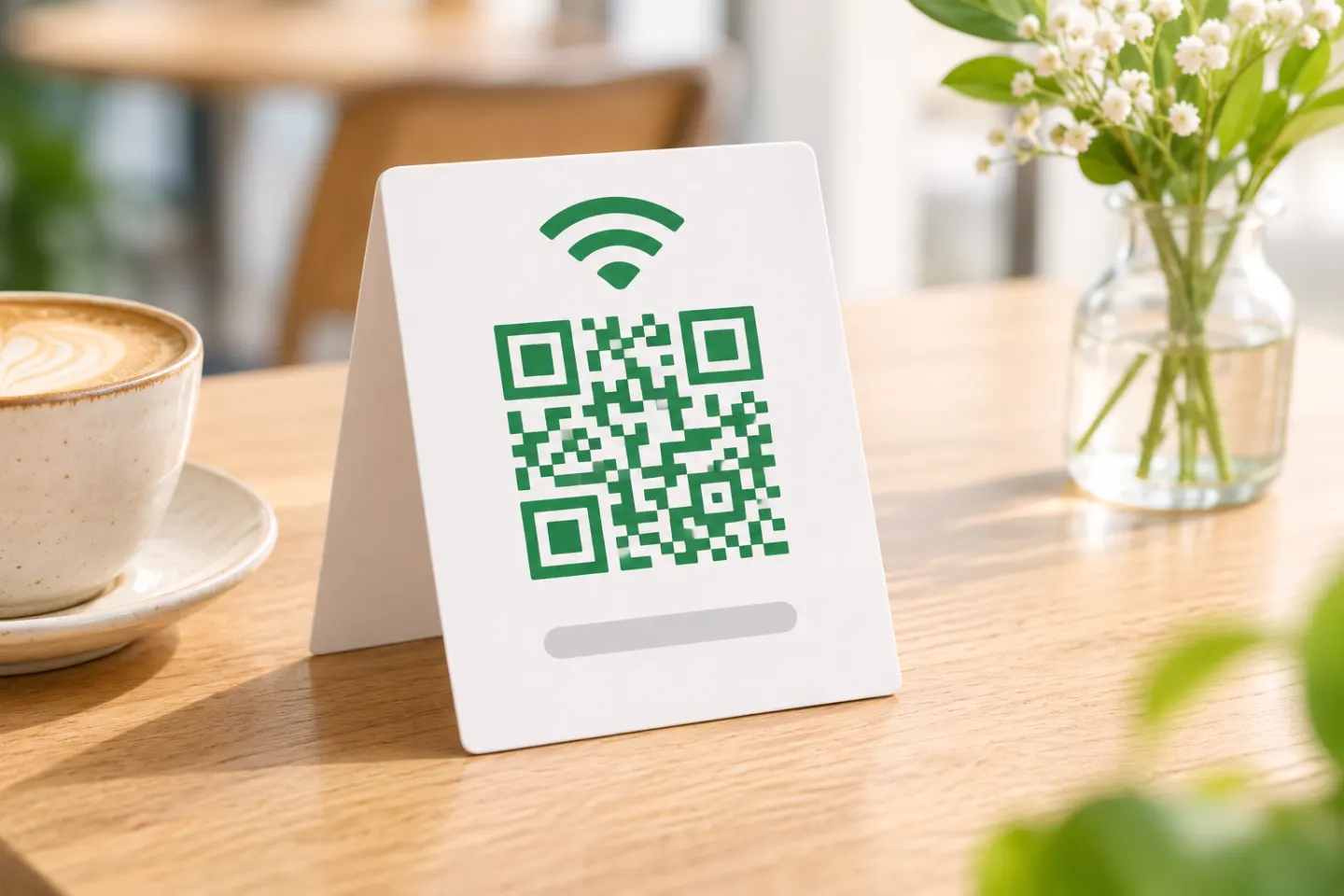
Create a WiFi QR code on iPhone or Android, prepare a guest-network sign, and check credentials and scanning before sharing.
Create a text QR code with the message stored inside it. Check the payload, preserve print quality, and test scanning without internet.

Create a vCard QR code for contact details. Choose embedded data or a contact link, format the record, and test scanning and saving before printing.
Find your Instagram profile QR code, save or share it, and check it before printing. Includes tips if Share profile is missing.
Find your LinkedIn QR code in the mobile app, save or share it, and scan someone else’s code—with notes on outdated platform instructions.

Generate QR codes offline with Python or desktop software. Get PNG and SVG steps, air-gapped setup guidance, and a scanning checklist.

Create a calendar QR code using an event link or an .ics download. Follow the steps, check Google sharing limits, and test before printing.
Create a QR code for your Google Form, check responder access, and test the link and printed code before sharing.
Turn a PDF into a QR code: upload your file, set access permissions, create a code for its link, and test it before sharing or printing.
Create a TikTok QR code for your profile or a specific video. Find the profile QR menu, make a code from a link, and check it before printing.
Turn a video link into a QR code with these steps. Check sharing permissions, create the code, and test playback before printing.
