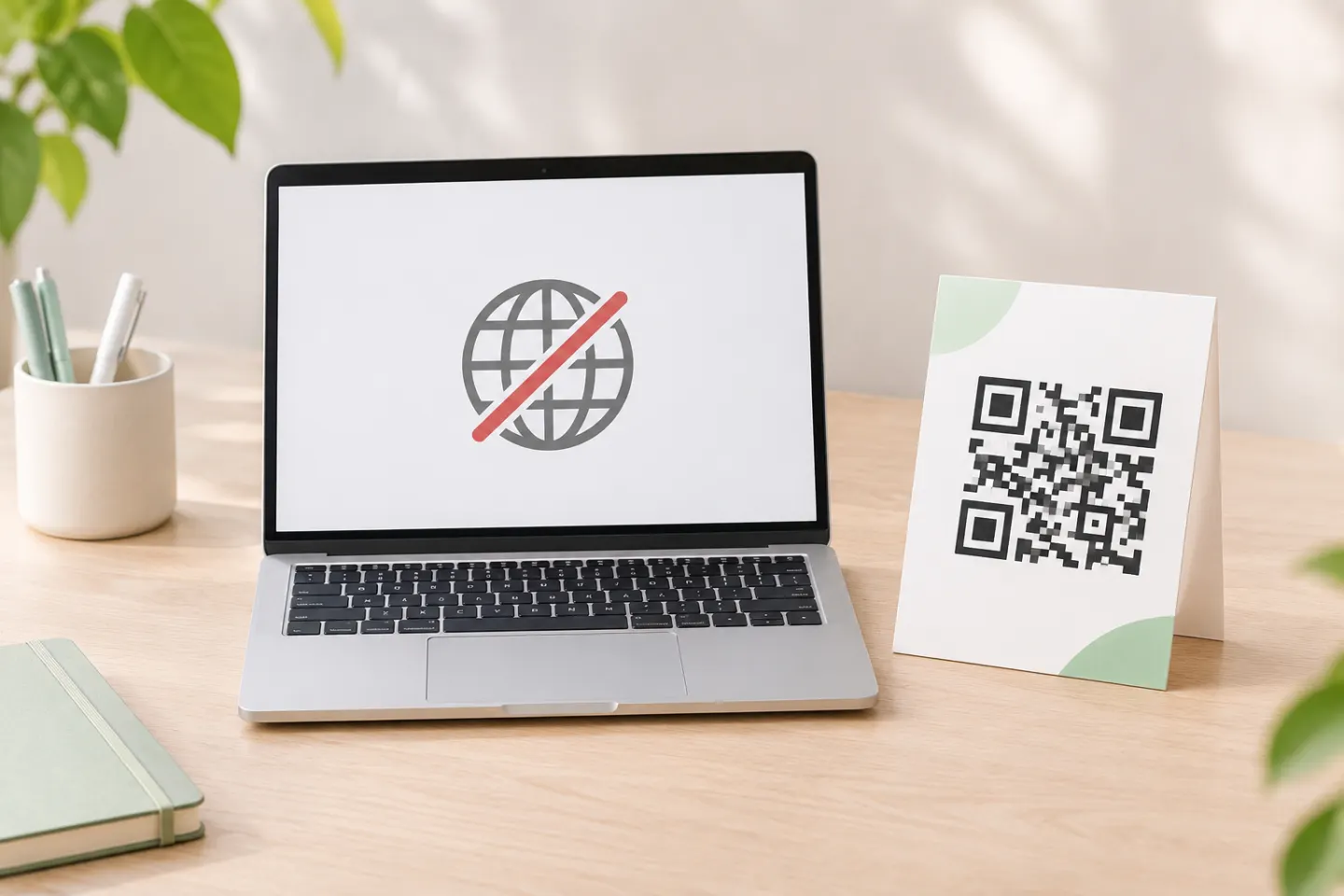
The important distinction is offline generation versus offline use. Creating a symbol locally does not make its destination available without a network connection. The examples below encode plain text so you can check decoding separately from opening a website.
Before you disconnect
An offline QR code generator needs to be available on the computer first. Download and install the software while connected, or transfer an approved installer and all required dependencies to the disconnected machine. Python’s package manager supports downloading dependencies in advance and installing from a local directory. [2]
Choose your route:
- A few codes, no programming: consider a desktop application.
- Quick, repeatable commands: use the Python
qrcommand below. - Custom data or automation: use the Python library example.
For sensitive work, treat local generation as one part of your security process—not as a privacy certification. Use approved software, save outputs in an approved location, and validate the workflow while disconnected.
Method 1: Generate PNG or SVG files with Python
Step 1: Install the package while connected
In your chosen Python environment, run:
python -m pip install "qrcode[pil]"
The project’s documented pil extra installs Pillow for image generation. The tested release, qrcode 8.2, requires Python 3.9 or later and below 4. Check the requirement for the release you install. [3]
Here, python means the interpreter for that environment. Use python3 or py instead if that is how your system invokes it.
Step 2: Disconnect and create a PNG
With the environment active, run:
qr --output asset-label.png "Asset ID: US-1042"
This example requests an image file directly. The reviewed CLI implementation supports --output and writes the generated image to a local file in binary mode. [4]
If your shell cannot find qr, check that you are using the environment where the package was installed and that its scripts directory is available to the shell.
Step 3: Create an SVG when needed
Select an SVG image factory explicitly:
qr --factory=svg-path --output asset-label.svg "Asset ID: US-1042"
The project’s command-line documentation lists svg-path among the supported factories. Merely changing a filename extension is not a substitute for selecting the output format. [5]
Step 4: Use a script for more control
Save this as make_qr.py:
import qrcode

code = qrcode.QRCode(
    error_correction=qrcode.constants.ERROR_CORRECT_M,
    box_size=10,
    border=4,
)
code.add_data("Asset ID: US-1042")
code.make(fit=True)
image = code.make_image(fill_color="black", back_color="white")
image.save("asset-label.png")
Run it locally:
python make_qr.py
The library documents the QRCode class, automatic fitting, image saving, and these size and border controls. box_size sets pixels per module in this PNG workflow; it does not specify the final physical print size. [1]
Both PNG examples decoded to the original asset ID in a local test. The SVG command also created a file.
Installing on an air-gapped computer
If the target computer cannot connect at all, prepare its packages elsewhere. Assuming Python and pip are already installed, use a connected computer with a matching operating system, architecture, and Python environment to download compatible wheels:
python -m pip download --only-binary=:all: --dest qr-packages "qrcode[pil]"
Transfer the entire qr-packages directory using your organization’s approved process. On the disconnected computer, install from that directory:
python -m pip install --no-index --find-links=qr-packages "qrcode[pil]"
Pip documents dependency downloads and local-directory installation with --no-index and --find-links. If preparing packages for a different platform or Python version, use pip’s target-selection options; the default download targets the connected computer’s environment. Do not assume a folder downloaded on one platform will work on another. [2]
Method 2: Use desktop QR software
For a point-and-click option, DENSO WAVE documents QRdraw II, a PC application that creates QR codes and can print through a connected printer. Its product page lists Windows 11 compatibility and image exports including PNG, BMP, TIFF, WMF, and EMF. It also says sales availability varies by country and region. [6]
Before choosing it for a disconnected US deployment, confirm availability, licensing, installation requirements, and whether activation or routine operation requires connectivity. The product page establishes local PC code creation, but does not establish a fully air-gapped licensing workflow. Its listed exports do not include SVG or PDF. [6]
What offline generation does—and does not—change
The encoded payload is fixed, but a destination can change
In these examples, the encoder turns the supplied data into a fixed image. Changing that embedded data requires generating a new image. That is an inference from the documented encoding workflow, not a limitation unique to offline tools. [1]
Do not confuse a fixed URL with fixed website content. A locally generated QR code can contain a URL whose server later serves different content or redirects elsewhere. Any such behavior belongs to the destination system; local QR generation alone does not provide destination management or scan reporting.
Decoding is different from opening the destination
The CLI encodes the supplied string; it does not package the website named by a URL into the image. Consequently, a scanner may decode an address without connectivity while still being unable to retrieve its page. This distinction follows from what the encoder stores. [4]
For an offline-use requirement, start with directly embedded text and verify that your intended scanner can display it while disconnected.
Check the finished file before printing
Use this acceptance checklist rather than treating successful file creation as proof of scan reliability:
- Verify the decoded text. Compare it with the intended payload, including punctuation and line breaks.
- Test while disconnected. Confirm decoding separately from any action the scanner offers afterward.
- Preserve the quiet zone. Standard QR Code symbols require a clear margin at least four modules wide on every side. Do not crop it when placing the image in a document. [7]
- Choose error correction deliberately. Levels L, M, Q, and H offer different recovery capabilities. Higher correction can require a larger symbol; it is not permission to obscure arbitrary parts of the code. DENSO WAVE identifies M as a commonly selected level. [8]
- Test the final layout and a physical proof. Try the intended scanners at the actual size, lighting, and viewing distance before producing a batch.
References
[1] Python QR Code generator—project documentation — https://github.com/lincolnloop/python-qrcode
[2] pip—download documentation — https://pip.pypa.io/en/stable/cli/pip_download/
[3] PyPI. qrcode 8.2. https://pypi.org/project/qrcode/8.2/
[4] Python QR Code generator—CLI implementation — https://github.com/lincolnloop/python-qrcode/blob/main/qrcode/console_scripts.py
[5] Python QR Code generator—CLI manual — https://github.com/lincolnloop/python-qrcode/blob/main/doc/qr.1
[6] DENSO WAVE—QRdraw II — https://www.denso-wave.com/en/adcd/product/software/qrdraw-2.html
[7] DENSO WAVE—QR Code quiet zone and area — https://www.qrcode.com/en/howto/code.html
[8] DENSO WAVE—error correction — https://www.qrcode.com/en/about/error_correction.html