Use your profile code for contact exchange. Show your payment code only when you intend to pay at the register. [1][5]
First, identify which code you need
| Your goal | Code or screen to use | What to check |
|---|---|---|
| Let someone add you | Your personal profile QR code | You are sharing your profile, not opening a payment screen. [1] |
| Pay by scanning | The merchant’s checkout QR code | Review the payment details before proceeding. [2] |
| Pay at a cashier’s scanner | Your payment code | Show it only for the intended transaction. [5] |
| Complete assisted registration | The verification code shown during sign-up | Follow the helper conditions on that registration screen. [3] |
| Authorize a login | The code presented by the sign-in process you started | Do not approve an unfamiliar login. QR-based cross-device authentication is a documented WeChat use. [4] |
How to share your personal WeChat QR code
For contact exchange, look for My QR Code in your profile. University of Science and Technology Beijing’s published guide describes opening Me, entering the profile area beside the WeChat ID, and choosing My QR Code. It also documents opening Scan from the chat screen’s + menu. Treat these as documented navigation examples, not a guarantee of identical placement in your version. [1]
For a straightforward exchange:
- Open your personal profile code—not your payment code.
- Show it to the intended person.
- Have them scan it in WeChat and check the resulting profile before continuing.
This sequence follows the university’s contact-sharing workflow; it is not a device-tested procedure for this article. [1]
How to scan a WeChat QR code safely
Use WeChat’s own scanner for the WeChat workflows described here. Both its contact-sharing guidance and official Native payment instructions use in-app scanning. After recognition, read the resulting screen before taking the next action. [1][2]
Do not use “it didn’t ask for a password” to decide that a code is harmless. Tenpay’s payment-code agreement explicitly allows some merchant-initiated deductions without password or SMS verification. [5]
For any request involving sensitive information, stop if someone asks you to disclose an SMS one-time password, wallet password, or bank-card security code. WeChat’s anti-scam guide warns against sharing these details or allowing someone to remotely control your device. [6]
Payment codes: who scans whom?
You scan the merchant’s code
In WeChat Pay’s documented Native payment flow, a merchant system generates a payment QR code and the customer scans it using WeChat. The official guide illustrates scanning, confirming payment, password entry, and a success message. That example should not be read as a promise that every payment follows identical prompts. [2]
The merchant scans your payment code
In the reverse direction, you display a payment code and the merchant scans it to request payment. Protect both its image and its underlying numeric information; do not post it publicly or send it as a profile badge. Tenpay’s agreement specifically warns against providing payment-code information to unintended recipients. [5]
A password prompt can be normal. Tenpay says password-free limits depend on factors including location, payment scenario, and risk controls; payments above the applicable limit require password verification. Follow the actual transaction prompts rather than a universal dollar threshold. [5]
What U.S. readers should know
Being able to scan a code does not establish payment eligibility. Tencent documents eligible international-card linking for overseas visitors making merchant payments in mainland China, with identity verification relevant to higher limits. Check the payment options and requirements offered to your account; this article is not a U.S. wallet-availability or card-eligibility guide. [7]
What “WeChat QR verification” can mean
Assisted registration
If sign-up asks another user to scan a QR code, that is a registration-assistance step—not ordinary contact sharing. A Tsinghua-hosted registration guide documents asking an eligible WeChat user to scan the code and notes that assistance conditions can differ by country or region. [3]
Use this cautious approach:
- Read the eligibility conditions shown on your own registration screen.
- Ask a trusted person who meets those conditions to follow the in-app instructions.
- Return to your registration flow and follow its result.
- If assistance fails, use the help route offered by the app rather than assuming another scan will bypass the requirement.
The guide supports conditional assistance, not a guaranteed approval method or a universal helper-eligibility checklist. Never give a helper your password or SMS code. [3][6]
Login authorization
QR-based login is a separate use: a phone scans a code associated with signing in on another device. NN/g documented this in its original WeChat research. As a safety rule, continue only when you initiated the login and recognize the destination; this article does not provide a current desktop-client walkthrough. [4]
Troubleshooting: recognition failure or action failure?
The scanner does not recognize the code
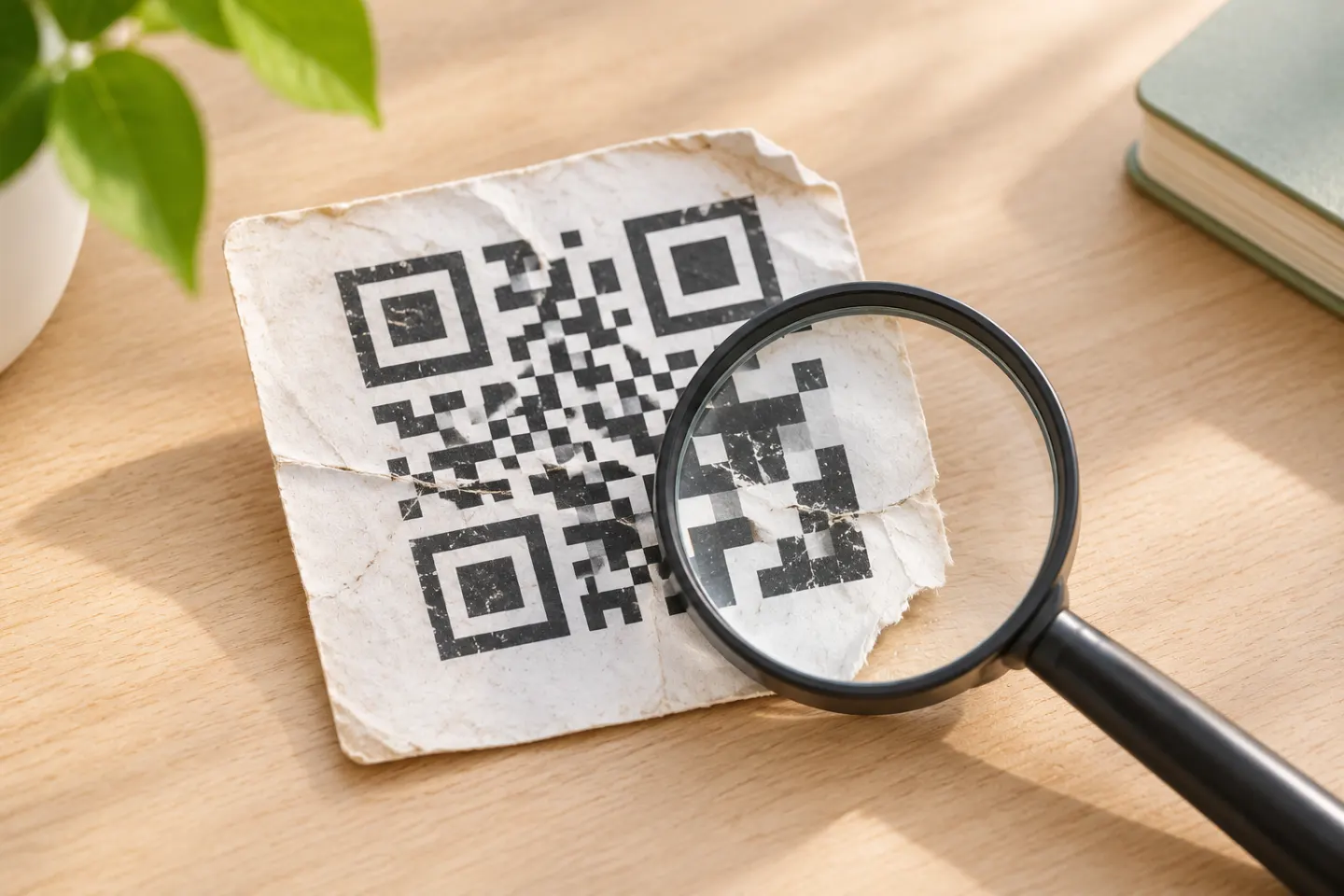
Try a clear, complete copy with no obstruction over the pattern. For printed merchant codes, ask for a replacement if the print is faint, incomplete, stained, or damaged. WeChat Pay’s QR specification identifies these as recognition problems and calls for real-environment acceptance checks and ongoing maintenance. [8]
The scan opens a blank page or a security warning
A code can be recognized while its destination fails. For merchant web-based QR workflows, WeChat Pay lists certificate problems and URL setup issues as possible blank-page causes, and business-domain configuration as a possible unsafe-page issue. These are merchant-side possibilities—not a diagnosis of every WeChat scanning failure. Do not bypass a warning; ask the merchant to check the destination. [8]
Scanning works, but verification or payment fails
Separate image recognition from permission to finish the action. For registration, recheck the displayed helper conditions. For payment, read the transaction result and applicable verification prompts. A clearer QR image cannot resolve an unmet registration condition or payment requirement. [3][5]
References
[1] University of Science and Technology Beijing, “WeChat,” international faculty living guide — https://oia.ustb.edu.cn/InternationalFaculty/WorkingUSTB/LivingGuide/WeChat/d4edf3e0b99549b48449ba9581f35b9a.htm
[2] WeChat Pay, Native QR payment integration guide — https://pay.wechatpay.cn/guide/qrcode_payment.shtml
[3] Tsinghua-hosted conference registration instructions, “WechatRegistration” (institutional guidance, not a WeChat policy page) — https://indico-cdex.ep.tsinghua.edu.cn/event/175/attachments/735/958/WechatRegistration.pdf
[4] Nielsen Norman Group, “Scan and Shake: A Lesson in Technology Adoption from China’s WeChat,” October 16, 2016 (original historical research) — https://www.nngroup.com/articles/wechat-qr-shake/
[5] Tenpay, Payment Code Service Agreement — https://pay.wechatpay.cn/xdc/codepayagreementweb/html/agreement/code_pay_user_agreement_en
[6] WeChat Singapore, Anti-Scam & Safety Guide, hosted by Digital for Life — https://www.digitalforlife.gov.sg/-/media/digital-for-life/documents/resources/2026/wechat-safety-guide/wechat-anti-scam-safety-guide-en.pdf
[7] Tencent, international-visitor payment service announcement, April 12, 2024 (used for scoped background, not current numerical limits) — https://www.tencent.com/tencent-further-enhances-digital-payment-services-for-visitors-to-china-with-process-streamlined-and-more-overseas-wallets-linked/
[8] WeChat Pay, QR code specification, acceptance and security requirements — https://pay.wechatpay.cn/doc/v2/partner/4011939781