
 FEATURED
Can You 3D Print a QR Code? Design and Testing Basics
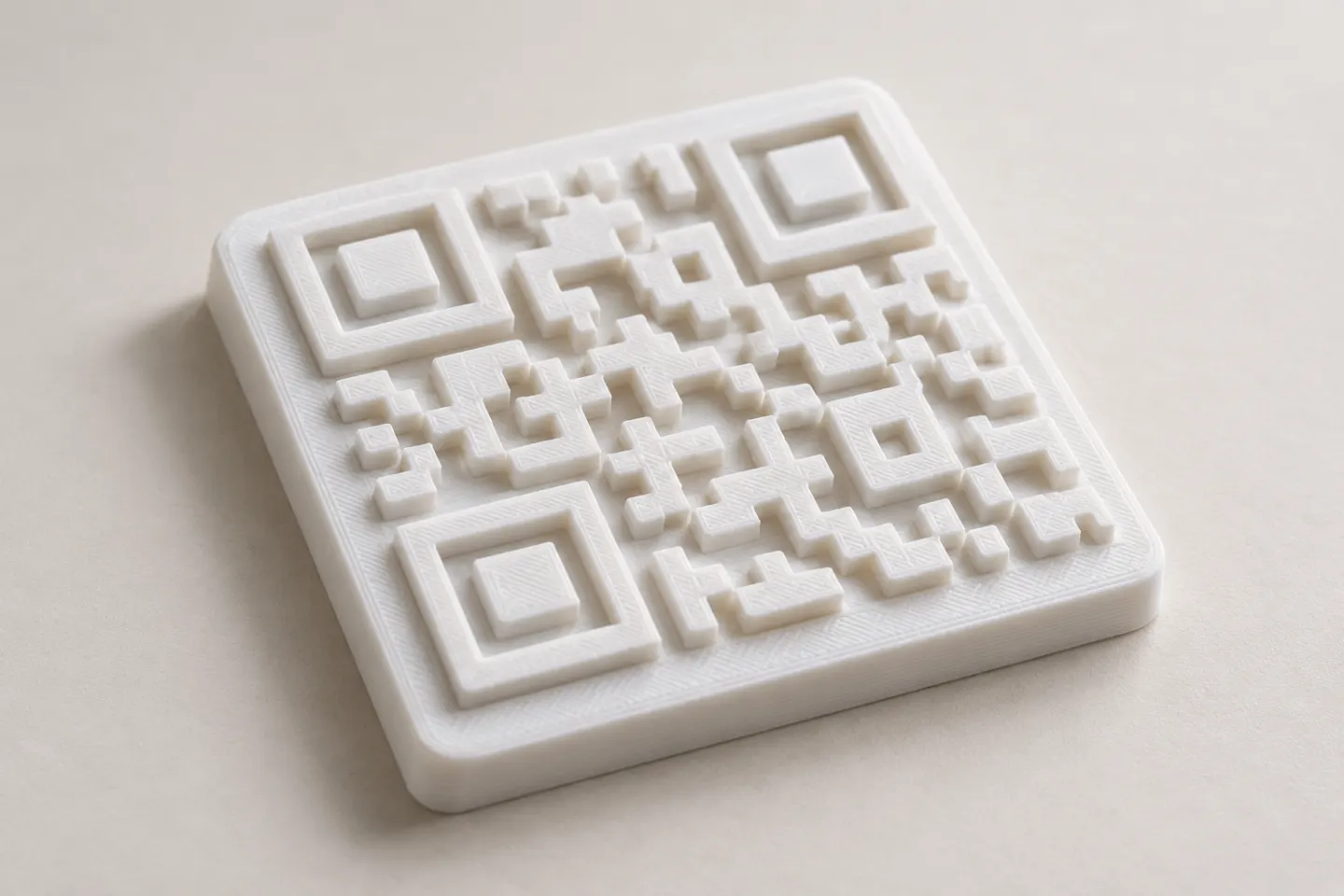
Yes, a QR code can be made as a 3D print, but scan reliability depends on readable modules, contrast, print detail, and testing the finished part.
Read article
Learn how to create, customize, and use QR codes with QRHyper.
FEATUREDYes, a QR code can be made as a 3D print, but scan reliability depends on readable modules, contrast, print detail, and testing the finished part.
Read article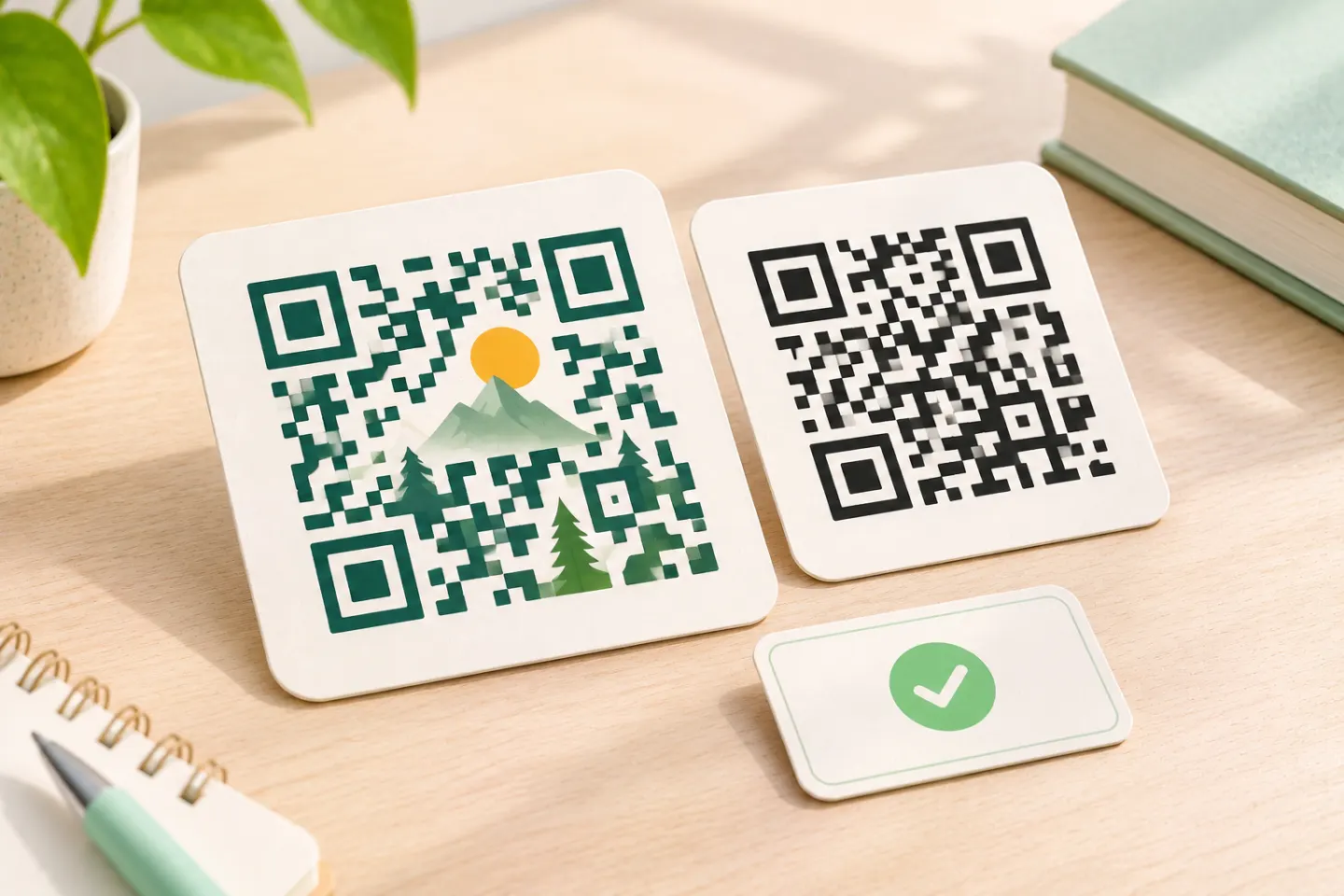 FEATURED
Learn why AI art QR codes can scan, what error correction cannot fix, and how to check the final design before printing or publishing.
Read article FEATURED
JIS/ISO-compliant QR Codes have no usage license fee. Check separate costs for generators, hosting, redirects, analytics, and printing.
Read articleShowing 7 of 7 articles
Yes, a QR code can be made as a 3D print, but scan reliability depends on readable modules, contrast, print detail, and testing the finished part.
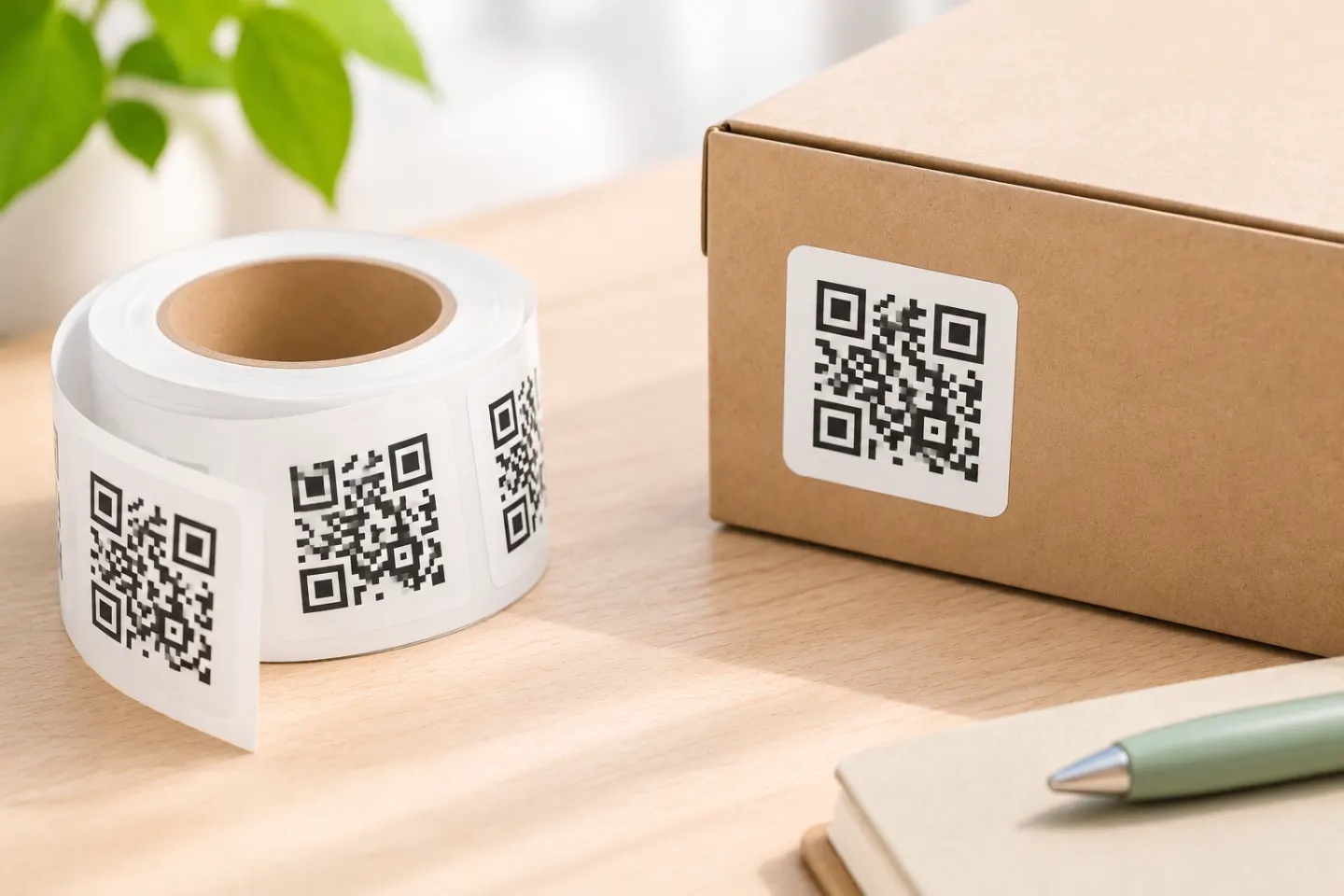
Choose the destination, label size, stock, and print method; then test alignment on paper and scan a sample on the surface before printing a small batch.

Learn how to prepare a QR code for print, protect its quiet zone, choose a suitable file, and proof the final piece before a full print run.
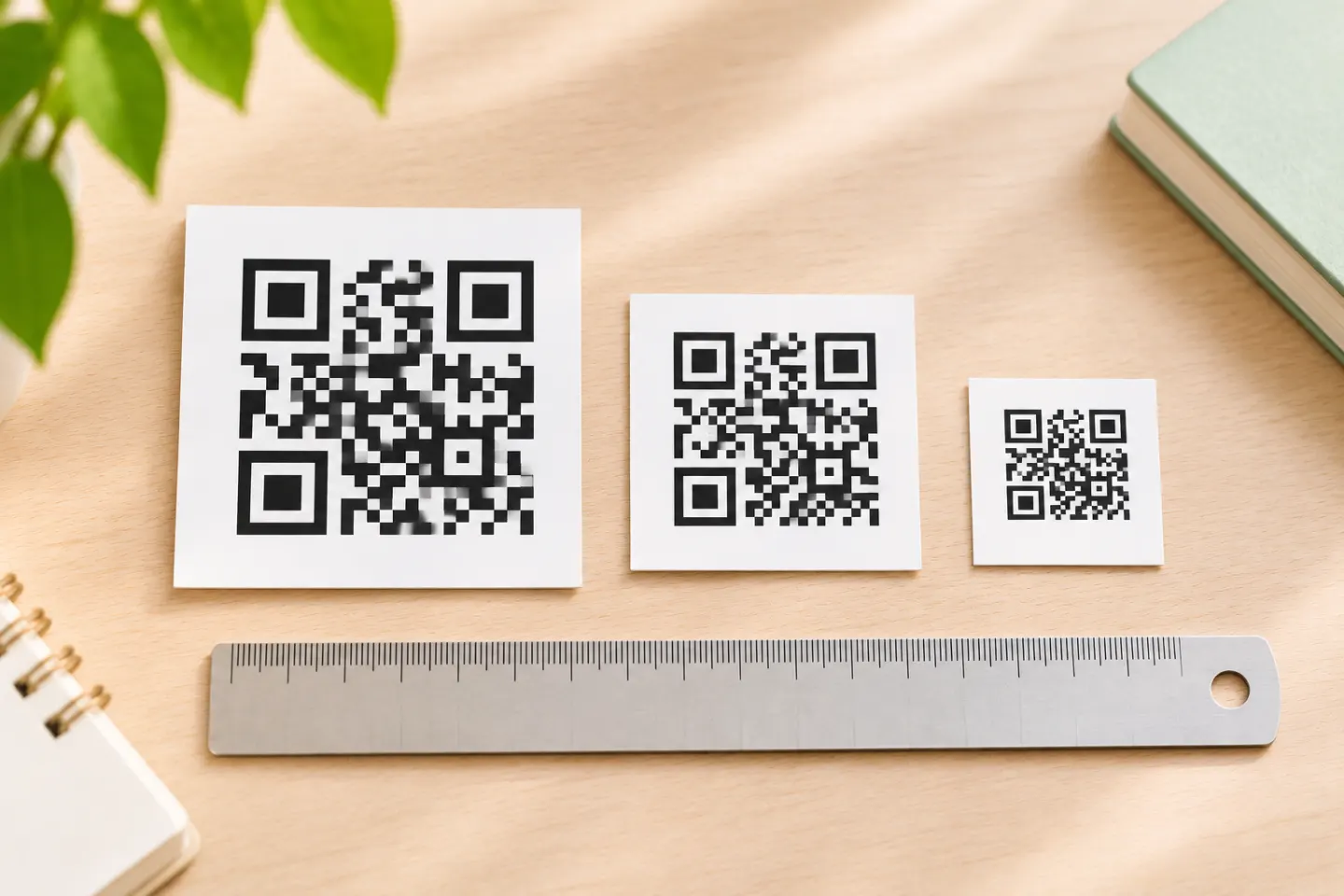
There is no universal minimum QR code size. Calculate the module pitch, account for the quiet zone, and test a printed sample at the real scan distance.
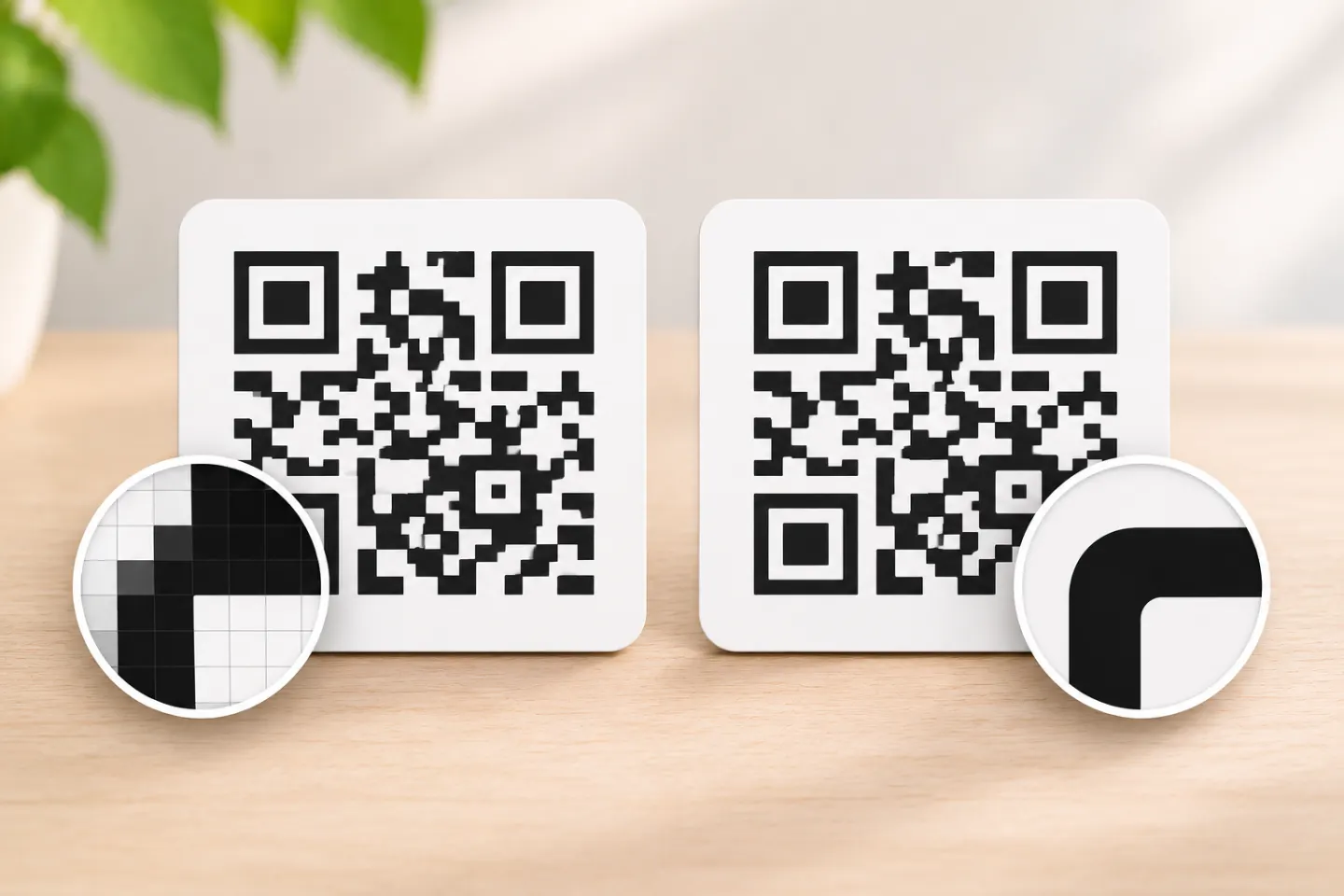
Choose PNG for digital images and SVG when you need scalable artwork—then check the export, destination, and final output before sharing or printing.
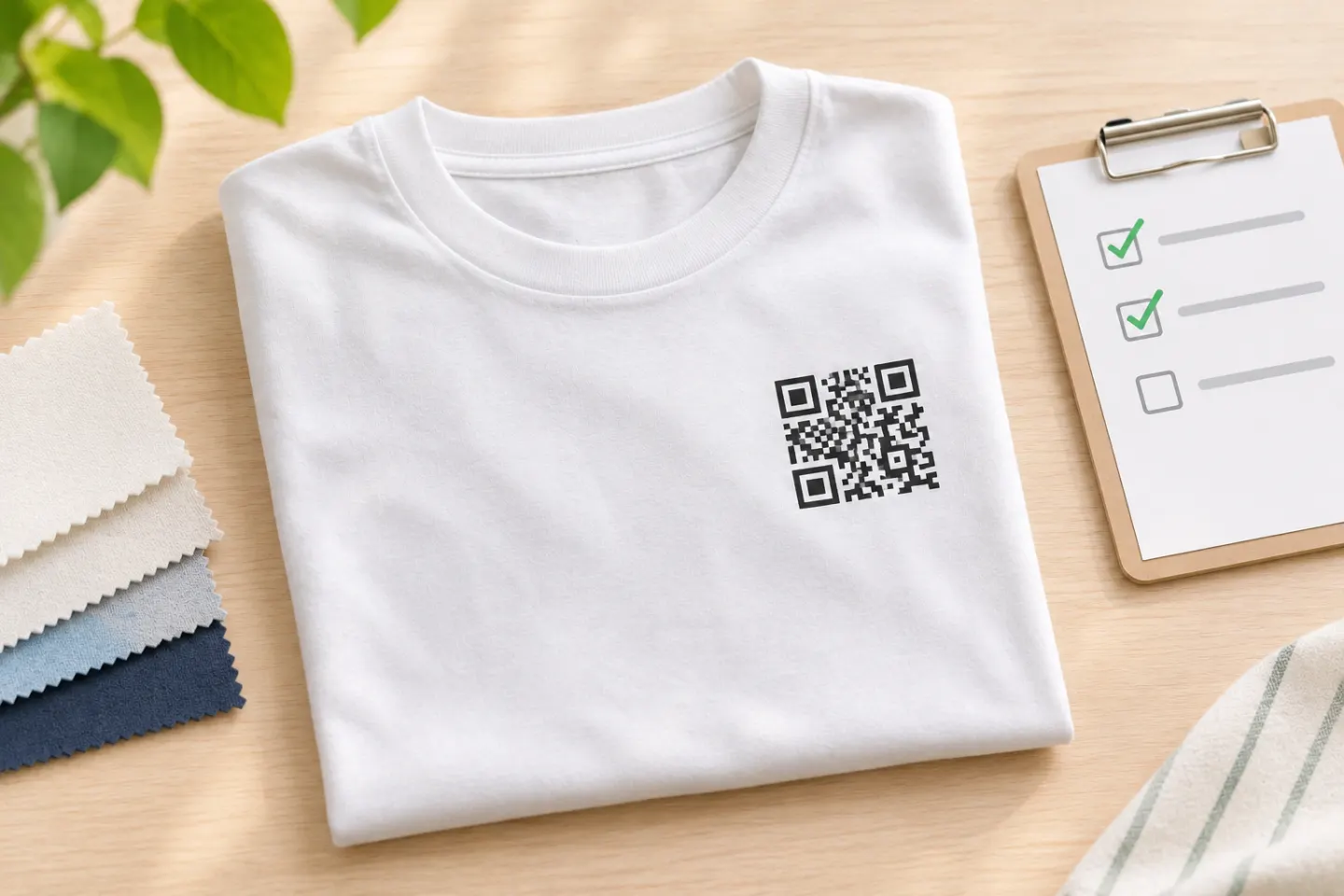
Put a QR code on a T-shirt that people can scan. Choose a flat placement, preserve the required clear margin, and test a printed sample while worn.
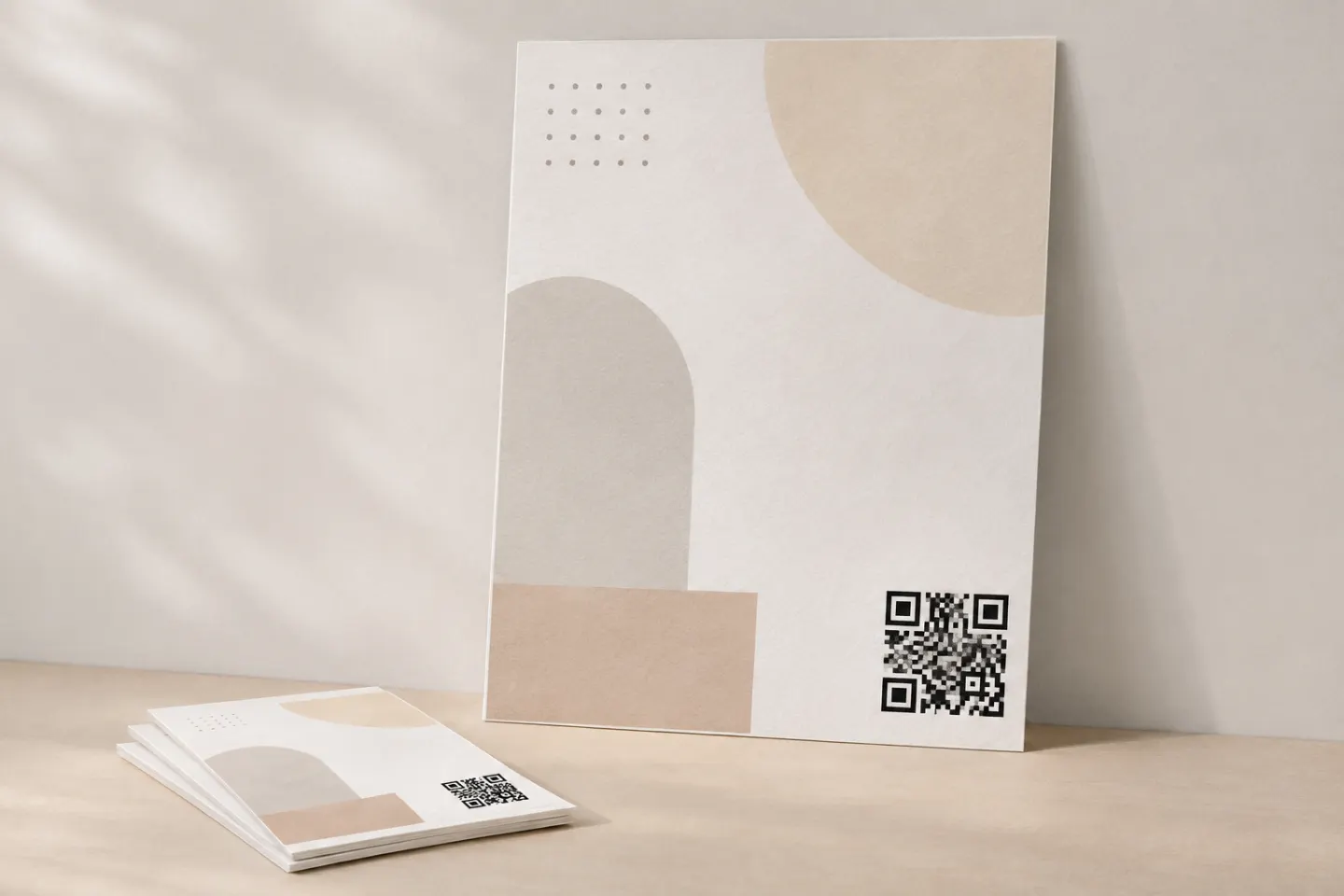
Add a QR code to a poster or flyer with a clear call to action, enough quiet space, and a scan test at the final print size and viewing distance.
