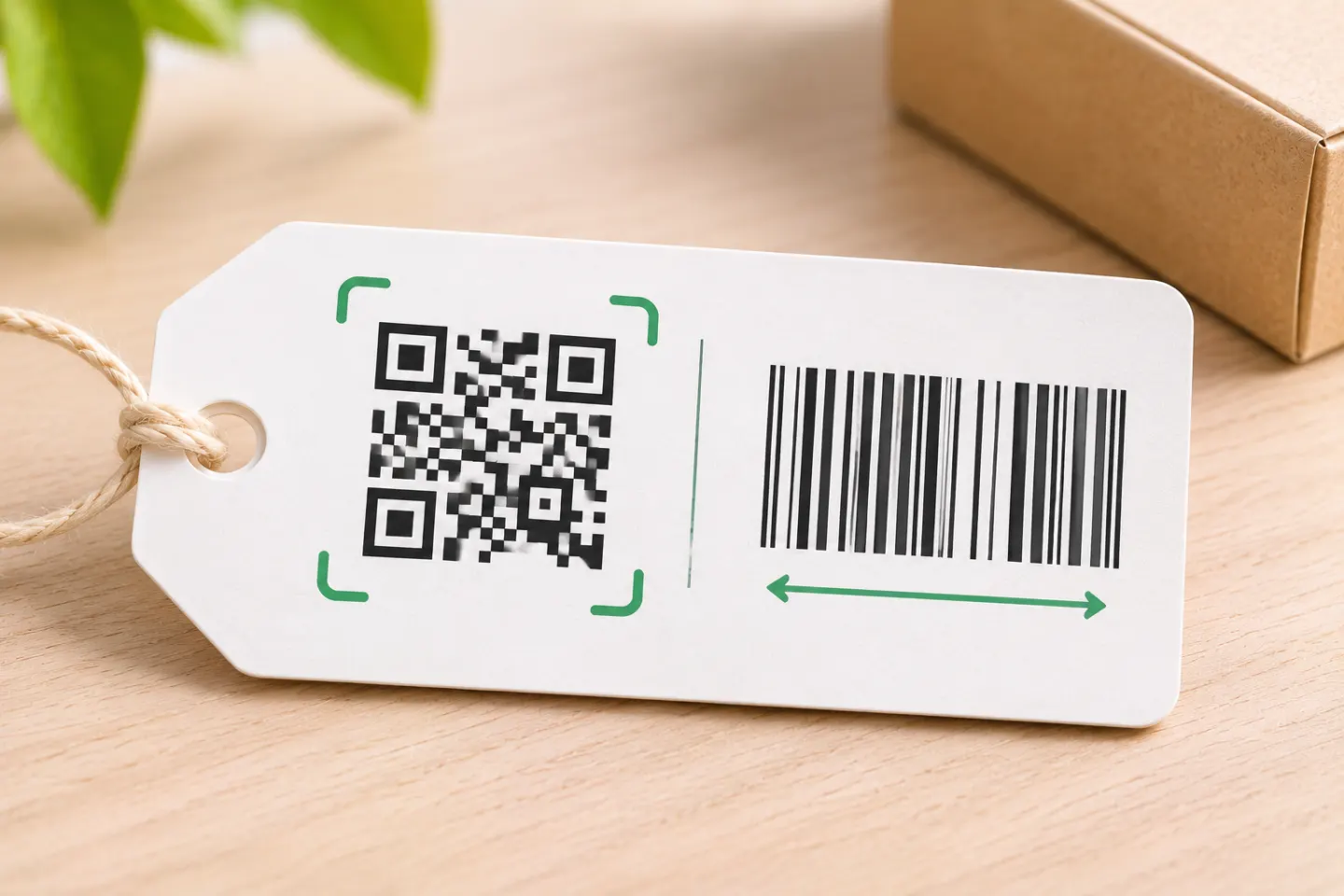
The practical starting point: keep a retailer-compatible UPC/EAN symbol for established checkout workflows; choose QR for a consumer-facing web link. Combining those functions in one retail QR code requires the appropriate GS1 data format and compatible checkout systems—not just a QR image. [2]
QR codes vs. UPC/EAN barcodes at a glance
| Difference | UPC-A / EAN-13 | QR code |
|---|---|---|
| Structure | Linear bars and spaces | Two-dimensional module grid |
| Typical encoded content | A product identifier: 12 digits for UPC-A, 13 for EAN-13 | A URL or other data; capacity varies with encoding and symbol settings |
| Common purpose | Retail product identification | Consumer web access; standardized product identification when appropriately encoded |
| Checkout fit | Established retail format | Requires a supported retail data structure and compatible scanning/processing systems |
See GS1’s retail guidance for supported formats and DENSO WAVE for QR capacity. [1][3][4]
The differences that affect your decision
1. More data does not automatically mean a better workflow
UPC-A and EAN-13 serve product-identification needs. Other linear formats are more capable: for example, GS1-128 can carry attributes such as batch numbers and dates. So “linear barcodes only hold a product number” is too broad. [1]
Compared with EAN/UPC, retail 2D barcodes can hold additional fields such as lot, serial number, and expiration date. However, encoding those fields does not ensure that the receiving system will use them; GS1 distinguishes basic GTIN capture from additional-data processing. [3]
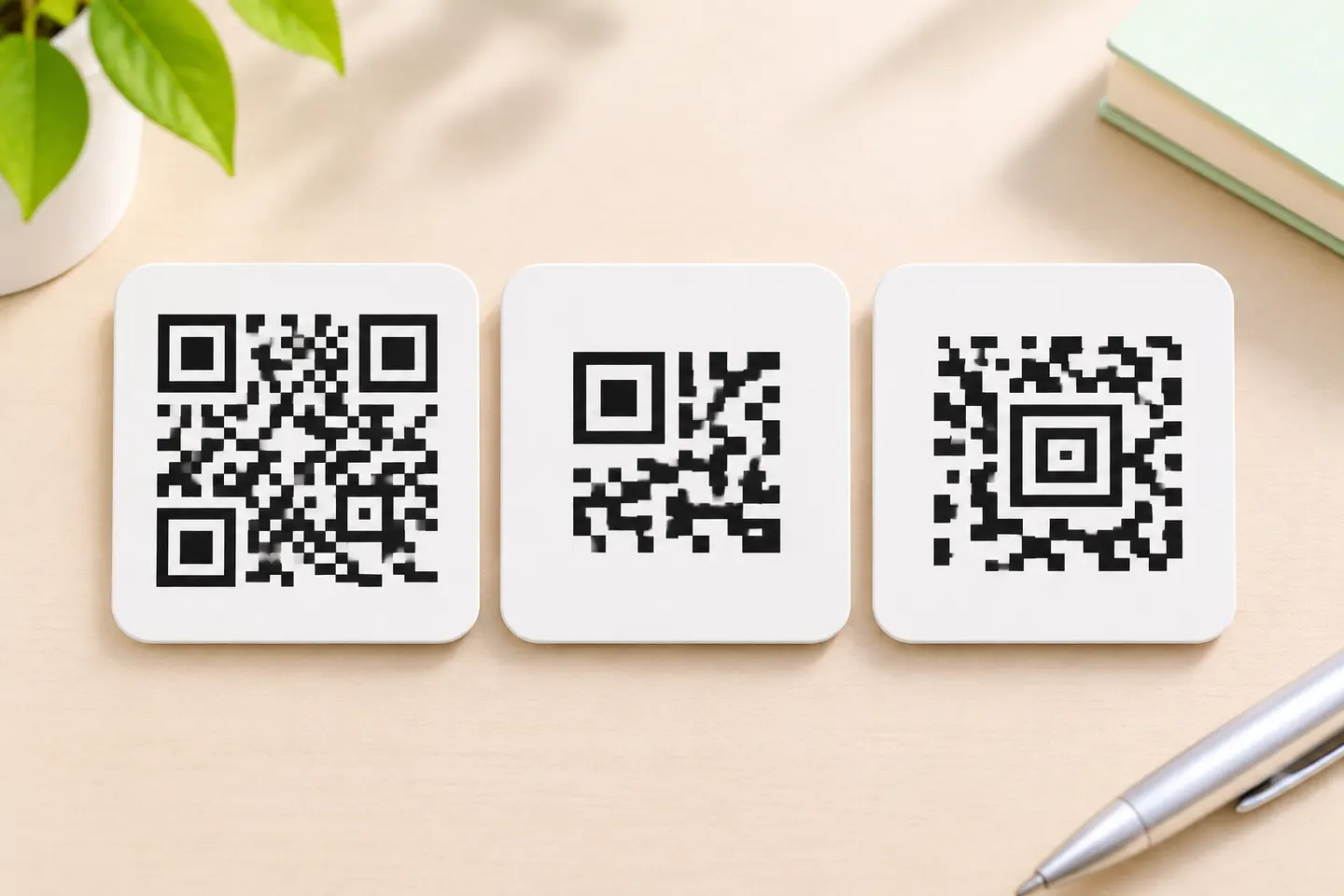
QR capacity is not one fixed number. DENSO WAVE explains that it depends on character type, symbol version, and error-correction level. More data generally requires more modules, so a short link and a long payload should not be treated as equivalent label-design tasks. [4]
2. Reading a symbol and processing its contents are different
Linear barcodes can be read using appropriate laser or image-based equipment. Retail QR adoption requires image-capable hardware and software that recognizes the encoded data; GS1 cautions that even some imaging scanners cannot support the necessary updates. [2]
For consumer scanning, QR has a familiar phone-camera workflow. Apple, for example, documents scanning QR codes with the iPhone or iPad Camera app or Code Scanner. That is evidence of a supported workflow—not proof that every phone, app, or printed label will work. [5]
3. A website QR code is not automatically a checkout barcode
A QR code can encode a regular website URL. A QR Code with GS1 Digital Link URI syntax instead expresses GS1 identification data in a web-compatible format, allowing compatible systems to use product identification while consumers access online resources. An arbitrary marketing URL should not be assumed to provide that retail functionality. [6]
For a package needing both checkout and consumer information, distinguish these two jobs before selecting the data to encode. A successful phone scan alone does not establish POS compatibility. [6]
4. QR codes need space and damage protection, too
Do not choose QR solely because it looks compact. Its physical footprint depends on module size and the amount of encoded data. Standard QR codes also require a clear quiet zone four modules wide on every side. [4][7]
QR includes error correction that can help recover data from a dirty or damaged symbol. Higher correction levels add overhead; they are not a promise that any damaged code will scan. ISO/IEC 18004:2024 specifies the QR format and its production quality requirements. [8][9]
Can QR codes replace UPC barcodes?
Not simply by swapping the artwork. GS1’s retail transition guidance calls for retaining a linear POS barcode alongside the 2D symbol during the dual-marking phase. Confirm compatibility with your retail partners before removing an existing UPC/EAN symbol. [3]
As of November 17, 2026, the industry’s stated goal is POS capability to read and process supported linear and 2D product identifiers by the end of 2027. This is a transition goal, not a UPC expiration date: GS1 US explicitly says UPC barcodes will continue to be accepted after Sunrise 2027. [3]
How to choose: a four-step checklist
- Define the scan’s job. For established retail identification, start with the format your retailer accepts. For consumer web access, consider QR. [2]
- List the actual data fields. Separate a product identifier from requirements for lot, serial number, or expiration date; other linear and 2D formats may also qualify. [1]
- Confirm end-to-end support. Ask the POS provider about both symbol decoding and data processing—not merely whether the scanner has a camera. [3]
- Validate before changing packaging. Check the applicable sizing and placement rules, then arrange barcode verification and workflow testing. A phone scan is not a substitute for standards-based print verification. [3]
The right choice is the symbol, data structure, and scanning workflow that work together. For many retail packages during the transition, that means keeping UPC/EAN and adding an appropriately implemented QR code rather than treating them as interchangeable. [10]
References
[1] GS1 US, “Types of Barcodes” — https://www.gs1us.org/upcs-barcodes-prefixes/barcode-types
[2] GS1, “GS1 Barcodes” — https://www2.gs1.org/standards/barcodes
[3] GS1, “2D Barcodes at Retail Point-of-Sale Implementation Guideline” — https://ref.gs1.org/guidelines/2d-in-retail/
[4] DENSO WAVE, “Information capacity and versions of the QR Code” — https://www.qrcode.com/en/about/version.html
[5] Apple Support, “Scan a QR code with your iPhone or iPad” — https://support.apple.com/en-us/102680
[6] GS1 GO, “What is the difference between the 2D barcode options?” — https://support.gs1.org/support/solutions/articles/43000756000-what-is-the-difference-between-2d-barcode-options-
[7] DENSO WAVE. Point for determining the code area. https://www.qrcode.com/en/howto/code.html
[8] DENSO WAVE, “Error Correction Feature” — https://www.qrcode.com/en/about/error_correction.html
[9] ISO. ISO/IEC 18004:2024. https://www.iso.org/standard/83389.html
[10] GS1 US, “GS1 Digital Link: For Retailers” — https://www.gs1us.org/industries-and-insights/gs1-digital-link/for-retailers