Our recommended approach is to arrange cemetery approval, choose an approved installation that can be replaced without harming the memorial, and assign someone to maintain both the link and the records. Treat the project as ongoing stewardship rather than a one-time purchase.
1. Get approval before choosing the mounting method
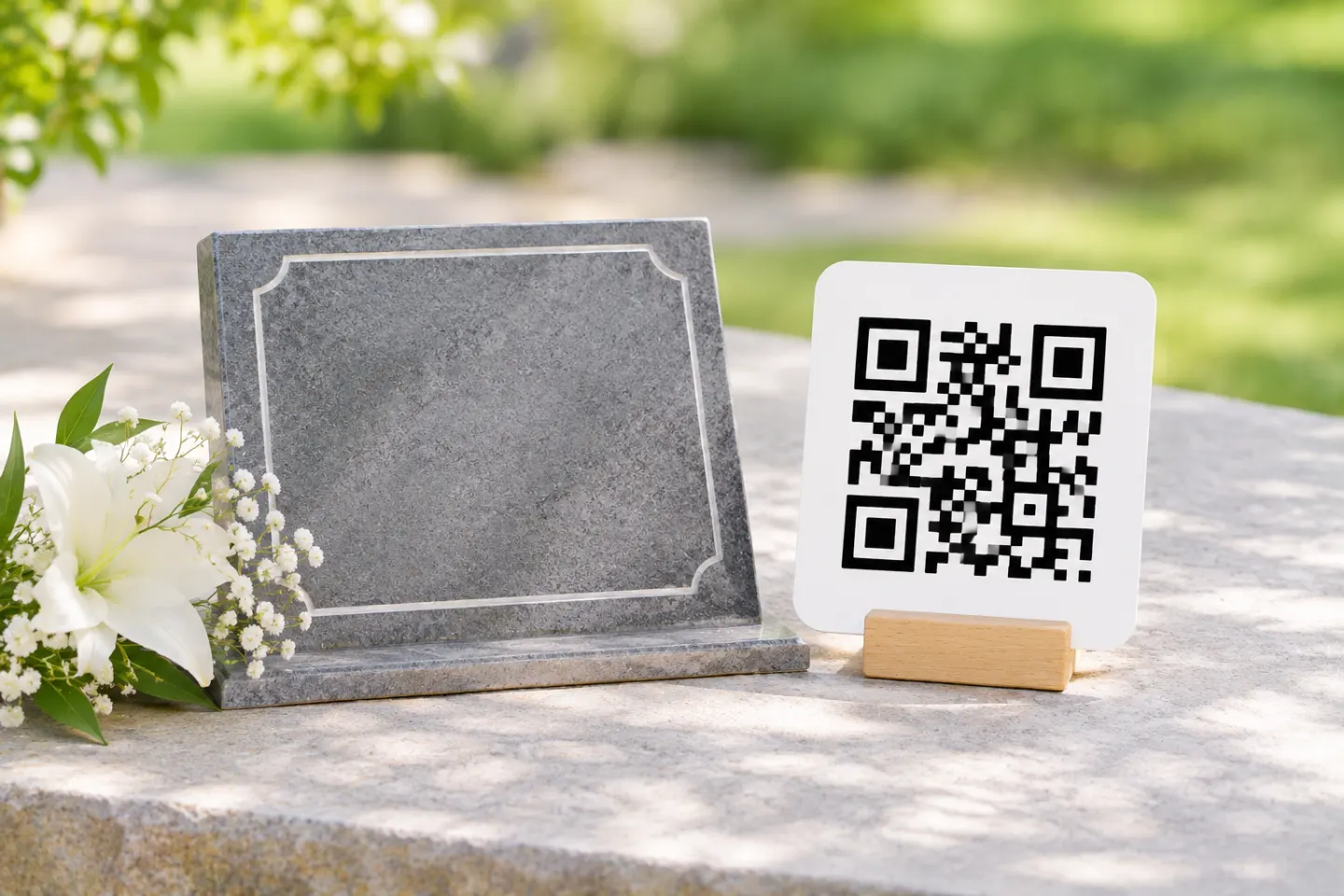
Ask the cemetery office or responsible organization whether a QR plaque or engraved code is allowed. Request written approval for the specific design, dimensions, location, and attachment method—not just general permission for a memorial.
Historic markers need particular care. The Texas Historical Commission advises obtaining authorization before cleaning historic stone, checking its condition, and using trained specialists for most repairs. Its guidance also calls for new elements to respect a cemetery’s historic character. These are preservation principles, not nationwide permission to install QR codes. [2]
Send the cemetery a short proposal covering:
- A drawing or photo showing the proposed location.
- The plaque dimensions and intended material.
- Whether installation involves adhesive, drilling, engraving, or ground disturbance.
- Who will install, maintain, and eventually remove or replace it.
- The memorial page visitors will open.
For an old, fragile, or historically significant marker, ask the cemetery and an appropriate conservator about a separate interpretive sign or plaque. Do not assume that an adhesive attachment is reversible or that a nearby ground-mounted sign is automatically permitted.
2. Choose the address that must survive
Prefer an address with a clear custodian
A practical option is a short memorial address on a domain maintained by a family or cemetery that has agreed to take responsibility for it. Have the site administrator keep that address working when the underlying page or hosting changes. W3C’s guidance explains that a public address can remain stable even when the files or implementation behind it move. [1]
This is an editorial recommendation, not a guarantee of permanence. A family-managed domain is useful only if someone continues managing it.
Record the registrar, hosting provider, renewal dates, account owner, and recovery arrangements. ICANN recommends tracking expiration dates, keeping contact information current, and maintaining current payment information when using automatic renewal. [3]
Understand any intermediate link
Before approving the QR artwork, ask: What exact URL is encoded, and who controls that address?
If the code opens a provider-controlled address that then forwards visitors elsewhere, include that provider in the continuity plan. Ask these questions before committing:
- Is continued forwarding tied to a subscription or another fee?
- Can a successor take over the account?
- Can you export the memorial text, photographs, and other files?
- What happens if the service closes or the account is canceled?
- Can the physical plaque be replaced if the encoded address becomes unavailable?
Do not treat an editable destination as a promise of permanent access. The underlying persistence problem remains maintaining the public address and the organization responsible for it. [1]
3. Specify readability, not a promised lifespan
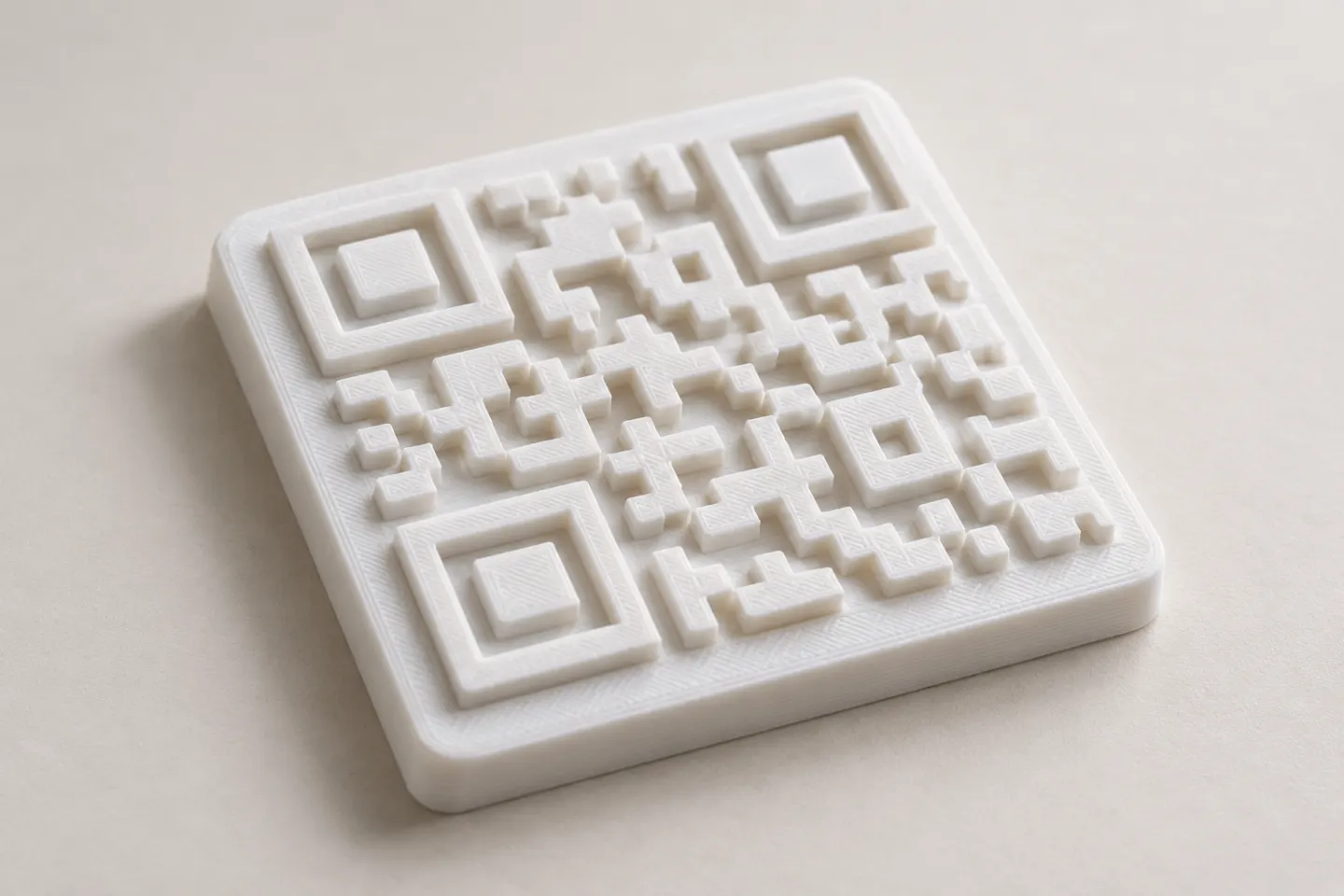
Ask the fabricator to explain the proposed material, finish, marking process, attachment method, warranty, and replacement procedure. Request a finished sample before authorizing permanent work. This article does not establish a universal outdoor lifespan for any plaque material or engraving process.
Preserve the QR code’s clear border. DENSO WAVE specifies a quiet zone four modules wide on every side of a standard QR Code; a module is one small square in the pattern. Keep decorative borders and text outside that area. [4]
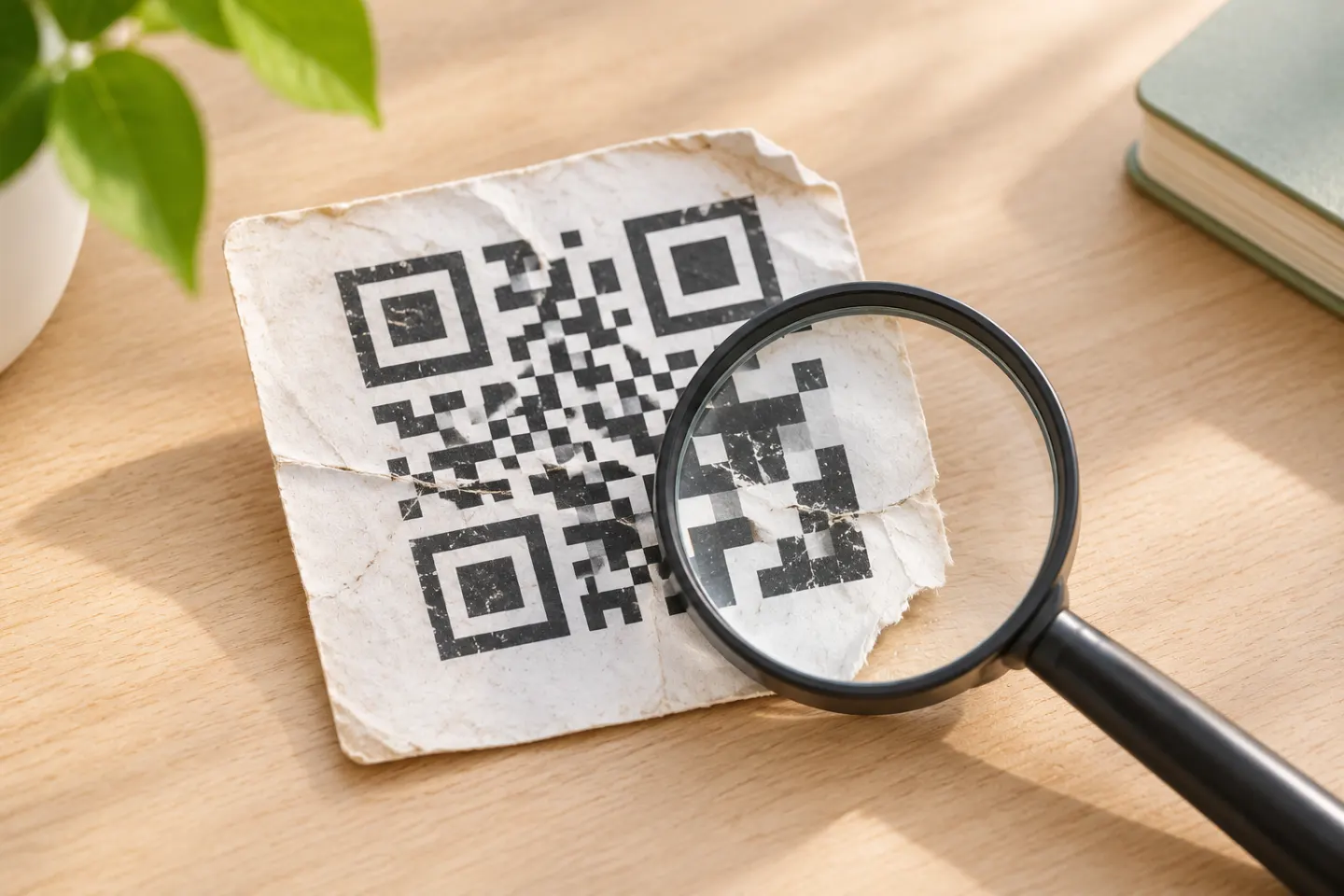
Error correction can help recover encoded data when a symbol is dirty or damaged, but its capability is limited. DENSO WAVE says the operating environment and symbol size should inform the selected level. It is not a substitute for a readable, maintained marker. [5]
Use a sample acceptance checklist
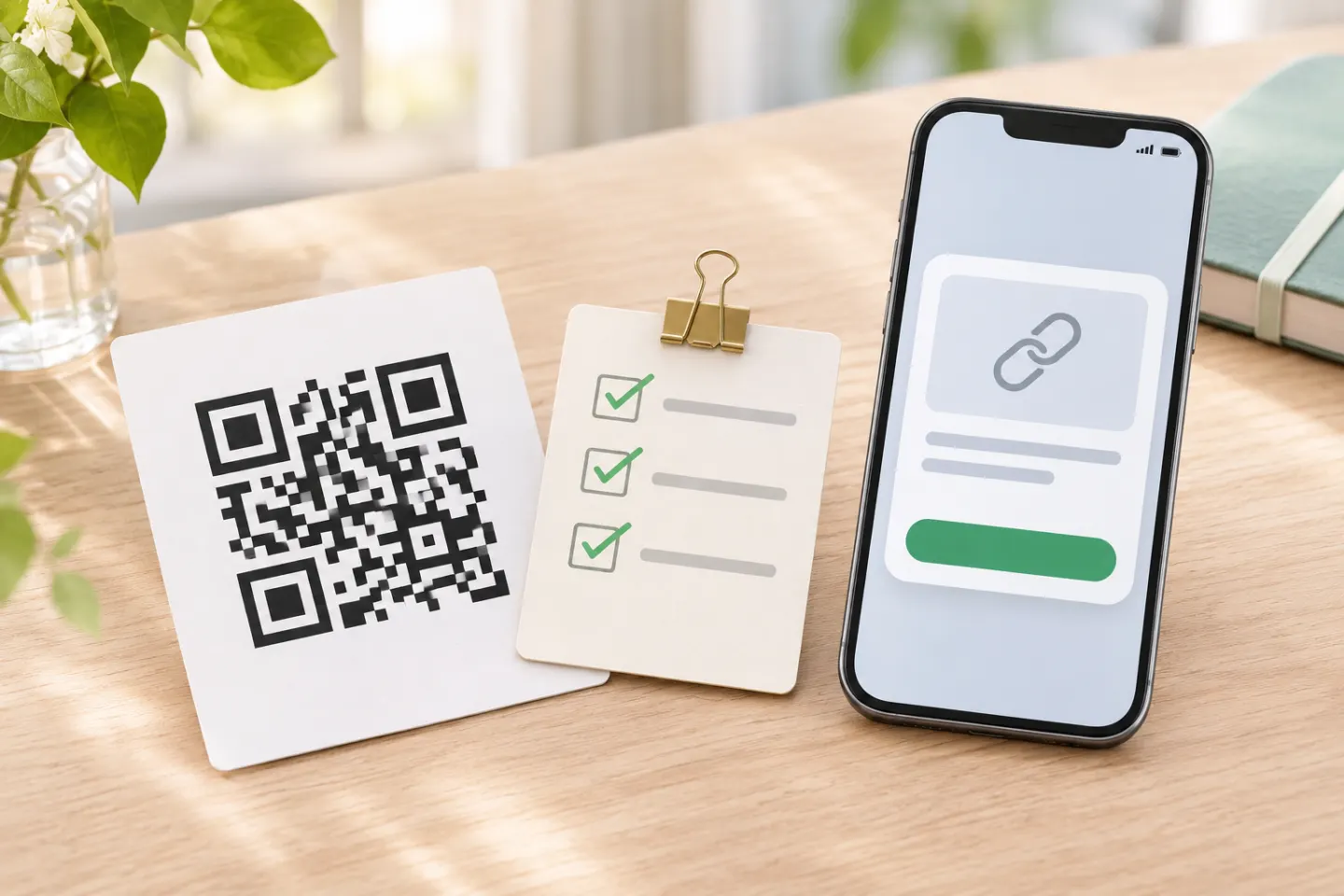
Before installation, we recommend checking the finished sample—not merely the image on a computer screen:
- Scan it with more than one phone, including an iPhone and an Android phone where available.
- Try the expected viewing distance, angle, sunlight, and shade.
- Confirm the full journey reaches the correct memorial without an unintended login or payment barrier.
- Test the page using cellular service at the cemetery.
- Include a readable short web address beside the code if space and cemetery rules permit.
These are proposed acceptance checks. No device, material, weathering, or installation tests were performed for this article.
4. Make the memorial useful and respectful
For a visitor-facing page, consider starting with the person’s name, dates, a short biography, and a few carefully captioned photographs. Keep larger videos and documents optional rather than making them the only way to learn the person’s story.
Before publishing, agree on an editorial policy with the family:
- Which stories and images may be shared publicly?
- Have living relatives agreed to publication of their personal details?
- Who can approve corrections or additional contributions?
- Will comments be disabled or moderated?
- Who will handle a removal request?
Keep account credentials, recovery codes, and private family documents out of the public memorial. If you choose a restricted page, include its visitor-access requirements in the sample checks.
5. Preserve a copy outside the website
Back up the memorial independently of its live host. The Library of Congress’s personal digital-preservation guide recommends exporting selected web content, retaining descriptive information, keeping at least two copies in different locations, and checking saved files annually. [6]
For this project, create a handoff folder containing:
- The exact encoded URL and original QR artwork.
- Memorial text, original photographs, captions, and media files.
- A usable page export and a readable PDF copy.
- Cemetery approval, installer details, and installation photographs.
- Renewal responsibilities and the next review date.
Store account-recovery instructions securely and tell the successor how to obtain authorized access. A backup supports recovery; keeping a web address usable still requires active administration. [1]
6. Assign maintenance and a successor
We recommend reviewing the installation and destination at least annually, and after reported damage, website migration, or a change of caretaker. Check the physical code, the entire link journey, renewal arrangements, and backup readability. Annual checking of saved digital files also follows the Library of Congress guidance. [6]
Do not scrub or chemically treat historic stone simply to improve a scan. The Texas Historical Commission recommends the gentlest cleaning methods and warns against sandblasting and harsh chemicals that damage historic materials. Seek appropriate advice when deterioration affects the marker. [2]
Before you order
Proceed only when you can answer five questions: Is the installation approved? Can it be serviced safely? Who controls the encoded address? Where are the independent backups? Who takes over next?
A memorial QR code should supplement the physical memorial, not carry its entire identity. Plan for replacement and succession from the start rather than promising that either the plaque or the website will last forever.
References
[1] W3C, Tim Berners-Lee, Cool URIs Don’t Change — https://www.w3.org/Provider/Style/URI
[2] Texas Historical Commission, Maintenance, Conservation, and Repair — https://thc.texas.gov/preserve/preservation-programs/cemetery-preservation/maintenance-conservation-and-repair
[3] ICANN, FAQs for Registrants: Domain Name Renewals and Expiration — https://www.icann.org/resources/pages/domain-name-renewal-expiration-faqs-2018-12-07-en
[4] DENSO WAVE, Point for Determining the Code Area — https://www.qrcode.com/en/howto/code.html
[5] DENSO WAVE, Error Correction Feature — https://www.qrcode.com/en/about/error_correction.html
[6] Library of Congress, Preserving Your Digital Memories, especially the website-preservation section, hosted by the National Archives — https://www.archives.gov/files/preservation/formats/pdf/preserving-your-digital-memories.pdf