For a public-facing website link, start by evaluating standard QR. Apple explicitly documents QR scanning through the iPhone Camera app. Consider Micro QR or Aztec when the payload fits and you can validate the intended reader. [4]
At a glance: structure, size, and capacity
Here, “standard QR” means QR Code Model 2, rather than the older Model 1. A module is one small square in the barcode grid; module counts are not physical measurements in inches or millimeters. [5]
| Feature | Standard QR, Model 2 | Micro QR | Aztec, Compact / Full |
|---|---|---|---|
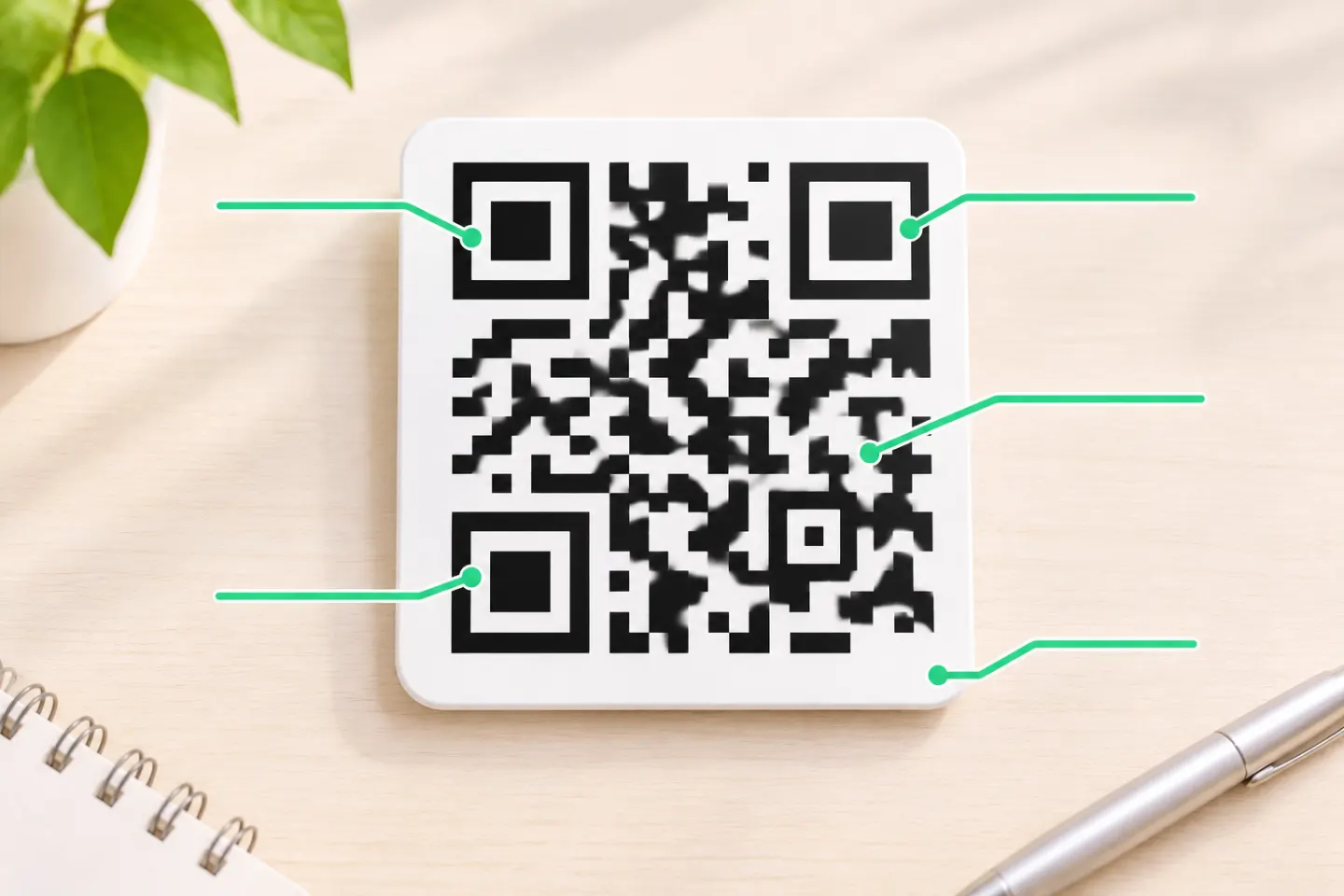
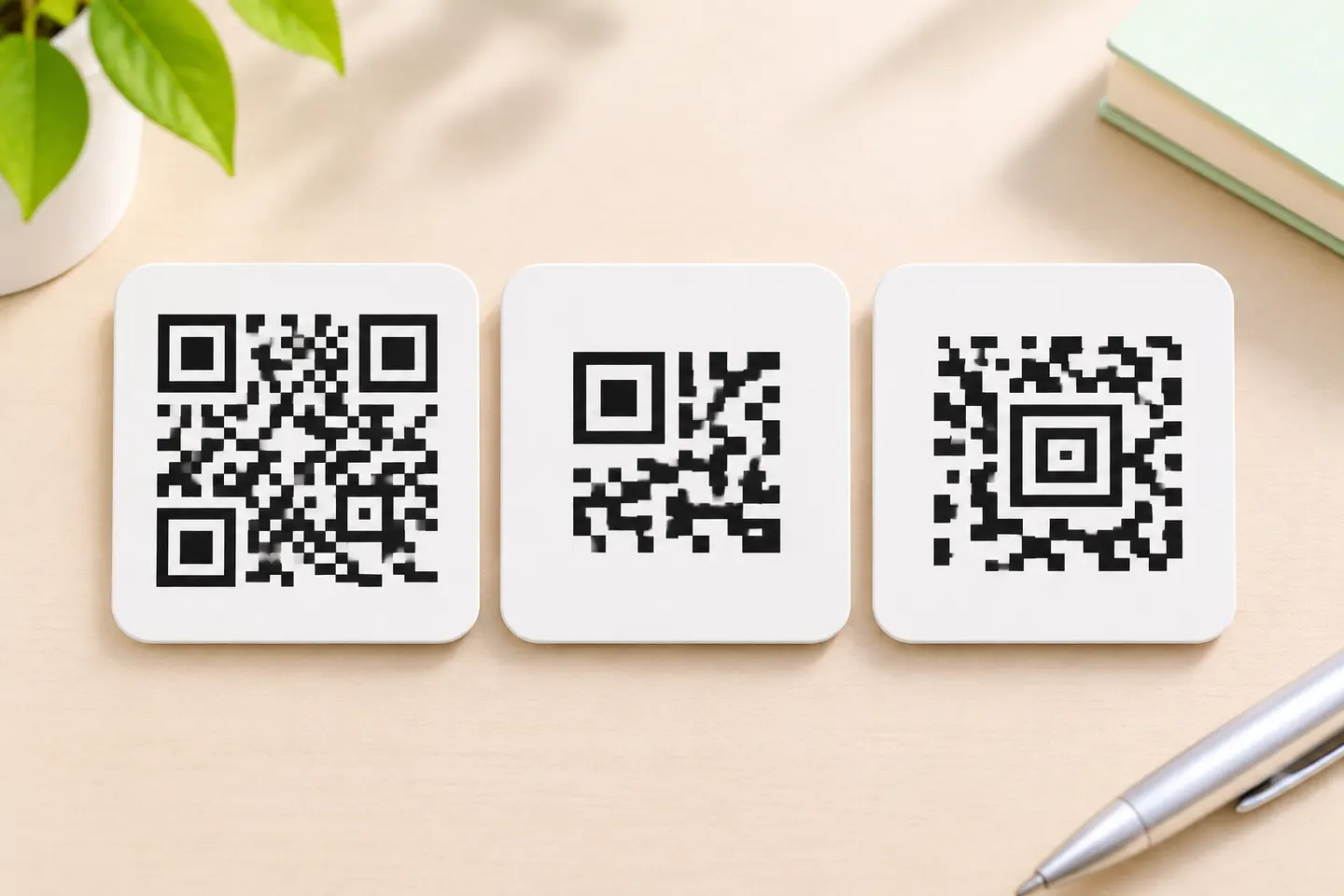
| Finder pattern | Three corner patterns | One corner pattern | Central bull’s-eye |
| Symbol grid, excluding margins | 21 × 21 to 177 × 177 modules | 11 × 11 to 17 × 17 modules | Compact: 15 × 15 to 27 × 27; Full: 19 × 19 to 151 × 151 |
| Quiet zone | At least four modules on every side | At least two modules on every side | No mandatory quiet zone inherent to the symbology |
| Numeric capacity ceiling* | 7,089 digits | 35 digits | 3,832 digits documented for Full Aztec |
| Error correction | L, M, Q, H | Version-dependent; M1 is detection-only | Configurable Reed–Solomon correction |
Sources: DENSO WAVE for QR dimensions, margins, and capacity; Accusoft for Micro QR’s detection-only exception and Aztec variants/capacity; Aspose for Aztec’s quiet-zone characteristic. [6][2][7][3][8]
*These are capacity ceilings, not equal-size comparisons or recommended payload targets. QR and Micro QR capacities change with encoding mode and error-correction level; Aztec capacity also depends on configuration. Aztec Rune, a restricted variant for values 0–255, is excluded from the main comparison. [2]
Size: count the border as well as the grid
The quiet zone is the clear area surrounding a symbol. Micro QR saves space through both its smaller grid and its narrower required border: two modules rather than standard QR’s four. [2]
For example, at the same module width:
- Micro QR M4 occupies 17 + 2 + 2 = 21 modules per side, including its quiet zone.
- Standard QR Version 1 occupies 21 + 4 + 4 = 29 modules per side, including its quiet zone.
That is a geometric comparison calculated from DENSO WAVE’s dimensions—not evidence that the two symbols carry identical data or scan equally well. [2]
Aztec does not require the same surrounding quiet zone. That can help in a constrained layout, but it is not a guarantee that every edge-to-edge design will work in your application. As a production precaution, preserve separation where practical and validate the complete layout with the intended reader. [7]
Capacity: Micro QR is for genuinely short payloads
The useful Micro QR limit is 35 numeric digits, 21 alphanumeric characters, or 15 bytes at M4, level L. These are different encoding-mode limits, not interchangeable character counts. At level M, that same M4 symbol holds up to 30 digits. [2]
This makes Micro QR a candidate for a short identifier, but a poor starting point for a typical web-link project. A very short URL may fit; do not assume that a normal URL, its capitalization, and its parameters will fit without checking the actual encoded payload. Micro QR’s byte capacity is particularly restrictive. [1]
Standard QR has a much larger capacity range. Its largest Model 2 symbol can encode up to 7,089 numeric digits, but increasing data or changing the correction setting can require a larger grid. “QR holds more” does not mean that a small printed QR can hold the maximum. [5]
Accusoft documents Full Aztec capacities up to 3,832 digits or 1,914 bytes. Treat those as configuration-dependent ceilings, not as a promise that your selected encoder settings will fit that payload. [3]
Error correction: Micro QR has an important exception
Standard QR offers four error-correction levels: L, M, Q, and H. Increasing correction adds redundancy and can increase the symbol size needed for the same payload. [6]
Micro QR does not offer every level in every version:
- M1: error detection only, without error correction.
- M2 and M3: L or M.
- M4: L, M, or Q; no H.
It is therefore inaccurate to say that every Micro QR version can recover damaged data. [1]
Aztec uses configurable Reed–Solomon error correction rather than QR’s four named levels. Do not equate an Aztec correction setting directly with a QR level or a guaranteed percentage of printable area that can be covered. [3]
Reader compatibility: support is not the same as user experience
Apple documents QR scanning in its Camera app. Separately, Apple’s VisionKit image-analysis documentation lists Aztec, MicroQR, and QR among recognized code types. Those are different capabilities: framework support does not establish that every built-in camera or third-party app exposes the same scanning behavior. [4]
Avoid both blanket claims: “all phones read these formats” and “phones cannot read Micro QR.” Before choosing a format, check the exact device, operating system, app, and workflow you intend to support. The cited documentation is not a substitute for that validation. [9]
How to choose before printing
Use this selection checklist:
- Start with the reading workflow. For an ordinary customer-facing link, evaluate standard QR first. For a controlled application, confirm which symbologies the reader actually supports.
- Encode the final payload. Check the complete identifier or URL—not an abbreviated placeholder—against the selected format and correction settings.
- Compare complete footprints. Include quiet zones and use the same module width when comparing layouts.
- Validate the output. Test final-size samples on the intended material or display with the actual reading app or scanner. Record successful decoding and the expected next action separately.
This checklist follows the documented dependencies on payload, symbol size, correction, margins, and reader implementation. It is a recommended validation process, not a report of tests performed for this article. [6]
Bottom line: evaluate standard QR for public links, Micro QR for a very short payload in limited space, and Aztec when the receiving system supports it and its layout characteristics are useful. Make the final choice from the actual payload and reader—not the format name alone.
References
[1] Accusoft, Barcode Xpress, “Micro QR.” — https://help.accusoft.com/BarcodeXpress/latest/BxActiveX/micro-qr.html
[2] DENSO WAVE, “Micro QR Code.” — https://www.qrcode.com/en/codes/microqr.html
[3] Accusoft, Barcode Xpress for .NET Core v13.10, “Aztec.” — https://help.accusoft.com/BarcodeXpress/v13.10/BxNetCore/aztec.html
[4] Apple, “Scan a QR code with your iPhone or iPad.” — https://support.apple.com/en-us/102680
[5] DENSO WAVE, “QR Code Model 1 Model 2.” — https://www.qrcode.com/en/codes/model12.html/
[6] DENSO WAVE, “Information capacity and versions of the QR Code.” — https://www.qrcode.com/en/about/version.html
[7] Aspose.BarCode, “Aztec Codes.” — https://docs.aspose.com/barcode/info-cards/aztec-full-range/
[8] DENSO WAVE. Point for determining the code area. https://www.qrcode.com/en/howto/code.html
[9] Apple Developer, VisionKit, “machineReadableCode” (official Markdown rendering) — https://developer.apple.com/documentation/visionkit/imageanalyzer/analysistypes/machinereadablecode.md