Start with the action you want: visit a page, save a contact, join a network, or prepare a message. Then decide whether the information should be embedded directly or reached through a maintained web address.
Two decisions: content format and destination management
These are separate planning questions:
- Content format: What is actually encoded? For example, a URL, vCard contact record, or Wi-Fi configuration string. Recognition depends on the reader. [1]
- Destination management: Does the code lead directly to content, or through a redirect whose target can change? Redirection separates the printed address from the final destination. [3]
This article focuses on everyday content and purpose, not a catalog of symbol variants. The underlying symbology has its own specification: ISO/IEC 18004:2024 covers QR code encoding, symbol formats, dimensions, error correction, and decoding requirements. [4]
Static vs. dynamic QR codes: what actually changes?
Static: the encoded information stays fixed
An existing printed code cannot have its encoded data edited remotely. If it contains a contact record or Wi-Fi password, changing those embedded details requires a new symbol. GS1 explicitly distinguishes the fixed printed code from information managed online. [2]
However, a fixed URL does not mean a fixed webpage. You can maintain content at the same address, or manage a redirect behind that address. GS1 documents how a stable product address can lead to destinations whose redirections are updated later. [5]
Choose direct encoding when: you want a short, self-contained record, or you already control a durable web address and do not need a separate routing service.
Dynamic: an online service manages the destination
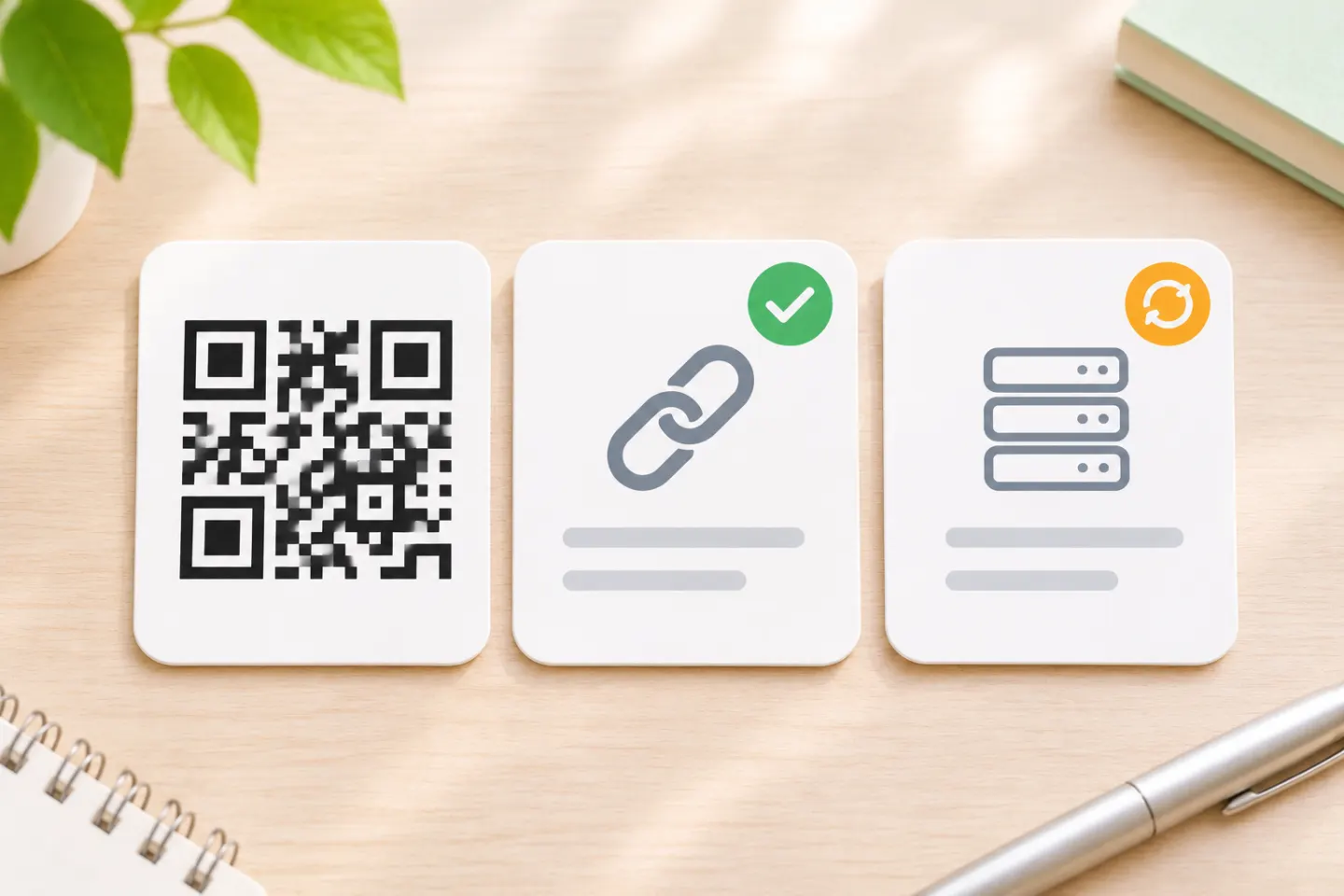
In marketing, “dynamic QR code” commonly refers to a code containing an intermediary URL. A server redirects the visitor to the current destination. The printed pattern stays the same; the online routing changes. GS1 describes this approach and notes that some services also collect marketing analytics. [2]
Consider managed redirection when: you expect to replace campaign destinations without reprinting. Before choosing a service, ask who controls the encoded domain, how long the redirect will remain available, what happens if service ends, and what data is collected. Do not assume editability or analytics comes from the QR symbol itself. These are service-selection questions, not guaranteed QR features.
Common QR content types and their uses
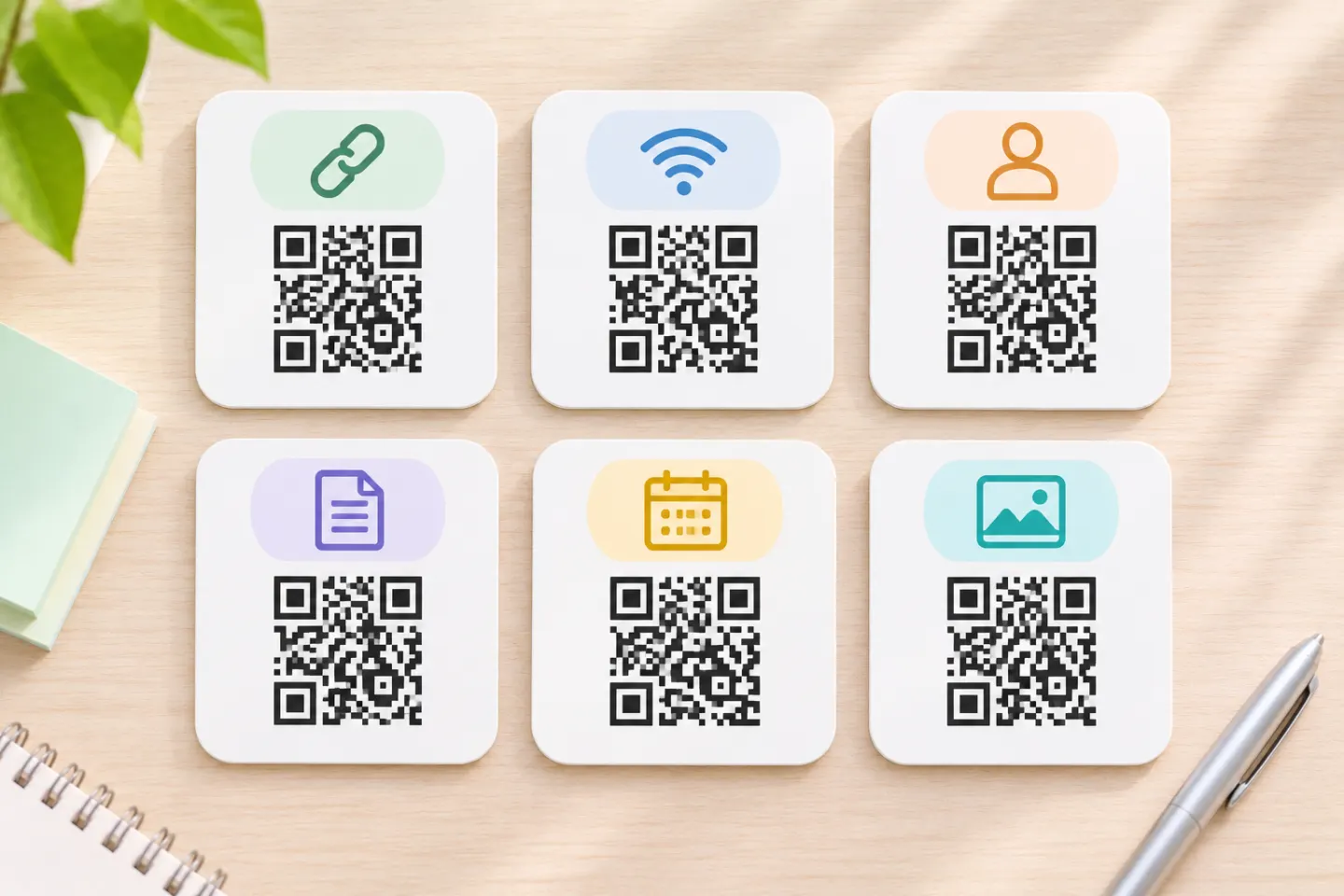
1. Website or URL QR code
A URL payload points to an online resource. Include the scheme, such as https://, so readers can recognize it as a web address. Opening the destination may require a user tap or confirmation. [1]
Suggested uses: menus, registration pages, product information, forms, and campaign landing pages. Choose a direct URL or managed redirect according to who will maintain the destination.
2. Contact or vCard QR code
vCard is a format for exchanging contact information, including names, addresses, email addresses, and telephone numbers. A QR code can embed a contact record; a reader that recognizes it can offer a contact-saving action. [6][1]
Suggested uses: business cards and networking materials. Keep the record focused, and check that your intended scanning apps import the fields correctly. If details change frequently, consider linking to a maintained contact page instead.
3. Wi-Fi QR code
A Wi-Fi payload can include a network name, authentication type, and password. Supporting readers can offer to configure the connection. The commonly used WIFI: syntax is an application convention documented by ZXing, not a guarantee that every reader will handle every network setup. [1]
Suggested uses: guest-network signs. Treat a code containing a password as a way of sharing that credential, not hiding it. Limit distribution accordingly.
4. Plain-text QR code
A code can contain text rather than an actionable link. What the reader displays or offers depends on how it interprets the payload. [1]
Suggested uses: short instructions, labels, and reference notes. Prefer a webpage when the explanation is long or needs regular updates.
5. Email, SMS, and phone QR codes
These use different payload formats:
- Email: a
mailto:URI can supply a recipient and optional message fields. The email client creates a draft that the user can edit or decline to send. [7] - SMS: an
sms:URI can identify recipients and include message text. The specification says activation should not send a message without prior user confirmation. [8] - Phone: a
tel:URI identifies a telephone number; a supporting reader can offer a dialing action rather than automatically placing a call. [1]
Suggested uses: support requests and appointment inquiries. Test the exact recipient and any prefilled text in the apps your audience uses.
6. Calendar or event QR code
iCalendar defines a format for scheduling information, including a VEVENT component for events. An event-oriented QR workflow may embed event data or link to an event page or calendar file. [9]
Suggested uses: classes, webinars, and venue events. For a public event, consider a maintained page with an add-to-calendar option. During testing, check the date, time zone, location, and import behavior—not just whether the code scans.
7. Location QR code
A location payload can use a geo: URI, or a code can contain a map-service URL. Reader handling determines whether it opens a mapping app or a webpage. [1]
Suggested uses: pickup points and venue directions. Check that the destination identifies the intended entrance, not merely the building or property.
Are PDF, video, and menu QR codes separate types?
For ordinary phone use, treat these as destination labels: choose a URL workflow that leads to the document, media, or menu. Do not plan to pack the full file into the symbol. DENSO WAVE explains that QR codes can store binary data, but their limited capacity makes direct image and sound storage impractical for typical phone-scanning purposes. [10]
Keep payloads concise. Capacity depends on the symbol version, data type, and error-correction level; more data requires more modules. A long contact record and a short URL therefore create different symbol requirements even if both serve a business-card purpose. [11]
Payment QR codes need a separate decision
Do not equate an editable marketing link with a transaction-specific payment QR code. Follow your payment provider’s supported workflow and applicable specification. EMVCo distinguishes consumer-presented and merchant-presented payment codes and defines payment-specific payloads; its merchant-presented format generally requires a compatible payment app rather than an ordinary camera reader. [12]
For this article’s purposes, payment is a specialized application—not another generic generator option that can be selected without checking compatibility.
How to choose and validate your QR code
Use this checklist before committing to a design:
- Name one intended action. Write “open the registration page” or “save this contact,” rather than simply “provide information.”
- Choose the payload. Use the relevant section above; avoid adding fields that do not support the action.
- Plan for changes. Decide whether to replace embedded data, maintain content at one URL, or manage an editable redirect.
- Assign ownership. Identify who maintains the destination, domain, credentials, and any routing service.
- Test the complete journey. Scan the actual exported artwork on representative devices and apps. Confirm the destination, imported fields, prompts, and final action. For print, check a sample at its intended size and placement.
- Label the action. Use a clear instruction such as “View menu” or “Save contact,” and provide an alternative way to reach important information.
These are recommended validation steps, not a report of device or print testing performed for this article.
References
[1] ZXing — Barcode Contents — https://github.com/zxing/zxing/wiki/Barcode-Contents
[2] GS1 — Redirection: from scan to content — https://ref.gs1.org/docs/2024/redirection-from-scan-to-content
[3] GS1 — What is the importance of redirection in QR codes? — https://support.gs1.org/support/solutions/articles/43000745137-what-is-the-importance-of-redirection-in-qr-codes-
[4] ISO — ISO/IEC 18004:2024 — https://www.iso.org/standard/83389.html
[5] GS1 — Why put a Digital Link URI in a QR code on pack today? — https://support.gs1.org/support/solutions/articles/43000734143-why-put-a-digital-link-uri-in-a-qr-code-on-pack-today-
[6] RFC Editor — RFC 6350, vCard Format Specification — https://www.rfc-editor.org/info/rfc6350/
[7] RFC Editor — RFC 6068, The ‘mailto’ URI Scheme — https://www.rfc-editor.org/info/rfc6068/
[8] RFC Editor — RFC 5724, SMS URI Scheme — https://www.rfc-editor.org/info/rfc5724/
[9] RFC Editor — RFC 5545, iCalendar — https://www.rfc-editor.org/info/rfc5545/
[10] DENSO WAVE — FAQ — https://www.qrcode.com/en/faq.html?lang=en
[11] DENSO WAVE — Information capacity and versions — https://www.qrcode.com/en/about/version.html
[12] EMVCo — EMV QR Codes — https://www.emvco.com/emv-technologies/qr-codes/