QR Code capacity by data mode
| Data mode | DENSO WAVE maximum listed | What the unit means |
|---|---|---|
| Numeric | 7,089 | Numeric characters |
| Alphanumeric | 4,296 | Characters supported by the alphanumeric mode |
| 8-bit byte (binary) | 2,953 | Bytes, not a general count of visible characters |
| Kanji | 1,817 | Kanji characters |
These are mode-specific capacity ceilings. The amount a particular QR Code can hold changes with its version, data type, and error-correction level. A mixed payload can use more than one data mode, so its capacity is not always found by counting every visible character as if it used the same mode. [1][2]
The practical unit matters. A long digit string can use numeric mode; text or links may use another mode; binary content is counted in bytes. When a payload includes varied characters, check the encoding and byte count reported by the software that creates the code instead of estimating from the number of visible characters.
Version and error correction change the available capacity
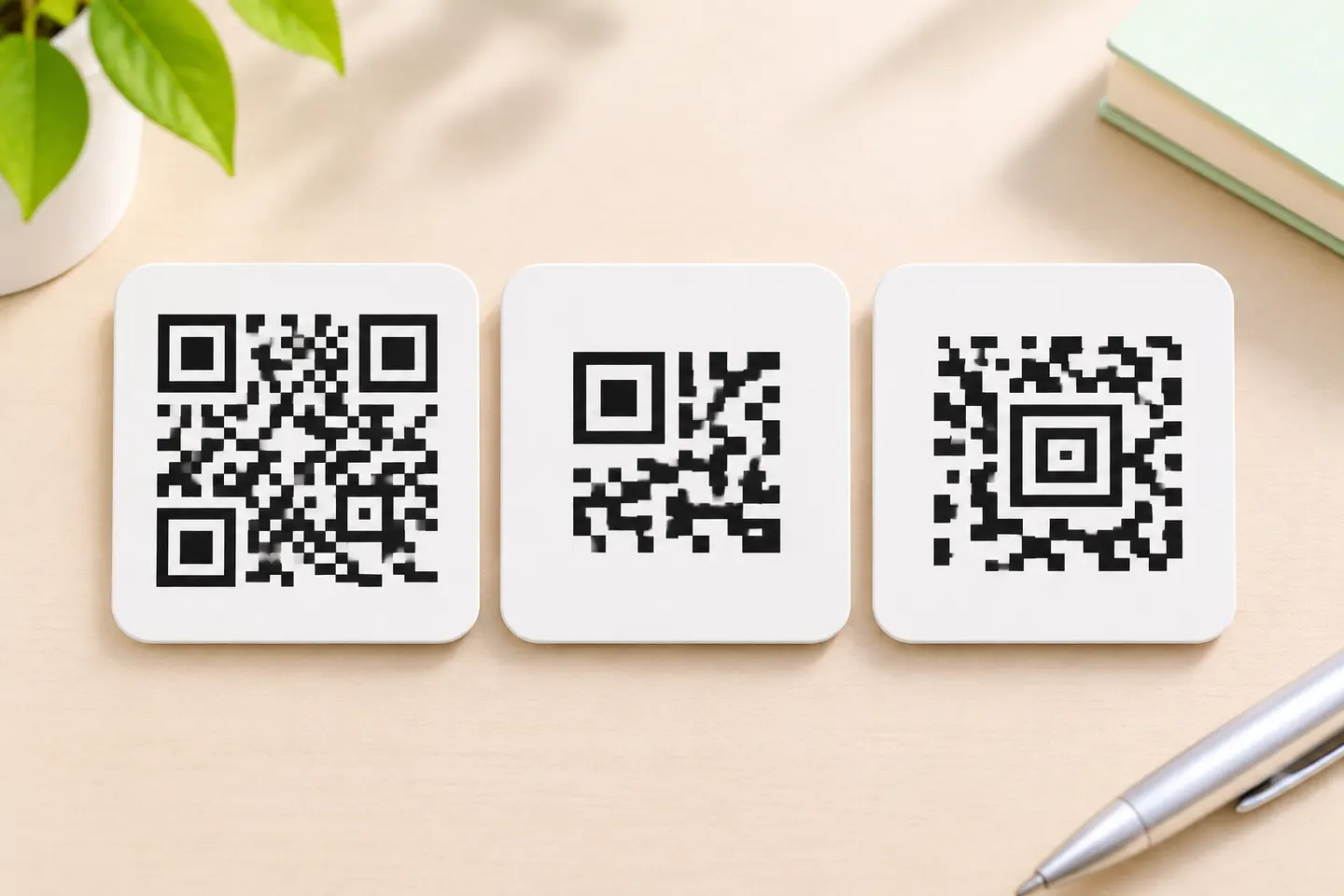
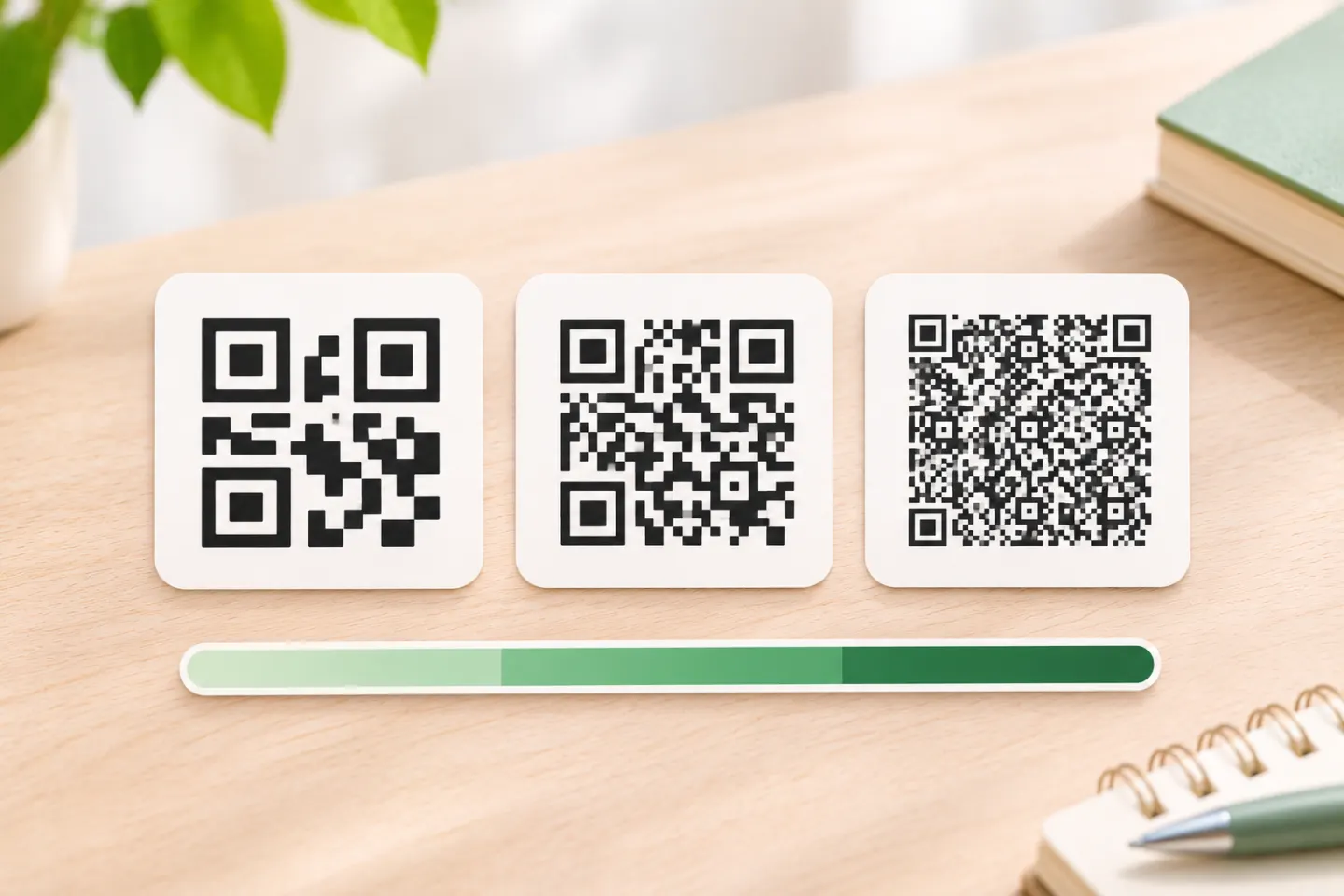
QR Code versions run from Version 1 to Version 40. The symbol grid grows from 21 × 21 modules to 177 × 177 modules, adding four modules per side with each version. Higher versions can hold more data because they have more modules. The version selected for a particular payload also depends on its data type and error-correction level. [2]
Error correction adds redundancy that can help restore data if a code is dirty or damaged. DENSO WAVE lists approximate recovery levels of 7% for L, 15% for M, 25% for Q, and 30% for H. Raising the correction level uses more of the symbol’s capacity, leaving less room for the payload. These percentages refer to codewords, not the percentage of the printed square that can be covered or a guarantee that a damaged code will scan. [3]
| Error-correction level | Approximate codeword recovery listed by DENSO WAVE |
|---|---|
| L | 7% |
| M | 15% |
| Q | 25% |
| H | 30% |
Choose the level for the code’s use conditions, then check how much data the selected level leaves available. Selecting the highest level by default can reduce payload capacity; selecting the lowest level without considering damage risk can also be a poor fit. The right setting depends on the intended environment and the code design. [3]
A boundary example: 3,000 digits versus 3,000 bytes
Consider two separate, single-mode examples. A payload of 3,000 digits is below DENSO WAVE’s listed numeric ceiling of 7,089. A payload of 3,000 bytes is above its listed 8-bit byte-mode ceiling of 2,953. The visible amount of text alone does not tell you whether a payload fits; its encoding mode and the version and correction level matter. These comparisons illustrate the limits—they are not QR files generated or tested for this article. [1][2]
If your content mixes digits, letters, symbols, or non-Latin text, do not apply either single-mode number to the whole payload. Use the encoder’s reported mode, version, and capacity for the exact content and settings.
Can a QR Code hold a photo, PDF, or large file?
A QR Code can encode data directly, but its maximum byte-mode capacity is 2,953 bytes. That is far below the size of most photos, PDFs, videos, or gigabyte-scale files. For a larger asset, store the file somewhere people can access and encode a URL to it in the QR Code. In that setup, the QR Code carries the link; the file is hosted separately. [1]
A link also has limits of its own: its full text contributes to the QR payload. If a link is long, remove unnecessary parameters only when they are not needed, or use a shorter URL you control. Then generate a new QR Code and verify that it opens the intended destination.
How to check whether your payload will fit
Use this quick check before sharing or printing a code:
- Finalize the exact payload. Include the complete URL, query parameters, text, or other data you intend to encode.
- Check the encoding. Note the data mode or modes and, for byte-mode content, the encoded byte count. Do not rely only on a word or character count.
- Choose the error-correction level for the use case. Remember that a higher level reserves more capacity for redundancy. [3]
- Confirm the selected version and generator result. If the payload does not fit, shorten or restructure it, or link to hosted content when that better matches the task. Do not assume that enlarging the printed image increases the data capacity.
- Scan the final code. Confirm that it decodes to the exact intended text or URL and that any linked destination opens as expected.
This check helps distinguish a payload limit from a display or scan problem. A code that fits the data limit still needs to be rendered and used in a way that a scanner can read; capacity alone does not guarantee scan performance.
Frequently asked questions
Is 2,953 bytes the same as 2,953 characters?
No. A byte is an encoding unit, not a promise that every visible character uses exactly one byte. DENSO WAVE gives the 8-bit byte-mode limit in bytes, while its numeric, alphanumeric, and Kanji limits use their respective mode units. Check the encoder’s byte count for the exact payload. [1]
Can a QR Code store a 1 GB file?
No. DENSO WAVE’s listed 8-bit byte-mode maximum is 2,953 bytes. To share a larger file, host it separately and encode a URL to it. [1]
Does higher error correction let a QR Code hold more data?
No. Higher error correction adds redundancy and leaves less room for user data. DENSO WAVE describes the recovery percentages as approximate codeword rates; they do not mean the same percentage of the printed image can be damaged. [3]
References
[1] DENSO WAVE. QR Code Standardization. QRcode.com. https://www.qrcode.com/en/about/standards.html
[2] DENSO WAVE. Information capacity and versions of the QR Code. QRcode.com. https://www.qrcode.com/en/about/version.html
[3] DENSO WAVE. Error Correction Feature. QRcode.com. https://www.qrcode.com/en/about/error_correction.html