What does QR stand for?
QR stands for Quick Response. DENSO WAVE introduced the QR Code in 1994 with high-speed reading as a design goal.[1] The name does not mean every scan instantly opens a webpage. The code represents data; scanning software decides how to present or act on what it decodes.[2]
How does a QR code work?
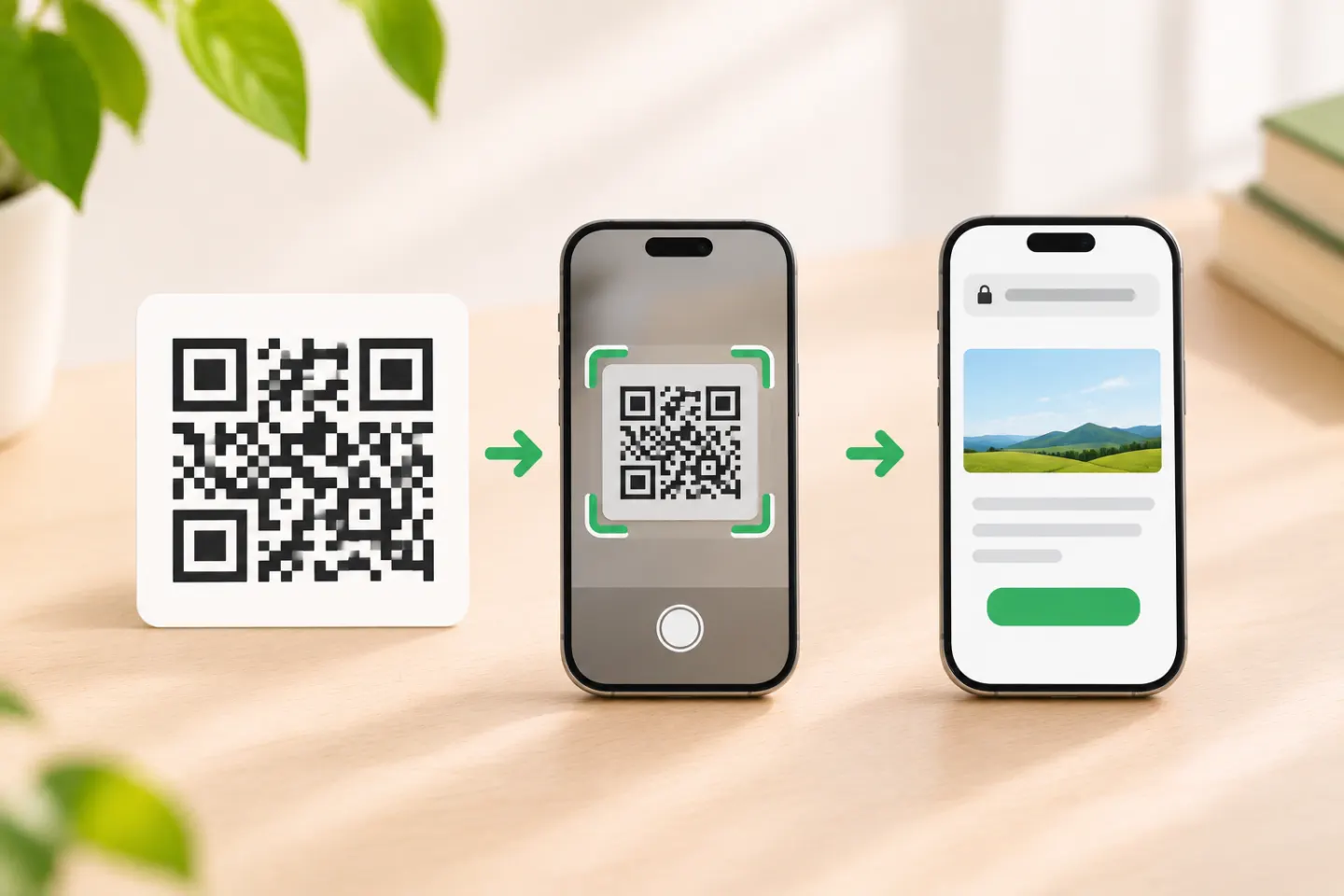
The process has three parts: encode, locate, decode.
- A creator encodes data. A QR-code generator or software library converts the chosen information—such as a URL or plain text—into a pattern of modules. The amount and type of data, symbol version, and error-correction setting affect what fits.[3]
- A camera locates the symbol. The three prominent corner patterns help a reader find and orient a standard QR Code symbol.[3]
- The reader decodes the data. Software interprets the modules and reconstructs the encoded content. Your device may then show a URL preview, text, or another action.[2] Scanning and opening are separate steps: a recognized code can still lead to a page that is unavailable, require access, or contain an action you do not want to take.
A useful way to think about a QR code is as a printed or displayed data carrier. It can take the place of typing a long string, but it does not guarantee that the destination is online, correct, safe, or accessible.
What can a QR code contain?
The encoded payload can be a short text string, a URL, or data formatted for a compatible app or device. Common examples include:
- A web address: the phone can offer to open a website or other URL.
- Plain text: the scanner can display the decoded words without visiting a website.
- Contact or calendar details: a compatible phone may offer to add the information.
- Wi-Fi connection details: a compatible scanner may offer to join the specified network.
- Structured industry data: a reader configured for that format may interpret the payload for a particular workflow.[2]
The actual result depends on the payload and the scanning software. A square pattern is not automatically a link, and scanning does not necessarily launch an app without a prompt.
Why do QR codes have different patterns?
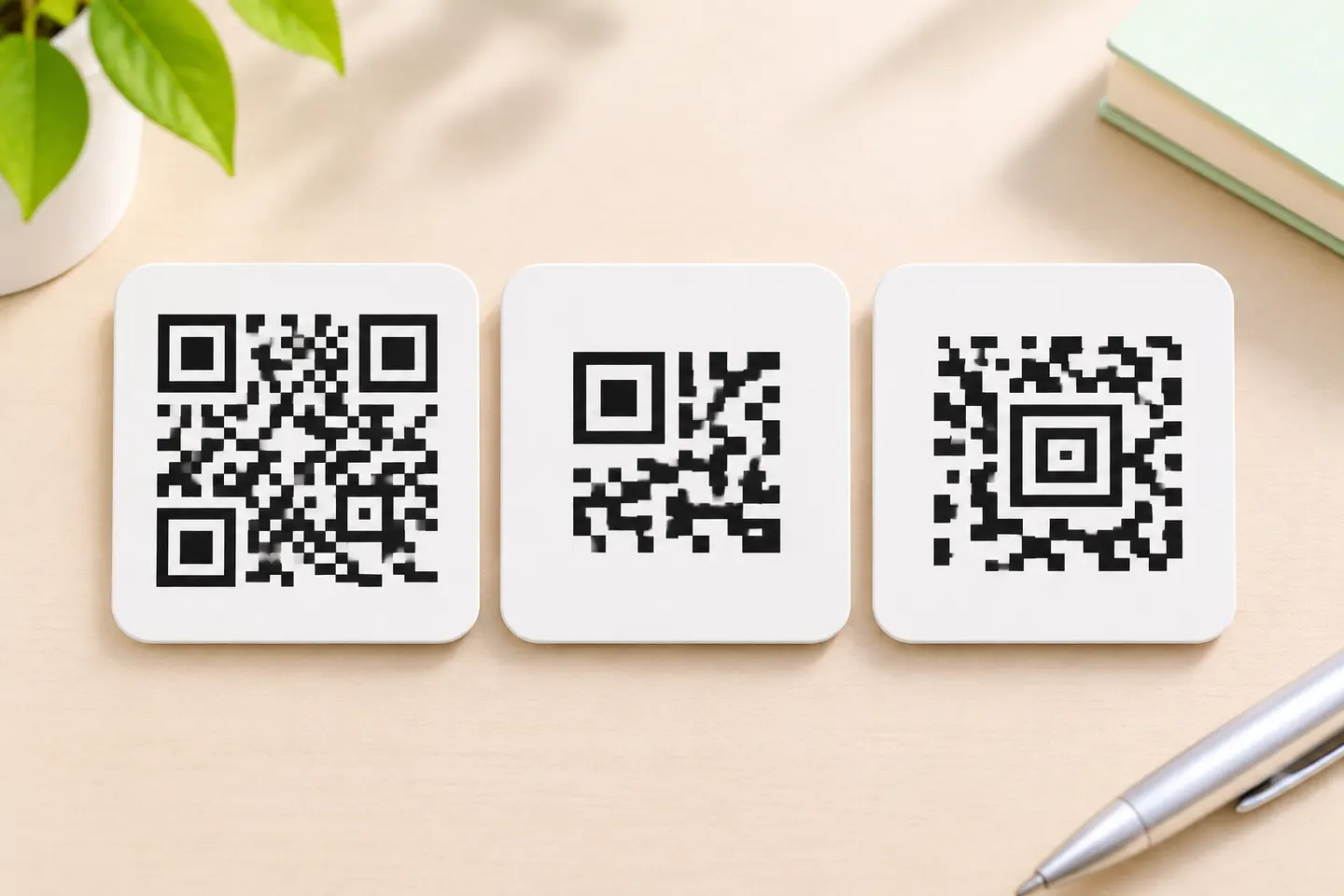
The black-and-white squares are called modules. Some areas help the reader find and orient the symbol; the remaining data area represents encoded information and error-correction data. Standard QR Code symbols can be read from different orientations. Their capacity varies with the symbol version, character type, and error-correction setting; a denser pattern does not make a code a different kind of web link.[3][4]
QR Codes also include error correction. DENSO WAVE describes four levels—L, M, Q, and H—and explains that stronger correction adds redundancy and can reduce how much user data fits in a symbol. The advertised recovery percentages refer to codewords, not a promise that any code with that percentage of its visible image covered will scan.[4]
Static and dynamic QR codes: what is the difference?
“Static” and “dynamic” describe how the data or destination is managed, rather than separate QR Code symbol formats.
- A static QR code encodes its content directly in the symbol. The encoded content cannot be edited in that already-created pattern. If it contains a URL, the owner can still change the website’s own behavior, but changing the URL in the code requires a new symbol.
- A dynamic QR code commonly encodes a URL whose operator can change where it redirects. The printed pattern may stay the same while the content reached through that URL changes. GS1 describes this approach for QR Codes carrying GS1 Digital Link URIs.[5] This depends on continued operation of the redirecting address and its destination.
Before using either type, ask what must remain stable. A direct URL may be easier to preserve independently; an editable redirect can be useful when the destination needs updates. Neither label guarantees that the final website or service will remain available forever.
What happens after you scan?
Your phone first reads the data and usually shows a preview or action. If the payload is a URL, opening it requires a working network connection and a functioning destination. If the payload is text or another format, the phone may show it or pass it to a compatible app. Check the displayed destination before opening it, especially if the code is on an unexpected sticker, email, or public sign.
If a code will not scan, start by testing whether the phone recognizes other codes and whether another phone recognizes this one. If it scans but the page fails, investigate the URL, network, or service rather than the camera. For a step-by-step diagnosis, see a separate QR scanning troubleshooting guide.
Frequently asked questions
Is every QR code a link?
No. A QR code can encode a URL, text, or other supported data. A scanner may show a different action depending on what it reads and what the device supports.
Does a QR code store a whole website?
Usually, a QR code stores an address that points to a website, not the website’s pages and files. The site must still be hosted and available when someone visits it.
Does QR mean “quick response code”?
Yes. QR is short for Quick Response. The phrase names the code; it does not guarantee that every scan will load quickly or open a page automatically.[1]
Can a QR code work without internet?
The camera can decode a QR code offline. Whether the next action needs internet depends on the data: plain text can be displayed offline, while opening a web page generally needs a connection. Some managed redirect codes also depend on the provider’s service.
References
[1] DENSO WAVE. “History of QR Code.” https://www.qrcode.com/en/history/
[2] ZXing project. “Barcode Contents.” https://github.com/zxing/zxing/wiki/Barcode-Contents
[3] DENSO WAVE. “What is a QR Code?” https://www.qrcode.com/en/about/
[4] DENSO WAVE. “Error Correction Feature.” https://www.qrcode.com/en/about/error_correction.html
[5] GS1. “GS1 Digital Link.” https://www.gs1.org/standards/gs1-digital-link